Instagram Hashtag Search Not Working? How to Troubleshoot It
Instagram Hashtag Search Not Working? Identify the Symptom First
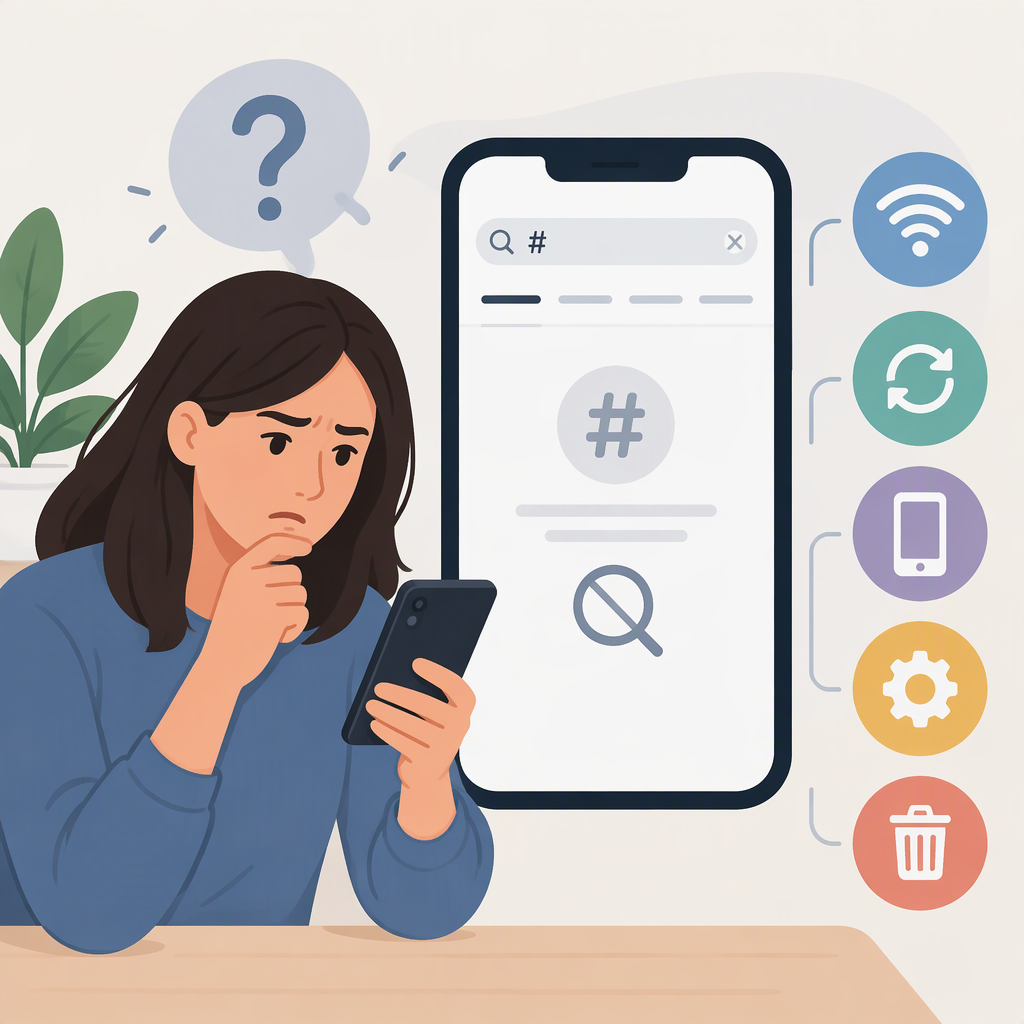
“Instagram hashtag search not working” can describe three different problems. Pick the one that matches what you see before trying fixes:
- You can’t find a hashtag or its results. Search is blank, won’t load, or doesn’t show the tag you expect.
- Your post is missing from a hashtag result. You can find the hashtag, but can’t find your post there.
- Your post gets little reach. Search works, but the post has fewer views or interactions than you expected.
These symptoms are not interchangeable. A low-reach post, for example, does not by itself show that hashtag search is broken or that your account has a restriction. Instagram says some content may be ineligible for recommendations and therefore may not be distributed as widely; that guidance concerns recommendations, not a diagnosis of a particular hashtag-search result. (about.fb.com)
Troubleshoot the Specific Problem
The checks below are practical ways to narrow down what is happening—not confirmed Instagram fixes or tests that can identify a cause on their own. App labels and available features can change, so use the options currently shown in your Instagram app.
If a Hashtag or Its Results Won’t Load
- Check the query. Try the exact hashtag and a plausible spelling variation. If Instagram presents a matching hashtag or tag result, select it rather than assuming a general keyword result is the hashtag page.
- Try a second hashtag. If one tag fails but another loads, the problem may be specific to the query or its results. It does not establish why. If neither loads, a broader search, app, or connection issue is possible—but this test alone does not confirm an outage.
- If search itself is blank or stuck, retry the app. Close and reopen Instagram, then try again. If practical, compare Wi‑Fi with mobile data. These are basic troubleshooting steps, not proof that Instagram’s service is working or down.
- Compare another available surface. If you already use Instagram on the web, see whether the same search behaves differently there. A difference can help narrow the issue to a particular app or surface; it does not diagnose the cause.
If the search problem persists, note the exact query, when it happened, what device and surface you used, and whether other searches worked. Consult the Instagram Help Center for current guidance before following instructions that depend on a particular app version.
If Your Own Post Is Missing from a Hashtag Result
- Confirm the post is published and visible on your profile. If it is not there, investigate the post itself before treating this as a hashtag-search problem.
- Check the caption or post details. Make sure the tag is present and spelled as intended. Correcting a clear typo is reasonable; repeatedly editing or reposting is not a diagnostic test and does not guarantee the post will appear in search.
- Check the audience and privacy settings. Consider whether the person or account you are using to view the post is allowed to see it. A visibility mismatch can affect the test; it does not show that the hashtag itself is broken. Don’t change privacy settings just to test discovery unless you are comfortable with the privacy consequences.
- Try again later, then compare carefully. Search results can differ between viewers or over time. If someone else checks, use an account that is allowed to view your post. Not seeing it in one search is not proof that the post was removed or that your account is restricted.
- If you have a specific account or content-visibility concern, look for Account Status or related guidance in the app. Follow any explanation or review option Instagram actually presents. A status or recommendation message may help explain recommendation eligibility, but it does not by itself explain every hashtag-search result.
If Search Works but Your Post Has Low Reach
First separate reach from search visibility: a post can receive fewer views than expected without your hashtag search being unavailable. Compare the specific post’s available insights with your usual results, if you have them, and check whether the problem is limited to one post or appears across several. This comparison may help describe the pattern; it cannot establish its cause.
If you’re concerned that your content is not eligible for recommendations, check the current information Instagram provides in Account Status or its Help Center. Meta explains that recommendation eligibility is a separate standard: content may remain on Instagram while not being eligible for broader recommendations. That is not the same as proof that a particular hashtag page should show a post. (about.fb.com)
What the Results Mean—And When to Escalate
Use your observations to choose a proportionate next step:
- Only one hashtag fails: recheck the spelling and retry later. This points to a query-specific symptom, not a confirmed cause.
- Many searches fail in one app or surface: retry and, if available, compare another surface. A difference narrows what you can report, but does not prove an outage or account problem.
- The post is missing from your profile: investigate its publication and visibility before focusing on hashtags.
- The post is on your profile but missing from a hashtag result: check the post details and audience, then consult Instagram’s current Help Center guidance. A single search result is not a reliable account-status diagnosis.
- Reach is low, but search works: don’t conclude that you are restricted from reach alone. Check any relevant status information Instagram provides and describe the specific pattern if you seek help.
For a persistent, reproducible technical problem, use the instructions in Instagram’s Help Center or the in-app help options currently available to you. Include the hashtag or post involved, the time of the issue, your app or web surface, and what you tried. Meta’s support hub says users can find updates on reports filed within Facebook or Instagram; availability and options may depend on the account and issue. (meta.com)
What Low Reach Does Not Prove
Low reach alone does not prove that a hashtag is broken, that Instagram has restricted your account, or that a specific change will restore visibility. Instagram’s public recommendation guidance explains why some content may not be distributed as widely, but it does not make low reach a diagnosis of a hashtag problem. Avoid treating informal labels such as “shadowban” as a confirmed explanation unless Instagram provides a specific account or content notice. (about.fb.com)