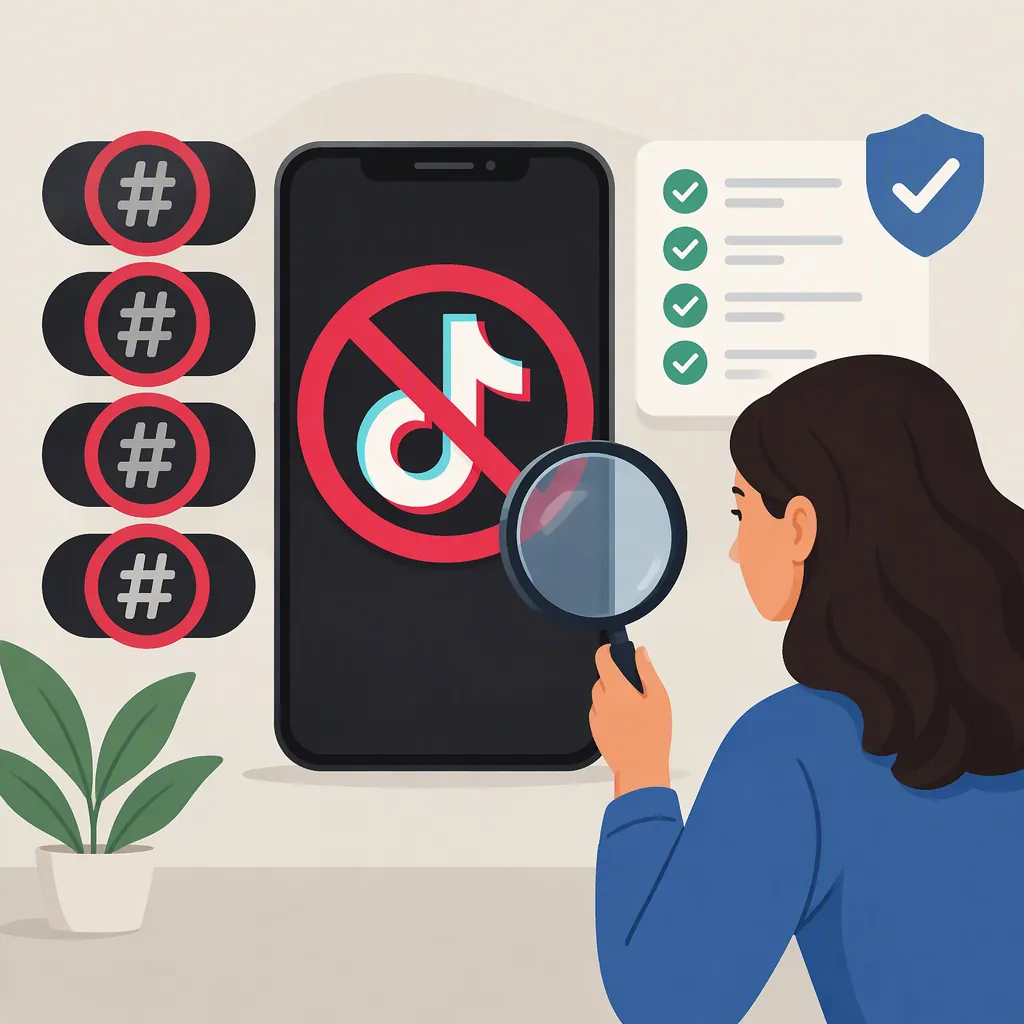
Banned Hashtags on TikTok: How to Check and Choose Tags
The provided sources do not establish a verified list of banned hashtags on TikTok. The banned-hashtag checker supplied here is for Instagram, while the TikTok guide describes personal keyword filters—not a platform-wide banned list. Use relevant, descriptive tags, investigate any explicit TikTok notice, and do not treat an Instagram list or a viewer’s filter as proof of a TikTok ban. [c1] [c2]
Separate Bans from Personal Filters
When assessing a claim about “banned hashtags on TikTok,” first identify what the claim actually describes:
- An alleged platform restriction: A claim that TikTok limits a tag or associated content. The supplied references do not verify particular TikTok tags as banned.
- A personal keyword filter: A viewer’s choice to filter content containing a word or hashtag. Linktree’s guide describes this as a feed-management setting. It is not evidence of a platform-wide ban. [c1]
- An Instagram restriction: A claim about a different platform. MetaHashtags explicitly labels its checker and list as Instagram resources; that does not establish the same status on TikTok. [c2]
Keep these categories separate. A tag someone prefers not to see is not, on that basis alone, a tag every creator must avoid.
Check a Hashtag Without Overstating the Result
Use this review process before accepting a banned-tag claim or publishing with an unfamiliar hashtag:
- Confirm the platform. Check whether the source discusses TikTok rather than Instagram. The supplied MetaHashtags page is not TikTok evidence. [c2]
- Inspect the exact spelling in TikTok. Search the proposed tag and review any results or notices the app presents. Treat this as an observation, not a definitive ban test.
- Read any notice carefully. Record its wording rather than replacing it with a broader conclusion such as “my account is shadowbanned.”
- Review the tag’s context. Ask whether its meaning and associated content match your video. If the meaning is unclear or misleading, choose a clearer description.
- Consult TikTok’s current in-app guidance. If a notice concerns a rule or restriction, use the guidance available there to investigate. No official TikTok policy source was supplied for this article.
An empty search result or a low-view post is not enough evidence here to attribute a problem to a hashtag ban. This process documents what you can observe; it does not certify a tag as unrestricted.
Hashtag Review Record
Proposed hashtag: ____
Video topic: ____
Reason the tag fits: ____
Date checked: ____
Source and platform of any restriction claim: ____
Exact in-app notice, if any: ____
Observed search results: ____
Decision: keep / replace / investigate
Reason for decision: ____
Choose Tags for Accuracy, Not Promised Reach
A conservative approach is to choose hashtags that accurately describe the video rather than copying a supposedly safe or viral bundle.
- Name the main subject.
- Add a useful detail, such as the technique, activity, or location actually shown.
- Remove tags whose only purpose is to follow an unrelated trend.
- Read the caption and hashtags together to check that they describe the same content.
- Revisit saved hashtag sets instead of assuming they fit every post.
For example, a watercolor tutorial might use #watercolor and #watercolortutorial because they describe its subject and format. These are illustrative choices, not verified unrestricted tags or promises of distribution.
Linktree discusses hashtag selection alongside examples of topics viewers may choose to filter. Those examples describe viewer preferences, not a confirmed TikTok blacklist. Do not mislabel a relevant topic as banned simply because some viewers avoid it. [c1]
Pre-Publish Relevance Checklist
- Each hashtag accurately describes the video.
- No tag was copied solely because it was labeled viral or safe.
- Ambiguous tags have been reviewed or replaced.
- Any restriction claim has been checked for platform and source.
- No hashtag choice is being treated as a guarantee of views.
If You Want to Filter Your Own Feed
If your goal is to see less content about a topic, that is a different task from checking whether creators can use its hashtag.
Linktree’s guide gives this navigation sequence: Profile → menu → Settings and privacy → Content preferences → Filter keywords → Add keyword. It describes entering a keyword or hashtag to filter content from feeds. [c1]
This is third-party guidance, not an official TikTok reference. Follow the labels and options actually available in your app if they differ. Using a personal filter should not be presented as evidence that TikTok has banned the term for everyone.
FAQ
Is There a Verified List of Banned Hashtags on TikTok?
Not in the supplied references. They include an Instagram-specific banned-hashtag checker and a third-party guide to TikTok keyword filtering, but neither establishes a verified TikTok banned-tag list. [c1] [c2]
Can I Use an Instagram Banned-Hashtag Checker for TikTok?
Do not treat its results as proof of TikTok restrictions. The supplied MetaHashtags resource explicitly concerns Instagram. Check any TikTok-specific claim separately. [c2]
Does a Viewer Filtering My Hashtag Mean It Is Banned?
No. The filtering described in Linktree’s guide is a personal feed preference. It does not establish that the hashtag is prohibited across TikTok. [c1]