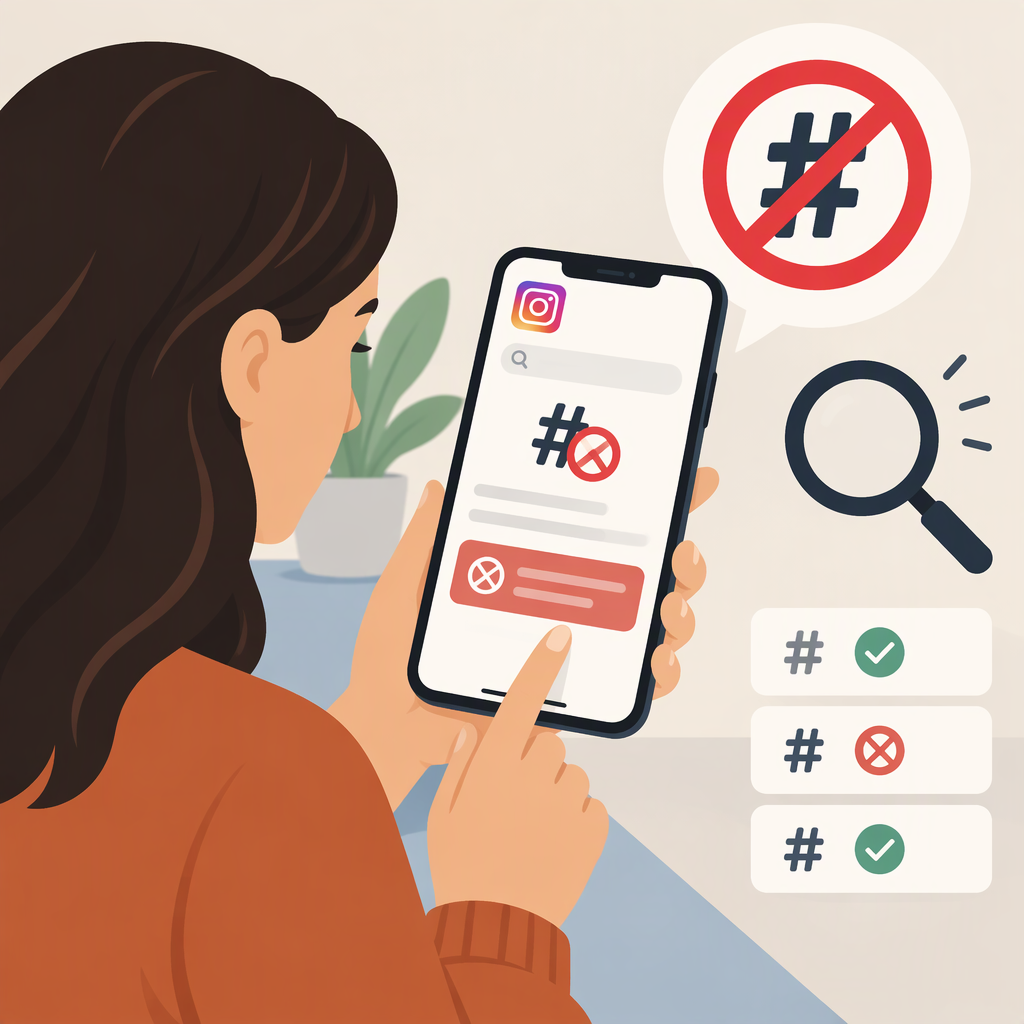
Banned Hashtags on Instagram: How to Check a Tag
A “banned hashtag” is a common shorthand for a hashtag whose Instagram page or search results appear limited or carry a warning. That observation can be a reason to avoid the tag, but it does not, on its own, prove that your account is restricted or that a hashtag caused a drop in reach. Instagram’s public guidance on recommendations addresses whether content may be recommended; it does not establish that every change in reach is caused by a hashtag. (about.fb.com)
How to Check an Instagram Hashtag
Use Instagram’s public app rather than relying only on a saved list:
- Open Instagram search and enter the hashtag, including the
#(for example,#gardening). - Select the hashtag result or Tags result, if that option appears, and open its page. Search layouts may change. (ogtool.com)
- Look for an explicit notice on the hashtag page, such as a message that recent posts are hidden, or for results that appear limited. Some third-party guidance describes these as possible signs of a restriction, but they are not a complete or guaranteed diagnostic. (metahashtags.com)
- If Instagram displays a warning or the page appears restricted, choose another relevant tag. If there is no warning, treat that as one observation—not a guarantee that the tag is unrestricted in every context.
A search that returns little or no content is not conclusive by itself: the interface or results may not tell you why. Avoid treating an empty or unusual result as proof of an account-level penalty.
Is There an Official List of Banned Instagram Hashtags?
I could not substantiate a current, complete official list or verify specific tags as restricted from the available sources. Third-party lists often publish examples, but their claims can differ, and a list may not establish when, where, or how each tag was checked. One list provider itself describes its list as based on reports and in-app checks rather than an official Instagram list. (taskant.com)
So, rather than repeating familiar examples as fact, check the specific hashtag in Instagram before using it. Treat third-party lists as leads to investigate—not as permanent or exhaustive records. A list is more useful when it identifies its source, check date, and method; without those details, its status claims are hard to assess.
What If Your Post’s Reach Drops?
A reach change alone does not identify the cause. If you saw a warning on a hashtag page, avoid that tag and use an alternative that accurately describes the post and its intended audience. If you are concerned about an account or recommendation restriction, consult Instagram’s own in-app account guidance rather than diagnosing one from reach alone. Meta describes recommendation guidelines as a standard for deciding what may be shown in recommendations, and notes that some content may not be distributed as widely. That is distinct from proving that a particular hashtag caused a particular post’s performance. (about.fb.com)
Practical rule: check uncertain tags individually, skip ones Instagram visibly flags, and choose relevant alternatives. No hashtag choice guarantees reach or engagement.