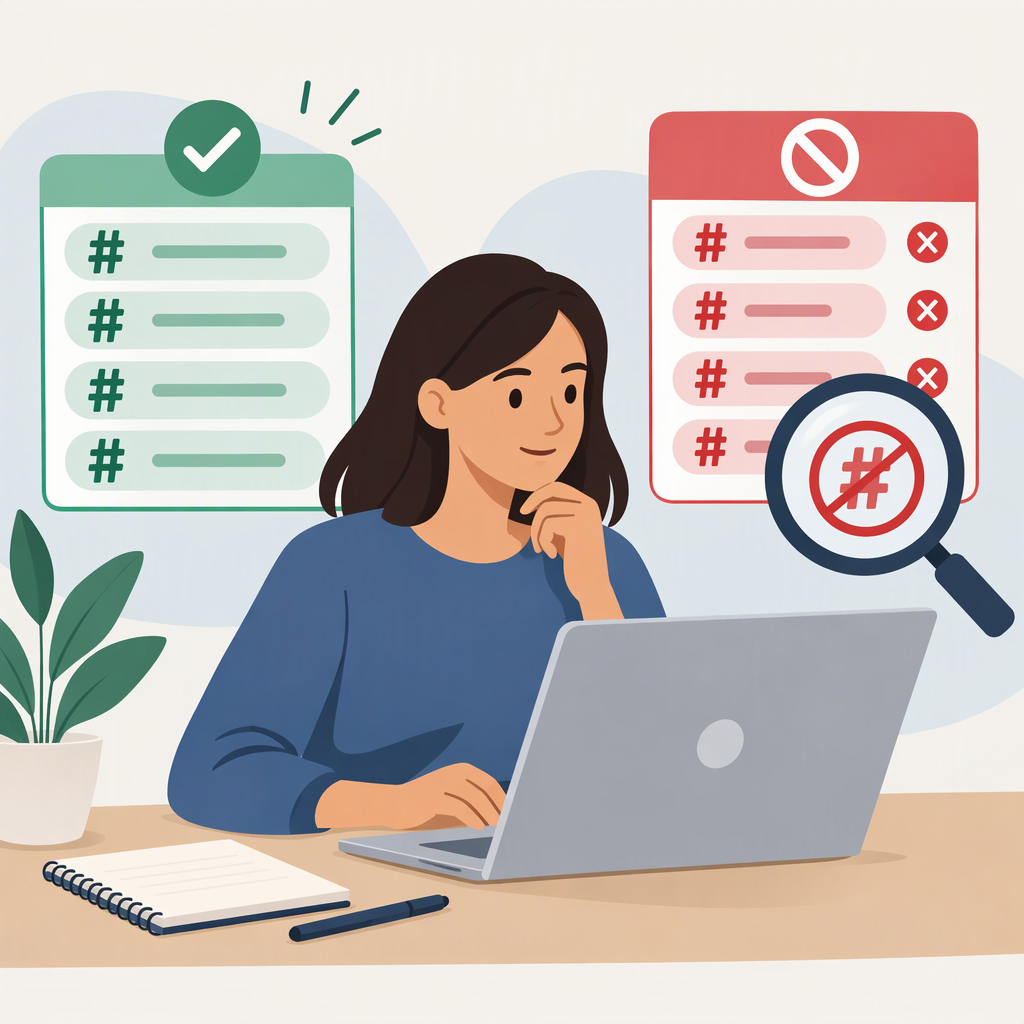
Banned Hashtags: How to Choose and Check Hashtags
The Short Answer
Choose hashtags that accurately describe your post and would help its intended audience find it. Then check each candidate on the platform where you plan to publish, using that platform’s own search and current public guidance. “Banned hashtag” is often used as a catch-all phrase; don’t assume it names one official status shared across platforms. A search result—or the lack of one—is not, by itself, proof that a hashtag is banned.
There is no verified, universal list of banned hashtags to rely on here. Hashtag availability and platform terminology can differ, so treat third-party lists as leads to investigate, not confirmation.
What Does “Banned Hashtag” Mean?
People may use “banned hashtag” to describe a tag that seems unavailable, has limited search results, or is subject to some platform restriction. Those observations are not necessarily the same thing. Without a specific platform’s explanation, it’s safer to describe what you can observe—such as “I couldn’t find a hashtag page”—rather than conclude that the tag is officially banned.
A platform’s search results can also be affected by how its search works or what it chooses to show. For example, TikTok says its search results can be refined with filters, that the Top tab shows the most relevant results, and that content considered inappropriate won’t appear in search results. That guidance does not establish that a hashtag with few or no visible results is itself restricted. (support.tiktok.com)
A Practical Process for Choosing and Checking Hashtags
- Start with the post. Write down its subject, the specific detail or angle, and the audience it is for.
- Make a small candidate list. Prefer tags that describe the post plainly. Remove tags that are only loosely related, misleading, or included just because they seem popular. This is general editorial advice, not a platform rule or promise of more reach.
- Check each tag on the intended platform. Search the exact tag in the platform’s app or public help resources. If a hashtag page or results appear, review whether the visible material fits the tag’s meaning and your post. Don’t treat visibility as a guarantee that every use is allowed.
- Read the platform’s own explanation when something looks unusual. Look for a notice or relevant help or policy guidance. Note the platform and date if you are recording a status claim; a result observed on one platform or at one time does not establish a universal or lasting status.
- Keep the conclusion proportional to the evidence. If the platform does not clearly say a tag is restricted, call its status “unclear,” not “banned.” Search can help you investigate, but it may not settle the question.
TikTok example: TikTok’s Help Center explains how to search for hashtags in the app and notes that some people see a Friends tab instead of Discover. It also describes a separate way to report a hashtag someone thinks is inappropriate. These are documented search and reporting functions—not a published list of restricted hashtags or a confirmation that a particular tag is banned. (support.tiktok.com)
If a Candidate Appears Restricted—Or You Can’t Tell
For a general, cautious approach, leave out a tag whose status you cannot establish and choose another accurate, relevant candidate. If the platform provides a clear notice or instructions, follow those instructions. Otherwise, consult its current help or policy information rather than relying on a screenshot, an old list, or a claim about what happened to another account.
This is a practical precaution, not a claim that using an uncertain hashtag will reduce reach, cause an account penalty, or trigger any other specific outcome. No such consequence or remedy is established by the information cited here.
Quick Checklist
- Does the tag accurately describe this post?
- Is it relevant to the audience I intend to reach?
- Have I checked it on the platform where I will post?
- Am I describing an observed result, or claiming an official restriction?
- If the status is unclear, can I use a clear, relevant alternative?
The useful rule is simple: choose for relevance, check on the platform you plan to use, and don’t turn an inconclusive search result into a universal “banned hashtags” claim.