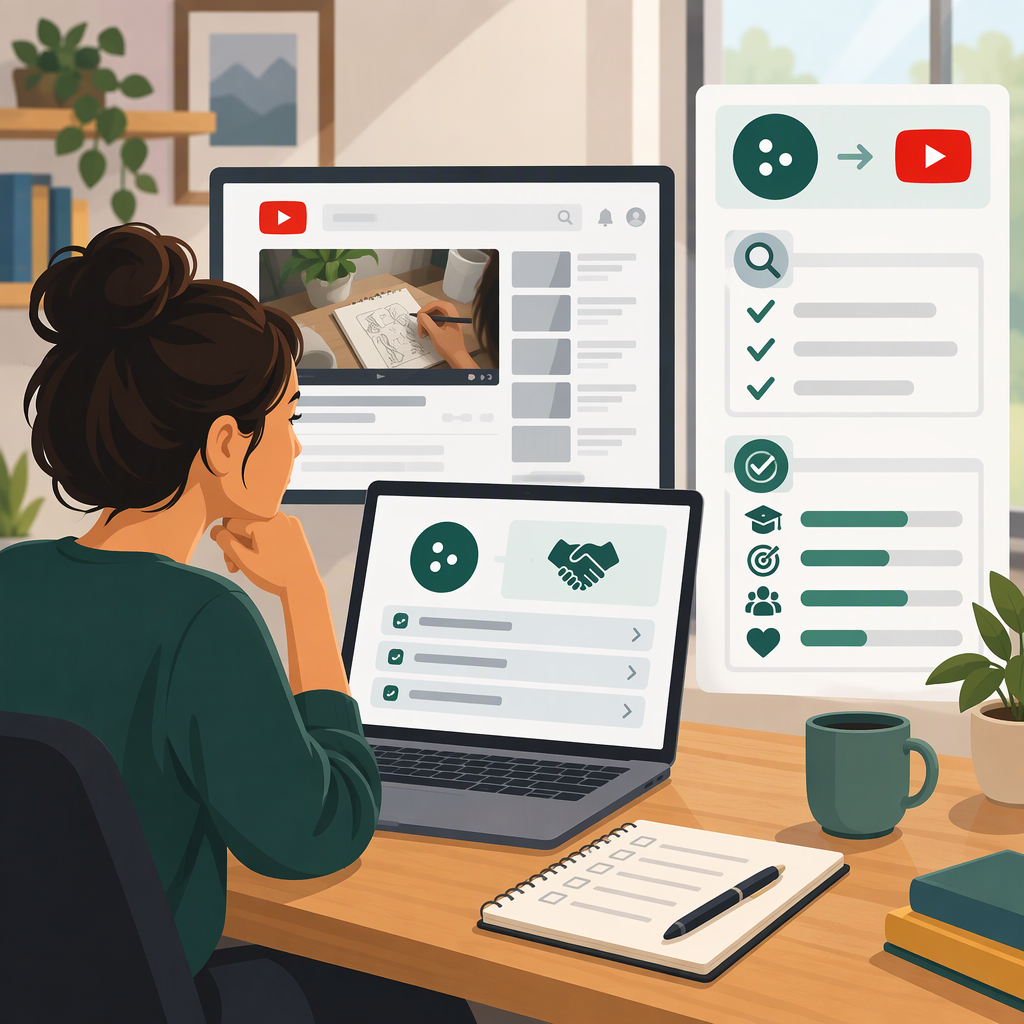
Skillshare Sponsorships on YouTube: How to Check Opportunities and Assess Fit
Short Answer
Skillshare publicly describes an affiliate program for creators and publishers who refer new customers. That is different from a paid YouTube sponsorship: affiliate earnings depend on qualifying referrals, while a sponsorship is a separate agreement to create promotional content for compensation or another benefit. Skillshare’s public pages reviewed here do not confirm an active, general paid-sponsorship application route for YouTube creators. Its separate “Partner with us” page describes brand partnerships, not a creator sponsorship application. So, if you want a paid placement, verify the offer directly through an official Skillshare channel before sharing information or agreeing to terms. (skillshare.com)
Sponsorship, Affiliate Link, or Another Arrangement?
These arrangements can overlap in a video, but they are not interchangeable:
- Paid sponsorship: A brand pays or otherwise compensates you for an agreed video integration, mention, or other deliverable. The amount and conditions are set by the agreement; no Skillshare-specific sponsorship rates are confirmed here.
- Affiliate or referral arrangement: You share a tracked link and may earn a commission when a referral meets the program’s conditions. This is performance-based, not a guaranteed flat payment for publishing a video.
- Other partnership: A collaboration may involve co-marketing, an event, or another activity. The label alone does not establish compensation, deliverables, or creator eligibility; get the terms in writing.
Skillshare’s affiliate page says enrollment is free, uses an account through Impact, and requires a free Skillshare account and a demonstrated channel and audience aligned with the brand. The page lists examples such as blogs, Facebook groups, Pinterest, Instagram, Twitter, and email newsletters—but does not explicitly list YouTube. If you plan to use a YouTube channel, confirm that it is accepted for the program before relying on that route. The page advertises 20% commission, up to $34, per referred new customer; its FAQ describes a 30-day referral window. Treat those as the page’s published affiliate terms, not a promised sponsorship fee or guaranteed earnings, and review the terms presented during enrollment. (skillshare.com)
How to Verify an Opportunity
Start with Skillshare’s official affiliate page if you are interested in referral commissions. For a purported paid sponsorship, do not assume that an email, social-media message, or branded document is genuine simply because it uses Skillshare’s name. Skillshare has warned that scammers impersonate the company, employees, or teachers with fake influencer and sponsorship offers to obtain personal information, payment details, or account access. Verify an unsolicited offer through a contact route you independently find on Skillshare’s official site, and do not provide passwords or account access. (skillshare.com)
The public “Partner with us” page describes campaigns and co-marketing for brands. It does not, by itself, verify a route for individual YouTube creators seeking paid placements. If you contact Skillshare to ask about creator sponsorships, state that you are asking specifically about a paid creator campaign, rather than assuming the brand-partnership page is an application. (skillshare.com)
A Practical Channel-Fit Check
Use these questions to decide whether it is worth pursuing a collaboration. They are general editorial considerations, not confirmed Skillshare campaign criteria:
- Audience overlap: Do viewers come to your channel for skills, creative work, or learning topics that plausibly connect to the service you would discuss?
- Content relevance: Can you explain why the opportunity belongs in a particular video, rather than inserting a promotion into an unrelated topic?
- Credibility: Can you describe your actual experience honestly? Do not imply that you used a service or achieved a result if you did not.
- Viewer value: Can you give viewers useful context—such as who the service may suit and what they should consider—rather than only repeating a sales message?
- Business fit: Does the proposed compensation or referral model justify the work and rights requested, without undermining audience trust?
For example, a creator making design tutorials might be able to explain why a learning resource is relevant to a particular project. That is a possible fit rationale, not evidence that Skillshare is seeking that creator or that a campaign would be approved. Skillshare’s public affiliate page asks for an audience aligned with its brand but does not establish a YouTube-specific threshold or guarantee acceptance. (skillshare.com)
Prepare a Concise Pitch and Check Terms
If you find a verified route or receive a confirmed invitation, prepare a short pitch with:
- Your channel topic and the audience you serve.
- Relevant audience or video performance information, clearly labeled and drawn from your actual analytics.
- A specific video concept and where the integration would fit.
- What viewers would learn or gain from the segment.
- Whether you are proposing a paid placement, affiliate link, or another arrangement.
Before committing, get the details in writing. Confirm the deliverables, compensation structure, referral attribution and payment conditions if applicable, publication schedule, review or approval expectations, usage rights, exclusivity, cancellation terms, and payment timing. These are questions to ask in any creator deal—not known Skillshare sponsorship terms. Do not infer a standard rate, approval timeline, or likely earnings from the affiliate page.
Disclosures and YouTube Checks Before Publishing
For U.S. creators, the FTC says a material connection—such as payment, free services, or another benefit—may need to be disclosed so viewers can understand the relationship. Its influencer guidance says the disclosure should be easy to notice and placed with the endorsement; for a video endorsement, it should appear in the video, not only in the description. The FTC also says endorsements should reflect the creator’s honest opinion. This is general information, not legal advice for a specific deal. (ftc.gov)
YouTube separately requires creators to use the paid promotion declaration in Studio when a video contains branded content, including content influenced by a brand partner in exchange for something of value. YouTube says it adds an on-video disclosure label, while creators remain responsible for making disclosures clear and prominent and meeting applicable legal requirements. The platform label should not be treated as a substitute for any additional disclosure needed for viewers to understand the arrangement. (support.google.com)
Before publishing, confirm the arrangement you actually have, make the FTC-relevant relationship clear in the video where appropriate, select YouTube’s paid-promotion declaration when required, and check any current platform restrictions that apply to the content. If you cannot verify who made an offer or what the terms mean, pause before accepting or publishing.