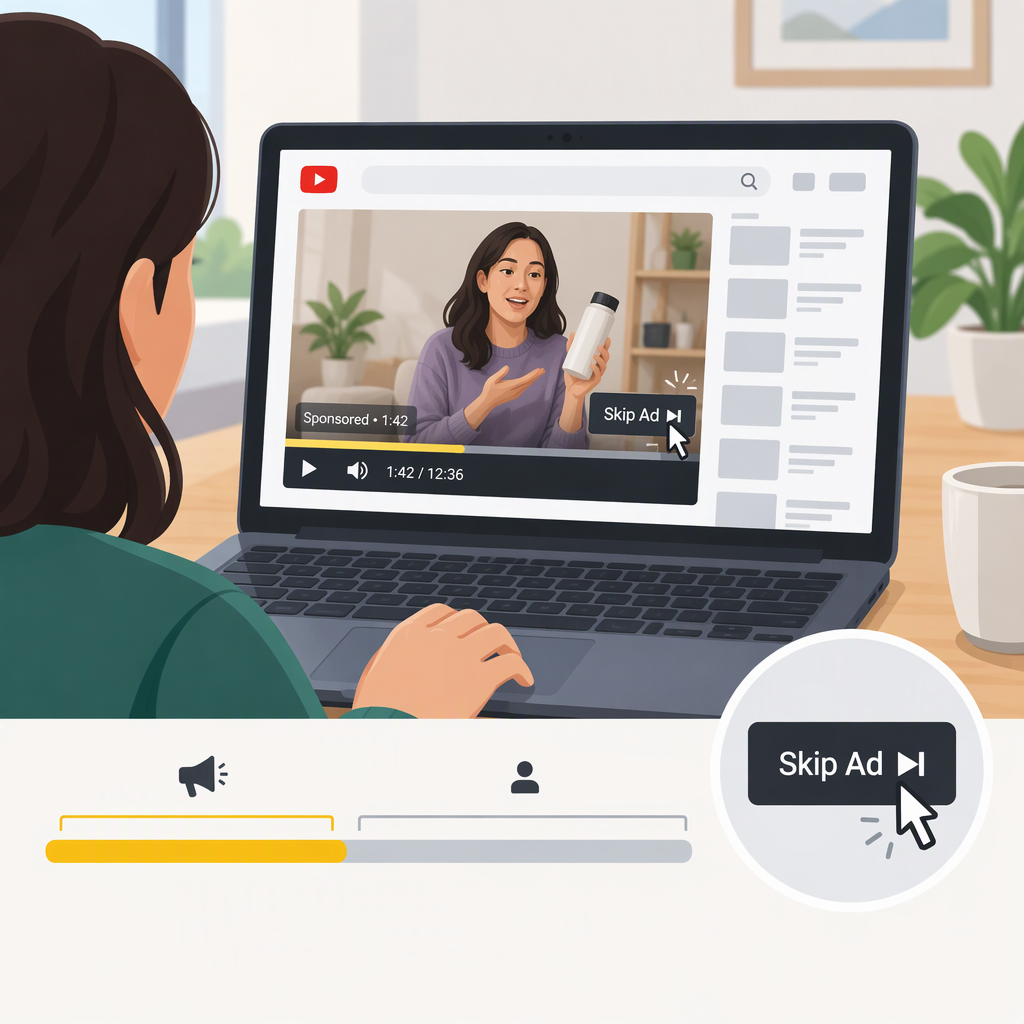
How to Skip Sponsor Segments on YouTube
First, Identify What You’re Trying to Skip
A sponsor segment is part of the creator’s video: the creator pauses or changes the subject to promote a brand. A YouTube-served ad plays in the YouTube player before, during, or after a video.
A paid-promotion disclosure at the start of a video can help identify creator-branded content, but it doesn’t mark the exact start and end of every spoken sponsor segment. YouTube says creators may disclose branded content with a label; the promotion itself is still part of the video. (support.google.com)
Quick route: If the creator is speaking about a sponsor within the video, use the seek bar to move past that section or consider a segment-skipping tool such as SponsorBlock. If a separate ad is playing in YouTube’s player, use the ad’s on-screen skip option if one appears.
Skipping a Sponsor Segment Inside a Video
You can drag the video’s seek bar forward to move past a sponsor read. This is a manual option; it doesn’t identify the segment for you. If you know roughly where the promotion ends, move the playhead beyond it and resume playback.
Another option is SponsorBlock, an open-source, crowdsourced browser extension. It checks whether viewers have submitted segment times for the video and skips sponsor segments it has data for. That means it may help on a video with a matching submission, but it does not guarantee that every sponsor segment will be detected or skipped. (github.com)
To try it, follow the SponsorBlock download link from its official project page to an option for your browser. After installation, play a YouTube video with a submitted sponsor segment; the extension’s documentation says it checks for matching submissions and skips known segments when playback reaches them. The project lists browser extensions and some third-party ports, but support and setup can differ by platform. Check the project’s current documentation for your device before installing. (github.com)
Trade-off: SponsorBlock relies on submitted timestamps and community ratings. If a segment hasn’t been submitted—or its timing is inaccurate—the tool may not skip it as expected. The project describes vote-based handling of overlapping submissions, but that is not a guarantee of complete or error-free coverage. Review the extension’s current permissions and privacy information before installing it. (sponsor.ajay.app)
If You Meant a YouTube-Served Ad
For a skippable YouTube video ad, YouTube’s help page says the skip option becomes available after five seconds. Some ad formats are non-skippable, so that option won’t appear for them. (support.google.com)
This is separate from skipping a creator’s sponsor read: YouTube notes that creator-added branding or promotions may still appear even for Premium members. (support.google.com) For YouTube’s current information about ads and available controls, see YouTube Help: ads on YouTube.