Is This Brand Email Legit? How Creators Can Check Before They Reply
Short Answer: Verify It Independently Before You Proceed
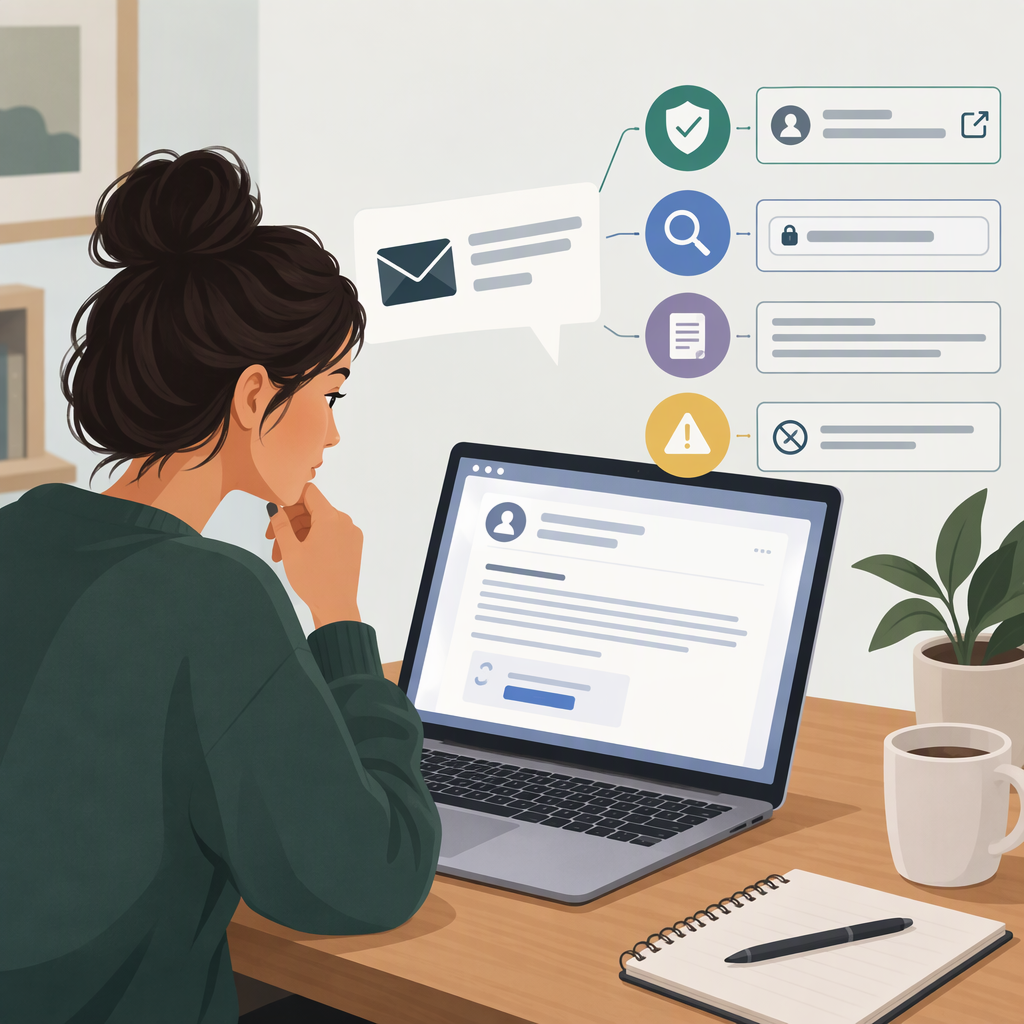
You can’t tell whether a specific brand email is legitimate from its appearance alone. Before replying, clicking a link, opening an attachment, sharing information, or approving platform access, pause and verify both the sender and the campaign through contact information you find independently—not through the email. If you can’t confirm them, don’t proceed yet. The Federal Trade Commission (FTC) warns that phishing messages can imitate familiar companies, and recommends contacting an organization through a phone number, email address, or website you already know is real. (consumer.ftc.gov)
Even if the email checks out, treat any request to authorize access to a creator platform as a separate decision. A real collaboration does not by itself show that the requested access is appropriate.
How to Check a Brand Collaboration Email
- Pause before taking action. Don’t use links, phone numbers, attachments, or sign-in pages in an unexpected message to verify it. Pressure to act quickly is a reason to slow down and check, not proof on its own that the message is fraudulent. The FTC recommends avoiding links and attachments in unexpected messages and contacting the company through a channel you know is genuine. (consumer.ftc.gov)
- Inspect the sender details. Look at the complete email address, not just the name shown in the inbox. Compare the domain after the
@with contact information you obtain independently from the brand’s official site. If your email service shows a separate reply-to address, compare that too. Look for small changes such as an extra word, a substituted character, or a misspelling. CISA notes that suspicious sender addresses can closely imitate a legitimate business. (cisa.gov) - Treat message clues as prompts to verify—not a verdict. An unfamiliar sender, urgency, a request for personal or financial details, or a link asking you to sign in deserves scrutiny. But a polished message or familiar brand name doesn’t prove authenticity either: phishing messages can imitate organizations people know. In Gmail, for example, Google says an unauthenticated message is not necessarily spam, so that indicator alone doesn’t settle the question. (support.google.com)
- Don’t open a link just to see where it goes. On Gmail for desktop, Google says you can point to a link without clicking to view its address. If your email app doesn’t offer a way to inspect the destination safely, skip the link and visit the brand’s official site independently instead. (support.google.com)
- Confirm the person and campaign outside the email. Find the brand’s official contact details yourself—for example, through its official website—and ask whether the named person or agency and specific collaboration are genuine. Confirm the campaign details, such as the proposed work and terms. Don’t rely on contact details supplied only in the questionable message, or simply reply to it. The FTC recommends contacting a company through details you know are real rather than using the message. (consumer.ftc.gov)
Decision: If the brand independently confirms the sender and campaign, you can consider the offer—but assess any access request separately. If you can’t get confirmation, or important details don’t match, hold off on replying with sensitive information, clicking, signing in, or granting access. An inability to verify is a reason to pause; it isn’t, by itself, proof of fraud.
Check a Platform-Access Request Separately
Before approving an authorization request, reach the platform through its official app or a website address you find independently. Read the actual screen: who is requesting access, which account is involved, and what permissions are listed. Compare those permissions with the task the brand says it needs done. If the requester is unclear, the permissions don’t make sense for the task, or you can’t tell what access means, don’t approve until you’ve checked the platform’s official help or support guidance.
The exact screens and permission labels depend on the platform, and none is specified here. Don’t assume that one platform’s instructions apply to another—or that a legitimate email makes an authorization safe. If you already approved access and are unsure about it, use the platform’s independently located security or connected-app settings and official instructions to review or remove it; the available controls vary by service.
If You Already Clicked, Shared Information, or Granted Access
Respond according to what happened. Use the relevant service’s official website or app, reached independently, for account changes and support. Don’t use links in the questionable email to secure your account.
- You clicked a link but didn’t enter information or download anything: Don’t continue or enter details. The FTC advises updating security software and running a scan after clicking a link in an unexpected message. If you downloaded a file, opened an attachment, or notice unusual device behavior, follow your device-security provider’s official guidance as well. (consumer.ftc.gov)
- You entered a password or other sensitive information: Go directly to the affected service, change the exposed password, and change it anywhere else you reused it. Review recent account activity, remove unfamiliar devices or app access where the service allows, and turn on two-step verification if available. Google’s account guidance, for example, recommends changing a password if someone else may be signed in and checking for unfamiliar devices and apps; use the affected service’s own instructions for its account. (support.google.com)
- You granted a platform permission: Open the platform independently and review its official security or connected-app controls. Remove access you don’t recognize or no longer want, where the platform permits it, and contact that platform’s official support if you can’t identify or revoke the permission. Steps and effects vary by platform, so don’t rely on instructions for a different service.
- You shared payment details or money: Contact the bank, card issuer, payment app, or transfer service using its official app or a number you know is genuine, and ask what action is available. The FTC recommends contacting the relevant provider promptly when money was sent or a payment account was affected; possible remedies depend on how you paid. (consumer.ftc.gov)
For a suspected phishing email in the United States, you can report it to the FTC at ReportFraud.ftc.gov; the FTC also lists forwarding phishing emails to reportphishing@apwg.org. Use your email provider’s report-phishing control if available. (consumer.ftc.gov)
Bottom line: Verify the sender and campaign through an independently found brand contact. Make the platform authorization decision on its own merits. If either remains unclear, pause rather than proceed.