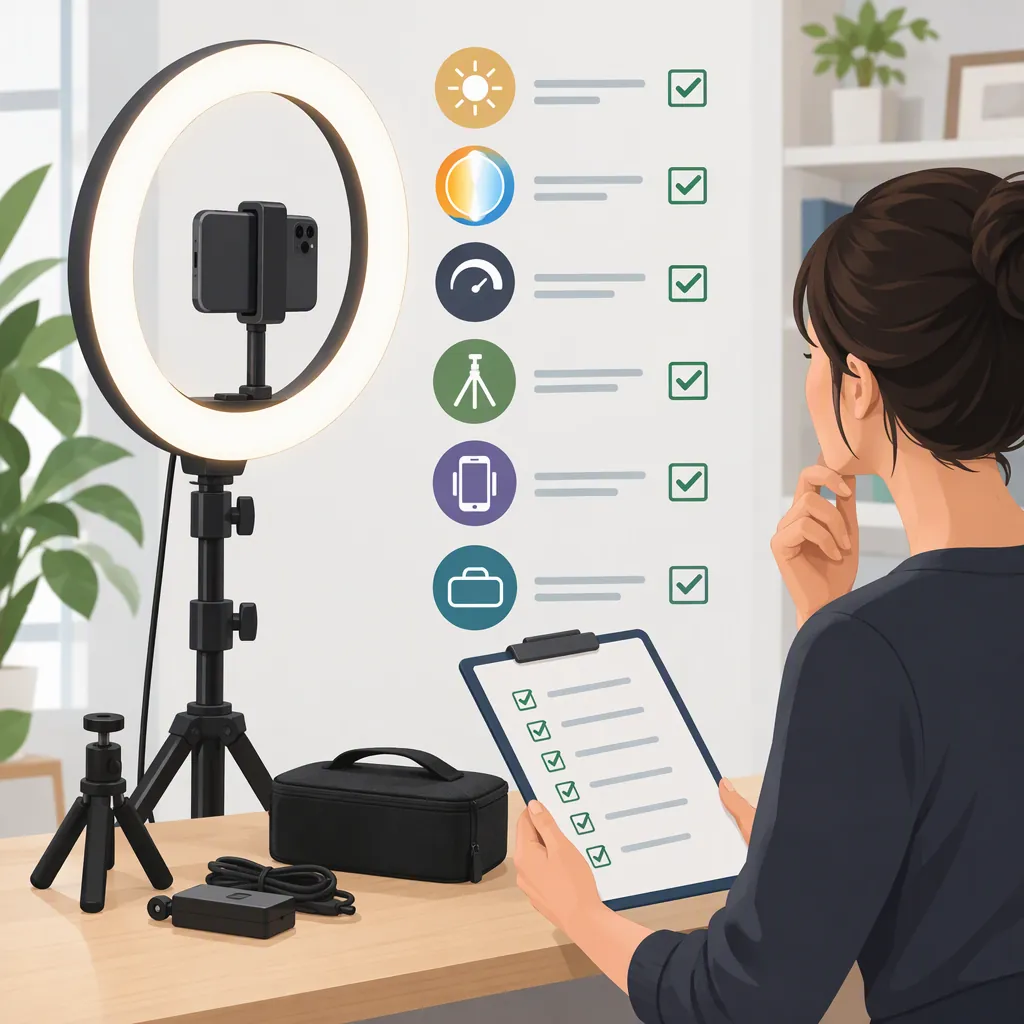
How to Evaluate a Switti Ring Light for Filming
Evaluate a Switti ring light against your actual camera position, available space, mounting requirements, and power setup—not the brand name alone. The supplied Amazon.de listing identifies model SW-R60C, but it is not an independent performance test. It does not establish that the light will suit your recording conditions. [switti_listing]
Identify the Exact Model and Evidence
Start with the model number rather than treating every search result for “switti ring light” as the same product. The supplied Amazon.de page identifies SW-R60C and ASIN B088W7P85P. Any conclusions drawn from that page should remain specific to that listing. [switti_listing]
The page also contains a specification inconsistency: its title says 60W, while its product description says 55W. Do not resolve that discrepancy by guessing. Check the documentation and rating label for the exact unit under consideration. [switti_listing]
This guide does not verify light output, color accuracy, durability, stand stability, or remote-control performance. Treat advertised specifications as details to verify, not as demonstrated filming results.
Model Verification Record
- Exact model number: ______
- Listing identifier: ______
- Documentation available: ______
- Rating-label information: ______
- Conflicting or missing details: ______
- Unresolved questions: ______
Match the Light to Your Filming Setup
Define the shot before evaluating equipment. For a seated video call, record your screen position, camera height, and desk clearance. For a standing presentation, record the framing and the floor space available for the support. For a tabletop demonstration, note where the camera and light would sit without obstructing your hands.
Use those requirements to compare a ring-light arrangement with alternatives, such as a separate light beside the camera. Do not assume one shape is preferable for every task. If equipment is available for evaluation, compare arrangements using the same scene and camera settings.
Include glasses, reflective objects, and any tablet or camera you intend to mount in the trial. Judge the recorded frame rather than relying only on how the setup looks in the room.
Shot Requirements Worksheet
- Recording task: ______
- Seated, standing, or tabletop: ______
- Camera position and framing: ______
- Space available for the support: ______
- Devices that need mounting: ______
- Reflective items in frame: ______
- Alternative lighting arrangement to compare: ______
Verify Mounting and Power Details
The listing names phone, tablet, and camera mounting accessories and describes adapter and battery power options. That information is a starting point for checking the package, not confirmation that your device or power accessories are compatible. [switti_listing]
Before attaching equipment, verify the holder's dimensions, mounting interface, and documented load limits. If a load limit is missing, leave compatibility unresolved rather than assuming a camera-and-lens combination is supported.
For power, check the exact adapter input and output requirements, connector, plug, and any specified battery requirements. Do not infer battery inclusion or charging behavior from the presence of a battery-power option. Follow the unit's safety documentation, and keep cables clear of walking routes.
Compatibility Check
- Device dimensions and weight recorded: ______
- Holder dimensions verified: ______
- Mounting interface verified: ______
- Documented load limit found: ______
- Adapter requirements verified: ______
- Battery requirements and inclusion verified: ______
- Charging behavior documented: ______
- Safe cable route planned: ______
Use a Repeatable Recording Check
If you can evaluate the equipment, make a short recording with your intended camera or phone. Keep framing, subject position, and camera settings consistent while changing one lighting variable at a time.
Review the footage for acceptable exposure, reflections, skin-tone appearance, background balance, and visible pulsing or bands. Note the recording settings alongside each result. A successful check applies to that tested configuration; it is not proof of performance at every brightness level, frame rate, or location.
Finish with a conditional decision: suitable for the tested setup, unsuitable for the tested setup, or unresolved because documentation or testing is incomplete. Without a practical check, avoid presenting a listing-based comparison as a performance verdict.
Recording Test Log
- Camera and recording settings: ______
- Light position and settings: ______
- Other room lighting: ______
- Exposure acceptable: yes / no / unresolved
- Reflections acceptable: yes / no / unresolved
- Color appearance acceptable: yes / no / unresolved
- Visible pulsing or bands: observed / not observed
- Final decision for this configuration: suitable / unsuitable / unresolved
FAQ
Which Switti Ring Light Does the Supplied Source Describe?
The supplied Amazon.de listing identifies model SW-R60C and ASIN B088W7P85P. This guide does not establish specifications or performance for other Switti models. [switti_listing]
Is the Listed Model 55W or 60W?
The supplied page is inconsistent: its title says 60W, while the product description says 55W. The source alone does not resolve the discrepancy. Verify the exact unit's documentation and rating label. [switti_listing]
Does This Guide Establish That a Switti Ring Light Is Good for Filming?
No. The supplied listing is not an independent filming test. This guide provides a selection and evaluation process, not a product endorsement or a verified performance verdict. [switti_listing]