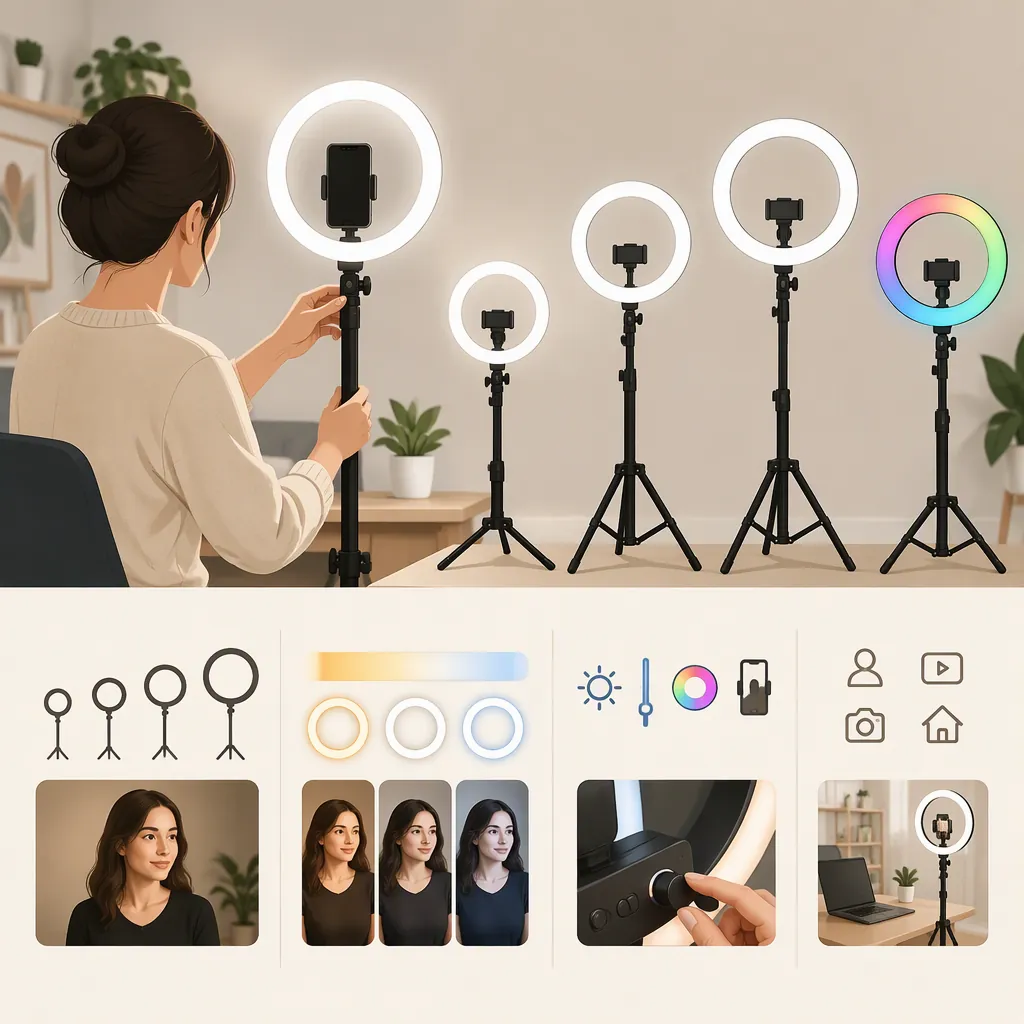
Choosing an Olumiring Light for Your Filming Setup
To evaluate an OlumiRing light for filming, start with your camera position, framing, mounting needs, and recording duration. Then compare recorded footage with and without the light in the same setup. A 2021 ITSLIQUID article distinguishes OlumiRing from OlumiRing MAX, but it does not establish current specifications or independently measured filming performance. Treat it as historical context, not proof that either model suits your shoot. [c1]
Identify the Light Before Comparing Options
An “olumiring light” search should begin by identifying the exact model and version. ITSLIQUID’s February 2021 article discusses OlumiRing and OlumiRing MAX as separate products, describing a clip-mounted format and a larger tripod-mounted format, respectively. Those descriptions are historical reporting, not confirmation of the hardware available today. [c1]
Keep three questions separate:
- Identity: Which model and version are you evaluating?
- Compatibility: Does its documented mounting and power arrangement fit your equipment?
- Recorded result: Does footage from your actual setup meet your requirements?
The supplied references do not establish current availability, verified brightness measurements, color accuracy, flicker performance, or runtime. Leave those fields marked “unverified” unless you have suitable documentation or a relevant test result.
Model Identification Record
Model name: ______
Version or identifying label: ______
Documentation title and date: ______
Mounting arrangement: ______
Power requirements: ______
Camera or device to be used: ______
Unverified details: ______
Define the Shot Before Choosing the Light
Write down the shot you need rather than starting with a product label. For a seated talking-head recording, specify the camera location and the framing you intend to keep. For a demonstration, include the work surface and any objects that must remain visible. For a moving presentation, identify every position the presenter will use.
Use those requirements to screen each candidate:
- Mounting: Check documented fit, permitted load, and mounting instructions. Reject arrangements that obstruct the lens, controls, or screen.
- Placement: Confirm that the proposed position works with the intended camera angle and background.
- Power: Establish how the light will be powered for the planned session. Do not infer runtime from portability or assume that a cable is included.
- Controls: Identify which adjustments are documented and whether you can reach them during recording.
These are evaluation criteria, not verified capabilities of an OlumiRing model.
Shot Requirements Checklist
- [ ] Record the intended framing and camera position.
- [ ] List presenter positions or movements.
- [ ] Identify surfaces, glasses, or objects to inspect for reflections.
- [ ] Check mounting instructions and device clearance.
- [ ] Document the power arrangement and planned session length.
- [ ] Mark undocumented capabilities as unverified.
Compare Recorded Results in a Controlled Test
Use a short comparison recording to judge the setup rather than relying only on its appearance in a preview.
- Place the camera, subject, and background in their intended positions.
- Record a baseline with the existing lighting.
- Add the candidate light and record the same action again.
- Where your camera allows it, keep exposure, white balance, focus, and recording settings consistent. Note any settings that remain automatic.
- Review both recordings at the intended viewing size.
Look for the results that matter to your project: facial visibility, retained detail, distracting reflections, unwanted background changes, and visible bands or pulsing. Include normal movement rather than evaluating only a still pose.
This is a practical comparison, not a laboratory measurement. A satisfactory result applies to the tested arrangement and settings; it does not establish performance in every room or recording mode.
Recording Comparison Worksheet
Camera and recording settings: ______
Automatic settings still enabled: ______
Camera, subject, and light positions: ______
Baseline recording filename: ______
Light-on recording filename: ______
Facial visibility: acceptable / revise / unresolved
Reflections: acceptable / revise / unresolved
Visible bands or pulsing: absent in this test / present / unresolved
Background appearance: acceptable / revise / unresolved
Next change to test: ______
Make a Decision with Clear Evidence Limits
Keep the decision tied to the shot. If a candidate satisfies documented mounting and power requirements and produces acceptable footage in your comparison, record it as suitable for that tested setup—not as universally better than another lighting format.
If the result is unsatisfactory, change one variable at a time, such as placement or an available brightness setting, and repeat the recording. If the mounting arrangement is unsuitable or an essential capability remains unverified, leave the decision unresolved rather than filling the gap with assumptions.
The ITSLIQUID article supplies historical product descriptions, but it is not a comparative filming test. Its positive language should not be treated as independent evidence of image quality or superiority. [c1]
Selection Decision Note
Candidate: ______
Required shot: ______
Documented compatibility checks: ______
Recorded observations: ______
Remaining uncertainties: ______
Decision: suitable for tested setup / revise and retest / unresolved
Reason: ______
FAQ
Are Olumiring and Olumiring Max the Same Light?
The 2021 ITSLIQUID article presents them as separate products and describes different mounting formats. That historical distinction does not verify the specifications of a current unit or listing. [c1]
Is an Olumiring Light Suitable for Filming?
The supplied sources do not establish suitability for your particular shoot. Evaluate the exact unit against your mounting, power, and framing requirements, then review footage recorded with your camera and intended settings.
What Should I Do When a Specification Is Missing?
Mark it as unverified. Separate a documented specification from an observation made during testing, and avoid treating a short successful recording as proof of runtime, color accuracy, or performance in other recording modes.