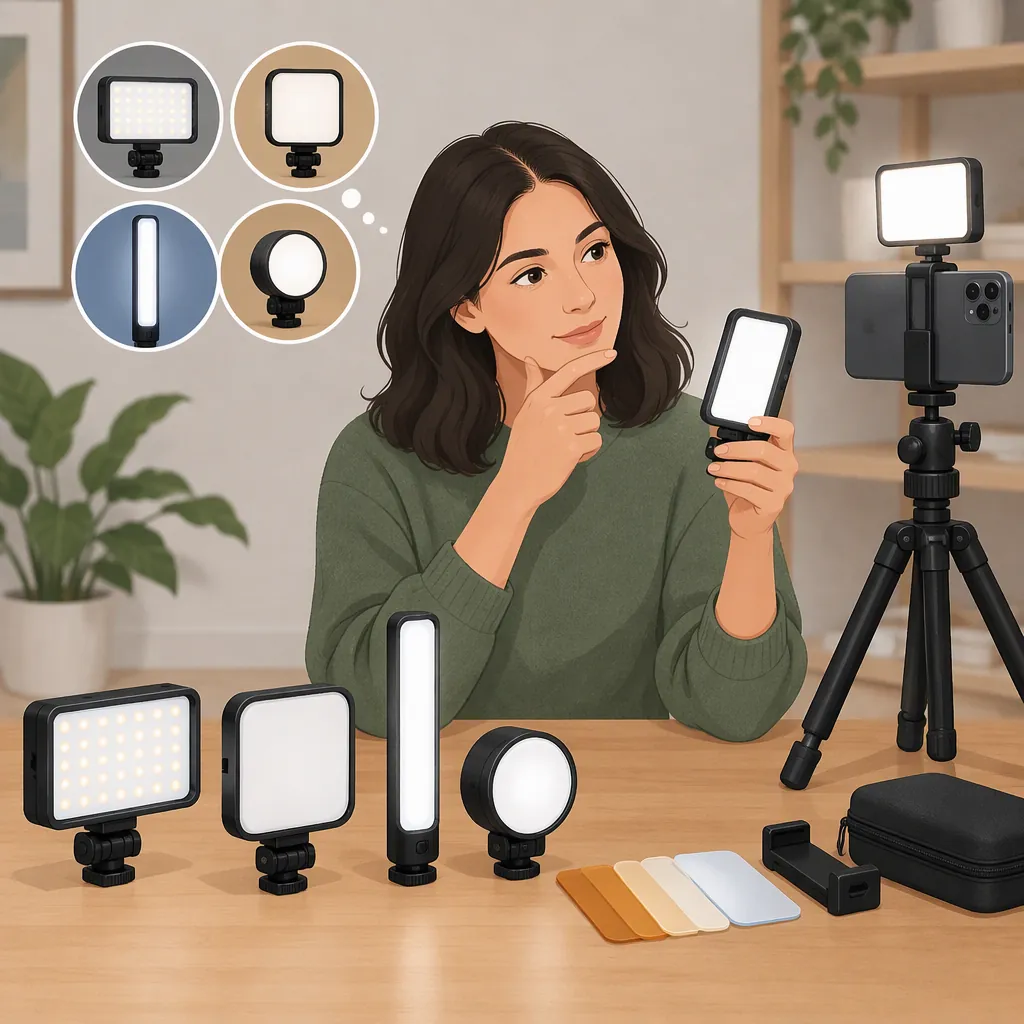
How to Choose a Neewer Phone Light for Your Filming Setup
Choose a NEEWER phone light by matching its mounting method, power requirements, and color controls to your filming setup—not by its name alone. NEEWER’s collection lists smartphone equipment and several mounting categories, but those filters do not establish compatibility for an individual light. The supplied sources are collection pages, so they cannot establish a best model, verified runtime, or performance at your filming distance. [src_2]
Start with Your Filming Setup
Before comparing lights, describe the shot: a handheld walking video, a seated talking-head recording, or a tabletop demonstration. Then decide whether the light must travel with the phone or can remain on a separate support.
For a handheld setup, prioritize checking the complete assembly: phone, case, holder, light, and any microphone. For a fixed setup, include an off-phone light position in your comparison rather than assuming the light must attach directly to the handset.
NEEWER’s all-lights collection includes filters for smartphone equipment and clip-on, magnetic, 1/4-inch screw-thread, and cold-shoe mounting options. These are collection-level categories, not a promise that every listed light supports every attachment. [src_2]
Check Mounting and Power Separately
Treat mounting and power as two separate checks. A suitable attachment does not establish whether the light can operate for your planned recording session.
For mounting, confirm the exact connection, required adapters, case clearance, and access to the camera lenses and screen. If the attachment is magnetic, verify the required phone, case, or adapter rather than assuming universal compatibility.
For power, record the supported supply, whether the required battery or cable is included, and any documented restrictions on operation while charging. Leave unanswered items marked as unknown.
The supplied collection offers AC-and-battery, battery, and corded-power filters. Those categories do not verify an individual model’s runtime, charging behavior, or included accessories. [src_2]
Portable Lighting Comparison Worksheet
Complete one copy for each candidate:

- Filming task and intended light position:
- Exact light model and version:
- Phone, case, and holder:
- Documented mounting connection:
- Required adapter or separate support:
- Lens, screen, and microphone clearance:
- Documented power source:
- Required power accessories and whether included:
- Documented runtime and test conditions, or unknown:
- Operation while charging: supported, unsupported, or unknown:
- Remaining compatibility questions:

Do not treat an unanswered field as confirmed compatibility.
Compare Color Controls and Light Placement
Decide whether your task calls for adjustable white light, colored effects, or a simpler fixed-color setup. NEEWER’s collection separates RGB, bi-color, and daylight categories. Its panel-light FAQ describes bi-color lighting as allowing adjustment between warmer and cooler white-light settings; the exact adjustment range still needs model-specific confirmation. [src_1] [src_2]
Use a short recording test to assess the result rather than relying only on category labels:
- Frame the actual subject at the intended filming distance.
- Keep the room lighting and phone settings consistent where possible.
- Compare the proposed light position with a second position, if the mounting arrangement permits it.
- Check the recording for distracting shadows, bright reflections, and unwanted color differences.
- If diffusion is available and permitted by the light’s instructions, compare recordings with and without it.
NEEWER’s panel-light FAQ discusses diffusion as an option for softening shadows. That general guidance does not establish the light quality or diffuser compatibility of a particular phone light. [src_1]
Keep the Evidence Limits Visible
The supplied references are NEEWER collection pages, not independent comparisons or model-specific test reports. They support identifying available categories and general selection considerations. They do not support ranking one phone light as best for all users. [src_1] [src_2]
Before settling on a model, seek its exact specifications and instructions for compatibility, dimensions, weight, power, and operating restrictions. Until that information is available, keep runtime, usable output at your working distance, flicker behavior, and recording results unresolved.
A useful selection record separates three things: what the supplied sources establish, what remains unknown, and what your own controlled recording test would need to check.
FAQ
Will a Neewer Phone Light Fit Any Smartphone?
Do not assume universal fit. The collection includes smartphone and mounting filters, but those filters do not verify an individual light’s compatibility with your phone, case, or holder. Confirm the exact attachment and any required adapter. [src_2]
Should I Compare Bi-Color or RGB Lights for Phone Filming?
Start with the intended effect: compare adjustable white-light controls for ordinary subject lighting and colored-light controls if colored effects are part of the shot. NEEWER lists both categories, but the supplied pages do not establish the capabilities or output of a particular phone light. [src_1] [src_2]
How Long Will a Portable Neewer Phone Light Run?
The supplied references do not establish model-specific runtime. The collection’s battery-power filter identifies a power category, not recording duration. Check the exact model’s documentation and the conditions attached to any runtime figure. [src_2]