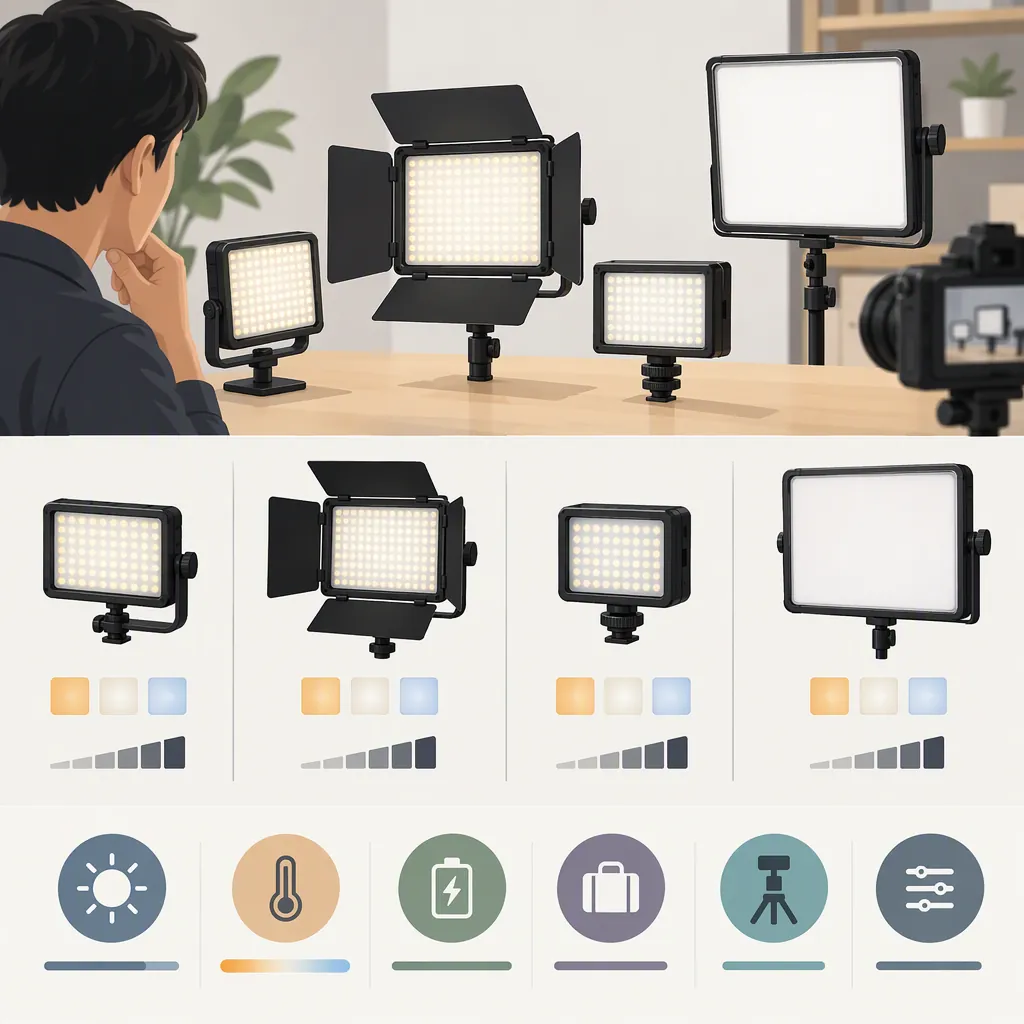
How to Select a Yongnuo Led Video Light for Filming
For a “yongnuo pro led video light” search, start with the exact model and your filming requirements rather than the word “pro.” Compare output at your working distance, color controls, power arrangements, and mounting needs. The supplied source covers the YN60RGB, but it is a retail listing with conflicting brightness figures—not independent proof of performance or a comparison of the YONGNUO range. [src_1]
Identify the Model Before Comparing Features
The supplied Amazon page names the YONGNUO YN60RGB and uses “Professional RGB LED Video Lights” in its description. That wording does not establish a separate “Pro” model or a professional-performance standard. The page also shows YNLENS in its brand field while identifying YONGNUO as the manufacturer. Confirm the model identifier rather than relying on the search phrase or storefront label. [src_1]
This guide uses that listing as a limited example. It does not rank YONGNUO models, verify manufacturer specifications, or report hands-on results.
Define the Lighting Job
Write down what the light must do before comparing specifications:
- Main subject lighting: Evaluate whether it can produce your intended exposure and shadow pattern at the required distance.
- Supplemental lighting: Test whether it adds enough light without disrupting the existing look.
- Background color: Compare the available color controls against the colors you need on camera.
- Mobile recording: Check mounting, power, handling, and whether the light fits the complete camera setup.
The YN60RGB listing advertises adjustable hue, brightness, and color temperature, along with a rechargeable battery and mounting options. These are listing claims, not evidence that the unit will suit every role above. [src_1]
Treat a compact light as a candidate to test, not an automatically suitable main light for an interview, room, or outdoor scene.
Read Output and Color Specifications Carefully
The supplied page gives two different brightness figures at the same stated distance: 1050 lux at 0.3 m in “About this item” and 824 lux at 0.3 m in the product description. The source does not resolve the discrepancy. Do not select one as the verified output or use either as a reliable basis for ranking another light. [src_1]
For a comparison, request output measurements that state distance, color setting, brightness setting, and any modifier used. If those conditions are missing, mark the comparison as unresolved.
The listing also advertises a 2500–9500 K color-temperature range, 0–360-degree hue adjustment, and CRI 95+. Treat these as advertised specifications rather than independent confirmation of color accuracy. [src_1] For your own evaluation, record skin tones, neutral objects, and representative props at the settings you intend to use. Judge the footage within your normal camera and editing workflow.
Check Power and Mounting for the Actual Setup
The listing describes a built-in 2000 mAh battery, approximately two hours of charging, up to two hours of operation at maximum brightness, and up to ten hours at minimum brightness. It also states that the light can operate while charging through its Type-C port. These are advertised figures, not measured runtime results. Do not interpret the ten-hour figure as full-output runtime. [src_1]
For a long recording, plan around the brightness you actually need and verify the intended external-power arrangement. Leave time for a recording-length test rather than assuming the listed maximum will cover the session.
The page describes cold-shoe mounting, a standard 1/4-inch screw interface, and magnetic attachment. [src_1] Check the exact bracket, stand, mounting surface, cable routing, and clearance in your setup. Do not assume a magnetic attachment is sufficient for overhead or movement-prone placement.
Use a Repeatable Recording Test
The supplied reference does not provide an independent assessment of flicker, sustained output, or suitability for your specific camera settings. Leave those questions open until tested.
Keep camera exposure and white balance fixed during comparisons. Record at the frame rates and shutter settings required for the project, including any slow-motion settings. Review for visible bands, brightness changes, unwanted color shifts, and the shadow appearance you want. Test with the intended mounting and power arrangement, not just with the light held briefly near the subject.
Use the worksheet below to separate advertised details from observations. An untested field should remain “unverified,” not become an assumed pass.
Led Light Evaluation Worksheet
- Exact model and source: __________
- Intended role: main subject / supplemental / background / mobile
- Subject distance and framing: __________
- Required frame rate and shutter setting: __________
- Required color and brightness settings: __________
- Advertised output and measurement conditions: __________
- Conflicting or missing specifications: __________
- Power source and required recording duration: __________
- Mount, bracket, and cable arrangement checked: __________
- Test clip reviewed for bands, brightness changes, and color shifts: pass / fail / unverified
- Exposure and shadow appearance acceptable: pass / fail / unverified
- Recording-length power test completed: pass / fail / unverified
- Decision and unresolved limitations: __________
FAQ
Does “Pro” Identify a Specific Yongnuo Model?
Not in the supplied reference. The page identifies the model as YN60RGB and uses “Professional” as descriptive wording. It does not establish a separate “Pro” model designation. [src_1]
Can the Yn60rgb Serve as the Main Light for Filming?
The supplied listing is not enough to establish that for your setup. Its brightness figures conflict, and it does not provide an independent recording test. Evaluate the light at your subject distance, camera settings, and intended lighting arrangement before assigning it that role. [src_1]
Does the Advertised Ten-Hour Battery Life Apply at Full Brightness?
No. The listing associates up to ten hours with minimum brightness and up to two hours with maximum brightness. Both are advertised estimates rather than independently verified runtime results. [src_1]