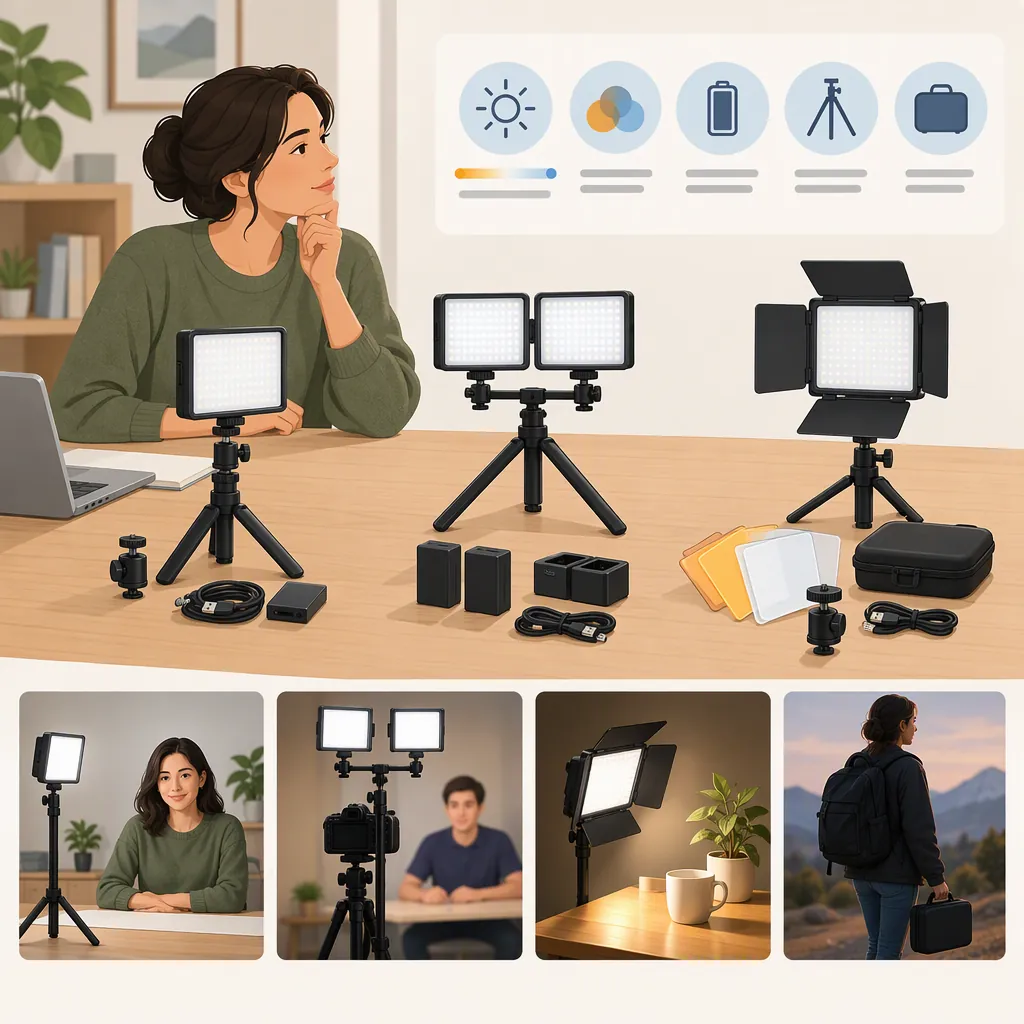
How to Evaluate a Ubeesize Led Video Light Kit
To evaluate a UBeesize LED video light kit, identify the exact model first, then check its documented power requirements, mounting options, controls, and included parts against your recording setup. The provided sources include a retailer listing for a 10-inch kit and a brand catalog with several lighting products; they do not establish that similarly named kits are identical or provide independent performance testing. [c1] [c2]
Identify the Exact Kit Before Comparing
Treat “UBeesize LED video light kit” as a search phrase, not a complete model identifier. The retailer page names a “UBeesize 10-inch LED Video Light Kit with Tripod Stand” and lists B08L4DB1CC in its MFR field. The brand homepage contains several separately named ring lights and a compact video light. These sources do not establish a one-to-one match between that retailer kit and a particular homepage entry. [c1] [c2]
For a useful comparison, record the full product name, model identifier, light shape, and package contents. Do not transfer specifications from another listing merely because both names contain “10-inch,” “LED,” or “UBeesize.”
Model Identification Worksheet
- Full listing name: ____
- Model or manufacturer identifier: ____
- Source URL: ____
- Light shape shown in the listing: ____
- Package contents explicitly listed: ____
- Matching model manual available: ____
- Differences between sources: ____
- Unresolved details: ____
Compare Documentation with Your Setup
Use the following checks as requirements, not as confirmed capabilities of every UBeesize kit.
| Check | What to Establish |
|---|---|
| Power | Required input voltage and current, connector type, cable length, and whether a suitable supply is included. |
| Positioning | Minimum and maximum working height, stand footprint, adjustment range, and space available around the camera. |
| Device mounting | Whether the kit supports the light only or also includes a suitable phone or camera mount. |
| Controls | Available brightness settings, color-temperature settings, and how they are adjusted. |
| Package contents | Number of lights, stands, holders, cables, adapters, and other listed parts. |
The retailer description mentions USB power, adjustable brightness, color-temperature modes, an extendable stand, and a rotating ball head. However, the supplied text does not give numerical input requirements, an exact stand-height range, or an exact color-temperature range for that kit. Treat those as documentation gaps rather than borrowing numbers from the brand’s other products. [c2]
Use a Repeatable Recording Check
If you have access to the exact kit, evaluate it in the intended recording position rather than assuming that listing language predicts the result. This is a suggested procedure, not a report of testing performed for this article.
- Follow the model’s setup and power instructions.
- Place the camera and subject where they will normally be used.
- Record a baseline clip with the kit off.
- Record comparison clips at several documented brightness and color settings, changing one setting at a time.
- Keep camera settings and room conditions consistent where possible.
- Review the recordings for face visibility, reflections, shadows, color consistency, visible banding, and background appearance.
- Note whether the stand, cables, and controls fit the available workspace.
Define acceptable results before comparing clips. For example, a seated video call and a standing demonstration may have different framing and positioning requirements. These checks can reveal suitability for your setup; they are not laboratory measurements of light output or color accuracy.
Recording Comparison Log
Intended use: ____
Camera and recording settings: ____
Subject and light positions: ____
Room lighting conditions: ____

For each clip, record:
- Clip label: ____
- Brightness setting: ____
- Color setting: ____
- Face and background appearance: ____
- Reflections or visible banding: ____
- Workspace or control issues: ____
- Meets the stated requirements: Yes / No / Unclear
Keep the Evidence Limits Visible
This guide uses a brand homepage and a retailer product listing. Neither supplied reference is an independent test report for the exact retailer kit. Descriptive terms such as “soft,” “even,” or “professional” should therefore not be read here as verified performance findings. [c1] [c2]
The provided material does not establish measured output at a stated distance, measured color accuracy, or flicker behavior under specified camera settings for the retailer kit. It also does not establish that a specification attached to one brand-homepage model applies to another. Where a requirement is essential and the documentation is incomplete, record the result as unconfirmed, not as a pass. [c1] [c2]
FAQ
Is the 10-Inch Video Light Kit the Same as a Ubeesize Ring Light?
The supplied sources do not establish that. The retailer describes its kit as a panel, while the brand homepage lists several ring-light products separately. Match model identifiers and documentation before treating them as the same product. [c1] [c2]
Does USB Power Mean Any USB Port Is Suitable?
Do not infer that from the listing alone. The retailer describes USB-powered operation, but the supplied text does not specify the kit’s numerical input requirements. Confirm the exact model’s power instructions and the intended power source’s rating. [c2]
Do These References Verify Brightness or Flicker Performance?
No independent measurements for the exact retailer kit are provided. The sources contain product descriptions, but they do not establish measured brightness at a stated distance or flicker results under specified recording conditions for that kit. [c1] [c2]