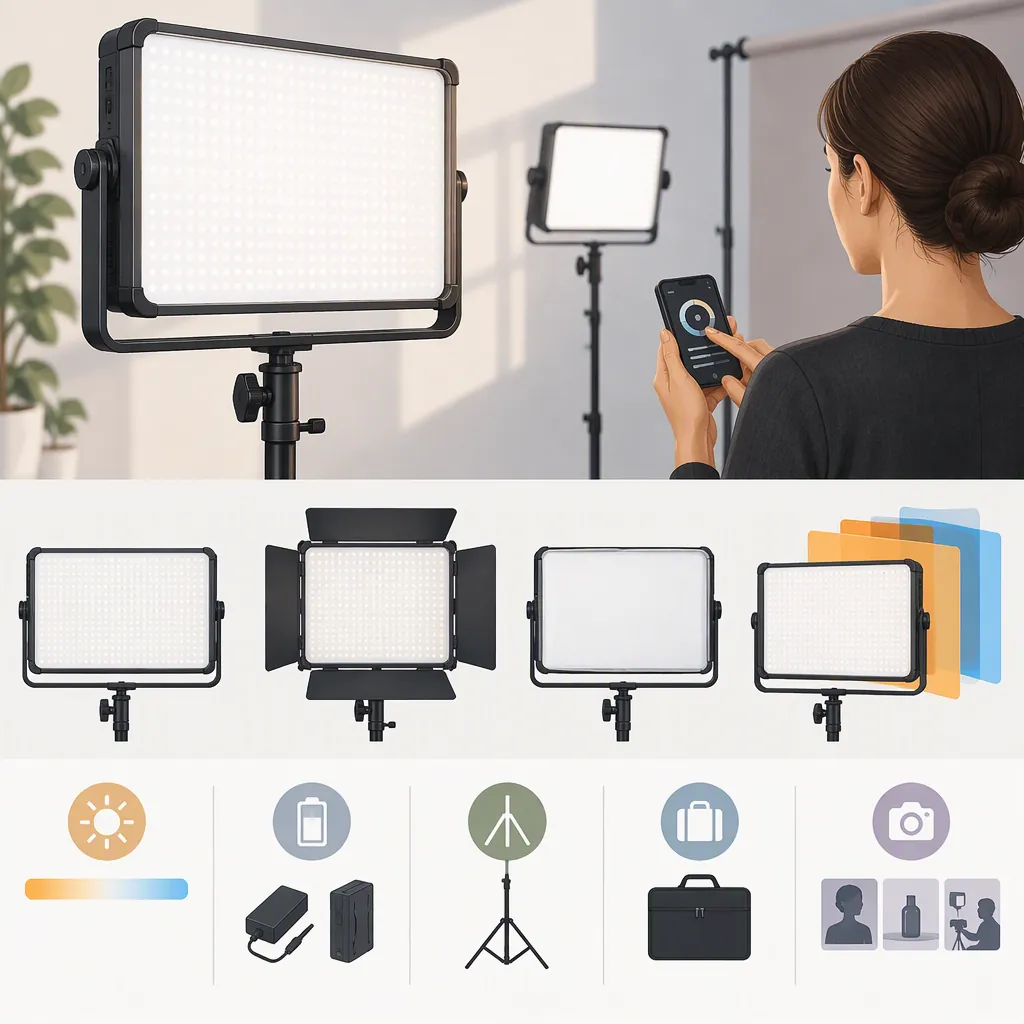
How to Evaluate the Phottix Nuada R4 Led Light for Filming
To evaluate the Phottix Nuada R4 LED light, define your filming requirements and test the exact unit at your intended distance, camera settings, and power setup. The supplied sources include a retailer listing for the R4 and a Phottix USA LED collection page, but they do not establish suitability for your shoot. Treat this as a selection workflow, not a performance endorsement. [r4-listing] [led-collection]
What the Available Sources Establish
Curven provides a product page titled “Phottix Nuada R4 Video LED Light,” with a description and specification table. This identifies the model under discussion; it is not an independent filming test. [r4-listing]
The supplied Phottix USA page is an LED-light collection page. Its provided excerpt does not show an R4 entry, so it should not be used to confirm R4 specifications, availability, or discontinuation. [led-collection]
This guide does not validate model-specific performance, reproduce promotional descriptions, or claim firsthand experience. The selection steps below are proposed checks for your own evaluation.
Define the Shot Before Comparing Lights
Start with the scene rather than the product name. Write down what the light must accomplish:
- Subject: A seated presenter, moving subject, tabletop object, or wider scene.
- Role: Main light, fill light, background light, or another defined task.
- Placement: Intended height, angle, subject distance, and available floor space.
- Camera settings: Planned frame rate, shutter setting, aperture, ISO, and white balance.
- Environment: Window light, room lighting, reflective surfaces, and audio-recording needs.
- Power and transport: Outlet access, battery requirements, setup time, and carrying constraints.
Set acceptance criteria before testing. For example: the face reaches your intended exposure, reflections remain acceptable, the fixture stays outside the frame, and the complete setup fits the room. These are project requirements, not claims about the R4.
Filming Requirements Worksheet
Complete before evaluating a fixture:

- Scene and subject: __________
- Light's intended role: __________
- Placement and subject distance: __________
- Camera and lens: __________
- Frame rate and shutter setting: __________
- Aperture, ISO, and white balance: __________
- Existing lights to retain or remove: __________
- Power source and required session length: __________
- Stand, mounting, and transport constraints: __________
- Acceptable exposure and shadow appearance: __________
- Unacceptable reflections, noise, or image artifacts: __________
Test the Light in the Intended Camera Setup
If an exact unit is available for evaluation, use a repeatable test rather than relying on a listing description.
- Recreate the scene. Place the subject, camera, and light where they would be during filming. Record the distance and angle.
- Set the camera deliberately. Use the planned recording settings. Keep automatic exposure and white-balance changes from obscuring the comparison.
- Assess exposure. Inspect the subject using the monitoring tools available on your camera. Decide whether the result meets your requirements without unwanted changes to the camera setup.
- Inspect color and reflections. Include a neutral reference and representative materials. Review skin, product surfaces, glasses, or other reflective objects relevant to the scene.
- Check motion and recording artifacts. Record at each frame rate and shutter setting you intend to use. Review the footage for banding or brightness variation rather than assuming compatibility.
- Review shadows and spill. Check both the subject and background. Repeat with any planned modifier, provided its compatibility has been confirmed.
- Listen to a recording. Make an audio sample with the light operating and the microphone in its intended position.
Record what you observe without turning one successful setup into a claim about every camera, setting, or scene.
Repeatable Test Log
Create one entry for each setup:

- Unit identification: __________
- Date and room conditions: __________
- Light position, distance, and control settings: __________
- Camera settings: __________
- Power source: __________
- Exposure result: Pass / Fail / Not tested
- Color and reflections: Pass / Fail / Not tested
- Banding or brightness variation: Observed / Not observed / Not tested
- Recorded operating sound: Acceptable / Unacceptable / Not tested
- Shadows and background spill: Acceptable / Unacceptable / Not tested
- Footage filename and unresolved questions: __________
Verify Mounting, Power, and Session Requirements
Evaluate the complete setup, not just the light body. Consult documentation for the exact unit and accessories before assembly or power connection.
- Confirm the fixture's mounting interface and the support equipment's stated load limits.
- Check placement clearance, cable routing, and whether the setup obstructs movement or enters the frame.
- Verify the specified power adapter, cables, and any battery requirements. Do not infer electrical compatibility from appearance alone.
- Identify which accessories are included with the particular unit being evaluated.
- For battery operation, record runtime at the settings you plan to use. Do not treat a mounting option as a runtime guarantee.
- Run a rehearsal for the expected session length, following the documented operating guidance. Note interruptions, control changes, or other workflow problems.
The retailer's listing includes mounting and power information, but this guide does not independently verify those details or establish compatibility with a particular accessory. [r4-listing]
Make a Conditional Selection Decision
Compare candidate lights against the same requirements and test conditions. Keep the subject, camera settings, placement constraints, and evaluation criteria consistent wherever possible.
Use three outcomes:
- Meets the tested requirements: The evaluated setup passes every essential check. Limit the conclusion to those conditions.
- Does not meet the tested requirements: A necessary exposure, placement, power, audio, or image-quality check fails.
- Insufficient evidence: A necessary specification, compatibility detail, or practical test remains unresolved.
If you cannot test the R4, document the gaps instead of declaring it suitable. The provided references support identifying the product and understanding the type of listing available; they do not supply a controlled comparison for your filming scenario. [r4-listing] [led-collection]
FAQ
Is the Phottix Nuada R4 Suitable for My Filming Setup?
The supplied references cannot establish that. Curven lists it as a video LED light, but suitability for your scene remains unresolved without checking placement, exposure, color, recording artifacts, audio, and power under your intended conditions. [r4-listing]
Does the Phottix Usa Collection Page Confirm the R4's Current Status?
No. The provided collection excerpt does not show an R4 entry. That absence is not enough to establish whether the model is available, unavailable, or discontinued. [led-collection]
Can a Retailer Specification Table Replace a Camera Test?
For this selection workflow, use the table to identify details that need verification, not as proof of results in your scene. The supplied R4 listing includes specifications but does not provide a controlled test with your camera, settings, subject, and placement. [r4-listing]
Sources
-
[r4-listing] Phottix Nuada R4 Video LED Light – Curven Store
-
[led-collection] LED Lights – Phottix USA