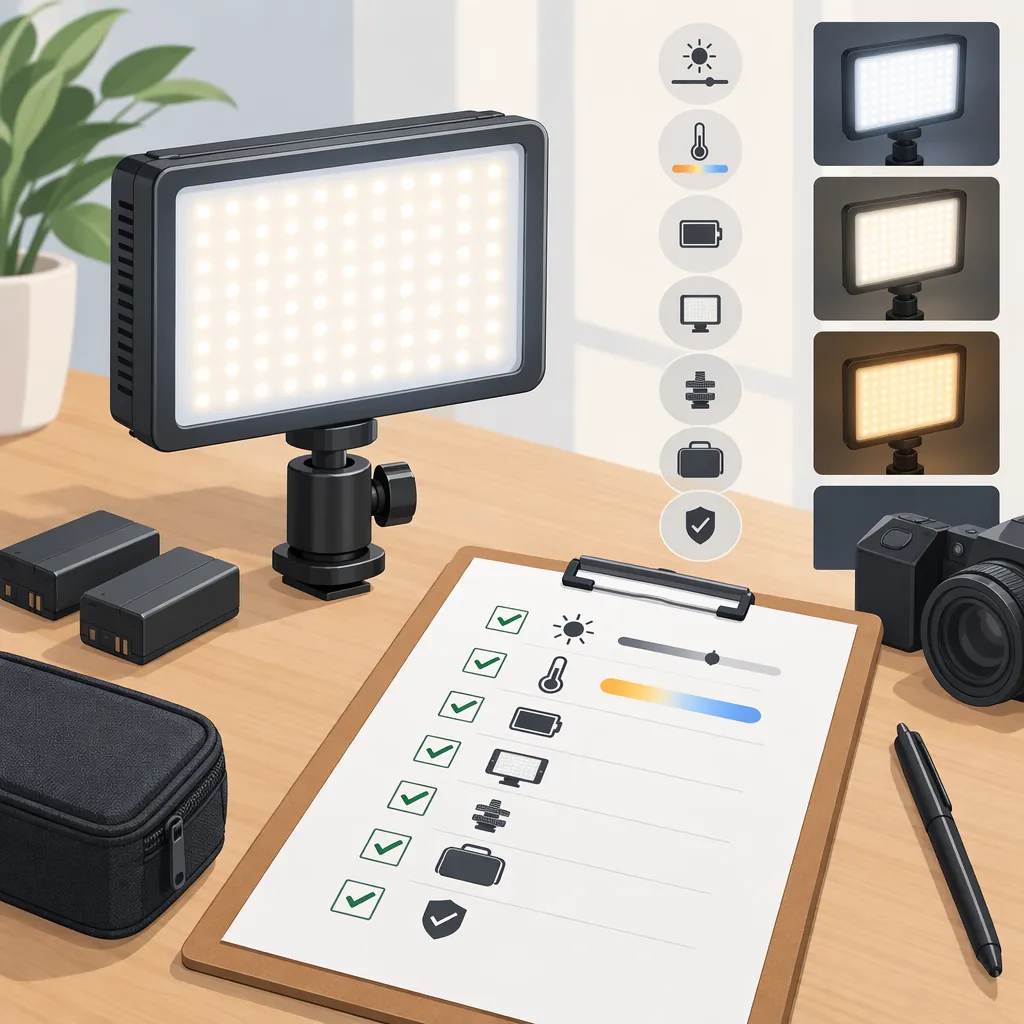
How to Choose a Newmowa Led Light for Filming
Choose a Newmowa LED light by matching the exact model to your filming requirements—not by brand name alone. First check mounting, power, and required controls. Exclude candidates with confirmed incompatibilities, leave essential missing information unresolved, and compare preferences only after the hard requirements are met. If a unit is available, use a repeatable recording test to assess its suitability for your setup.
Evidence limit: The supplied Amazon Live reference identifies “Watch Newmowa LED Light Honest Review,” but the provided text contains no substantive review findings or technical specification table. It does not establish model specifications, runtime, compatibility, or recording performance. This guide therefore provides a selection framework, not a model recommendation or product endorsement. [ref_1]
Define Your Filming Requirements First
Write down what the light must accommodate before comparing models. Separate hard requirements, which determine whether a candidate can work, from preferences, which help distinguish otherwise suitable candidates.
For a desk recording, define the intended light position and available mounting space. For a handheld setup, include the complete camera or phone rig. For longer recordings, specify the uninterrupted recording time and power arrangement you need.
Filming Requirements Worksheet
| Requirement | Your setup | Hard requirement or preference? |
|---|---|---|
| Recording device, lens, and case or rig | ____ | ____ |
| Typical framing and subject position | ____ | ____ |
| Intended light position and distance | ____ | ____ |
| Existing room or window lighting | ____ | ____ |
| Required continuous recording time | ____ | ____ |
| Available mounting space | ____ | ____ |
| Power available during recording | ____ | ____ |
| Target frame rate and shutter setting | ____ | ____ |
| Required brightness or color controls | ____ | ____ |
| Maximum setup size and weight | ____ | ____ |
Make requirements specific enough to check. For example, “must attach to this rig without blocking the lens” is more useful than “must be compact.” If adjustable color is essential to your workflow, treat documented color adjustment as a hard requirement rather than assuming it is available.
Turn Requirements into Decisions
Apply these rules to each candidate:
- Exclude: A documented mounting incompatibility or explicitly unsupported must-have function means the candidate does not meet your current requirements.
- Keep unresolved: Missing essential information is not a pass. Mark it for verification before treating the candidate as suitable.
- Compare preferences: Once hard requirements are met, compare dimensions, weight, control access, and setup convenience.
- Confirm in your setup: Documented fit does not replace a recording test when the final decision depends on how the footage looks.
These rules do not establish that any particular Newmowa model meets your requirements.
Verify the Exact Model and Included Parts
Record the exact model identifier before checking specifications. Distinguish included equipment from optional accessories, and use documentation that applies to that model rather than transferring details from another light.
| Area | What to verify | How to use the result |
|---|---|---|
| Mounting | Attachment type, stated fit limits, required adapters, and included parts | Exclude a confirmed incompatible setup. If an adapter is needed, include it in the fit assessment. |
| Power | Documented charging input, power arrangement, and whether operation while connected to power is explicitly supported | If your session requires external power during use, unsupported operation fails that requirement; undocumented operation remains unresolved. |
| Controls | Documented brightness and color adjustments | Exclude a candidate if a required control is explicitly absent. Do not assume controls are shared across models. |
| Practical fit | Dimensions, weight, and access to the camera and controls in the complete rig | Apply any firm space or weight limits first; compare convenience afterward. |
| Session duration | Any stated runtime and its test conditions | Check whether the conditions are relevant to your session. Missing conditions leave duration suitability unresolved. |
For any output or runtime figure, retain the stated test conditions if available. Do not treat a figure without relevant conditions as proof that the light will meet your intended distance, setting, or recording duration.
Model Verification Record
- Exact model identifier: ____
- Documentation source and date checked: ____
- Included mounting parts: ____
- Attachment requirements and fit limits: ____
- Required optional accessories: ____
- Documented power and charging requirements: ____
- Operation during external power: supported / unsupported / unverified
- Documented brightness and color controls: ____
- Dimensions and weight: ____
- Runtime claim and stated test conditions: ____
- Hard requirements: met / not met / unresolved
- Remaining questions: ____
Use a Repeatable Recording Test
If a unit is available for evaluation, test it in the configuration you intend to use. Decide what the added light needs to improve before recording—for example, making the face easier to see without introducing distracting highlights or shadows.
1. Record a Defined Baseline
Record a baseline clip with the candidate light switched off and your other lighting unchanged.
Keep the camera position, framing, subject position, and background consistent. Where the device permits, lock exposure and white balance and retain the same frame rate and shutter setting across clips. If automatic settings cannot be disabled, note that limitation: the comparison includes the camera’s automatic response, not just the lighting change.
2. Record the Candidate Settings
Switch the light on and record at your intended position, distance, and settings. Change one lighting variable at a time when comparing adjustments, and label each clip so you can identify its configuration.
Review the saved footage, not only the live preview. Compare it with the baseline at the viewing size you expect to use.
3. Apply Clear Pass, Fail, or Unresolved Criteria
Use the following questions to turn the footage into a decision:
- Required improvement: Does the light improve the area you intended to illuminate compared with the baseline? If the needed improvement is absent, the tested configuration does not meet that requirement.
- Highlights and shadows: Does it create bright areas that obscure detail you need, or shadows you consider distracting in the intended shot? Record the affected area rather than writing only “unacceptable.”
- Color appearance: Is the subject’s appearance acceptable for the intended recording, without an unwanted difference from the rest of the scene?
- Visible bands or pulsing: Do these appear in saved footage at your target frame rate and shutter setting? If they make that footage unusable for your purpose, the tested configuration fails.
- Physical fit: Does the mount remain stable, with the lens and necessary controls unobstructed?
- Session duration: Does the light operate for your required recording time under conditions permitted by its documentation?
A result can remain unresolved if the test did not cover a hard requirement. Do not infer continuous-session suitability from a short clip.
Recording Test Log
| Test detail | Record |
|---|---|
| Exact model | ____ |
| Camera, lens, frame rate, and shutter setting | ____ |
| Exposure and white balance; locked or automatic | ____ |
| Framing and subject position | ____ |
| Light position, distance, and settings | ____ |
| Other lighting present | ____ |
| Baseline clip filename; candidate light off | ____ |
| Test clip filename; candidate light on | ____ |
| Required improvement compared with baseline | achieved / not achieved / unresolved — notes: ____ |
| Unacceptable highlights or shadows | observed / not observed — location: ____ |
| Color appearance for intended use | acceptable / unacceptable / unresolved — notes: ____ |
| Visible bands or pulsing at target settings | observed / not observed — notes: ____ |
| Mount stability and control access | pass / fail / unresolved — notes: ____ |
| Continuous test duration and power arrangement | ____ |
| Final decision | suitable for tested setup / unsuitable for tested setup / unresolved |
| Reason and remaining questions | ____ |
A successful test supports suitability only for the recorded configuration and duration. It does not establish performance at every distance, brightness level, camera mode, or power arrangement.
Make the Selection
Review the model record and test log together:
- Remove candidates with confirmed hard-requirement failures.
- Keep candidates with essential evidence gaps unresolved.
- Compare preferences among candidates that meet the hard requirements.
- Use recorded footage to confirm lighting suitability where a test is available.
If you change the mounting arrangement, recording settings, light placement, or required session duration, revisit the affected checks. The useful outcome is a documented match to your setup—not an unsupported claim that one model is universally best.
FAQ
Which Newmowa Led Light Model Is Best for Filming?
The supplied evidence does not support a model ranking. [ref_1] Choose by exact-model compatibility with your hard requirements, then compare preferences and test results. A model that suits one recording setup may remain unsuitable or unverified for another.
Will a Newmowa Led Light Fit My Phone Setup?
Compatibility is unverified in the supplied material. [ref_1] Check the exact model’s attachment requirements against your phone, case, and complete rig. Include any required adapter, and confirm that the mount does not obstruct the camera or necessary controls.
Does the Supplied Review Prove Runtime or Flicker Performance?
No. The provided reference text contains neither runtime results nor flicker test findings. [ref_1] A duration test can inform your planned session, while footage recorded at your target frame rate and shutter setting can reveal visible bands or pulsing in that configuration. Neither result should be generalized beyond the conditions tested.
What If an Essential Specification Is Missing?
Mark the candidate as unresolved rather than assuming the feature is supported. Seek exact-model documentation or use a permitted test where appropriate. Compare optional preferences only after the essential requirements have been verified.