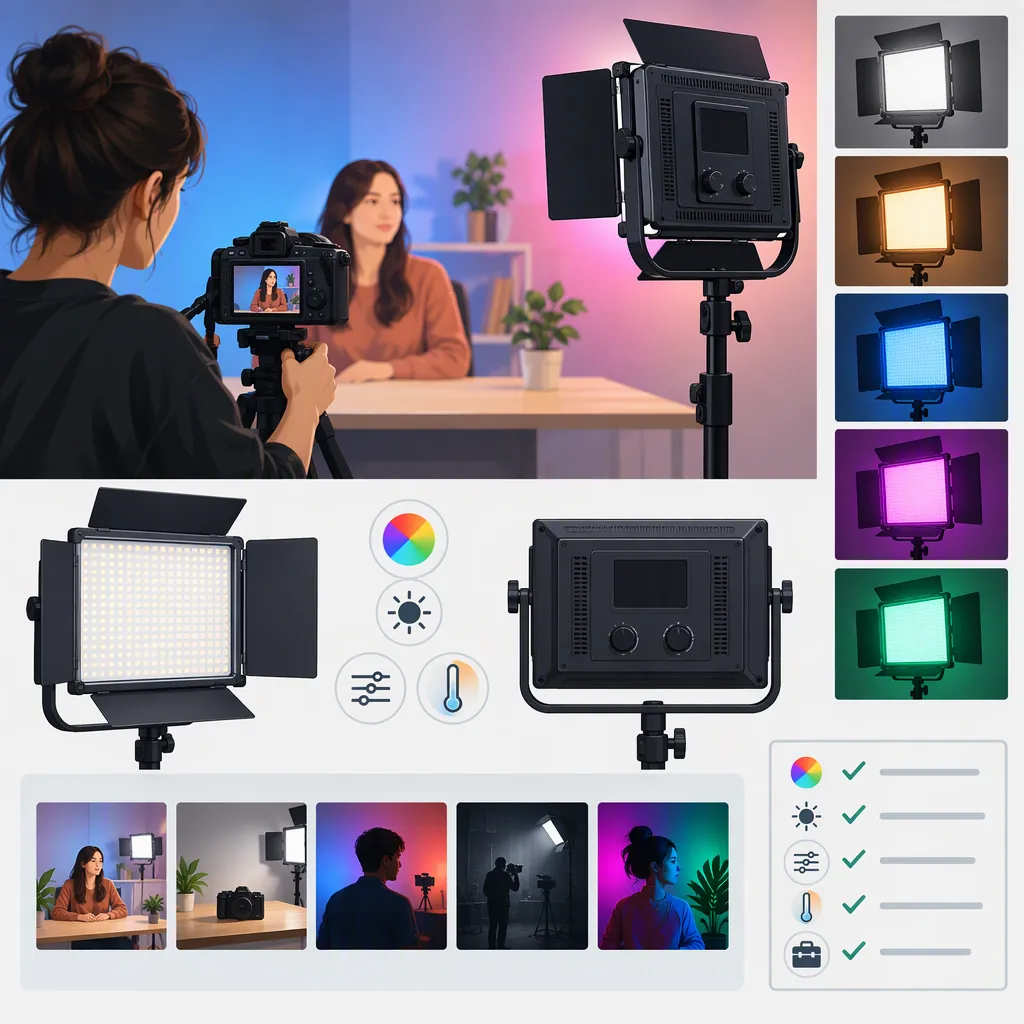
Choosing a Neewer 660 Pro RGB Led Light for Filming
Start by confirming the exact model, then evaluate it against your shot: subject distance, desired shadows, background color, camera settings, and power arrangements. The supplied manufacturer pages describe RGB660 PRO II lights, while the independent review describes RGB660 lights; treat them as distinct evidence rather than assuming identical performance. This guide provides a selection workflow, not a tested product recommendation. [c1] [c2] [c3]
Confirm the Exact Model and Evidence
A search for “neewer 660 pro rgb led” is not enough to establish which version or package you are evaluating. The first supplied manufacturer page has an RGB660 Pro reference title, but its product heading and specifications identify RGB660 PRO II. The second manufacturer page also describes a PRO II package. [c1] [c2]
The Dan Mears review identifies its subject as RGB660, not PRO II. Its observations should not be transferred to a different revision without verification. The review also discloses affiliate links; it is an individual account, not a controlled comparison of the current listings. [c3]
Record the model label, package option, and matching documentation before comparing features. The sources supplied here do not establish measured equivalence between versions or provide an independent test of the PRO II model.
Define the Light’s Job Before Comparing Features
Write down the lighting problem first. Use one primary role for each proposed fixture:
- Subject light: Evaluate facial exposure, shadow shape, reflections, and the appearance of skin or clothing.
- Fill light: Decide how much shadow detail you want to retain rather than simply matching the main light’s brightness.
- Background accent: Specify the intended color and where it should appear in the frame.
- Effect light: Identify the timing and appearance required by the scene, then test whether the available controls can reproduce it.
Do not treat an RGB feature list as proof that a fixture meets every role. For an interview, prioritize the recorded appearance of the subject. For a colored background, evaluate the actual background material and framing.
Choose the number of lights from the number of independently controlled lighting areas your shot requires. A two-light package is a packaging choice, not evidence that two lights are necessary or sufficient.
Use a Repeatable Camera Test
Treat published specifications as inputs to a test plan, not as a substitute for footage. The manufacturer pages contain output, color, dimming, and control specifications, but those listings do not establish the result in your room at your camera settings. [c1] [c2]
If a demonstration or rental test is available, keep the camera position, exposure, white balance, subject, and background fixed. Change one lighting variable at a time. Inspect recorded clips as well as the live preview.
Include the intended modifier and working distance. The RGB660 review discusses diffusion, close-range shadows, and mounting-angle constraints on the reviewed lights. These are useful inspection prompts, not verified findings about PRO II. [c3]
Before accepting a setup, define what counts as a pass: adequate exposure, acceptable color, the desired shadow pattern, no distracting visible flicker, and usable adjustment at the required angle.
Lighting Evaluation Worksheet
Model and package: ____
Primary lighting role: ____
Subject and background: ____
Light-to-subject distance: ____
Modifier and mounting angle: ____
Camera, lens, frame rate, shutter, aperture, ISO, and white balance: ____

Record separate clips for:
1. The intended white-light setting.
2. Several brightness settings, including the lowest setting you need.
3. Each planned RGB color, if applicable.
4. The intended effect mode, if applicable.

For each clip, note exposure, color, shadow edges, reflections, visible flicker, and control behavior.
Acceptance criteria: ____
Pass, fail, or unresolved: ____
Changes required: ____
Check Power, Support, and Package Contents
Separate the fixture from the equipment needed to use it. The single-light listing offers options with and without a stand. The two-pack listing includes two stands, and both manufacturer listings identify batteries as not included. [c1] [c2]
Build a complete setup checklist covering power supplies, compatible batteries if needed, supports, modifiers, cable routing, transport, and available floor space. Confirm compatibility against documentation for the exact unit rather than relying on the search name alone.
The supplied sources do not establish battery runtime for a defined PRO II filming setup. If battery operation matters, leave runtime unresolved until it is documented or tested at your intended settings. Likewise, verify app compatibility and control behavior with the device you intend to use.
A useful selection outcome can be “insufficient evidence.” If exposure, runtime, mounting, or control remains uncertain, keep that uncertainty visible instead of converting a listing into a performance guarantee.
FAQ
Are Rgb660, 660 Pro RGB, and Rgb660 Pro Ii Interchangeable Names?
Do not assume so. The supplied manufacturer pages identify PRO II products, while the independent review names RGB660. These sources do not establish that all names refer to identical hardware or performance. Match the model label and documentation before applying specifications or review findings. [c1] [c2] [c3]
Should I Plan for One Light or Two?
Base the decision on the shot rather than the package. Start by identifying which areas need independent control: the subject, shadows, background, or an accent. Test the simplest arrangement against your acceptance criteria, then add another fixture only if it addresses an unmet requirement.
Can the Supplied References Guarantee Flicker-Free Footage?
No. The manufacturer pages make statements about flicker, but the supplied evidence does not independently verify every camera, shutter, frame-rate, and dimming combination. Record a test using the exact settings planned for the shoot before treating flicker behavior as resolved. [c1] [c2]