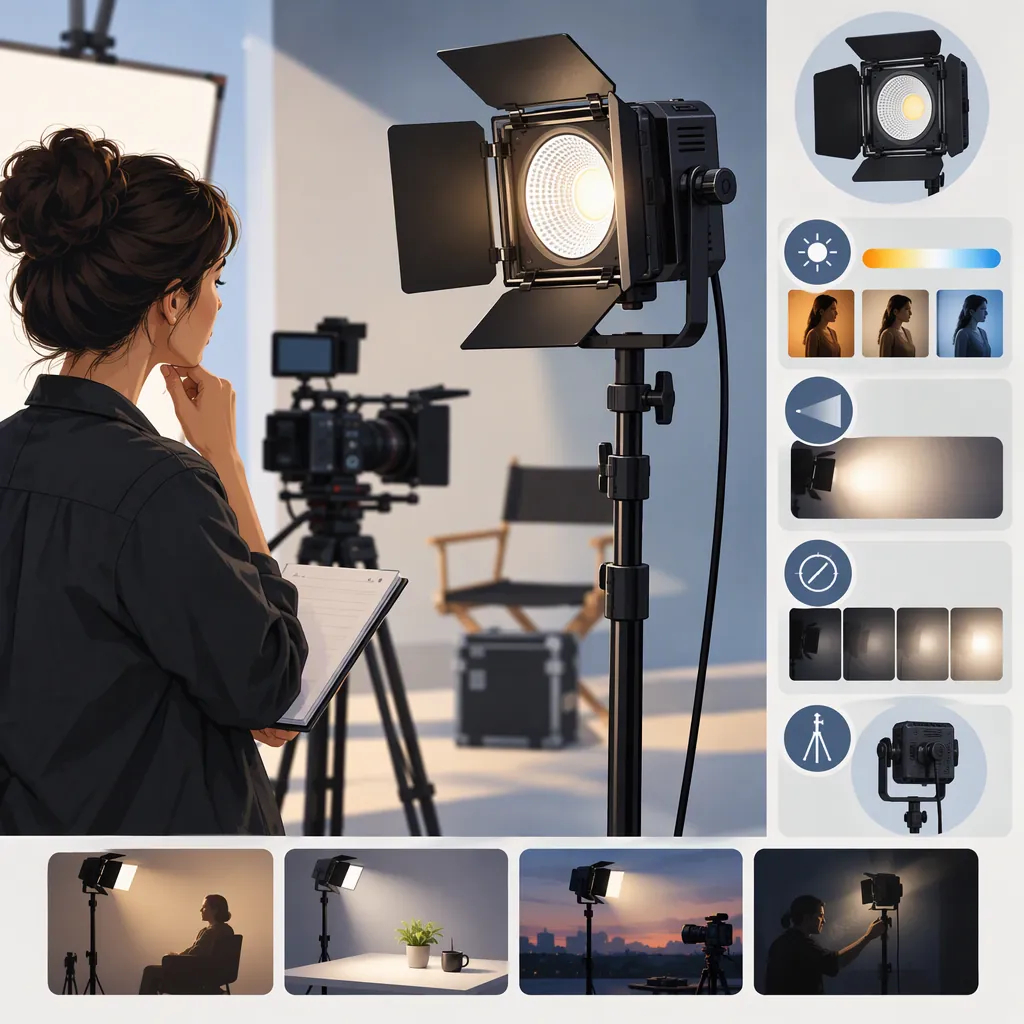
How to Evaluate a GVM 100W Led Light for Filming
To choose a light described as a GVM 100W LED light, confirm the exact model, verify its power and mounting requirements, and evaluate it in the setup you plan to film. The deciding question is whether it meets your exposure, color, sound, and handling requirements—not simply whether its listing says “100W.”
Evidence boundary: GVM’s Bi-Color Panel Lights collection contains multiple fixture and kit listings, but it does not establish the identity or performance of a particular 100W model here. Brightness, color accuracy, cooling noise, flicker behavior, battery and modifier compatibility, and included accessories therefore remain unverified. This is a selection guide, not a recommendation for a verified product. [c1]
Identify the Exact Model First
Treat “gvm 100w led light” as a search phrase rather than a complete equipment specification. Before comparing candidates, record:
- The exact model number.
- The fixture type.
- Whether the listing covers one light or a kit.
- What the “100W” label refers to in the model’s documentation.
- The matching manual or specification sheet.
- The contents of the specific package.
Keep documentation tied to that model and package. Do not transfer power ratings, accessories, or performance claims from another listing, even if the lights look similar.
Use the manual or specification sheet to check documented features. Use a representative filming test to assess suitability for your scene; documentation alone does not demonstrate how the complete setup will look or sound in your location.
Why “100W” Alone Does Not Answer the Filming Question
As a general lighting principle, a power rating is not a direct measurement of the illumination reaching your subject. Distance, beam distribution, modifiers, and ambient light all affect the result:
| Factor | Selection implication | What to test |
|---|---|---|
| Light-to-subject distance | A result at one distance does not establish suitability at another | Place the fixture at the distance your framing and room allow |
| Beam distribution | Illumination at the center does not show how evenly the required area is covered | Inspect the subject and all areas that need usable exposure |
| Diffusion or other modifiers | A modifier changes the light reaching the scene | Test with the intended modifier attached |
| Ambient light | Existing light changes exposure balance and the appearance of mixed lighting | Test under the conditions expected during filming |
These are general selection principles, not performance claims about any GVM model. A light that meets a close interview brief may not meet a wider scene’s requirements. Evaluate the actual shot rather than using wattage as a pass/fail threshold.
Define the Shot Before Comparing Lights
Build the comparison around the scene you need to film.
For a seated interview, specify the subject’s position, framing, planned light position, and microphone placement. For tabletop work, specify the objects, framing, and reflections you need to manage. For a room-wide shot, identify every area that must meet your exposure target.
Choose the camera settings you intend to use before testing. Compare candidates with the same scene, intended modifier, placement, and camera settings. If a representative test is unavailable, mark suitability as unresolved.
Filming Requirements Worksheet
- Shot type and framing: ______
- Subject or object position: ______
- Areas that require usable exposure: ______
- Camera and lens: ______
- Frame rate and shutter setting: ______
- Aperture, ISO, and fixed white balance: ______
- Planned light position and distance: ______
- Intended modifier: ______
- Expected ambient lighting: ______
- Microphone position and recording settings: ______
- Available power and required session duration: ______
- Acceptable exposure, color, shadows, and reflections: ______
- Unacceptable noise or visible brightness artifacts: ______
Hypothetical Interview Acceptance Criteria
The following is an example brief, not a test result or a claim about a GVM light.
Suppose an interview requires a seated subject, a softbox at a planned distance, fixed camera settings, and a microphone in its working position. The candidate would need to:
- Produce the required subject exposure without changing the agreed camera settings or placement.
- Create acceptable shadows and highlights with the intended softbox.
- Render skin tones acceptably at the chosen white balance under the expected ambient light.
- Show no visible banding or unwanted brightness changes in footage at the planned frame rate and shutter setting.
- Produce no fixture noise judged unacceptable in the recorded dialogue or room tone.
- Use a confirmed power, modifier, and support arrangement for the planned session.
If key compatibility details remain unknown, the decision is unresolved. If a representative test fails an essential requirement, the candidate does not meet this interview brief—which is narrower than declaring it unsuitable for all filming.
Check the Complete Lighting Setup
Separate documented features from observed results and unanswered questions.
| Area | What to verify |
|---|---|
| Model identity | Exact model number and matching documentation |
| Light controls | Available color settings, dimming controls, and operating instructions |
| Modifiers | Documented mounting system and compatibility with the intended modifier |
| Power | Supported input, required adapter, and any documented battery options |
| Support | Fixture weight, stand requirements, and permitted mounting arrangements |
| Sound | Documented cooling information, where available, plus recorded noise at the working microphone position |
| Package contents | Items included in the specific fixture or kit |
| Session requirements | Whether the documented operating limits and tested power arrangement suit the planned duration |
Follow the equipment’s operating and mounting instructions. If power, support, or compatibility requirements cannot be confirmed, leave that part of the setup unresolved rather than improvising.
Keep two questions separate: Is an accessory compatible? and Is it included? Confirmation of one does not answer the other.
Use a Repeatable Filming Test
If the candidate is available for evaluation, use the same scene and camera settings for each comparison. Record the setup so you can repeat it.
- Assemble the confirmed setup. Place the light and intended modifier in the planned position, following the equipment instructions.
- Set the camera for the project. Record the lens, frame rate, shutter setting, aperture, ISO, and fixed white balance.
- Check exposure and light placement. Record a short clip and inspect subject exposure, shadow placement, highlights, reflections, and background balance.
- Check color in the actual environment. With white balance held fixed, inspect skin tones or important object colors under the expected ambient lighting. Look for unacceptable differences across the subject or scene.
- Test the settings you will use. Repeat at the intended dimming and color settings. Log any camera-setting changes rather than mixing results from different setups.
- Check visible brightness artifacts. Inspect footage for banding or unwanted brightness changes at each planned frame rate and shutter combination.
- Check recorded sound. Record room tone with the microphone in its working position and the recording settings held constant. Compare light-on and light-off recordings where practical, and listen for unwanted fixture noise.
- Check a representative session. Evaluate operation over the required duration within the manual’s operating limits. Record interruptions or conditions you could not test.
The color check assesses whether the image is acceptable for the current task. It does not measure or verify CRI, TLCI, or other color-performance ratings. Likewise, seeing no banding in one tested configuration does not establish flicker-free performance at every setting.
Candidate Evaluation Log
- Exact model: ______
- Documentation reviewed: ______
- Test date and scene: ______
- Camera settings and white balance: ______
- Light position, distance, and settings: ______
- Modifier and ambient lighting: ______
- Exposure, shadows, highlights, and reflections: ______
- Skin-tone or object-color observations: ______
- Visible banding or brightness changes: ______
- Recorded noise observations: ______
- Power, mounting, and session-duration checks: ______
- Unverified details or untested conditions: ______
- Decision and reason: ______
Turn the Results into a Selection Decision
Use the requirements you defined before the test, rather than adjusting them afterward to favor a candidate.
| Decision | When to use it |
|---|---|
| Meets the defined brief | Essential setup requirements are confirmed, and representative tests meet the agreed visual, audio, and session requirements |
| Does not meet the defined brief | A confirmed incompatibility or representative test fails an essential requirement |
| Unresolved | A critical requirement is undocumented, or the necessary test has not been completed |
If you change the modifier, placement, camera settings, or ambient conditions to obtain an acceptable result, record the change and reassess whether that setup still fits the project.
Keep the conclusion specific: “meets this interview setup” is more useful and defensible than “good for filming.” Document untested conditions alongside any positive result.
FAQ
Which GVM 100W Led Light Does This Guide Cover?
No particular model is verified here. The available collection reference does not establish a specific 100W fixture’s identity and specifications. Start with the model-identification checklist before applying any product details. [c1]
Is a GVM 100W Led Light Enough for an Interview?
Wattage alone cannot answer that question, and suitability remains unresolved for the unidentified model. Test the candidate at the planned distance, with the intended modifier, ambient lighting, camera settings, and microphone placement. Judge it against the interview’s exposure, color, and audio requirements.
Can I Assume Battery or Softbox Compatibility?
No. Confirm the supported power arrangement and modifier mount in documentation for the exact model. Check package contents separately; compatibility does not establish that a battery, softbox, adapter, or stand is included.
Does a Clean Test Clip Prove the Light Is Flicker-Free or Color-Accurate?
No. It supports only the observations made under the tested conditions. Inspect every frame rate, shutter combination, and light setting required by the project. A visual color check can establish task-specific acceptability, but it does not verify measured color-performance ratings.
What If I Cannot Test the Light Before Making a Selection?
Use model-specific documentation to resolve identity, power, mounting, modifier compatibility, and package contents. Keep any untested visual or audio requirements marked unresolved. Do not turn missing evidence into either a product recommendation or a performance failure.