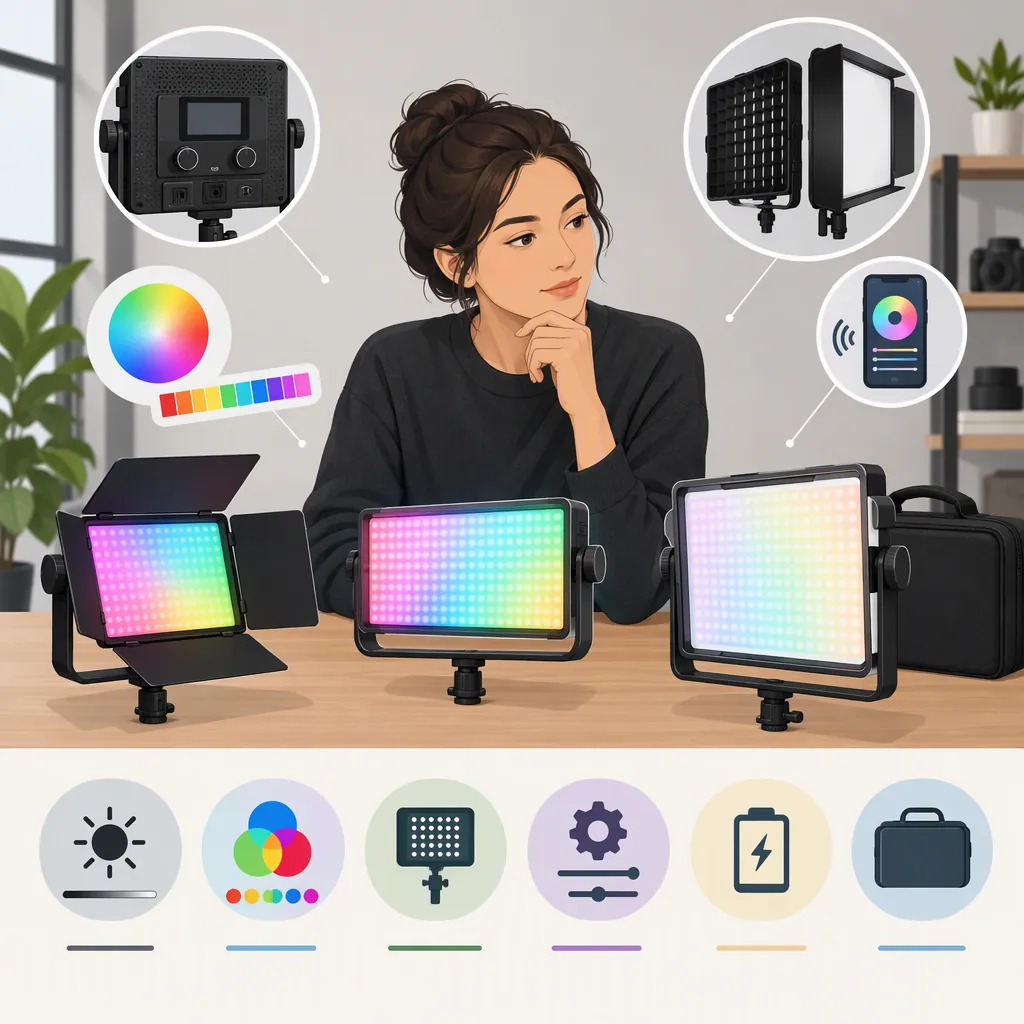
How to Choose a GVM RGB Led Video Light for Filming
Choose a GVM RGB LED video light by defining its job first: lighting a subject, adding background color, or fitting into a portable setup. GVM’s public catalog includes several fixture categories, so the brand name alone does not identify the right format. [c1] Compare the exact model’s documentation, then evaluate it at your intended distance, camera settings, and color settings. The supplied sources do not establish a best-performing model.
Define the Lighting Job First
Start with the shot rather than a model number. Write down what the light must illuminate, where it can sit, and whether the scene calls for white light, colored light, or both.
Use these questions to narrow the brief:
- Subject lighting: Will this fixture be the main light on a face or product? Prioritize an evaluation of exposure, skin or material appearance, and shadow shape.
- Background color: Is the goal a colored wall, a small accent, or separation behind the subject? Evaluate the intended color on the actual surface.
- Portable setup: Must the light operate away from an outlet or fit into a small equipment bag? Verify the complete power and mounting arrangement.
- Repeatable studio setup: Will you need to recreate the same look? Include setting recall and control workflow in the evaluation.
These are selection criteria, not claims about any GVM model. A useful brief might be: “One seated speaker, a fixed camera position, available wall power, and a separate colored background accent.”
Lighting Brief Template
Shot type: ____
Light’s primary job: ____
Subject or surface: ____
Available placement distance: ____
White-light or colored-light requirement: ____
Camera frame rate and shutter setting: ____
Power available: ____
Mounting constraints: ____
Audio recorded nearby: ____
Required setup repeatability: ____
Identify the Format and Exact Model
GVM’s website separates its catalog into categories including monolights, LED panel lights, tube lights, pocket lights, and flexible lights. [c1] The supplied Amazon storefront also separates RGB LED panel lights, bi-color LED panel lights, COB video lights, and RGB tube lights. [c2]
Treat those categories as navigation aids, not performance rankings. The phrase “GVM RGB LED video light” is too broad to specify a fixture, its controls, or its included accessories.
For each candidate, record the full model identifier, version, and package contents. Keep a single fixture distinct from a multi-light kit. Do not assume that a feature listed for one model applies to another model with a similar name.
Before settling on a format, sketch the physical setup: fixture position, stand footprint, modifier clearance, cable route, and camera framing. Mark any unresolved dimensions or compatibility questions rather than filling them in from a category label.
Compare Specifications Without Overreading Them
Use specifications to build a shortlist of questions, not to declare a winner. The supplied references are catalog and storefront pages; they do not provide a controlled, independent comparison of the listed fixtures. [c1] [c2]
For an output figure, look for the measurement distance, light setting, and reflector or modifier used. If those conditions are missing or differ between candidates, mark the figures as not directly comparable.
For color-related specifications, record what the model documentation actually states. Do not treat a single advertised rating as proof that a face, fabric, or product will look right through your camera. Make that appearance part of the test.
For controls and power, verify the exact implementation: supported control methods, required accessories, battery compatibility, and any documented operating restrictions. A storefront category or family label is not enough to resolve these details.
The practical rule is simple: distinguish documented, tested, and unknown. Leave unknown fields visible.
Candidate Comparison Worksheet
| Criterion | Candidate A | Candidate B |
| --- | --- | --- |
| Exact model and version | ____ | ____ |
| Intended lighting job | ____ | ____ |
| Output measurement conditions | ____ | ____ |
| White-light and color controls | ____ | ____ |
| Modifier and mounting compatibility | ____ | ____ |
| Power options and restrictions | ____ | ____ |
| Included versus separate accessories | ____ | ____ |
| Control method and requirements | ____ | ____ |
| Evidence status: documented, tested, or unknown | ____ | ____ |
| Unresolved questions | ____ | ____ |
Run a Repeatable Camera Test
If an evaluation unit is available, use a repeatable test rather than judging the light only by eye. This procedure is a proposed workflow, not a report of firsthand testing.
- Recreate the intended shot. Use the planned subject position, light distance, background, and modifier.
- Fix camera settings. Record exposure, white balance, frame rate, and shutter setting so candidate tests use the same baseline.
- Test each required mode. Capture the white-light settings and specific colors you expect to use. Do not substitute a white-light test for a colored-background test.
- Check recorded footage. Review exposure, unwanted color spill, highlight clipping, visible flicker or banding, and the appearance of important surfaces.
- Check audio. Record a quiet segment with the microphone in its working position and listen for fixture noise.
- Check workflow. Change settings, restore the intended look, and note any control or setup difficulties.
Judge the results against the brief. For example, a background-accent candidate should be assessed on the desired background effect, while a main-light candidate should be assessed on the subject footage.
Make the Decision with Limits Visible
Choose the candidate that satisfies the required shot and has the fewest unresolved practical questions. Include stands, modifiers, power accessories, and transport needs in the comparison rather than considering the fixture alone.
If testing is unavailable, make the decision conditional: list which requirements the documentation supports and which still need confirmation. Do not label an untested candidate “best” or treat an advertised specification as an observed result.
GVM’s website provides navigation for product manuals and technical support. [c1] The supplied homepage excerpt does not contain the model-specific manuals themselves, so it cannot settle compatibility, operating limits, or detailed setup instructions.
This guide therefore offers a selection method rather than a model ranking. It does not verify current availability, package contents, or the performance of any individual GVM RGB light.
FAQ
Which GVM RGB Led Video Light Is Best for Filming?
The supplied sources do not support a universal winner. They show multiple fixture categories rather than a controlled comparison. Define the lighting job, identify the exact model, and compare documented requirements and repeatable camera-test results. [c1] [c2]
How Should I Compare Advertised Output Figures?
Record the distance, light setting, and reflector or modifier associated with each figure. If the measurement conditions are absent or different, leave the comparison unresolved. Evaluate shortlisted fixtures under the same conditions when testing is possible.
Should I Compare RGB and Bi-Color Lights Separately?
Start by separating your white-light requirements from your colored-light requirements. The supplied Amazon storefront lists RGB and bi-color panel categories separately, but those labels alone do not establish a model’s complete capabilities or performance. Verify the exact model documentation and test the modes your shot needs. [c2]