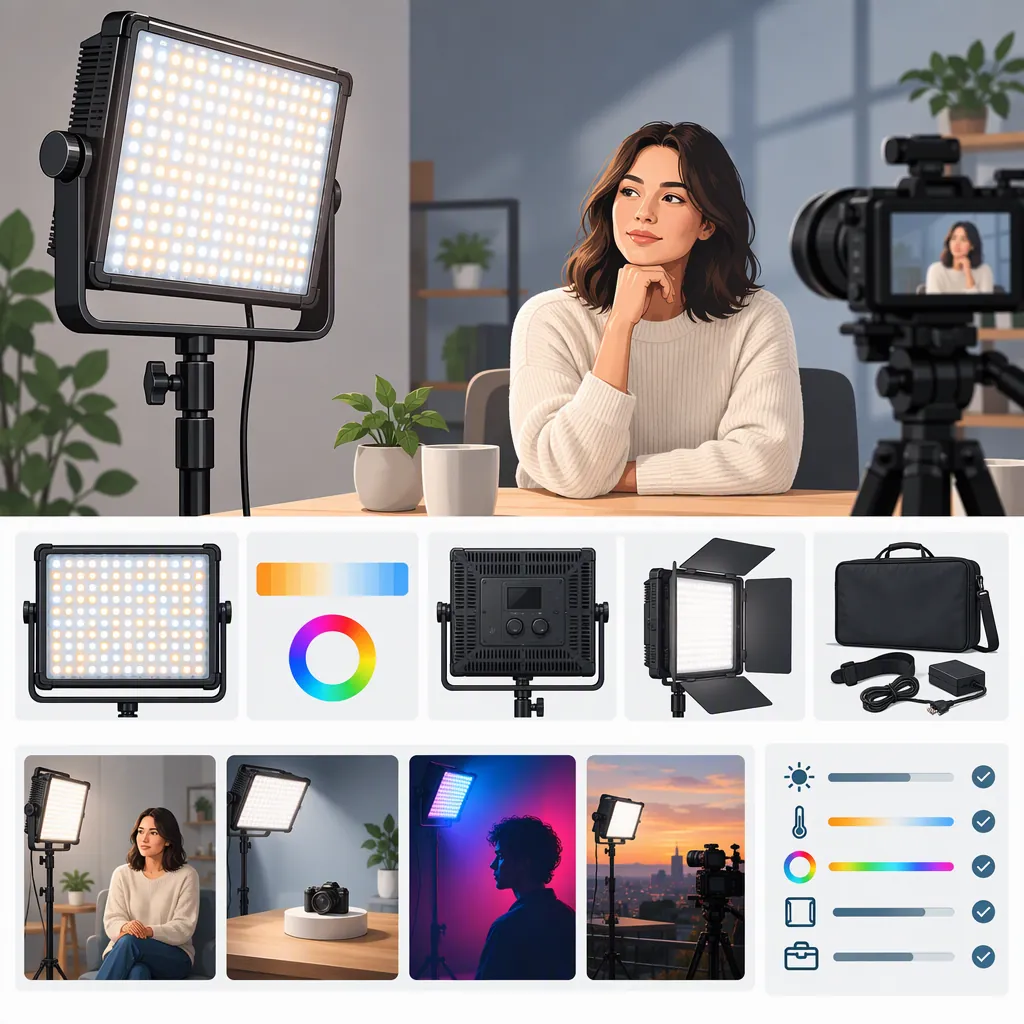
Godox Led P120c: How to Evaluate It for Your Filming Setup
To choose a light when searching for “godox led p120c,” verify the exact model, define your filming requirements, and check whether matching documentation addresses them. If a unit is available, test it at your planned subject distance and camera settings. If key requirements remain unconfirmed, keep it as a candidate for further evaluation—not a confirmed fit.
The retailer evidence reviewed here contains model-name and color-temperature inconsistencies, so it does not support a confident specification summary or a general filming-suitability claim. [c1]
Verify the Model and the Evidence
Treat “P120C,” “LEDP120,” and “LEDP120C” as names to check, not as automatically interchangeable labels.
The Hard to Find Camera Store page excerpt reviewed for this article has two relevant limitations:
- Model naming: The page title says “Godox LEDP120,” while the description says “Godox LEDP120C LED Light.”
- Color temperature: The description lists 3300K–5600K, while the feature list gives 3200K–5600K.
These differences prevent a confident specification summary from that source alone. [c1]
The Don's Photo page excerpt reviewed here contains mostly storefront navigation and unrendered template text, rather than usable technical specifications. That excerpt does not provide a second technical check; this is not a claim that the entire website lacks specifications. [c2]
For a particular unit, record its printed model label and consult documentation matching that label. Before you have access to a unit, record the model named in the listing and matching documentation, while leaving the physical-label check unresolved.
Keep advertised specifications separate from observed results. This article does not verify output, color accuracy, flicker behavior, runtime, accessory compatibility, or current package contents.
Model Verification Record
- Exact model printed on the unit, if available: ______
- Model named in the listing: ______
- Model named in matching documentation: ______
- Documentation title, date, or version: ______
- Documented power sources and mounting arrangements: ______
- Accessories actually present, if inspected: ______
- Advertised details that remain unconfirmed: ______
- Conflicting details requiring clarification: ______
Define the Shot Before Judging the Light
Start with a filming brief rather than a product ranking. Specify whether the light needs to illuminate a face, a tabletop object, a background, or another defined part of the frame. Record the intended framing, placement, subject distance, ambient lighting, and uninterrupted recording duration.
Separate hard requirements from preferences. A hard requirement is something the arrangement must satisfy, such as fitting within the available placement space or completing the planned recording without interruption. A preference might be a particular shadow appearance that you can adjust without compromising the shot.
Set acceptance criteria before testing. Use criteria you can assess in the recorded footage, for example:
- Required facial or object detail remains visible at the intended exposure settings.
- Reflections do not obscure a specified part of the subject.
- Shadows do not hide details needed for the shot.
- No distracting pulsing or bands are visible during playback.
- The setup completes the required recording duration without an unacceptable interruption or change.
These are proposed evaluation criteria, not verified capabilities of the P120C. Define what counts as acceptable for your project rather than assuming a universal pass threshold.
Filming Requirements Worksheet
- Subject and framing: ______
- Intended lighting role: ______
- Available placement space: ______
- Planned light-to-subject distance and angle: ______
- Ambient lights present: ______
- Camera, lens, and recording format: ______
- Planned frame rate, shutter setting, aperture, and ISO: ______
- Planned white balance or required automatic mode: ______
- Required uninterrupted recording duration: ______
- Details that must remain visible: ______
- Unacceptable shadows, reflections, or recording changes: ______
- Hard requirements that would rule out an arrangement: ______
If You Cannot Access a Unit
Use a documentation-first screening process. This can identify unresolved requirements, but it cannot replace a recording test for the intended shot.
- List the hard requirements from your filming brief. Include placement, power, mounting, recording duration, and any required lighting controls.
- Look for corresponding information in public documentation matching the exact model. Record the document and the relevant passage rather than transferring specifications from a similarly named light.
- Classify each requirement. Mark it as documented, conflicting, or not confirmed. Keep documentation-based findings separate from performance that still requires testing.
- Assign a provisional outcome. If matching documentation establishes a conflict with a hard requirement, screen out the proposed arrangement. If a critical requirement is missing or contradictory, retain the light only as a candidate pending clarification or testing.
- Apply the same process to alternatives. Do not treat missing information for one candidate as proof that it performs better or worse than another.
Documentation Screening Table
| Hard Requirement | Matching Document and Relevant Detail | Evidence Status | Next Step |
|---|---|---|---|
| Placement within available space | ______ | Documented / Conflicting / Not confirmed | ______ |
| Compatible power arrangement | ______ | Documented / Conflicting / Not confirmed | ______ |
| Compatible mounting arrangement | ______ | Documented / Conflicting / Not confirmed | ______ |
| Required controls | ______ | Documented / Conflicting / Not confirmed | ______ |
| Planned uninterrupted duration | ______ | Documented / Conflicting / Not confirmed | ______ |
| Performance in the intended shot | ______ | Requires setup test / Not confirmed | ______ |
A completed documentation screen means you have identified what is known and what remains unresolved. It does not establish exposure, apparent color, or recording stability in your particular filming setup.
Run a Repeatable Recording Test
If a unit is available for evaluation, use only a power source and mounting arrangement confirmed by its matching documentation. This article does not establish which batteries, adapters, or supports are compatible.
Control the Starting Conditions
Before recording the baseline, record and, where possible, fix:
- Aperture
- ISO
- Shutter speed or shutter angle
- White balance
- Frame rate and recording format
- Camera position, lens, and framing
- Subject position
- Ambient-light sources and their settings
Keeping exposure and white balance fixed makes the comparison easier to interpret without those settings changing between clips. If your actual workflow requires automatic exposure or automatic white balance, run a separately labeled automatic-mode test. Interpret that footage as the result of the light and the camera's automatic adjustments, not as an isolated light comparison.
Recording Procedure
- Re-create the intended shot. Document the arrangement and confirm the starting conditions above.
- Record a baseline with the candidate light off. Keep the subject, camera, and ambient light unchanged.
- Record with the light on at the planned position. Note the light's control settings rather than assuming what they represent.
- Review the recorded footage. Check the specific details, shadows, reflections, apparent color changes, and pulsing or bands identified in your acceptance criteria.
- Repeat at every frame rate and shutter setting you intend to use. Label each combination separately.
- Run a full-duration rehearsal. Use the planned power arrangement and log interruptions, adjustments, and observed changes throughout the required recording time.
- Test alternatives under the same initial conditions. Keep framing and camera settings fixed for the initial comparison. Document any later changes in placement, settings, or additional equipment.
If an arrangement needs a different position or extra equipment to meet your requirements, treat that as a new arrangement and repeat the relevant tests. Do not present it as equivalent to the original setup.
Recording Test Log
| Test Item | Settings or Conditions | Observation and Requirement Affected | Result |
|---|---|---|---|
| Baseline clip | Ambient light; camera settings | ______ | Reference clip |
| Subject exposure | Light position; controls; camera settings | Which required details are visible or missing? ______ | Pass / Fail / Unresolved |
| Shadows and reflections | Placement; subject position | Which requirement is met or obstructed? ______ | Pass / Fail / Unresolved |
| Apparent color | White balance; light controls; ambient light | What change is visible, and is it acceptable? ______ | Pass / Fail / Unresolved |
| Pulsing or bands | Frame rate; shutter setting | Are distracting artifacts visible during playback? ______ | Pass / Fail / Unresolved |
| Recording duration | Duration; power source; light controls | Any interruption or unacceptable change? ______ | Pass / Fail / Unresolved |
| Automatic-mode test, if required | Automatic settings enabled | What camera adjustments or footage changes occurred? ______ | Pass / Fail / Unresolved |
| Overall decision | Arrangement identifier; unresolved questions | List every failed or unresolved hard requirement: ______ | Suitable for tested setup / Not suitable / Unresolved |
Turn Observations into a Selection Decision
Use the criteria you wrote before testing, rather than judging only whether the footage looks brighter.
- Fail the tested arrangement if required subject detail still does not meet your exposure criterion at the intended settings, an unacceptable reflection obscures the subject, or the recording is interrupted in a way that violates the duration requirement.
- Retest a revised arrangement if you change placement, camera settings, power, or additional equipment to address a failure. Record what changed.
- Mark the decision unresolved if a critical check was not completed, the observation is ambiguous, or the test did not reproduce the intended conditions.
- Mark it suitable for the tested setup only when all hard requirements pass and no critical questions remain unresolved.
A successful test supports only the evaluated combination of unit, settings, power source, placement, ambient light, and duration. It does not establish suitability for every filming setup, a flicker-free specification, measured color accuracy, or general runtime.
FAQ
Are Godox P120c and Ledp120c Definitely the Same Model?
The references reviewed here do not establish that every use of these names identifies the same model. The Hard to Find Camera Store page has inconsistent model naming. Verify the specific unit's label and matching documentation rather than assuming equivalence. [c1]
Is the Godox P120c Suitable as a Main Filming Light?
Suitability is not established by the retailer excerpts reviewed here. [c1] [c2] Define the main light's job, then evaluate the arrangement at your intended subject distance, camera settings, ambient light, and recording duration. A passing result applies to that tested setup, not to the product in every situation.
How Can I Evaluate It Before I Have a Sample?
List your hard filming requirements and check each against public documentation matching the exact model. Separate documented information from performance that requires a setup test. If a critical requirement cannot be confirmed, keep the light as an unresolved candidate rather than declaring it suitable.
What Color-Temperature Range Is Verified Here?
No exact range is verified here because the Hard to Find Camera Store excerpt gives conflicting ranges. Use documentation matching the exact unit to resolve the discrepancy. [c1]
Should I Test with Automatic Exposure and White Balance?
For the initial comparison, record and fix exposure and white balance where possible. If automatic modes are necessary for your actual filming workflow, test them separately and label the results accordingly. That test evaluates the combined behavior of the lighting arrangement and the camera's automatic adjustments.
What If It Passes Only After I Move It or Add Equipment?
Record the changes and retest the revised arrangement against the same requirements. A pass then applies to that revised setup—not to the original placement or the light alone.