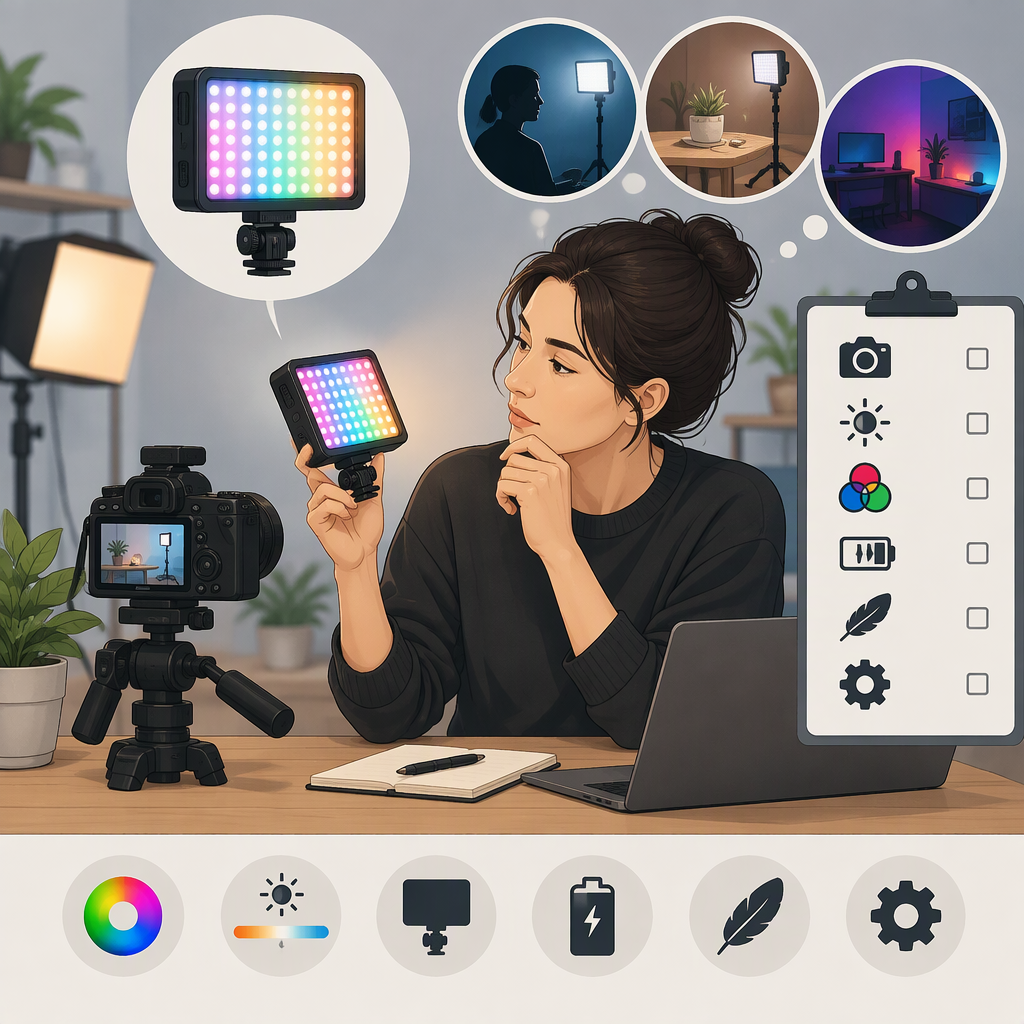
Godox Led6r for Filming: How to Decide If It Fits Your Setup
Godox Led6r for Filming: How to Decide If It Fits Your Setup
Short answer: The Godox LED6R may be worth considering when you need a small, mountable light for a close or supplementary lighting role—but whether it suits your shot depends on the light level you need, subject distance, ambient conditions, desired look, and operating time. Godox’s manual identifies the LED6R as an RGB light with color-temperature and effects modes, a built-in rechargeable battery, magnetic attachment, and cold-shoe mounting options. Those features describe its functions, not whether its output is sufficient for your particular scene. (godox.com)
Before deciding, compare the official specifications for the exact unit you are considering with your requirements, then test it in your intended setup if possible. If a decision-critical specification or test result is missing, the responsible conclusion is not enough information yet—not an assumed yes or no.
Define What Your Shot Needs
Write down the conditions you need the light to handle. This makes the choice more useful than relying on a general label such as “on-camera light.”
- Shot size and subject distance: A light used near a face or small object has a different job from one expected to illuminate a wider scene. Record your framing and the distance from light to subject.
- Ambient light: Note whether you are supplementing an already lit room, balancing a window, or trying to make the subject stand out in a dim setting. A light’s usefulness depends on the existing light and placement as well as its specifications.
- Desired look: Decide whether you need neutral-looking illumination, a color accent, or an effect. The LED6R manual documents RGB, color-temperature, and lighting-effects modes; it does not, by itself, establish how well the light will match a particular camera, room, or skin tone. (godox.com)
- Portability and placement: Consider whether the light must sit on the camera, attach to a nearby metal surface, or connect to other equipment. Check that the documented mounting options fit your rig and that the planned position gives the angle you need.
- Operating time: Estimate the longest continuous session and whether you can recharge or provide power between takes. Do not treat battery capacity as a runtime guarantee: runtime depends on operating conditions, and the official manual information cited here does not establish a specific runtime for your use.
Example: For a close talking-head shot in a room that already has some illumination, you might assess whether the LED6R can provide the additional light or color accent you want from the planned mounting position. For a wider scene or a dark location where it would need to be the primary light, first verify output measurements under conditions comparable to your setup. If those measurements are unavailable or not comparable, you cannot conclude from the mode list alone that it will be bright enough.
Led6r Details to Verify Before Choosing
Godox’s official product page lists an LED6R manual, and the manual is the most relevant starting point for model-specific details. It describes RGB, color-temperature, and effects modes; a built-in 1800 mAh battery; USB Type-C charging; magnetic attachment; and a cold-shoe mounting foot with three cold-shoe slots. It also warns that the product is not waterproof. Confirm that the documentation and unit refer to the exact LED6R version you are considering; do not assume these details apply to a different model. (godox.com)
| What to check | Why it matters for filming | What to do if it is missing or unclear |
|---|---|---|
| Light output and measurement conditions | Helps assess whether the light can make the exposure change you need at your actual distance. A number without its measurement distance and settings may not be comparable to another light’s figure. | Treat output as unknown until you find a model-specific measurement with conditions you can interpret, or test the light in your setup. |
| Color-temperature range and color modes | Relevant if you need to align the light with other sources or add colored illumination. The manual documents color-temperature and RGB modes, but you should confirm any exact range or control behavior in the manual for your unit. | Do not infer a numerical range or available colors from the mode names alone. |
| Color-rendering figures and test standard, if published | May help when accurate color matters, but a figure is only useful when its meaning and stated method are clear. | If no applicable standard or method is stated, do not treat an unsourced or retailer-only number as a verified result. |
| Battery, runtime, and charging | Relevant for a long recording session or a rig without convenient charging access. The manual documents a built-in 1800 mAh battery and Type-C charging. Capacity alone does not tell you how long your chosen settings will run. | Verify runtime under settings like yours, or measure it during a representative session. |
| Mounting, size, and included items | Determines whether the light can be positioned securely without blocking your lens, screen, microphone, or other gear. The manual describes magnetic and cold-shoe options. | Confirm that the attachment suits your specific rig and check the package contents for the region and seller; do not assume an accessory is included unless documented for that package. |
| Environmental limits | Important if filming outdoors or in damp conditions. The manual says the light is not waterproof and gives an operating-temperature range of −10°C to 40°C. | If your conditions fall outside the documented limits, do not assume the light is suitable. (godox.com) |
These are documented product details, not independent performance-test results. The documentation cited here does not settle every decision-critical question—for example, whether output is adequate at your subject distance or how long the light will last at your chosen settings. Keep those points open until you find applicable measurements or test your own unit.
Evaluate It in Your Intended Setup
The following is a proposed reader-run test, not a test result for the LED6R.
- Set up the real shot. Use your intended camera, lens, framing, subject distance, ambient lighting, and mounting position. Keep camera exposure and white-balance settings fixed while comparing lighting changes.
- Record a baseline. Capture a short clip without the LED6R. Note exposure, color, shadow direction, and any background spill that matters to your shot.
- Add the light in the planned position. Choose the mode and settings you intend to use. Check whether the light produces the change you need at the subject—not merely whether it turns on or its screen displays a setting.
- Review the recorded footage. Look at exposure, color consistency, shadows, reflections, and spill in the actual recording. If accurate color is important, judge it with your normal workflow and appropriate references rather than relying only on how the scene looks to your eyes on the day.
- Check practical operation. Run it for the length of a representative session at your chosen settings. Note whether the mounting stays suitable and whether charging or repositioning interrupts the work.
- Apply your own pass/fail criteria. For example: “The subject is visibly brighter at this distance without unwanted glare, and the light runs through a 30-minute take.” The duration and visual target should come from your project; they are not claimed LED6R performance figures.
Decide: Fit, No Fit, or Not Enough Information
Use a provisional verdict tied to your stated requirements:
- Likely fit for this role: The documented modes and mounting options match the job, the verified output or your own test meets your shot’s needs, and power operation is practical for the session.
- Likely no fit for this role: A required condition is not met—for example, the light cannot be mounted where you need it, the tested result does not provide the required illumination, or your environment conflicts with the documented limits.
- Not enough information yet: A decision-critical item—such as output at your working distance, runtime at your settings, exact package contents, or compatibility with your rig—has not been verified or tested.
This is a setup-specific decision, not a universal rating of the LED6R. The key question is whether verified information and a repeatable check show that it meets the needs of your shot.