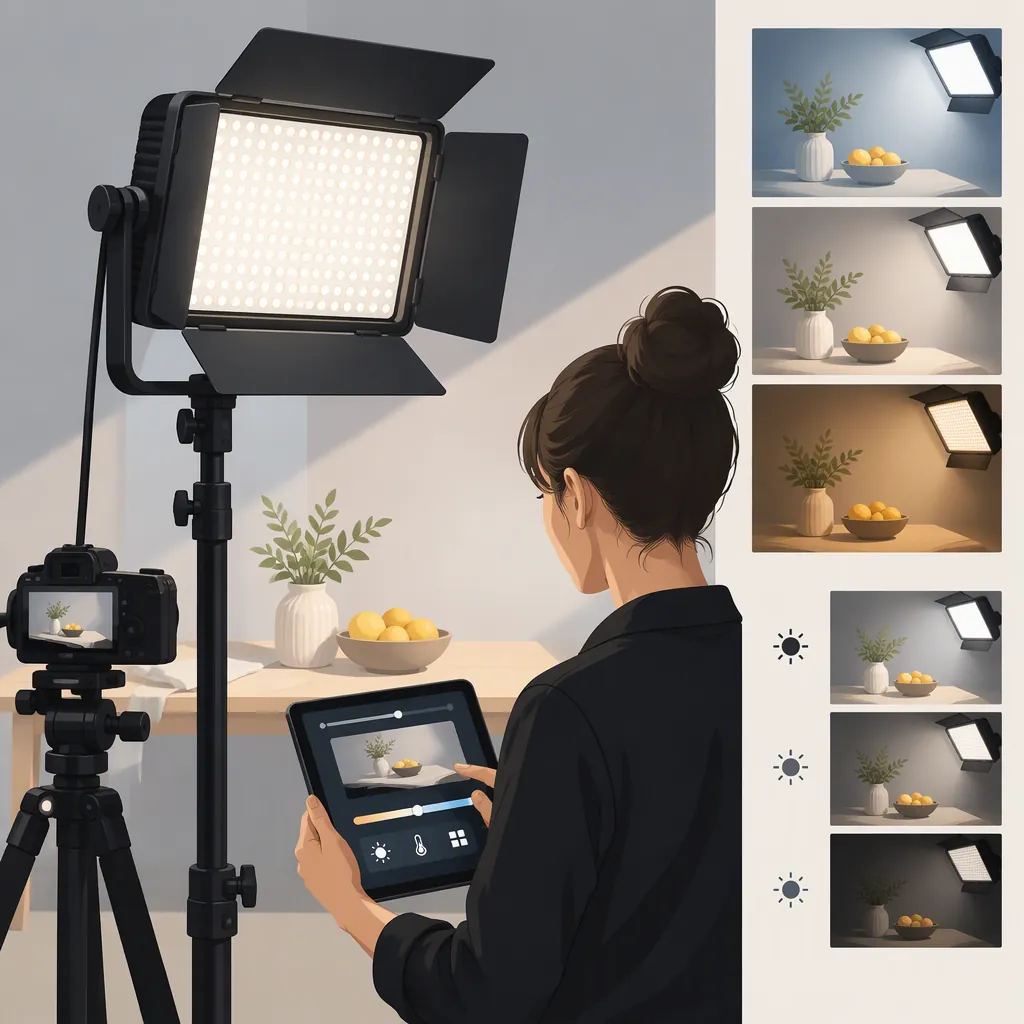
Godox Led1000bi Ii: Choosing a Light for Your Filming Setup
Evaluate the Godox LED1000Bi II against your planned shooting distance, camera settings, lighting look, audio requirements, and power setup. Record each requirement as meets requirements, does not meet requirements, or unknown. Without a test unit, use documentation to build a candidate shortlist—not to conclude that the light will meet your filming needs.
Verify the Model Before Comparing Lights
The cited retailer listing identifies the product as Godox LED1000Bi II. It does not establish that the compressed search term “godox led1000biii” refers to the same model or revision. Check the label on the actual fixture and its corresponding documentation before comparing specifications or accessories. [c1]
Evidence boundary: The cited source is a retailer product page, not a manufacturer manual or an independent test. This guide provides a selection workflow; it does not validate the listing’s performance figures or report hands-on results. [c1]
Keep the exact model and revision attached to your comparison notes so that information from a similarly named fixture is not silently substituted.
Model Verification Record
- Model printed on the fixture: ____
- Revision or suffix: ____
- Model on the accompanying documentation: ____
- Model on the listing: ____
- Any mismatch requiring clarification: ____
If the labels or documentation do not match, leave model-dependent requirements unresolved until the discrepancy is clarified.
Define the Shot Before Evaluating the Fixture
Start with the scene rather than a headline specification. Decide whether the light would serve as a key, fill, background, or accent source. Identify the subject area it must cover and the space available for positioning it.
For an interview, include the seated position, expected movement, framing, and microphone placement. For tabletop filming, include the objects, reflective surfaces, camera angle, and desired shadow shape.
Write down what would count as an acceptable result before testing. For example, your exposure requirement might be that the subject reaches your intended exposure at the planned distance and aperture, without exceeding your chosen ISO limit. Your audio requirement might be that operating the light introduces no sound you consider unacceptable in the recorded dialogue.
These are production-specific acceptance criteria, not claims that the LED1000Bi II meets them.
Shot Requirements Worksheet
- Intended lighting role: ____
- Subject and required coverage: ____
- Available light-to-subject distance: ____
- Desired shadow and reflection appearance: ____
- Camera, lens, frame rate, and shutter setting: ____
- Planned aperture and ISO limit: ____
- Ambient lighting to retain or exclude: ____
- Intended modifier, if any: ____
- Microphone position and audio acceptance criterion: ____
- Required recording duration and available power: ____
If You Cannot Test a Unit Yet
A documentation-only review can help organize candidates, but it cannot complete the filming evaluation.
- Confirm the exact model. Match the listing, fixture label where available, and corresponding documentation.
- Check documented compatibility. Record power requirements, approved accessories, mounting requirements, and any relevant operating instructions. Mark missing information as unknown.
- List the tests still needed. Keep exposure at the planned distance, color appearance, recorded bands or brightness changes, operating sound, and runtime unresolved.
- Build a provisional shortlist. Distinguish documented compatibility from performance that still needs testing.
Do not turn “not tested” into “passes.” If a critical requirement remains unknown, the conclusion should be candidate pending verification, not confirmed suitable.
Test Exposure, Color, and Light Shape
If a test unit is available, evaluate it in the intended arrangement. Document the camera settings, light position, brightness setting, ambient lighting, and modifier for each take.
Record a subject or representative object at the planned working distance. Check whether the image reaches your intended exposure while retaining the planned aperture and ISO limits. Repeat with any diffusion or other modifier you intend to use.
Set a deliberate white balance and review skin tones, neutral objects, and important wardrobe or product colors. Test the brightness settings you expect to use, not just the maximum setting.
Record clips at your intended frame rates and shutter settings, then inspect them for visible bands or brightness changes. Include the subject’s expected movement when checking coverage.
Image Test Log
| Test | Setup to Record | Acceptance Notes |
|---|---|---|
| Exposure | Distance, brightness setting, modifier, aperture, ISO | Does the subject reach the planned exposure within the chosen camera limits? |
| Light shape | Position, modifier, framing | Are shadows and reflections acceptable for the intended look? |
| Color | White balance, brightness setting, surrounding lights | Are skin tones, neutral objects, and important colors acceptable? |
| Motion recording | Frame rate, shutter setting, brightness setting | Are visible bands or brightness changes absent in the reviewed clips? |
| Coverage | Framing, subject position, expected movement | Does the required subject area remain acceptably lit? |
How to Interpret the Results
- Exposure falls short: Mark that distance, modifier, and camera-setting combination as not meeting requirements. If you change the setup, test it again and record it as a separate configuration.
- Shadows, reflections, or colors are unacceptable: Record the specific issue. Adjust only within the constraints of the planned shot, then repeat the test.
- Bands or brightness changes appear: Record the exact frame rate, shutter setting, and brightness combination. Do not accept that combination unless a repeat test passes.
- Coverage fails during movement: Mark the arrangement as unsuitable for the required movement unless a revised arrangement passes.
- A condition was not tested: Mark it unknown. A passing result at one setting does not establish a result at another.
These rules evaluate the tested configuration; they do not establish universal performance for the model.
Check Audio, Power, and Setup Practicality
Audio
Make a quiet-room recording with the microphone in its planned position. Keep recording settings unchanged while comparing the light off and on. Note any sound that would be unacceptable for the production.
If the recording fails your audio criterion, mark that arrangement as not meeting requirements. If you change the light or microphone position, confirm that the revised setup still meets framing and lighting needs, then repeat the recording. The cited retailer listing does not establish measured audio performance. [c1]
Power and Operating Duration
Confirm power requirements and approved power accessories against documentation for the exact unit. Do not assume battery compatibility or derive usable runtime from a listing alone.
If battery operation is part of the plan, test the intended configuration for the required recording duration. Record the power accessory, brightness setting, and duration. Mark the requirement unknown if the test has not been completed, or not met if the configuration cannot sustain the required session.
Support and Room Layout
Verify the stand’s load rating, mounting compatibility, cable routing, and available clearance. Follow the fixture and support equipment instructions; this checklist is not installation guidance.
Treat unresolved support or power compatibility as an unresolved prerequisite, not something an acceptable image test can override.
Make the Selection from the Completed Record
Use three statuses consistently:
| Status | Meaning | Selection Consequence |
|---|---|---|
| Meets requirements | Documentation or testing supports the specific requirement, with the configuration recorded | Accept only within the verified conditions |
| Does not meet requirements | The tested configuration fails a defined requirement, or documented compatibility does not match the plan | Exclude that configuration or revise and retest |
| Unknown | Evidence is missing, ambiguous, or untested | Keep the item provisional; do not count it as a pass |
For each requirement, note whether the result comes from documentation or a practical test. A compatibility check and a recorded filming result answer different questions.
If a mandatory requirement fails, the configuration is not suitable for that plan unless a revision passes. If a mandatory requirement remains unknown, suitability remains unresolved. If all mandatory requirements are verified, keep the conclusion tied to the tested setup rather than treating it as a general endorsement.
Production Acceptance Checklist
- Exact model and corresponding documentation match.
- Exposure passes at the planned distance, with the intended modifier and camera settings.
- Shadows, reflections, color, and coverage meet the shot requirements.
- Recorded clips pass at the required frame rates, shutter settings, and brightness settings.
- Audio passes with the planned microphone placement.
- Power compatibility is confirmed in the unit’s documentation.
- Required operating duration has been tested.
- Support compatibility, load rating, cable routing, and clearance have been checked.
- Every unresolved requirement is marked unknown.
- The conclusion identifies the configuration and conditions it applies to.
FAQ
Is “Godox Led1000biii” the Same as Led1000bi Ii?
The cited retailer listing uses LED1000Bi II; it does not resolve the meaning of “led1000biii.” Match the actual fixture label and corresponding documentation before treating the names as equivalent. [c1]
Is the Godox Led1000bi Ii Suitable for Interviews?
Evaluate it in the intended interview arrangement: planned distance, camera settings, modifier, subject movement, and microphone position. Accept the configuration only if exposure, subject appearance, recorded motion, audio, power, and setup requirements pass. This guide does not establish a model-specific interview result.
What Can I Decide Without a Test Unit?
You can organize a provisional shortlist and check documented model, power, accessory, and mounting compatibility. Keep exposure, color appearance, recorded bands or brightness changes, audio, and runtime marked unknown until verified.
What If the Light Reaches the Required Exposure Only After I Change the Setup?
Record the revised arrangement as a separate configuration. If the new distance, modifier, aperture, or ISO remains within your production requirements and passes the remaining checks, it may meet that revised plan. It does not make the original configuration a pass.
Can the Retailer Listing Replace a Filming Test?
No. Use it to identify the product and information requiring verification. The cited page is a retailer listing, and this guide provides no independent test results confirming its performance figures. [c1]