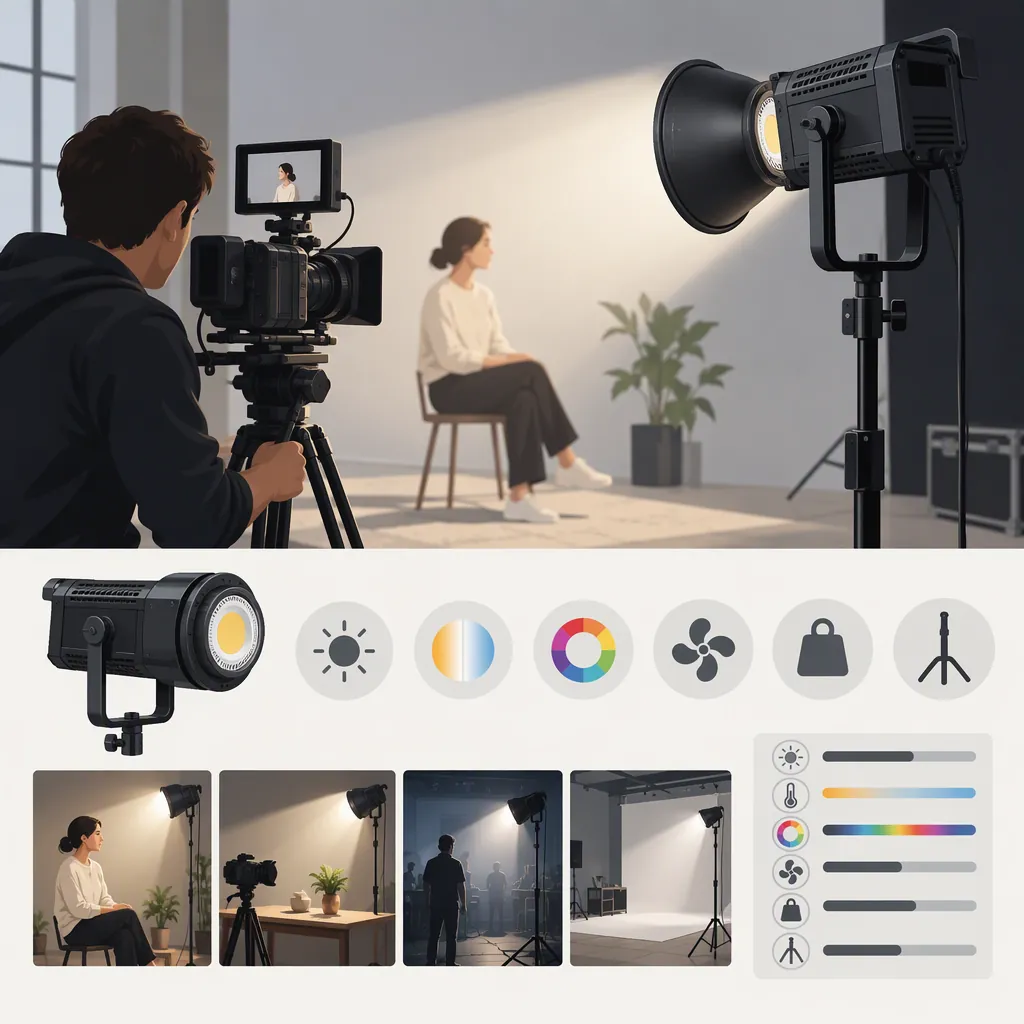
How to Select a Godox 200W Led Light for Filming
To select a Godox 200W LED light, identify the exact model, define your shot and color-temperature needs, then evaluate the complete setup with your intended modifier, camera settings, and microphone placement. Set pass conditions before comparing candidates so that each light is judged against the same project requirements—not just a wattage label.
Identify the Exact Model First
Treat “Godox 200W LED” as a search term, not a complete equipment specification. Record the full model name and generation before comparing documentation or packages.
For example, Godox’s LA Series page lists LA150D and LA200D under “Litemons LED Light” and LA150Bi and LA200Bi under “Litemons Bi-color LED Light.” These are separate model entries, not interchangeable names or a complete list of possible candidates. [c1]
The LA200Bi retail listing illustrates why shorthand needs checking: its title uses “210W,” while part of its description uses “200W.” Verify the model-specific documentation rather than treating either label as evidence of measured lighting performance. [c2]
Keep these fields separate in your comparison sheet:
- Exact model and generation.
- Daylight or adjustable color-temperature requirement.
- Documented electrical and power-supply requirements.
- Output measurement conditions, if supplied.
- Modifier compatibility to verify.
- Accessories included in the specific package.
- Mounting, ventilation, and operating requirements.
Define the Shot Before Comparing Lights
A wattage label alone does not tell you whether a light will meet your exposure and creative requirements. Start with the scene, framing, and practical constraints.
| Filming situation | What to evaluate | Example of a project-defined pass condition |
|---|---|---|
| Interview | Face exposure, shadow pattern, background balance, and recorded sound | Key facial areas meet the planned exposure target, shadows match the intended look, and equipment noise does not interfere with dialogue |
| Tabletop scene | Coverage across the working area and reflections on the subject | All required subject positions meet the exposure target, with no unwanted reflection obscuring important detail |
| Wider composition | Coverage across the full subject area | Required areas remain within the project’s exposure limits without moving the light into the frame |
These are suggested evaluation criteria, not performance claims about any model. Choose the modifier and light-to-subject distance before judging a candidate, and assess the arrangement you intend to film with.
Decide Between Daylight and Bi-Color
Godox’s LA Series page distinguishes daylight and bi-color model groups. That distinction identifies a selection category; it does not establish which is better for your shoot. [c1]
Use these conditions to guide your shortlist:
- Fixed color-temperature setup: Consider daylight if your lighting plan uses a consistent daylight-oriented balance and does not require adjustment at the fixture. Confirm that the exact model’s documented color temperature fits that plan.
- Changing color-temperature needs: Consider bi-color if you need to adjust the fixture between warmer and cooler lighting arrangements. Verify that its documented adjustment range covers your intended settings.
- Mixed light sources: Decide whether to match the sources as closely as practical or deliberately retain a warm/cool contrast. Evaluate that choice in the camera image rather than assuming every source should look the same.
Neither category is universally preferable. Keep exposure, recorded sound, modifier use, and practical operation in the comparison.
Filming Light Selection Brief
Complete this brief before evaluating a candidate:
- Scene and framing:
- Subject area to illuminate:
- Ambient lighting conditions:
- Light-to-subject distance:
- Planned modifier and grid:
- Camera frame rate and shutter setting:
- Aperture, ISO, and white balance:
- Exposure targets for key subject areas:
- Desired shadow and reflection control:
- Color-temperature plan: fixed / adjustable / intentional mixed lighting
- Microphone position and recording gain:
- Audio pass condition:
- Available power and cable route:
- Stand footprint and working clearance:
- Other conditions that would make the setup unsuitable:
Evaluate the Complete Filming Setup
Where access to a candidate light is available, use a repeatable procedure. The following steps are proposed checks, not reported test results.
1. Set Pass Conditions Before Testing
Define what “acceptable” means for the project before comparing lights.
For exposure, identify the important areas—such as an interview subject’s face or the edges of a tabletop working area—and specify how you will judge them at the planned camera settings. Use the same camera monitoring method for each candidate.
For sound, define whether equipment noise may be audible during pauses and whether it interferes with dialogue under the intended review conditions. Use the same microphone position, recording gain, and playback conditions for every comparison.
There is no universal exposure or noise threshold in this guide. Set thresholds according to the production’s needs, and do not change them simply because a candidate fails.
2. Fix the Camera Settings and Layout
Record frame rate, shutter setting, aperture, ISO, and white balance. Keep subject position, light distance, modifier, and ambient conditions consistent where possible.
If you must change something, record the change. Results from different arrangements should not be presented as a like-for-like comparison.
3. Check Exposure, Coverage, and the Intended Look
Use the planned modifier and position the subject as it would be during filming.
Check:
- Exposure in each required subject area, not only the center of the frame.
- Shadow placement and the intended face or object modeling.
- Reflections that might obscure important details.
- Background balance.
- Coverage as the subject moves through any required positions.
Record what you observe and compare it with the preset pass conditions.
4. Record Motion and Dimming Tests
Record clips at the frame rate and shutter setting intended for production. Review them for visible flicker, banding, or unwanted changes during adjustments.
Include the brightness and color-temperature settings you expect to use. Record untested settings as not tested, rather than extending a result to every possible configuration.
5. Compare Dialogue and Background Noise
Place the microphone in its intended position and keep recording gain consistent.
Record a dialogue sample and a quiet pause with each candidate operating at the planned settings. Where practical, also record an ambient-only sample with the candidate off, noting any change in the room’s background noise.
Review the recordings under the same playback conditions. Document audible equipment noise separately from environmental noise, and assess both against the project’s audio pass condition.
6. Check Operation, Support, and Safety
Evaluate adjustment access, cable routing, setup time, control usability, and working clearance.
Godox’s LA Series page lists product manuals and important safety instructions for LED lights. Use documentation that matches the full model name to review mounting, ventilation, electrical connections, and permitted operating conditions. This guide has not verified the contents of those linked documents and cannot replace them. [c1]
Candidate Evaluation Record
Use one record per candidate.
Setup details
- Candidate model:
- Documentation reviewed:
- Camera settings:
- Modifier and subject distance:
- Color-temperature and brightness settings:
- Microphone position and recording gain:
- Ambient lighting and background noise:
- Differences from the selection brief:
Test results
| Check | Preset pass condition | Actual observation | Result |
|---|---|---|---|
| Exposure in key subject areas | Pass / fail / not tested | ||
| Coverage across required positions | Pass / fail / not tested | ||
| Shadows, reflections, and background balance | Pass / fail / not tested | ||
| Recorded equipment noise | Pass / fail / not tested | ||
| Visible flicker or banding at intended settings | Pass / fail / not tested | ||
| Controls and setup workflow | Pass / fail / not tested | ||
| Mounting and power requirements | Verified / unresolved |
Decision
- Suitable for this tested setup / unsuitable / insufficient evidence:
- Failed requirements:
- Untested conditions:
- Unresolved documentation or safety questions:
- Changes requiring another test:
Make a Setup-Specific Decision
Use the completed record to distinguish three outcomes:
- Suitable for the tested setup: The candidate meets the preset requirements, and relevant mounting and power questions are resolved.
- Unsuitable in the tested configuration: One or more required conditions fail. If you change the layout, modifier, or recording arrangement, document and retest it.
- Insufficient evidence: A required condition remains untested or documentation is unresolved.
A useful conclusion is narrow: “This exact model met these recorded requirements in this setup.” Do not turn a model name, wattage label, advertised color score, or retail rating into a general claim that a light is best for filming.
Evidence Limits
The manufacturer page supports LA model identification and documentation availability; the retail listing supplies advertised information for one named model, not an independent filming test. [c1] [c2]
These sources do not establish comparative fan noise, camera-specific flicker behavior, output through your chosen modifier, or suitability for your room. Keep those points unverified until relevant documentation or testing resolves them. This guide does not rank models or independently verify advertised specifications.
FAQ
Is a Godox 200W Led Enough for an Interview?
Judge the exact model in the intended interview setup. At your planned camera settings, check exposure on key facial areas, the desired shadow pattern, and background balance using the intended modifier and distance. Then record dialogue with the microphone in its production position. A wattage label is not a pass result.
Should I Consider Daylight or Bi-Color?
Consider daylight for a consistent daylight-oriented lighting plan that does not require fixture-level color-temperature adjustment. Consider bi-color when you need to move between warmer and cooler arrangements, after verifying the exact model’s documented range.
With mixed sources, decide whether you want to match them or preserve a deliberate color difference. Godox’s LA Series page distinguishes the two model groups, but does not establish a universally preferable choice. [c1]
How Should I Define Acceptable Exposure and Noise?
Set project-specific conditions before testing. Identify the subject areas that must meet your exposure target at fixed camera settings. For audio, define how much audible equipment noise the production can tolerate, then compare dialogue and quiet pauses using the same microphone position, gain, and playback conditions. Record observations separately from the pass/fail judgment.
Why Might an La200bi Listing Say Both 200W and 210W?
The cited retail listing uses “210W” in its title and “200W” in part of its description. The listing alone does not resolve that wording difference. Confirm the exact model and consult matching documentation; neither label establishes performance in your filming setup. [c2]
Where Can I Check La Series Documentation?
Godox’s LA Series page lists product manuals and important safety instructions for LED lights, including a Chinese/English manual entry for LA150D, LA200D, LA150Bi, and LA200Bi. Confirm that the documentation applies to your exact model. The contents of those linked documents have not been verified for this guide. [c1]