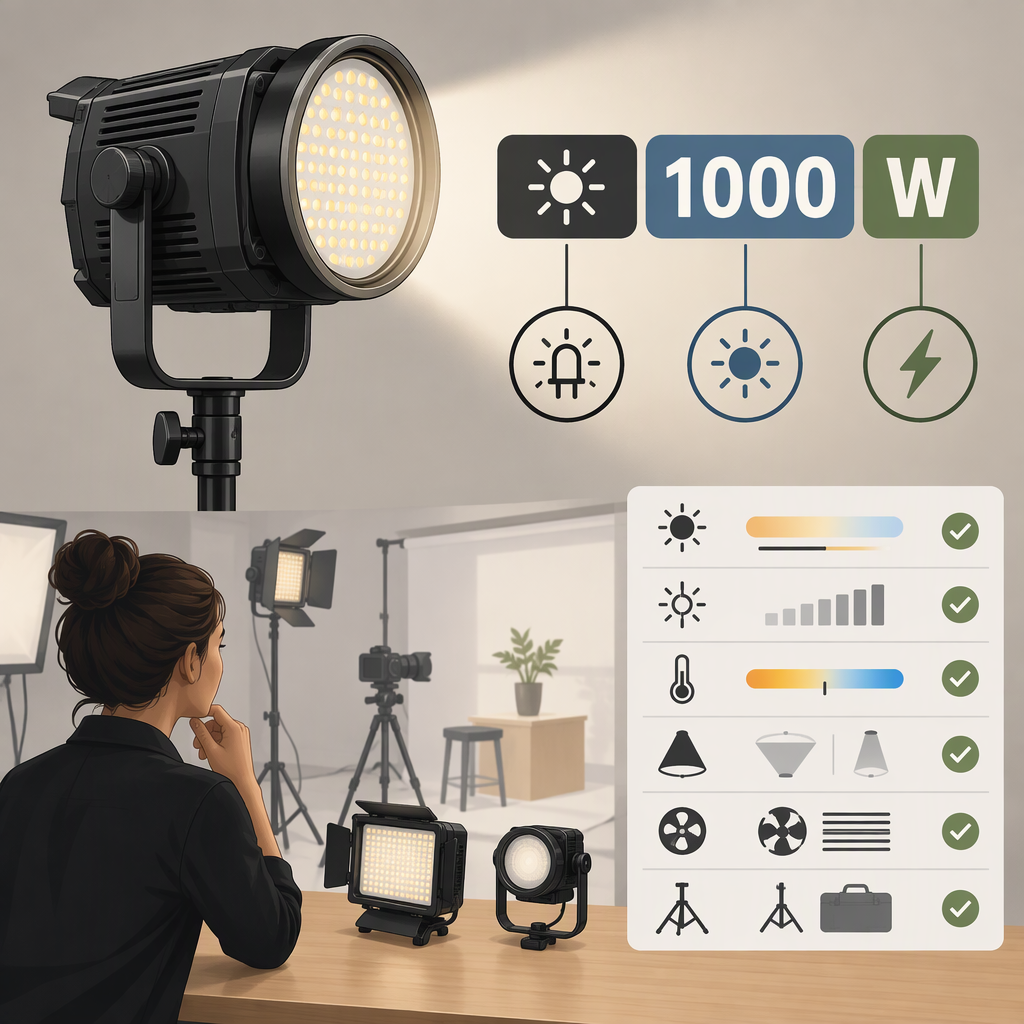
Godox Led 1000W Video Light: What the Name Means and How to Choose
Short Answer
The phrase “Godox LED 1000W video light” can point to two easily confused Godox names. Godox documents the KNOWLED M1000R as a 1000W light, while the LED1000D II and LED1000Bi II are panel-light model names whose manual specifies a maximum power of 70W—not 1000W. If you mean a Godox fixture in the 1000W class, the M1000R is the relevant documented model; if you mean an LED1000 panel, don’t read “1000” as its wattage. (cn.godox.com)
But the 1000W label alone does not tell you how much light reaches your subject or whether the fixture suits your shoot. For that, compare measured illumination under relevant, documented conditions and check the fixture’s power, color, mounting, and control requirements.
First Identify the Model
- KNOWLED M1000R: Godox describes this full-color LED fixture as 1000W. Its published specifications list 1150W maximum controller input power. Godox’s page does not define the 1000W label as a measured light-output figure, so don’t treat it as a lux or brightness measurement. (cn.godox.com)
- LED1000D II / LED1000Bi II: These are panel-light model names. Godox’s manual lists 70W maximum power and gives illuminance figures at 1 meter: 5400 lux for the daylight model, and—for the bi-color model—4800 lux at 4200K, 2200 lux at 3300K, and 2600 lux at 5600K. Those measurements are more useful for judging illumination than the “1000” in the model name, but the manual’s figures should not be assumed to predict every setup. (cn.godox.com)
In short: M1000R is Godox’s documented 1000W-class fixture; LED1000D II and LED1000Bi II are 70W panels. These are different products, not alternate ways of writing the same specification.
What the 1000W Figure Tells You—And What It Doesn’t
Godox labels the M1000R as 1000W and separately lists its controller’s maximum input as 1150W. The published specification does not make those figures interchangeable, nor does it state that 1000W is the fixture’s measured illumination. Use the input-power specification when checking electrical requirements; use photometric data—such as lux at a stated distance and with a stated reflector or modifier—to compare illumination. (cn.godox.com)
The same caution applies to the LED1000 name: its manual lists maximum electrical power and specific lux readings separately. A model number is not a substitute for either measurement. (cn.godox.com)
Compare the Light for Your Actual Shot
Use this practical checklist before choosing between a candidate light and your current setup:
- Set the job. Note the subject-to-light distance, the area you need to cover, whether the light must work through diffusion or another modifier, and any color-temperature or color-mode needs.
- Find comparable output data. Look for lux or another stated illumination measurement, along with the distance, color setting, reflector or modifier, and other test conditions. If those conditions differ—or are missing—treat the numbers as an incomplete comparison rather than a definitive ranking.
- Check practical fit. Confirm the required mounting and modifier interface, power source and input requirements, control method, and the space and support available for the fixture and controller. For the M1000R, Godox lists a Bowens mount, a 1800K–10000K color-temperature range, and DMX, CRMX, Ethernet, Bluetooth-app, and controller operation. Those documented features may matter for a particular setup, but they do not by themselves establish that it is the right fixture for your shoot. (cn.godox.com)
- Test the setup if output is critical. Put the light in the intended position, use the intended modifier and color setting, and measure illumination at the subject plane with a light meter. This is a suggested evaluation method, not a Godox product test or a claim about either model’s measured performance in your setup.
A Comparison Example
Suppose a shot needs a soft key light at a particular camera exposure. A bare-light lux figure may not tell you whether the setup will meet that target after you add diffusion or move the light farther from the subject. Compare measurements made at the working distance with the intended light-shaping setup, or measure your own setup. If a manufacturer’s published figures don’t state comparable conditions, keep the output comparison unresolved rather than choosing by wattage alone.
Which One Should You Consider?
- You specifically need a documented Godox 1000W-class fixture: Start by evaluating the KNOWLED M1000R. Its listed 1150W maximum controller input makes the electrical setup a material consideration; check the fixture documentation and your location’s power arrangements before planning a shoot. Its color range, mount, and control options should also fit your needs. (cn.godox.com)
- You meant the LED1000 panel series: Compare the LED1000D II and LED1000Bi II by their stated lux figures, color requirements, and working distance—not by assuming the model name means 1000W. The manual identifies the D II as a 5600K daylight version and the Bi II as a 3300K–5600K bi-color version. (cn.godox.com)
- You cannot find comparable output data for your intended setup: Treat suitability as unknown until you can check the exact model’s documentation or measure the light in a representative setup. Don’t infer usable illumination from a wattage label.
Bottom Line
Before buying or specifying a “Godox 1000W LED,” confirm the exact model. Godox documents the M1000R as a 1000W fixture and lists 1150W maximum controller input; the LED1000D II and LED1000Bi II are different panel lights listed at 70W maximum. Then compare illumination measurements made under relevant conditions and check power, color, mounting, and control fit. The wattage or model name alone cannot settle whether a light will work for your shot. (cn.godox.com)