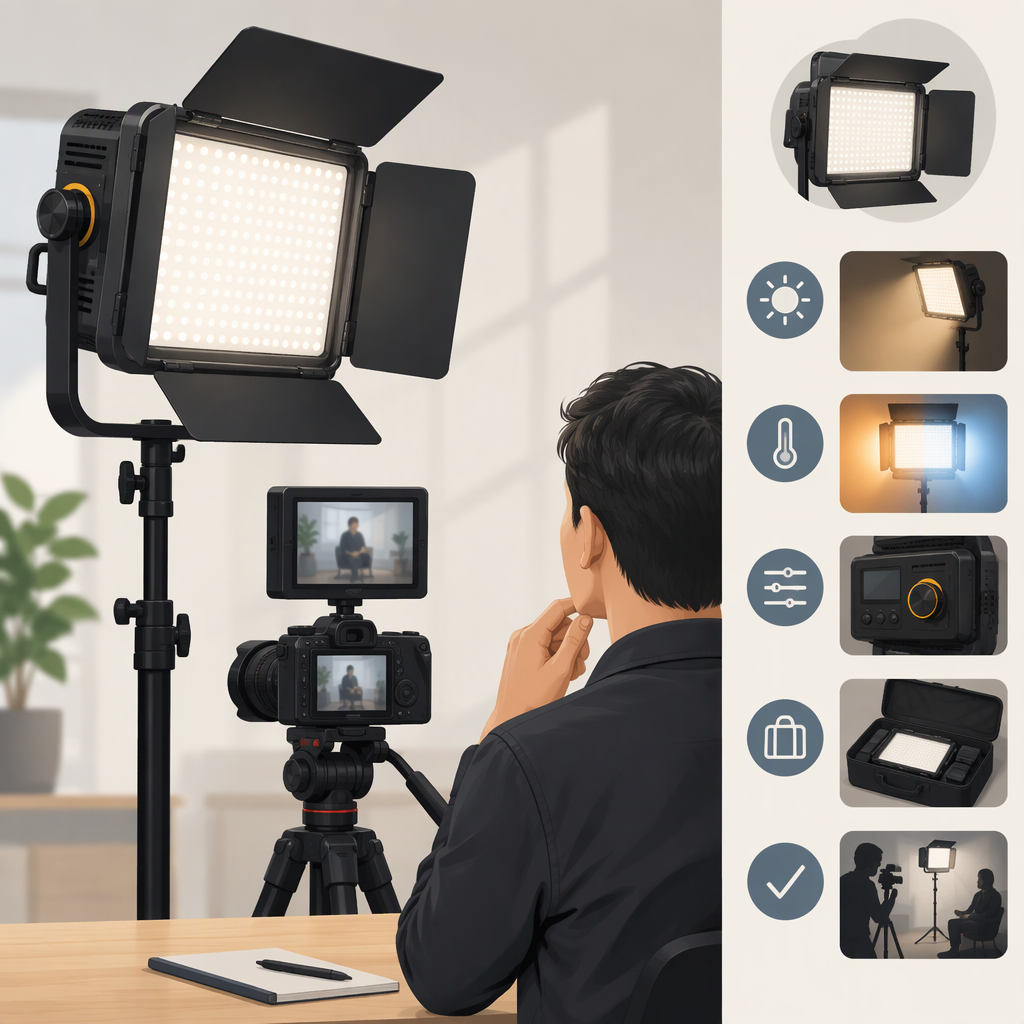
Godox Led1000bi Ii: How to Choose It for Filming
Short Answer
The Godox LED1000Bi II may suit a filming setup when its documented brightness, bi-color range, and power options align with the scene you need to light. Don’t decide from the model name alone: first confirm that a listing is for the LED1000Bi II, then compare its specifications with your subject distance, ambient light, desired color temperature, and power arrangement. The manufacturer’s manual identifies the LED1000Bi II as the bi-color version, distinct from the daylight-only LED1000D II. (godox.com)
The manual gives manufacturer-listed output figures, but those figures alone cannot establish whether the light will be bright enough for your particular scene. No independent test results or product-specific recommendation are available here.
1. Confirm the Exact Model
Look for LED1000Bi II in the model name and documentation. Godox’s product page groups it with the LED1000D II; the manual distinguishes the Bi II as the version with a stated color-temperature range of 3300–5600K, while the D II is listed at 5600K. These are different versions, not interchangeable names. (godox.com)
If a listing adds terms such as “DMX,” check the exact model identifier and the particular package contents. The manual documents DMX connections and operation, but that does not establish what accessories or other items a specific seller includes. (godox.pl)
2. Match Documented Output to Your Scene
Godox’s manual lists the LED1000Bi II at 4800 lux at 1 m and 4200K, 2200 lux at 1 m and 3300K, and 2600 lux at 1 m and 5600K. It also lists brightness adjustment from 0% to 100%. These are manufacturer specifications, not independent measurements; the manual excerpt does not provide a full measurement setup for reproducing them. (godox.pl)
Use the figures as a starting point, not a guarantee of exposure. Before choosing the light, compare output information measured at a distance and color setting relevant to your scene. If you are comparing another light, use comparable measurement conditions; figures taken at different distances or settings do not make a fair comparison.
A practical fit check:
- Write down the scene: subject distance, room or location, ambient light, and the effect you want—such as a brighter key light or a softer fill.
- Identify the needed color temperature: the Bi II’s documented range is 3300–5600K. Check whether the color you need falls inside that range; don’t assume the model can produce colors beyond its documented bi-color range. (godox.pl)
- Compare relevant output information: look for figures at a distance, color setting, and configuration relevant to your use. If those conditions are missing, treat the comparison as incomplete.
- Recheck with your intended setup: a diffuser or other modifier, greater subject distance, or stronger ambient light can change whether the result meets your needs. The cited manual does not supply enough detail to predict the result for every such setup.
Hypothetical example—not a test: A creator filming a subject one metre away in a room with some window light could start by comparing the manual’s 1 m output figures with their needs at the intended color setting. If that comparison leaves too little margin, or if the light will be further away or diffused, the documentation cited here is not enough to conclude that the setup will work. A test in the intended arrangement or comparable independent measurements would help resolve the gap.
3. Weigh the Relevant Trade-Offs
- Bi-color adjustment: The stated 3300–5600K range offers a choice within that interval. The manual lists a ±300K tolerance, so avoid treating the selected value as a guarantee of exact color temperature. (godox.pl)
- Color figures: Godox lists CRI 96 and TLCI 98. These are manufacturer-listed figures; they do not, by themselves, tell you how the light will render every camera, subject, or mixed-light scene. (godox.pl)
- Power planning: The manual lists 70W, DC input of 13–16.8V, and a 14.8V BP-L battery option. It also describes DC-adapter power. Confirm the power source and exact battery or adapter compatibility for the unit and package you are considering; the manual says the BP-L battery is not included. (godox.pl)
- Controls and connections: The manual documents onboard adjustment and DMX input/output. Whether those matter depends on whether you need local adjustment or DMX control in your setup. Verify any required cables, controllers, and package contents separately. (godox.pl)
4. Before You Choose: Checklist
- Does the product label or documentation say LED1000Bi II, rather than LED1000D II or another model?
- Does the documented 3300–5600K range cover the color temperatures you need?
- Are the output figures relevant to your working distance, color setting, and lighting configuration?
- Will you use a compatible DC supply or battery, and is it included in the specific package?
- Do you need DMX or other accessories, and are they confirmed for that configuration?
- If relying on a seller listing, have you separated the model’s documented characteristics from that seller’s stated package contents?
Bottom Line
The Godox LED1000Bi II is identified in the manufacturer’s manual as a bi-color panel with a 3300–5600K range, listed output figures at 1 m, dimming, and stated DC and battery power options. That information can help you screen it for a filming setup, but it does not establish a universal fit. Decide using specifications or measurements that match your distance, color setting, power needs, and intended configuration; if those details are missing, the fit remains uncertain.