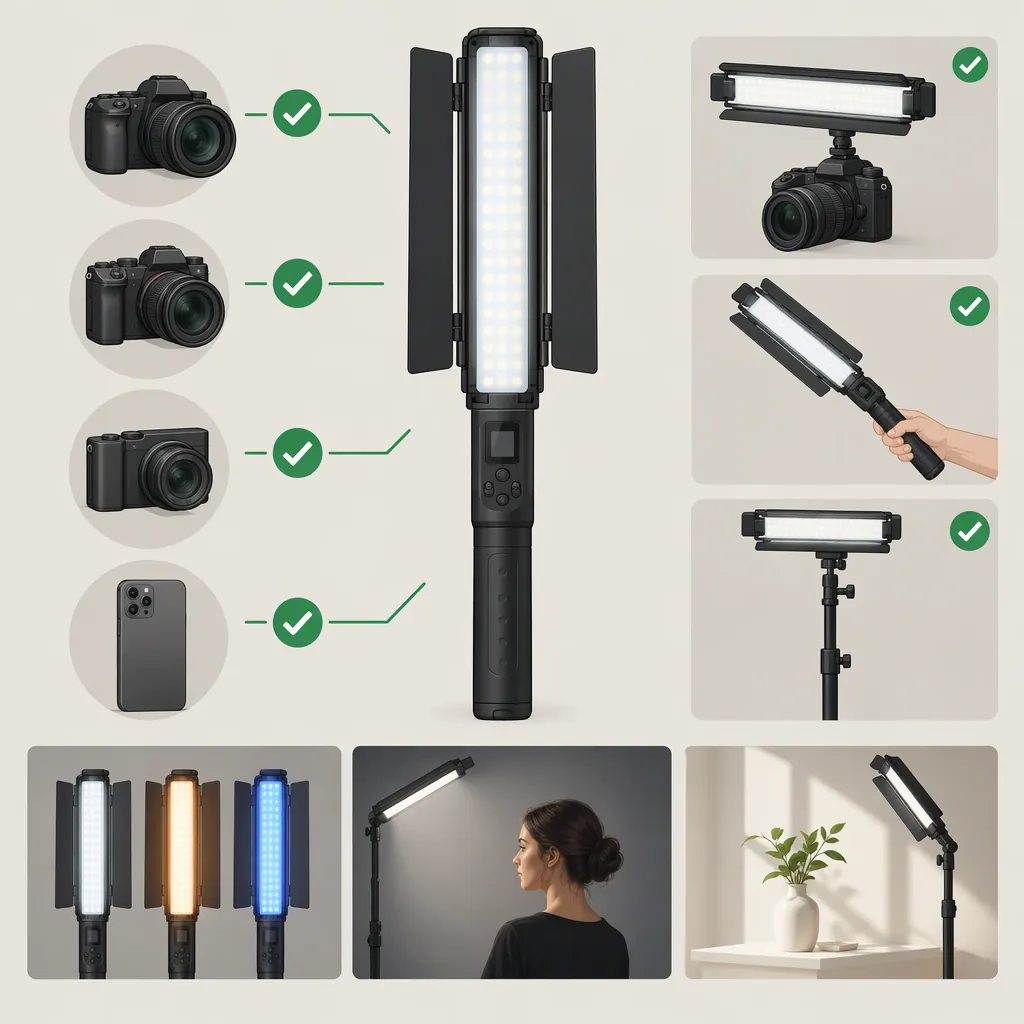
Yongnuo Yn360 Light Wand: Selection and Compatibility
Confirm the exact model before choosing power accessories, mounting hardware, or remote controls for a YONGNUO YN360 light wand. The YONGNUO product page cited here identifies YN360Mini, not the original YN360; it does not establish original YN360 accessory compatibility or filming performance. [source_1]
This guide helps you identify the unit, find matching documentation, and decide whether a tested setup meets your filming needs. It cannot specify a compatible battery, adapter, mount, app, or remote for the original YN360 from the available evidence. Those answers remain unresolved until verified against exact-model documentation.
Identify the Exact Model and Find Matching Documentation
Treat “YONGNUO YN360 light wand” as a search term, not a complete specification. Start with the model printed on the actual unit rather than a seller’s headline.
Documentation Lookup Procedure
- Record the full model label. Include every suffix, number, and revision shown. Photograph the label and the markings beside power connections.
- Check the manual supplied with the unit. Compare its model designation with the unit’s label. Do not rely on a manual merely because its cover shows a similar-looking light.
- Look for manufacturer documentation. The YONGNUO product page cited here includes navigation labeled “Product Manual Download” and “Download Center.” These are starting points for a lookup, not confirmation that an original YN360 manual is available there. [source_1]
- Search using the recorded model. Use the full designation with terms such as “manual” or “power input.” Open the document and inspect its model heading; a search-result title alone is not enough.
- Cross-check the details. Compare the documented connection layout, input requirements, and controls with the unit. If they disagree, stop treating that document as a confirmed match.
- Leave unresolved details unresolved. If no matching manual is found, use the manufacturer’s support route to request documentation for the exact label. Do not substitute YN360Mini specifications.
Model Identification Record
- Full model name on the unit: ______
- Model and revision named in the manual: ______
- Power-input markings: ______
- Included adapter model and output label: ______
- Battery designation, if applicable: ______
- Mounting-interface description: ______
- Differences between the unit, manual, and listing: ______
- Documentation status: matched / unresolved
Verify Power Before Connecting Accessories
Use the matching manual and the unit’s labels to establish the permitted power arrangement. A connector that fits is not enough to confirm compatibility.
For a proposed adapter, check every requirement stated in the manual, including:
- Output voltage and required current or power rating.
- Connector type and dimensions.
- Polarity, where applicable.
- Any specified power-delivery protocol or operating restrictions.
For a battery, confirm the exact designation and any restrictions documented for that model. Do not assume that physical fit establishes electrical compatibility.
Check charging separately from operation. If you intend to run the light while charging, verify that this is permitted for the exact unit. A charging feature described for another model is not a substitute for that verification.
Power Decision Gate
- Exact-model power requirements are documented.
- The proposed adapter or battery matches all documented requirements.
- The accessory’s own label is readable and consistent with those requirements.
- Charging and powered operation have been checked separately.
- No discrepancy remains unresolved.
If a required detail is missing or conflicting, do not connect the unverified power accessory.
Verify Mounting for the Complete Setup
Inspect the mounting interface on the actual light and match it to the proposed support. Check the support’s documented limits for the complete assembly—not just the light alone.
Include any clamp, modifier, bracket, and attached accessory in the assessment. Plan cable routing so the cable does not pull on the light or interfere with the shot. Secure the assembly before placing it near people or equipment.
Support Decision Gate
- The light’s mounting interface is identified.
- The proposed hardware matches that interface.
- Support limits have been checked for the complete assembly.
- Attached accessories can be secured as intended.
- Cable routing and retention are planned.
- No fit or stability issue remains unresolved.
Do not proceed to an in-position filming test until power and support have been verified.
Test Camera Results and Controls Separately
There are two distinct questions:
- Does the light produce an acceptable image in the intended recording setup?
- Does the intended control method work with the exact model?
A successful answer to one does not answer the other.
Recorded-Image Test
Before testing, define the project’s requirements: subject exposure, desired appearance, camera settings, light placement, usable adjustment range, and recording duration.
Then:
- Set the camera to the intended frame rate, shutter setting, exposure, and white balance.
- Position the subject and light at the planned distance and angle.
- Record a short clip at each light setting you expect to use.
- Review the recorded footage for visible bands, flicker, unwanted color, distracting reflections, and uneven illumination.
- Repeat with the intended modifier, if any.
- Test the required recording duration using the verified power arrangement.
This is a proposed evaluation procedure, not a claim that the YN360 passes or fails these checks. If you change the camera settings, distance, modifier, or power arrangement, retest the affected configuration.
App or Remote-Control Check
Find documentation that explicitly identifies both the light model and the proposed app or remote. Check any listed operating-system, firmware, pairing, or channel requirements.
The cited YN360Mini page discusses wireless control for that model; it does not verify an app or remote for the original YN360. [source_1]
Once model support is documented, test pairing and the adjustments needed for the shoot. If remote operation is essential, an unverified or failed control test leaves the setup unresolved or unsuitable for that requirement. If remote operation is optional, assess the setup using its verified control method.
Camera and Control Test Log
- Camera and lens: ______
- Frame rate, shutter setting, exposure, and white balance: ______
- Lighting role, subject distance, and placement: ______
- Light settings tested: ______
- Modifier and support: ______
- Visible bands or flicker: ______
- Exposure and appearance observations: ______
- Required duration and duration tested: ______
- App or remote identifier: ______
- Documented model support: ______
- Pairing and adjustment result: ______
- Changes requiring another test: ______
Decide Whether the Yn360 Fits the Intended Shot
Define the role first: main light for a face, background accent, handheld effect, or another specific use. Judge the exact unit against that role rather than assuming suitability from the product name.
For a main-light test, keep the intended framing, subject position, camera settings, and modifier in place. Evaluate whether the subject reaches your planned exposure and appearance without changes that conflict with the project.
Use these decision rules:
| Result | Decision for the tested setup |
|---|---|
| Power and support are verified; exposure and appearance meet the project requirements; no visible bands or flicker appear at the required settings; recording duration and essential controls pass their checks. | Suitable for this tested setup. |
| A critical item—such as power compatibility, support, required duration, or essential remote operation—has not been verified. | Unresolved. Complete that check before relying on the setup. |
| Testing shows that the setup cannot meet a required exposure, appearance, duration, or control requirement. | Unsuitable for this tested setup. If the arrangement changes, test again. |
A passing result applies only to the configuration tested. It is not a model-wide performance guarantee.
Shot Suitability Worksheet
- Intended lighting role: ______
- Required subject exposure and appearance: ______
- Intended distance and framing: ______
- Required light-setting range: ______
- Required recording duration: ______
- Essential control method: ______
- Power and support verified: ______
- Image, duration, and control tests completed: ______
- Decision: suitable for this tested setup / unresolved / unsuitable for this tested setup
- Reason and any retest needed: ______
FAQ
Can I Use Yn360mini Specifications for a Yn360?
Not without documentation establishing that they apply to your exact unit. The cited YONGNUO page identifies YN360Mini, so it is not a specification sheet for the original YN360. Match the unit’s full model label to the manual before applying accessory or control information. [source_1]
Which Battery or Adapter Works with the Original Yn360?
This page cannot identify a compatible battery or adapter from its cited reference, which covers YN360Mini rather than the original YN360. [source_1] Use the exact unit’s input label and matching manual to verify voltage, current or power requirements, connector details, polarity where applicable, and battery designation. Leave compatibility unresolved if any required detail is missing.
Where Should I Look for a Matching Yn360 Manual?
The cited YONGNUO page includes “Product Manual Download” and “Download Center” navigation. Use those as lookup starting points, then check the document’s full model designation against the unit’s label. Their presence does not establish that an original YN360 manual is available. [source_1] If you cannot find a match, request exact-model documentation through the manufacturer’s support route.
Does the Yn360 Work with an App or Remote?
Original YN360 app or remote compatibility is not established here. The wireless-control information in the cited page applies to YN360Mini. [source_1] Require documentation naming your light and controller, then test pairing and the adjustments needed for the shoot.
Is the Yn360 Suitable as a Main Light for Video?
That is not established by the cited YN360Mini product page. [source_1] For your exact unit, first verify power and support, then test the intended camera settings, subject distance, modifier, adjustment range, and recording duration. Mark only that configuration suitable if it meets the project requirements; keep untested critical items unresolved.