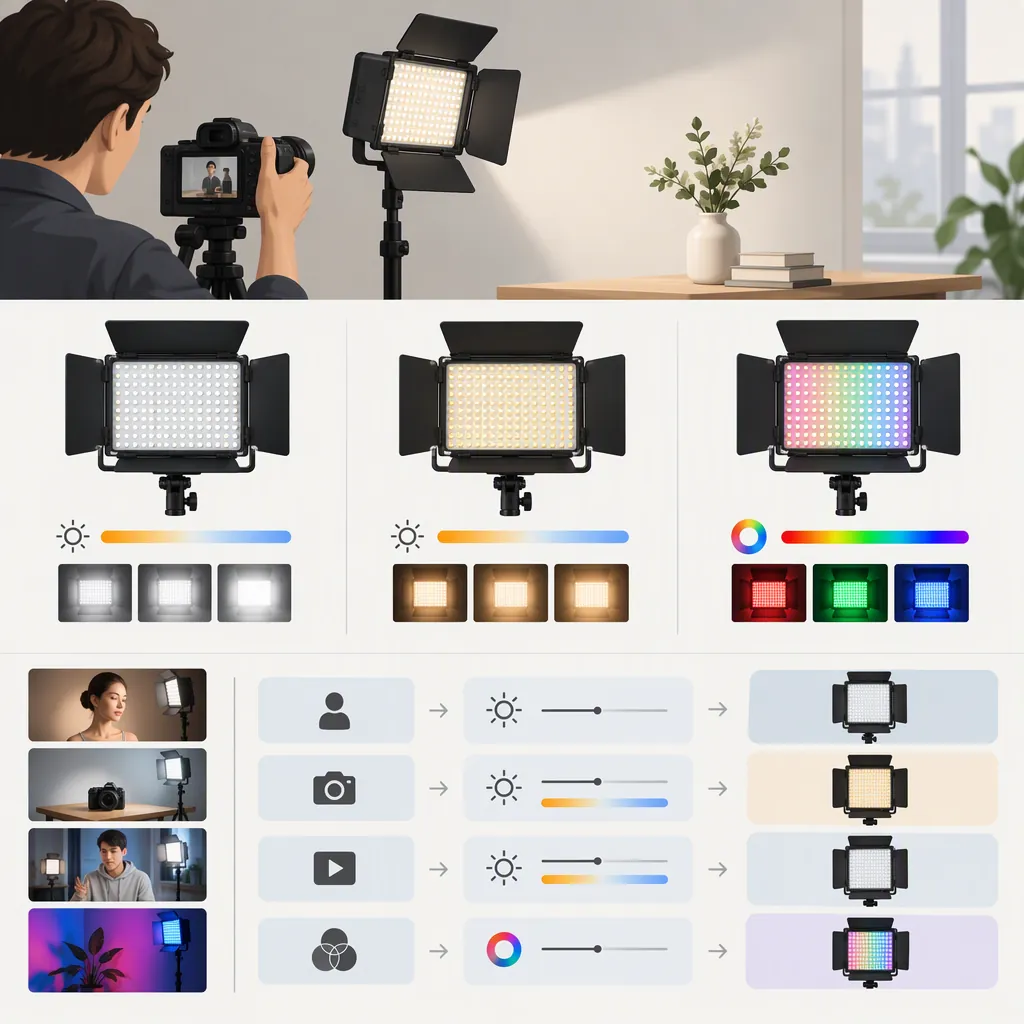
Yongnuo Yn300 Air: Model Selection Guide
To evaluate the YONGNUO YN300 Air, confirm the exact model identity, verify power and mounting requirements, and assess whether the setup meets your filming needs. The Amazon.co.jp listing cited in this guide contains conflicting model names, so it does not establish the exact variant or support choosing Air over another YN300 model. [ref_1]
Confirm the Exact Model Identity
The cited Amazon.co.jp page names YONGNUO YN300 Air in its title but lists YN300 Air Pro in its product-information model-number field. Do not treat these names as interchangeable based on that listing alone. [ref_1]
For model selection, check a clear photograph of the unit’s model label against documentation for that exact model. Record the complete name, including any suffix. If the label, manual, and listing disagree, mark the variant as unresolved rather than assuming which name is correct.
This guide cites one retail listing; its reference material does not include a manufacturer manual or a separate comparison-model source. That limits what this guide can establish—it does not mean such documentation is unavailable elsewhere. Differences between Air, Air Pro, and other YN300 variants remain unverified here.
Check Power and Package Contents Separately
The cited listing title says batteries and an AC adapter are sold separately. Its description also lists NP-F-series battery compatibility. These are retail-listing statements, not confirmation of an exact battery, adapter, or package configuration. [ref_1]
Keep these checks separate:
- Power compatibility: Which batteries or external-power supplies does documentation for the exact model specify?
- Package contents: Which batteries, chargers, adapters, and mounting accessories are actually included?
- Setup compatibility: Can the intended support accommodate the unit and its complete operating setup?
A compatible battery is not necessarily included. A battery-family description also does not identify an exact approved battery or charger.
Before operating the unit, establish its power requirements from matching documentation. Do not infer adapter voltage, polarity, connector size, or charging support from the retail listing. Likewise, confirm the actual mounting hardware and its compatibility with your intended support rather than relying on the listing headline.
Model and Setup Verification Checklist
- Record the complete model name from the unit label.
- Match the manual to that exact model.
- Record the documented battery types.
- Record the documented external-power requirements.
- List included batteries, chargers, adapters, and mounting hardware separately.
- Confirm compatibility between the mounting hardware and intended support.
- Check that the support can accommodate the complete setup.
- Mark missing or conflicting details as unresolved.
Define Your Filming Requirements
Before deciding whether the Air model fits your setup, write down the conditions it must meet:
| Requirement | What to specify |
|---|---|
| Placement | Intended light-to-subject distance, light position, and camera framing |
| Exposure | Target exposure at the camera settings you intend to use |
| Image consistency | Acceptable limits for visible brightness variation and color shifts |
| Light placement effects | Acceptable reflections and shadows in the intended scene |
| Mounting | Available space, support compatibility, and positioning restrictions |
| Power | Available power source and documented compatibility |
| Recording duration | How long the setup must operate under the intended conditions |
These are criteria for your production, not universal performance thresholds or claims about the YN300 Air.
Evaluate Fit Under Repeatable Conditions
If an identified unit is available for evaluation, use the following procedure. This is a proposed test method, not a report of testing.
- Set acceptance conditions first. Write down your target exposure, acceptable image changes, mounting restrictions, and required recording duration.
- Reproduce the intended scene. Set the camera position, framing, light position, and light-to-subject distance. Record these so they can be repeated.
- Control the environment and camera. Keep exposure, white balance, frame rate, and shutter settings fixed. Keep ambient lighting consistent where possible and record any changes.
- Record the light and power settings. Note the power source, battery charge state when applicable, and the light’s brightness and color-temperature settings where available.
- Check the recorded image. Inspect footage for unwanted brightness variation, color shifts, reflections, and shadows against your acceptance conditions.
- Evaluate sustained operation. Run the setup for the intended recording duration, following the exact model’s operating instructions. Record interruptions or visible changes over that period.
- Repeat for intended settings and candidates. Test each setting you plan to use. Compare candidate lights under the same scene and camera conditions, documenting differences in their operating settings or power configurations.
A result applies to the tested unit, setup, settings, and duration. Do not assume that one operating setting establishes performance at every setting.
Turn the Checks into a Selection Decision
Use the following rules to classify the YN300 Air for your stated filming requirement:
| Outcome | Decision condition |
|---|---|
| Verified fit | Model identity, power compatibility, and mounting conditions are verified, and the relevant documentation and evaluation results establish that the setup meets all predefined requirements. |
| Unresolved fit | A decision-critical detail is missing or conflicting, or evaluation has not established whether the setup meets a requirement. |
| Does not meet the stated requirement | A verified condition or evaluation result fails at least one predefined requirement, such as the available mounting arrangement or required operating duration. |
Missing information is not evidence that the product is unsuitable. It means the selection remains unresolved. Conversely, a verified fit for one scene does not establish suitability for every filming situation.
The reference material in this guide does not establish comparative brightness, runtime, flicker behavior, or a best-use ranking. Choosing Air over another YN300 model therefore requires verified information for both candidates and a comparison against the same requirements—not an assumption based on their names.
FAQ
Are Yn300 Air and Yn300 Air Pro the Same Model?
The cited Amazon.co.jp listing does not establish that they are equivalent; its title and model-number field conflict. Confirm the unit label and matching documentation before treating the names as interchangeable. [ref_1]
Does the Listed Package Include a Battery or Ac Adapter?
The cited listing title says batteries and an AC adapter are sold separately. Verify the exact package contents rather than extending that statement to every bundle. [ref_1]
Which Battery or Ac Adapter Should Be Used?
The listing describes NP-F-series battery compatibility, but that does not identify an exact approved battery, charger, or adapter. [ref_1] Use documentation matching the unit’s verified model to establish the required power specifications.
When Can the Yn300 Air Be Considered a Verified Fit?
When its identity, power compatibility, and mounting conditions are confirmed, and relevant documentation and evaluation results show that it meets your predefined filming requirements. If a critical check remains incomplete, classify the fit as unresolved.
Is There Enough Evidence in This Guide to Recommend Air over Another Yn300 Model?
No. This guide cites a retail listing, not a verified model comparison. Resolve model identity, establish requirements for each candidate, and compare documented capabilities or repeatable evaluation results before choosing between them.