Sutefoto P80 RGB: What’s Verified and How to Check Compatibility
Sutefoto P80 RGB: What to Verify Before Choosing It for Filming
Short answer: Sutefoto’s website identifies a P80 RGB APP Full Color Video Light, but the public manufacturer page available here does not provide usable technical specifications. A retailer listing describes a P80RGB as an 80 W light and lists a 2800–10000 K range, RGB color, app control, CRI 96+, TLCI (listed as “Qa”) 95+, and a Bowens mount. Those are retailer-reported details, not specifications confirmed by the manufacturer page. Treat them as leads to verify against the exact unit and its manual—not as a complete compatibility guarantee. (sutefoto.com)
Sutefoto’s own site lists both a P80 RGB APP Full Color Video Light and a separate P80 Daylight Video Light. Check the label on the light, packaging, and manual to make sure the information you are using applies to the RGB version, not another P80 variant. The manufacturer page names the RGB model but does not establish a revision or regional version. (sutefoto.com)
What the Available Product Information Does—And Doesn’t—Confirm
| Decision point | What the public information says | What to confirm for your unit |
|---|---|---|
| Model identity | The manufacturer lists a P80 RGB APP Full Color Video Light; a retailer uses “P80RGB.” | Exact model marking and that it is the RGB, not Daylight, version. |
| Output / power rating | A retailer listing describes it as 80 W. | What the rating refers to, required input, and whether output changes by mode or power source. The available manufacturer page does not state these details. |
| Color | The manufacturer’s product name says RGB full color; a retailer lists 2800–10000 K and RGB. | Whether that color-temperature range and the listed color modes apply to your version. The available sources don’t provide measurement conditions. |
| Color rendering | A retailer listing reports CRI 96+ and TLCI (“Qa”) 95+. | The applicable test conditions and whether these figures are manufacturer-supported. |
| Control | A retailer lists app control. | Supported app, connection method, operating-system requirements, and whether physical controls or a remote are included. |
| Mount and accessories | A retailer listing specifies a Bowens mount. | Confirm the mount on your unit, modifier fit, clearance, and supported load. A mount name alone does not confirm every accessory is safe or suitable. |
| Power, stand mounting, included items | Not established by the manufacturer page or the cited retailer result. | Exact power input and connector, any battery support, stand attachment, package contents, and any regional electrical requirements. |
The manufacturer page is useful for identifying the named RGB model, but its available description does not supply the detailed parameters needed to settle these questions. The retailer listing is more specific, but it is not a substitute for the manual or documentation for the exact unit. (sutefoto.com)
Check Compatibility with Your Filming Setup
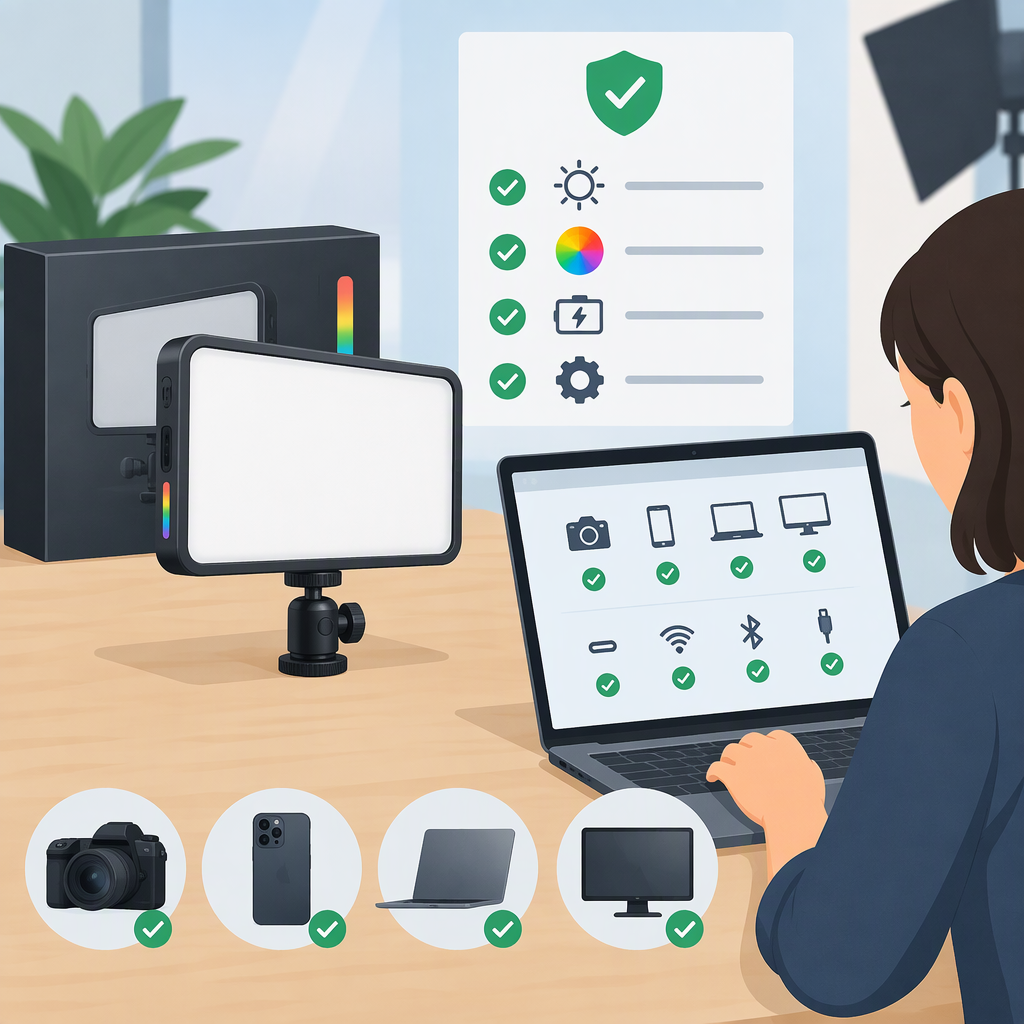
A filming light does not ordinarily need to match your camera brand. Check the light’s physical, electrical, and control interfaces against your setup instead. For the P80 RGB, use this checklist and mark each item fit, mismatch, or unconfirmed:
- Mounting: Identify the stand or support you plan to use and its attachment. Confirm the light’s actual stand connection, the support’s load rating, and a secure fit. If attaching a modifier, confirm its mount and clearance. The retailer reports a Bowens mount, but verify that on the exact light and modifier before relying on it.
- Power: Compare the light’s manual or label with the power available at your location: input voltage, connector, adapter, and any battery system. These details are not confirmed in the available product information. Do not infer battery compatibility from the product name or an 80 W listing.
- Control: If app control matters, confirm the app and connection method for your specific version, and that your phone can run it. The retailer lists app control, but the available manufacturer page does not specify app requirements or control behavior.
- Color workflow: If you need a particular white-light range or RGB mode, confirm it in the manual for your unit. Do not rely on the retailer’s 2800–10000 K claim without checking the model and conditions.
- Illumination for the shot: Decide whether it provides enough light at your working distance, with your planned modifier and other room lighting. The cited sources do not provide an output measurement with conditions that would let you predict illumination for a particular setup.
Example (hypothetical, not a product test): If your plan requires a Bowens modifier and app-based adjustment, the retailer listing gives you two items to investigate. The mount and app-control claims are not enough by themselves: verify the mount on your unit, check the modifier’s fit and load, and confirm that the app works with your phone. Until then, mark both checks unconfirmed, rather than assuming the setup is compatible.
Decide: Fit, Mismatch, or Confirm First
- Likely fit for a specific requirement: The exact RGB model and its relevant interface are documented, and they match your setup. For example, a confirmed mount match can resolve the mount question—but not power, control, or brightness.
- Mismatch: A verified connector, mount, power requirement, or other interface conflicts with what your setup can provide, and no suitable adapter or safe alternative is documented.
- Confirm first: A key detail—such as stand attachment, power input, app support, accessory fit, or output under your intended conditions—is not established by the available information.
Bottom line: The manufacturer identifies a P80 RGB APP Full Color Video Light, while a retailer describes an 80 W P80RGB and reports additional specifications. The available manufacturer page does not confirm the detailed performance or compatibility information needed for a firm setup-wide recommendation. If a key specification affects your decision, obtain the manual or written confirmation for the exact model before relying on it. A missing detail here means unconfirmed, not necessarily that the feature is absent. (sutefoto.com)