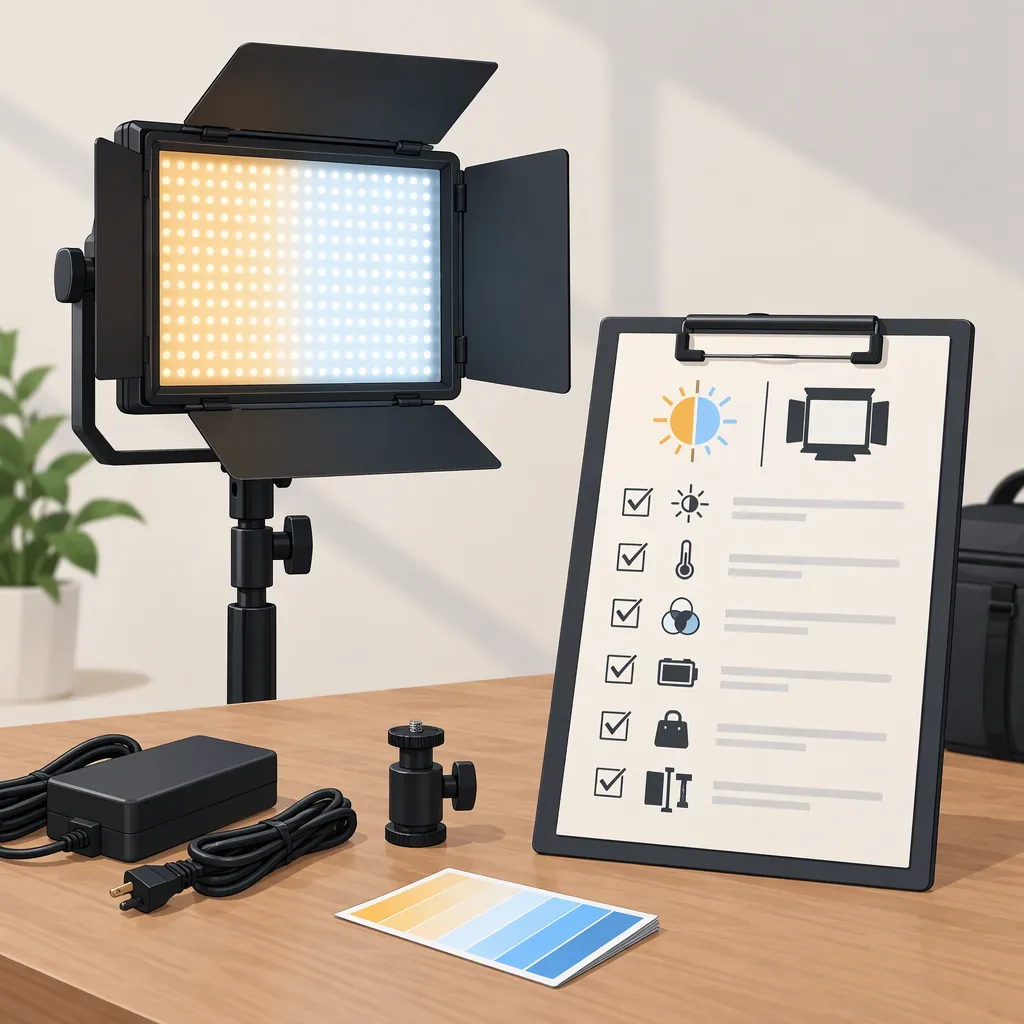
Sutefoto P100 Bi: How to Evaluate It for Bi-Color Lighting
Before selecting the SUTEFOTO P100 Bi for bi-color filming, verify the exact model and its documented white-light controls. Then compare those controls, output conditions, operating noise, power, and mounting with your setup. The Instagram post used for this page names the model but does not establish enough specifications for a model-specific recommendation. [src_instagram]
What the Available Evidence Establishes
The Instagram post dated February 14, 2024, names “SUTEFOTO P100 Bi” and includes a color-temperature range, RGB wording, and a brightness description. It is a social caption, not a manufacturer manual or a controlled measurement report. [src_instagram]
This page treats those descriptions as unverified product claims, not confirmed capabilities. The evidence available here does not include matching manufacturer documentation, measured output, color-quality results, or operating-noise measurements. The checklist below is therefore a selection method—not a finding that this model meets any particular requirement.
Confirm the Model and Lighting Controls
For a bi-color selection, the key question is whether the exact unit provides the adjustable white light your filming setup requires.
- Bi-color white-light adjustment concerns changing white light between warmer and cooler color-temperature settings.
- RGB control concerns producing colored light through red, green, and blue controls.
These capabilities may coexist, but evidence of one does not establish the other. This distinction is general guidance, not confirmation of the SUTEFOTO P100 Bi’s functions. The model name and mixed wording in the Instagram caption do not settle which controls the unit provides. [src_instagram]
Before comparing lights, check documentation that matches the complete model name and the label on the unit. Look for:
- Model identity: Does the manual name the same model as the unit and listing?
- White-light controls: Does it document adjustable color temperature and the available settings?
- Mode applicability: Does the stated range apply to normal white-light illumination, rather than a separate effect mode?
- Separate color controls: If colored-light modes are described, are they clearly distinguished from white-light adjustment?
If the label, listing, and manual disagree, mark the affected capability unverified. Do not combine specifications from similarly named models.
Model Identity Worksheet
- Exact model name on the unit: ______
- Model name in the matching manual: ______
- Documented white-light adjustment range: ______
- White-light adjustment method: ______
- Documented colored-light modes, if any: ______
- Differences between the label, listing, and manual: ______
- Unresolved capabilities: ______
Compare the Light Against Your Filming Setup
Write down your requirements before assessing the model. This makes the decision about your intended use rather than about a model name or a brightness adjective.
| Selection area | Define your requirement | Evidence to check |
|---|---|---|
| White-light control | The warmer and cooler white-light settings needed for your locations | Matching documentation covering those settings and how to select them |
| Usable output | Planned subject distance, modifier, and camera exposure | Measurements with stated distance, color-temperature setting, and modifier conditions |
| Image appearance | What needs evaluation in your footage, such as skin tones or objects | Evaluation footage with disclosed camera settings and test conditions |
| Audio compatibility | Microphone position and acceptable background noise | Noise information for the intended operating mode and microphone distance |
| Power | Available power source and location restrictions | Supported power inputs, required accessories, and documented restrictions |
| Mounting and modifiers | Intended stand, attachment, modifier, and available space | Documented mount compatibility, support requirements, and clearance |
When measurement conditions differ, do not treat the results as directly equivalent. If conditions are missing, record that limitation. Likewise, heavily graded promotional footage should not be treated as a controlled image-quality test.
These checks do not establish that the SUTEFOTO P100 Bi provides any particular output, noise level, power option, or mounting system.
Filming Requirement Checklist
- Intended scene and subject: ______
- Required white-light settings: ______
- Planned light-to-subject distance: ______
- Intended modifier: ______
- Required camera exposure settings: ______
- Image-appearance checks needed: ______
- Microphone position and noise tolerance: ______
- Available power source: ______
- Stand and mounting arrangement: ______
- Evidence still needed before selection: ______
Turn the Checklist into a Selection Decision
Assign each essential requirement one of three states:
| State | Meaning | Next step |
|---|---|---|
| Documented fit | Matching documentation or relevant measurements support the requirement under your planned conditions | Keep the model under consideration for that requirement |
| Documented mismatch | Matching evidence shows that an essential requirement cannot be met | Exclude it for the unchanged setup, or revise the requirement and reassess |
| Unverified | Evidence is missing, conflicting, or does not cover the intended conditions | Keep the decision open; do not assume either compatibility or incompatibility |
A missing specification is unverified, not automatically a mismatch. A documented fit in one area also does not resolve the others.
Hypothetical Example: A Quiet Interview Without Mains Power
Suppose you need a light for an interview in a room without mains power. Your plan requires warmer and cooler white-light settings, a particular modifier, and quiet operation near the microphone. This is an illustrative scenario, not a description of the SUTEFOTO P100 Bi.
- White-light settings: If matching documentation covers both required settings, mark this item documented fit. If it explicitly excludes a required setting, mark it documented mismatch. If it only says “adjustable,” without enough detail, mark it unverified.
- Power: If matching documentation confirms support for your available power source and identifies the required accessories, mark it documented fit. If it explicitly rules out that power source, mark it documented mismatch. If the power details are absent, mark it unverified.
- Quiet operation: If relevant noise evidence covers your intended operating mode and microphone arrangement and meets your tolerance, mark it documented fit. If the evidence exceeds your tolerance, mark it documented mismatch. An unsupported “quiet” description leaves the requirement unverified.
- Output and modifier: Check output evidence for the planned distance, white-light settings, and modifier. Measurements taken under different or undisclosed conditions leave the intended arrangement unverified.
For this example, a confirmed power mismatch would prevent selection for the unchanged location plan, even if the white-light controls fit. If power fits but noise information is missing, the light remains a conditional candidate—not a confirmed choice for quiet dialogue.
Selection Conclusion for the Sutefoto P100 Bi
The evidence available for this page supports identifying the model name in the Instagram caption, but not confirming its controls or suitability for a particular filming setup. The appropriate conclusion is insufficient evidence for a model-specific recommendation, rather than a finding that the light is suitable or unsuitable. [src_instagram]
To reach a defensible choice, first resolve model identity and white-light controls. Then assess every essential setup requirement using matching documentation or relevant measurements. Keep any unresolved requirement visible in the final decision.
FAQ
Does “Bi” in the Sutefoto P100 Bi Name Confirm Bi-Color Capability?
No—not from the evidence available here. The Instagram caption names the model and mentions a color-temperature range, but also uses RGB wording. Treat the caption’s range as unverified until matching product documentation establishes the unit’s white-light controls. [src_instagram]
Does RGB Wording Mean the Light Cannot Be Bi-Color?
No. RGB color control and adjustable white-light color temperature are distinct capabilities and may coexist. However, the RGB wording in this model’s Instagram caption does not confirm whether the unit offers either capability or both. [src_instagram]
What Should I Check First When Selecting the Sutefoto P100 Bi?
Check the exact model label against a matching manual or specification document, then verify the white-light settings your filming requires. The Instagram caption alone does not resolve those controls. Afterward, assess output, noise, power, and mounting against your setup. [src_instagram]
Should Missing Specifications Make Me Reject the Model?
Not automatically. Mark the affected requirement unverified. If it is essential, do not treat the model as a confirmed fit until adequate evidence resolves it. For the SUTEFOTO P100 Bi, the caption available here is insufficient to complete that evaluation. [src_instagram]
Sources
- [src_instagram] Instagram