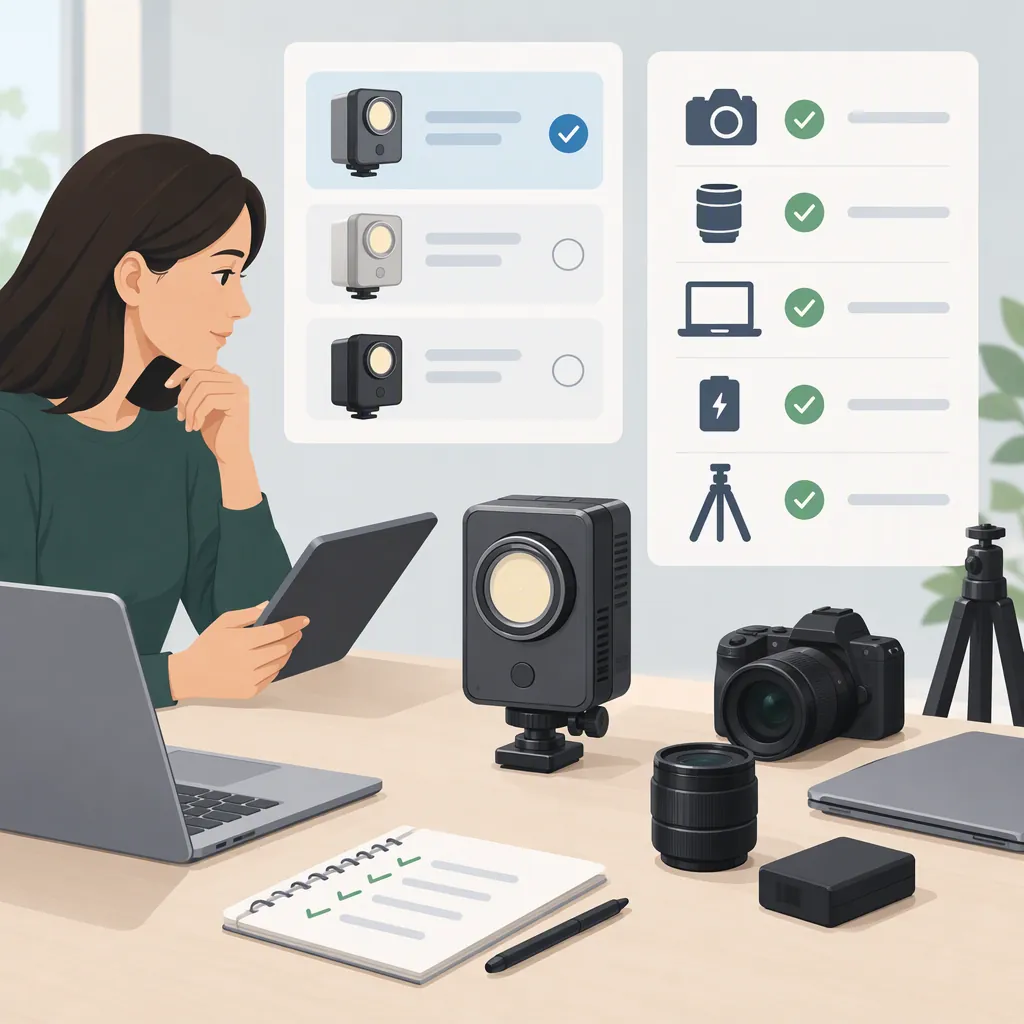
Sutefoto P100: How to Check Filming Suitability and Compatibility
For a Sutefoto P100 selection decision, confirm the exact model, modifier support, power requirements, control options, and behavior during your intended shoot. The supplied reviews discuss the P100 RGB, but they do not establish compatibility for every P100 variant or accessory. One reference also mixes P100 material with other model names and conflicting specifications, so treat it as a starting point rather than a definitive compatibility guide. [ref_ray] [ref_newlayer]
Identify the Model and Evidence Limits
Start with the full model name on the fixture and its documentation, not just the search term “sutefoto p100.” Both supplied reference titles identify the P100 RGB. Neither should be treated as documentation for every similarly named version. [ref_ray] [ref_newlayer]
The Ray Valencia page includes P100 descriptions alongside CL60 and CL60R labels, references to a COLBOR app, and differing color-temperature ranges. That makes attribution of some details uncertain. Do not use its isolated numbers or accessory descriptions as confirmed P100 specifications. [ref_ray]
The New Layer page is more focused on the P100 RGB, but the supplied text is a review summary, not a manufacturer compatibility table. It describes battery slots, tint control, and app support without resolving all operating requirements. [ref_newlayer]
These sources can identify questions worth investigating. They cannot establish current firmware behavior, regional kit contents, electrical limits, or a complete list of supported accessories.
Model Identification Record
- Full model name on fixture: ______
- Model identifier on packaging or manual: ______
- Manual version or date: ______
- Included power supply and accessories: ______
- Differences between the unit and review descriptions: ______
- Unresolved details requiring manufacturer documentation: ______
Check Modifiers and Mechanical Support Separately
The Ray Valencia page describes a Bowens S accessory mount, but its mixed-model content warrants verification against documentation for the exact unit. A mount description alone is not evidence that a particular softbox, adapter, or support arrangement is suitable. [ref_ray]
Separate the decision into two checks: attachment fit and supported load. Identify the modifier's attachment type, weight, dimensions, and any required adapter. Then check the documented limits for the fixture bracket, stand, and mounting hardware.
Before filming, inspect the attachment and locking points in a controlled setup. Follow documented support and ballast guidance, keep people clear during setup, and do not deliberately shake equipment to reproduce an online demonstration. If load limits or attachment requirements remain unknown, leave that combination unapproved.
Modifier Compatibility Checklist
- Confirm the fixture mount from documentation for the exact model.
- Record the modifier and adapter model names.
- Verify attachment fit without forcing components.
- Check documented load limits for all supporting components.
- Follow the equipment instructions for securing and positioning the assembly.
- Mark the combination as unresolved if required limits are unavailable.
Verify Power and Control Requirements
New Layer describes two NP-F battery slots integrated into the P100 RGB body and mentions mobile app support and green/magenta tint control. Those are reviewer descriptions, not verification of a specific battery, runtime, phone, or operating mode. [ref_newlayer]
For mains operation, check the approved supply, input requirements, connectors, and cable routing in the unit's documentation. For battery operation, establish the required battery type, number of batteries, supported output settings, and any restrictions before connecting equipment. Do not infer compatibility from connector shape or the NP-F label alone.
For app control, verify the app named in current documentation and its requirements for your phone. Test pairing, reconnection, and adjustment of the settings you need. Include an onboard-control fallback in the filming plan rather than assuming wireless control will always be available.
Power and Control Verification Log
- Approved power supply confirmed: ______
- Battery requirements and restrictions documented: ______
- Intended power configuration: ______
- App and phone operating-system versions: ______
- Pairing and reconnection checked: ______
- Required settings accessible onboard: ______
- Unresolved power or control issues: ______
Evaluate the Intended Filming Setup
Use a controlled camera-and-audio test to answer suitability questions that the supplied summaries do not settle. The Ray Valencia page lists fan noise and lighting tests among its review topics, but its supplied text does not establish a dependable noise threshold or camera-specific flicker result. [ref_ray]
Set up the intended camera, modifier, light position, power source, and microphone placement. Record the settings so that comparisons remain meaningful. Assess the actual frame rather than treating a wattage label or an isolated illuminance figure as the decision.
Keep the conclusion specific: a setup can be acceptable for one shot while remaining untested for a different frame rate, power configuration, modifier, or recording environment.
Pre-Shoot Test Procedure
1. Record camera frame rate, shutter setting, ISO, aperture, and white balance.
2. Document light position, modifier, output setting, color mode, and power source.
3. Record a short clip at each setting intended for the shoot.
4. Inspect exposure, shadows, skin tones where relevant, and visible banding or flicker.
5. Record room tone with the intended microphone placement while the light operates.
6. Repeat after the planned operating period and note changes.
7. Save the clips and classify each tested configuration as acceptable, unacceptable, or unresolved.
FAQ
Do These References Cover Every Sutefoto P100 Version?
No. Both supplied reference titles concern the P100 RGB. They do not establish specifications or compatibility across every similarly named model. Match the full model identifier before applying any review detail. [ref_ray] [ref_newlayer]
Can I Assume Any Bowens Softbox Will Work?
No. The Ray Valencia page describes a Bowens S mount, but contains mixed-model material. Verify the exact fixture mount, accessory attachment, and documented support limits before approving a softbox combination. [ref_ray]
Do the References Establish Battery Runtime?
The supplied summaries do not establish a runtime for a defined battery and output setting. New Layer describes two integrated NP-F slots, but that description is not a runtime guarantee or a complete battery compatibility specification. [ref_newlayer]