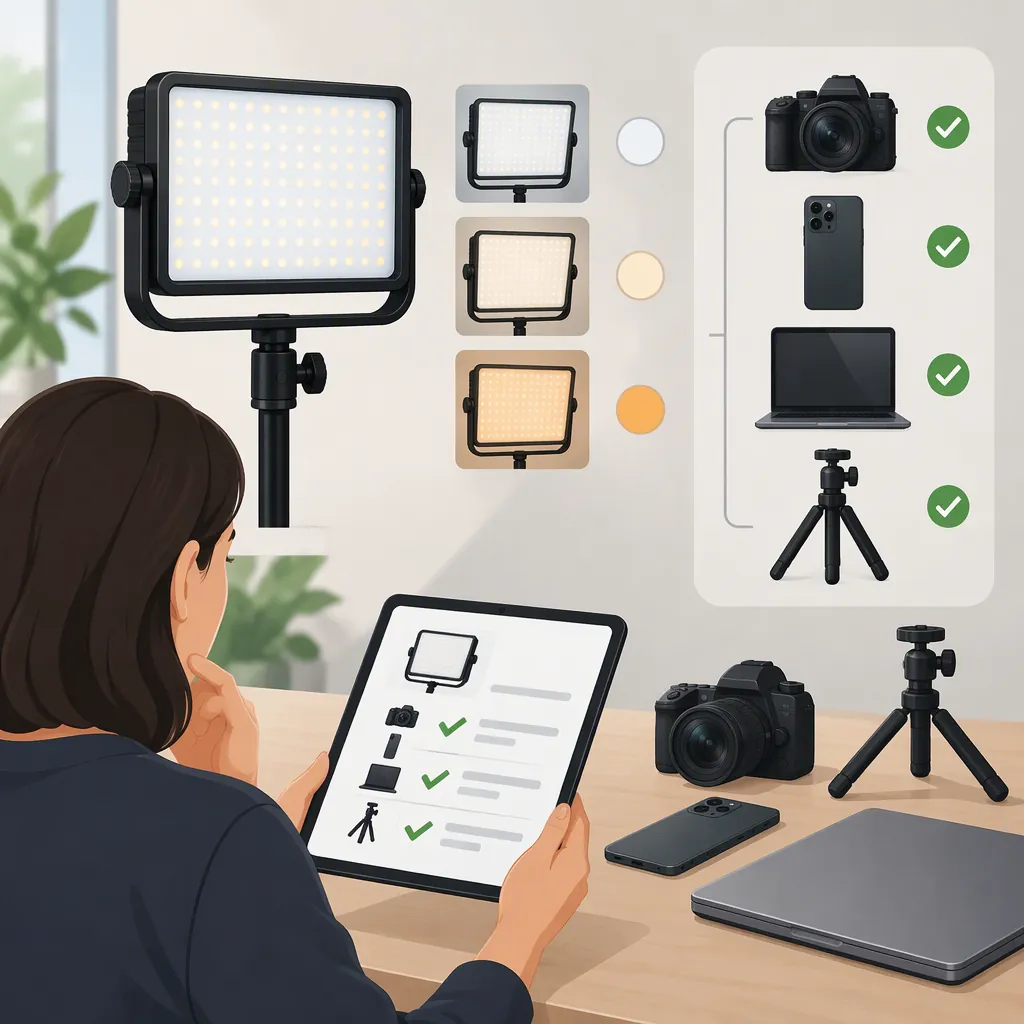
Raleno Plv-S192 Selection and Compatibility Checks
For a RALENO PLV-S192, verify the exact model, mounting hardware, and power requirements before assessing suitability for filming. The provided retailer page mentions PLV-S192 but identifies the listed kit as VL-S192K and contains conflicting specifications. It does not establish compatibility or recording performance for a particular unit. [c1]
Confirm the Exact Model First
The supplied Amazon.se page mentions “RALENO PLV-S192 Soft Light” in its brand navigation, while its product information names the kit VL-S192K. That is not sufficient evidence that every listing found through a search for “raleno plv s192” describes the same panel or package. [c1]
Use the model label on the actual light, its matching manual, and the package contents as your verification targets. Keep panel identity separate from kit identity: a kit description should not substitute for the specifications of an individual light.
This guide uses one retailer reference, not a verified manufacturer manual or an independent test. It therefore offers a checking process rather than a confirmed specification sheet.
Verify Mounting and Power Separately
The listing refers to a shoe mount and a “1/4” mounting connection, but it does not provide enough dimensional detail to confirm a specific camera, bracket, or stand combination. Treat these descriptions as items to verify, not universal compatibility guarantees. [c1]
Before attaching a light, check the connection type, thread specification, adapter requirements, equipment load limits, and clearance around camera controls. Do not force a connection that does not fit.
Power information also needs clarification: the page includes USB interface fields while separately listing DC adapters in the package. Those fields do not establish that USB can charge or operate the particular unit. [c1] Confirm the input voltage, current requirement, connector, and polarity against the matching manual and device label. Do not infer electrical compatibility from connector shape alone.
Compatibility Check Record
- Exact model on the light: ______
- Matching manual identified: ______
- Mount type and thread specification: ______
- Required mounting adapter: ______
- Support load limit checked: ______
- Power input rating and polarity: ______
- Approved adapter identified: ______
- Charging and operation instructions confirmed: ______
- Unresolved items: ______
Resolve Conflicting Specifications
The reference title gives a color-temperature range of 3200K–6500K, while the feature text gives 3200K–5600K. Neither endpoint should be treated as verified for your unit without matching documentation. [c1]
The supplied material does not establish independently measured output at a stated distance, battery runtime under defined settings, or flicker performance across recording modes. Customer reviews on the page are not controlled tests of your camera and light combination.
For selection, write down your required subject distance, framing, recording duration, available power, and camera settings. Leave any undocumented capability marked as unknown rather than filling it in from a similar-looking model.
Use a Repeatable Recording Check
If the exact unit is available for evaluation, use a controlled recording check rather than relying on the model name. This is a suggested procedure, not a report of firsthand testing or a guarantee of performance.
Keep the camera position, exposure, and white balance fixed while comparing settings. Review recorded files as well as the preview. Limit the conclusion to the distances, settings, and duration you actually checked.
Filming Suitability Checklist
1. Record the model, power source, camera, frame rate, shutter setting, and subject distance.
2. Record short clips at the intended brightness and color-temperature settings.
3. Inspect the files for bands, brightness changes, unwanted color shifts, and reflections.
4. Repeat at each recording mode needed for the project.
5. Check whether the intended framing and exposure are achievable at the planned distance.
6. Following the matching manual, check operation for the required session length.
7. Record each result as acceptable, unacceptable, or unverified.
FAQ
Are Plv-S192 and Vl-S192k the Same Model?
The provided source does not establish that equivalence. It mentions PLV-S192 in brand navigation and identifies the listed kit as VL-S192K. Confirm the panel label and matching documentation before transferring specifications between those names. [c1]
Can I Power It Through USB?
USB operation is not verified by the supplied reference. The page includes USB fields but also lists DC adapters. Use the exact unit's input label and matching manual to establish charging and operating requirements. [c1]
Is the Upper Color-Temperature Limit 5600K or 6500K?
The source is inconsistent: its title says 6500K, while its feature text says 5600K. Treat the upper limit as unresolved until it is confirmed for the exact unit. [c1]