Neewer Sl90: Identification, Compatibility, and Filming Needs
What Is the Neewer Sl90?
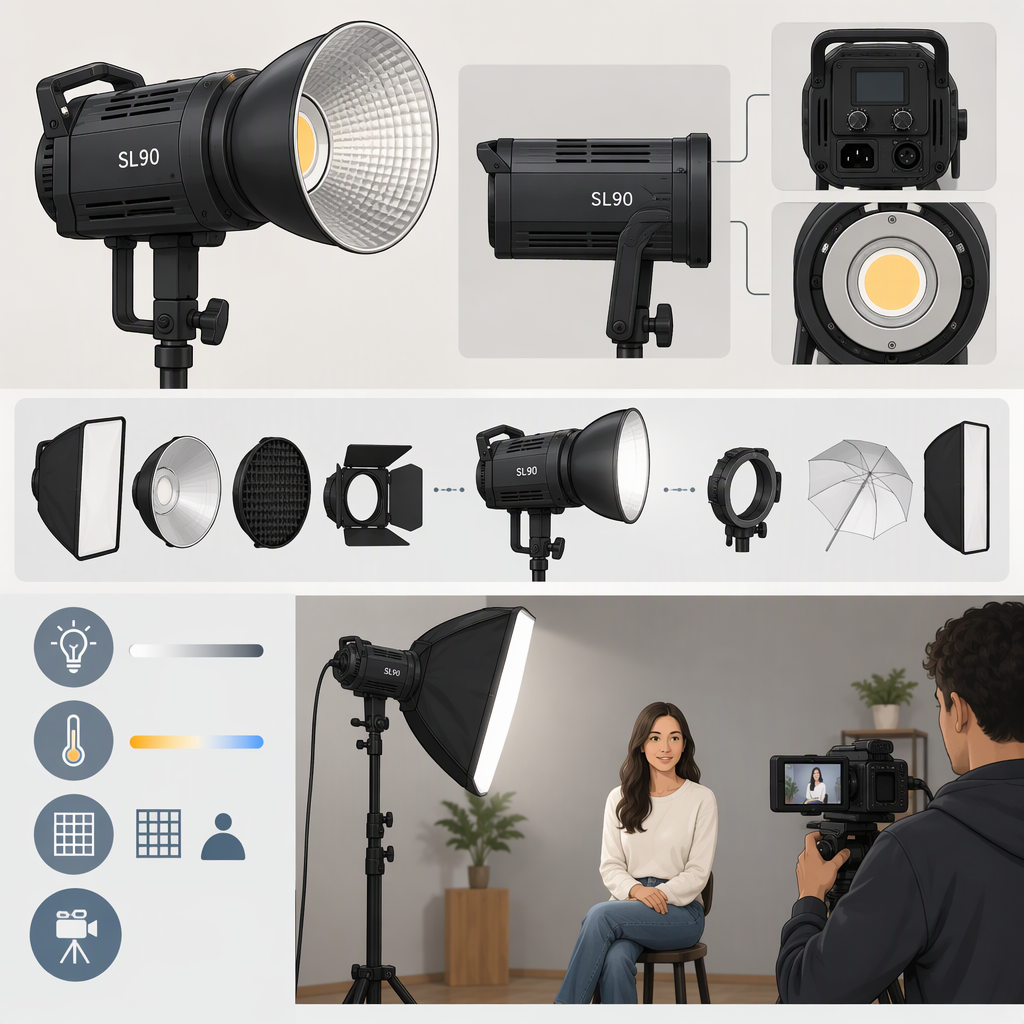
The NEEWER SL90 is an RGB LED video-light panel. NEEWER’s product page identifies it as the SL90 RGB Video Light and offers an SL90 option as well as an SL90 + Tripod option. The same manufacturer page describes a 12 W panel with 80 bi-color LEDs and 70 RGB LEDs. (neewer.com)
Do not confuse it with the NEEWER BASICS SL90C: that is a separately named product with different listed specifications. If you are checking a used light, a listing, or a manual, match the model printed on the device and the product identifier—not just “SL90.” (neewer.com)
Check Compatibility with Your Equipment
The available manufacturer information confirms some SL90 details, but it does not establish compatibility with every camera, stand, charger, or accessory. Check your actual unit and equipment against these points:
- Mounting: NEEWER describes the SL90 as having a swivel arm with a cold-shoe mounting point. Confirm that your camera or rig has a suitable cold shoe, or identify the correct mechanical adapter for your support. A cold shoe is a physical mount; do not assume it provides an electrical connection or that the light fits a tripod screw directly. Verify the bracket and any adapter included with the specific kit. (neewer.com)
- Power: The product page lists an integrated 7.4 V, 4,300 mAh rechargeable battery and up to 3.5 hours of continuous lighting at 100% brightness. This is manufacturer-listed battery information, not a promise of runtime in every shooting situation. If you need to recharge during a session or use an external power source, check the exact unit’s manual or markings for its charging connection and requirements; those details are not established here. (neewer.com)
- Controls: NEEWER describes app control and 2.4G group control for compatible NEEWER models. If remote control matters, verify that your phone, app, firmware, and any other lights support the particular control method you plan to use. Do not treat “2.4G” alone as proof that two devices are compatible. (neewer.com)
- Kit contents and accessories: The product page distinguishes the SL90 from an SL90 + Tripod option. Check the exact package contents rather than assuming a tripod, adapter, or other accessory is included with every listing. (neewer.com)
Practical example: If your camera has a cold shoe, that establishes a possible physical mounting route, not a complete compatibility conclusion. Check that the SL90’s supplied bracket fits it and that the assembled setup clears the lens, microphone, and other gear. If you want to mount the light on a tripod, confirm whether your particular kit includes a compatible stand or whether an adapter is required.
Match the Listed Specifications to Your Filming Needs
Use the manufacturer’s figures as comparison points, not as a guarantee that the light will suit every scene:
- Distance and coverage: NEEWER lists up to 1,700 lux at 0.5 m and recommends keeping the light within 1.5 m of the subject for optimal lighting. Compare that guidance with your subject distance and how much of the scene you need to light. The listed illuminance is measured at a specified distance; it does not by itself establish the result across a larger area or at a different distance. (neewer.com)
- Color and light-shaping needs: The page lists an adjustable color-temperature range of 2,500–10,000 K and RGB output. Those are relevant if you need adjustable white-light color or colored effects. They do not tell you whether the panel, by itself, will provide the coverage or softness you want; assess the scene size, placement, and any modifier you plan to use. (neewer.com)
- Session length and power access: Compare your planned continuous-use time with the listed maximum of up to 3.5 hours at 100% brightness, and plan for the possibility that your actual runtime differs. Confirm charging requirements from the documentation for your unit if you need a specific recharging setup. (neewer.com)
- Space and adjustment: The listed swivel arm supports 360° tilt and 90° pan. Check whether your camera position, rig, and surrounding equipment leave room to aim and secure the light as needed. (neewer.com)
What to Verify Before Deciding
The official product information identifies the SL90 as an RGB video-light panel and provides useful starting points for checking mounting, battery capacity, controls, and lighting needs. It does not settle compatibility with an unspecified camera, charger, support, or accessory. Before relying on a particular setup, match the device’s model marking and kit, inspect the supplied mounting hardware, and compare the relevant requirements with the documentation for your other equipment.
A reasonable shortlist decision depends on your own subject distance, coverage needs, mounting arrangement, control preferences, and session length. Without those details—and without specifications for the other equipment—there is no basis for a setup-specific compatibility verdict.