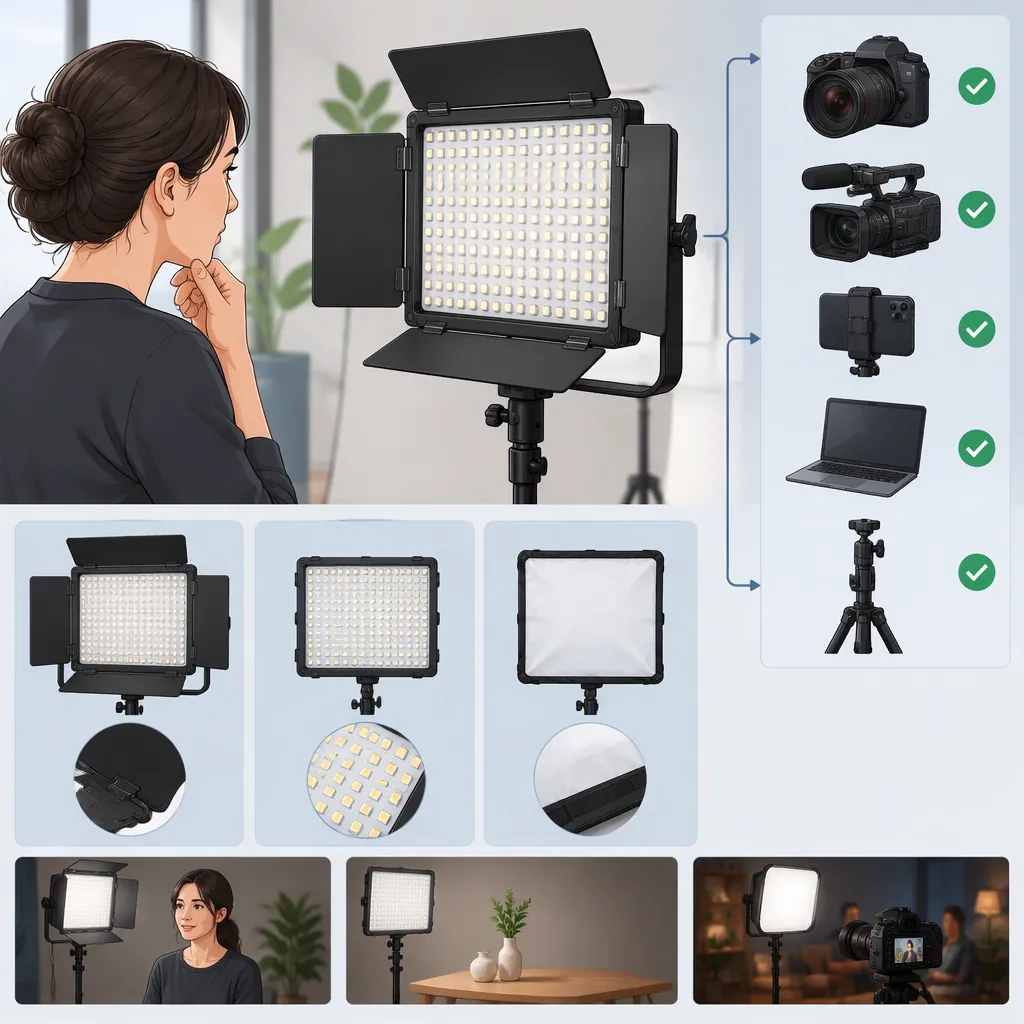
Neewer Led 660: Choosing a Light and Checking Compatibility
To assess a Neewer LED 660 for filming, identify the exact model and kit, define your shooting requirements, and check power, mounting, controls, and accessories separately. The supplied reference covers the RGB 660 PRO II two-light kit with 200cm light stands—not every light described as “660.” It is a starting point for identification, not proof that another model or accessory is compatible. [c1]
Identify the Exact Model First
Treat “neewer led 660” as a search term, not a complete compatibility specification. Before comparing accessories:
- Record the light’s identity. Copy the full model name, model or part number, and power-input details from the light’s label.
- Record the kit separately. Note the kit name and which accessories are actually present. Do not substitute a package title for the identity of the light inside it.
- Match the documentation. Check whether the manual or technical document explicitly covers that model and, where relevant, the accessory.
- Resolve conflicts before proceeding. If the seller’s title, light label, and documentation disagree, ask the seller, rental provider, or manufacturer to clarify. Do not carry an accessory compatibility conclusion from one model to another.
The supplied retailer page is titled “Neewer - 2 Pack RGB 660 PRO II LED Video Light with 200cm Light Stands | Woodland Hills Camera.” Its scope is that specific listing; it does not establish compatibility for a different unit, a used light with missing accessories, or a separately supplied power adapter. [c1]
These hypothetical cases illustrate how to handle identification—not product capabilities:
| Information available | How to proceed |
|---|---|
| The description says only “660.” | Keep the model unidentified. Obtain the full label details before judging accessories. |
| The light label, kit description, and documentation name the same complete model. | Continue to interface checks. Matching names alone do not confirm every accessory. |
| The seller’s title names one model, but the light label or manual names another. | Record the conflict and seek clarification before making a compatibility decision. |
| The model is identifiable, but an included adapter has no readable specifications. | Continue non-electrical documentation checks, but leave that adapter unresolved. Do not test an unknown supply. |
Define the Shoot Before Evaluating the Light
Choose against a specific setup rather than a product name. Record the subject, framing, light position, available space, ambient lighting, and intended camera settings.
Define what an acceptable result means for that shoot. For example, an interview may require a particular face exposure, skin-tone appearance, shadow pattern, and clean audio recording. A background-lighting setup may have different requirements. These are evaluation goals, not capabilities verified for the Neewer LED 660 by this article.
Test Under Repeatable Conditions
If you can evaluate the exact unit after confirming safe power and support arrangements:
- Use the intended camera, lens, frame rate, shutter setting, ISO, and aperture.
- Keep framing, camera settings, and ambient conditions as consistent as practical.
- Record a baseline clip, then change one relevant variable at a time, such as light position, brightness setting, or a confirmed-compatible modifier.
- Note each change and compare the recordings, not just the live preview.
- Check exposure, skin-tone appearance, shadows, visible banding, and any sound captured by the microphone.
Interpret the Results
Meets the defined requirements: Record the conditions under which the result was acceptable. This supports a decision for that setup, not a guarantee for other distances, camera settings, or environments.
Acceptable only after changes within the planned setup: Keep the revised configuration in your notes and repeat the test to check that the result is usable under those conditions.
Acceptable only outside the planned requirements: If obtaining the image requires changing conditions you cannot use on the shoot, mark the configuration as not meeting the current requirements. That does not establish that the light is unsuitable for every use.
Banding or recorded noise appears: Mark the result as requiring further investigation. Do not attribute the issue to the light without isolating possible causes through controlled comparisons.
Not tested: Keep performance unresolved. A listing or accessory match does not replace a recording test.
Check Each Compatibility Interface
Separate three questions: Do the documented specifications match? Is the assembled setup safe to use? Does the intended function work under your conditions? A positive answer to one does not settle the others.
| Interface | What to compare | Evidence to use | If information is missing |
|---|---|---|---|
| Power supply | Required voltage, polarity, connector specification, and current or power capacity. The supply must meet the exact light’s documented requirements. | Light input label and matching manual; proposed supply’s label and documentation. | Do not connect an unknown supply. Record the pairing as unresolved. |
| Battery | Supported battery type, electrical requirements, mounting interface, and any specified adapter. | Exact-model light documentation and battery or adapter documentation. | Do not infer support from appearance or a similar mount. |
| Mounting and support | Mounting interface, attachment hardware, light and accessory weight, support rating, and permitted configuration. | Light, stand, mount, and modifier instructions. | Leave the configuration unresolved until the requirements are known. |
| Controls | Exact remote or controller, control method, and relevant app, device, operating-system, or software requirements. | Model-specific control documentation and the controller or app’s compatibility information. | Do not assume that a shared brand or wireless method confirms compatibility. |
| Modifiers | Attachment method, dimensions, clearance, weight, and manufacturer restrictions. | Documentation for both the exact light and modifier. | Do not treat “for 660” as a sufficient fit specification. |
For mounting, include the weight of attached accessories rather than assessing the light alone. A load-rating comparison is only part of the assessment; it does not by itself establish the stability of the complete assembly. Follow the equipment instructions for securing and positioning it.
For controls, distinguish a listed control feature from compatibility with your particular device. The supplied retailer page does not establish support for a specific phone, operating-system version, or third-party controller. [c1]
After documenting compatibility, verify the intended function under the planned conditions where appropriate. Do not use a functional test to resolve unknown electrical specifications or an uncertain support arrangement.
Use One Selection Worksheet
Keep identification, compatibility evidence, test conditions, and the decision together to avoid repeating information across separate records.
| Worksheet section | Record |
|---|---|
| Light identity | Full model name; model or part number; label details; kit name; accessories actually present. |
| Identity evidence | Matching manual or technical document; any disagreement between label, listing, and documentation; clarification still needed. |
| Shoot requirements | Subject and framing; light position and distance; available space; ambient conditions; required image and audio results. |
| Camera settings | Camera and lens; frame rate; shutter setting; ISO; aperture; other settings relevant to the comparison. |
| Accessory checks | For each supply, battery, support, controller, or modifier: exact model, requirements compared, evidence, and result—documented match, documented mismatch, or unresolved. |
| Recording tests | Baseline conditions; each adjustment; exposure, skin-tone and shadow observations; banding or recorded noise; whether the result meets the predefined requirements. |
| Final decision | Suitable for the documented and evaluated setup; unsuitable for the current requirements; or insufficient evidence. Include the reason and unresolved items. |
Keep documented and tested results distinct. Documentation may establish an interface match; a recording test may establish an acceptable image in a particular setup. Neither should be expanded beyond what it actually demonstrates.
Make the Decision Within the Evidence Limits
This article uses one supplied retailer listing. No manufacturer manual, accessory compatibility chart, independent measurement report, or camera-specific test result was supplied. It therefore does not verify electrical compatibility, battery runtime, measured output, flicker performance, or suitability for your recording setup. [c1]
Use the following decision rules:
- Suitable for the documented and evaluated setup: Critical compatibility requirements are resolved, and the evaluated configuration meets the shoot’s requirements.
- Unsuitable for the current requirements: A documented mismatch or an evaluation result prevents the planned configuration from meeting those requirements.
- Insufficient evidence: A critical specification, safety requirement, control dependency, or performance result remains unknown.
Keep the decision open when a critical power or support detail is unresolved. If control functionality is essential to the shoot, unresolved control support also prevents a complete selection decision.
FAQ
Can I Reuse a Power Adapter If Its Connector Fits?
Connector fit alone is not confirmation. Compare voltage, polarity, connector specification, and current or power capacity against the exact light’s documented input requirements. This article does not verify a replacement adapter. If the necessary specifications are unavailable, leave the pairing unresolved and do not test the unknown supply.
Does a Kit Listing Confirm What Is Included with a Used Light?
No. The supplied source describes a particular RGB 660 PRO II two-light kit with 200cm light stands; it does not verify the contents or condition of a separately offered used unit. Record the accessories actually present and check each proposed pairing independently. [c1]
Does the Source Confirm That the Light Will Work Well with My Camera?
No camera-specific test result was supplied. The retailer listing alone does not establish performance at your frame rate, shutter setting, exposure, or light position. Evaluate the exact unit in the intended recording setup and keep the conclusion limited to the conditions tested. [c1]
What If an Accessory Is Labeled “for 660,” but No Full Model Is Listed?
Treat the label as incomplete evidence. Identify the accessory and light precisely, then compare their documented attachment, electrical, or control requirements. If the provider cannot clarify a critical requirement, mark compatibility as unresolved rather than assuming interchangeability.
Should Visible Banding or Recorded Noise Immediately Rule Out the Light?
Not automatically. Record the conditions, repeat the comparison with controlled changes, and investigate possible causes without immediately assigning blame to the light. If the issue remains unacceptable under the conditions required for your shoot, mark that configuration as unsuitable or unresolved, depending on what the evaluation establishes.