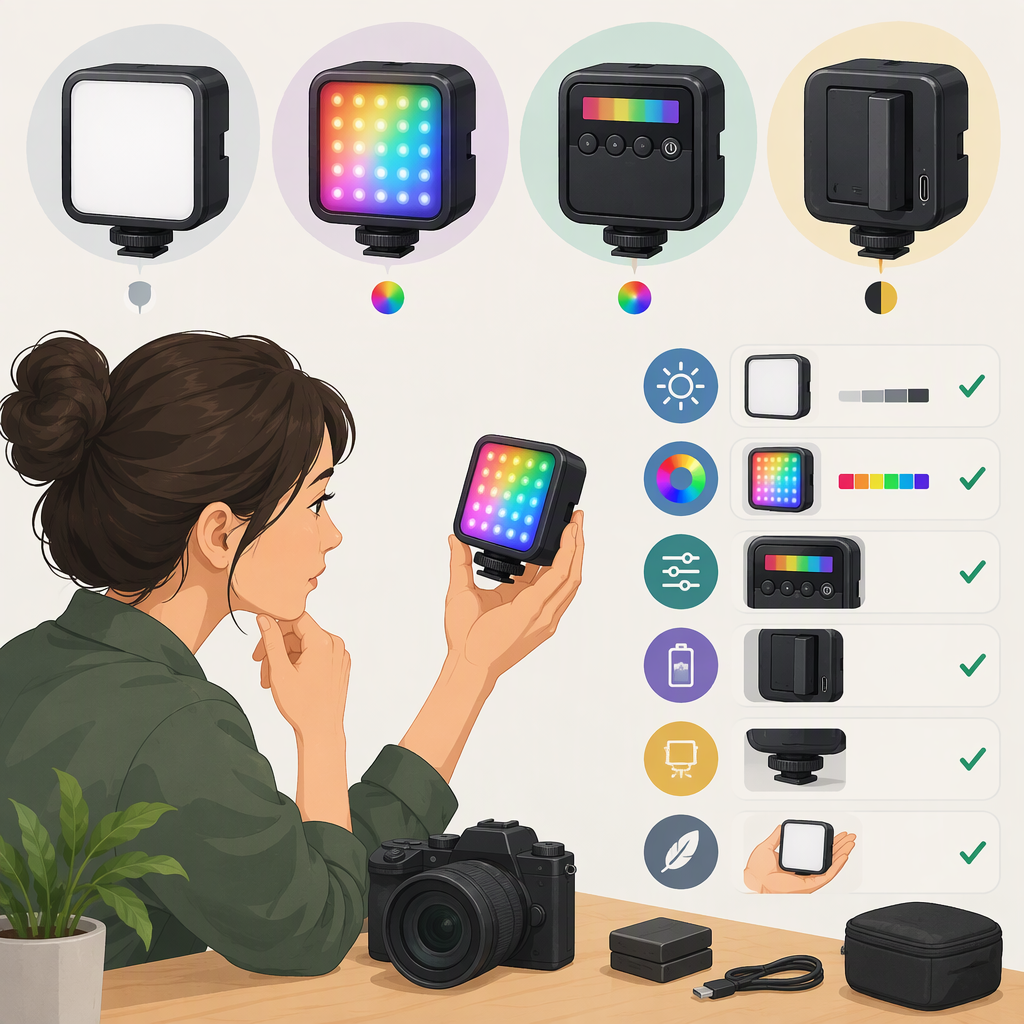
How to Choose a Ulanzi VL49 RGB Light: Models and What to Check
Choosing a Ulanzi VL49 RGB Light: What to Verify First
Start by confirming the model. Ulanzi’s product page identifies the RGB version as the Ulanzi VL49 Rechargeable Mini RGB Light, product code 2287. It is not the same listing as the VL49 Rechargeable Mini LED Light (product code 1672), which is described as a 49-LED, 5500K light, or the VL49 Pro (B01001), a separately listed RGB model. Don’t assume that a listing labeled only “VL49” has the RGB version’s features. (ulanzi.com)
The official product information reviewed here uses Ulanzi naming. It does not establish “Vijim” as an official alternate name for the 2287 model. If a seller uses that label, compare the exact product code and the documentation included with the listing rather than relying on the name alone.
Choose by the Job the Light Needs to Do
- For colored accents: Check that the listing specifically says VL49 RGB / 2287 and documents the color controls you need. Ulanzi describes 360-degree RGB color adjustment on its RGB product information. That establishes a range of color choices; it does not, by itself, establish how bright a particular color will appear in your setup. (ulanzi.com)
- For adjustable white or warm light: The RGB model’s product information also lists a 2500–9000K color-temperature range. If matching another light matters, compare the actual color temperature and placement in your scene; a stated range alone cannot tell you how the lights will look together. (ulanzi.com)
- For white light at a fixed color temperature: The separate VL49 1672 listing specifies 5500K. It may be the model to investigate if you don’t need RGB, but don’t treat it as an RGB substitute: the listed feature set is different. (ulanzi.com)
- For effects or a Pro-specific feature: Compare the VL49 Pro’s own documentation. Ulanzi lists the Pro separately and describes 20 effects, a 2500–9000K range, a 2500mAh battery, and about 90 minutes of use at high brightness. These are Pro specifications, not specifications to transfer to the 2287 RGB model. (ulanzi.com)
These are decision checks, not a claim that any model will suit every camera, room, or shooting distance. If the light is meant to illuminate a face or product rather than add a small patch of color, verify output for the mode and conditions you plan to use. Ulanzi’s RGB listing reports 800 lux at 0.5 m, but that single figure should not be treated as a guarantee of the result in a different mode, distance, or setup. (ulanzi.de)
Compare the Details That Affect Your Setup
Before choosing, check the exact product page or manual for:
- Model identity: Look for “VL49 RGB” and, where shown, product code 2287. Keep the 1672 and B01001 listings distinct.
- Color controls: Confirm whether you need RGB colors, adjustable white color temperature, or both—and that the exact model lists those controls.
- Output conditions: Note the stated distance, mode, and settings alongside any lux figure. Don’t compare numbers as if they were measured under identical conditions unless the documentation confirms that.
- Power and runtime: Use the runtime listed for the exact model and note its conditions. Ulanzi gives the RGB listing a 2000mAh battery and a 2–10-hour range depending on brightness; the Pro listing gives different battery and high-brightness runtime figures. These are manufacturer specifications, not a promise of runtime for every shoot. (ulanzi.com)
- Mounting and size: Check the exact listing for the mounting points, dimensions, and weight, then confirm they work with your camera, phone mount, tripod, or intended placement. Don’t infer compatibility from “VL49” alone.
A Quick Example
Suppose you want a small colored accent behind a speaker, and occasionally want to switch to white fill. The 2287 RGB listing is the relevant one to investigate because Ulanzi documents RGB adjustment and a variable color-temperature range for that model. Before relying on it, check whether its documented output at your intended distance is sufficient for your scene. If you only need fixed-temperature white light, compare the 1672 listing instead; if you specifically need the Pro’s listed effects, consult the B01001 documentation. This narrows the comparison without assuming that one model is universally better.
Short Checklist
- Does the listing identify VL49 RGB / 2287, VL49 / 1672, or VL49 Pro / B01001?
- Are the color modes and color-temperature controls you need documented for that exact model?
- Is output stated at a useful distance and under relevant conditions?
- Does the documented runtime fit your expected session, allowing for the listed brightness conditions?
- Do its documented dimensions and mounting points fit your setup?
If the model number or specifications are missing or inconsistent, treat that as unresolved—not as proof that the listing is equivalent to the Ulanzi RGB model. This guide makes no claim of firsthand testing, regional availability, or seller-specific stock.