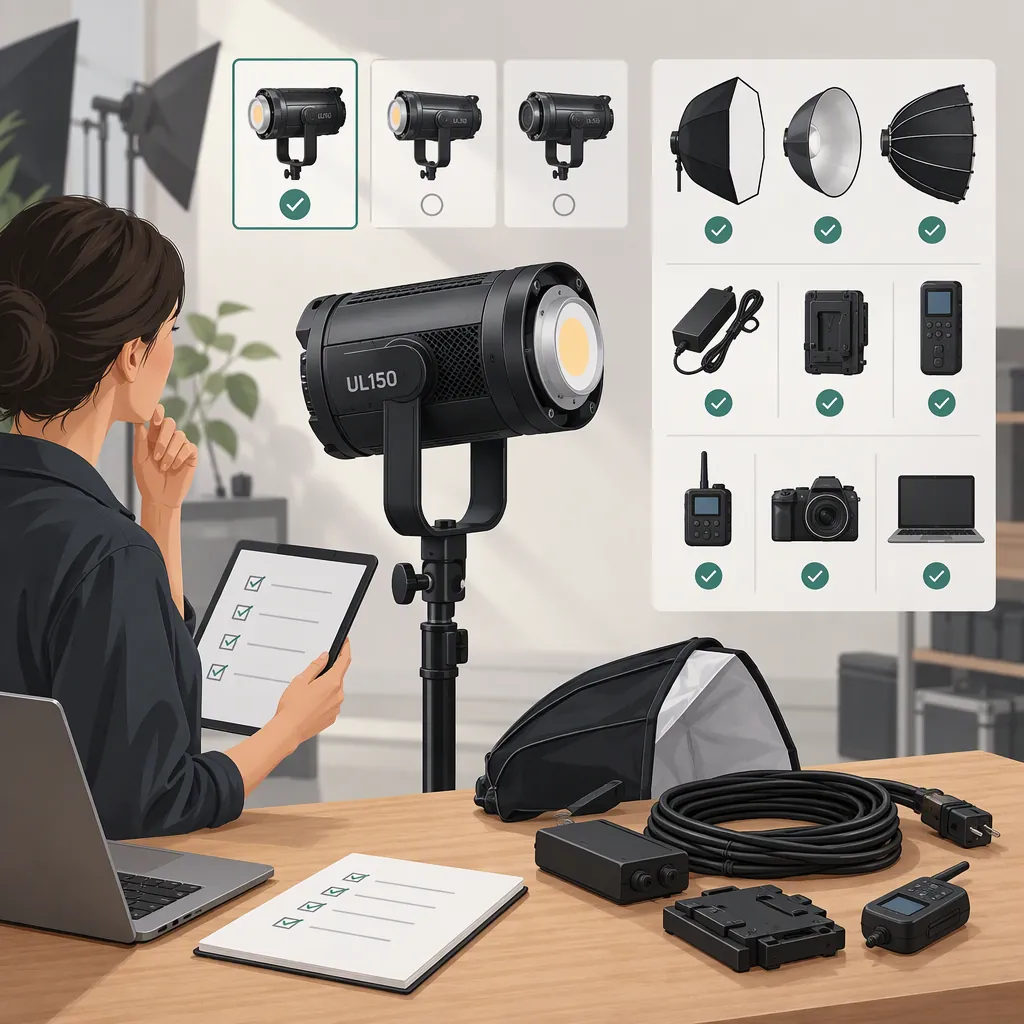
Godox Ul150: Choosing a Filming Light and Checking Compatibility
Choose a Godox UL150 configuration by checking two things separately: whether the exact equipment combination is documented as compatible, and whether it meets your filming needs in a representative test. Godox’s tutorial demonstrates the UL150 with a softbox and a V-lock battery, but those examples are not a complete compatibility guide. [godox_tutorial]
What the Available Source Establishes
The Godox-hosted tutorial features the UL150 and LC500R. It demonstrates a UL150 on a light stand with a softbox, describes powering it with a V-lock battery, and shows how light direction and a softbox grid can help control background spill. [godox_tutorial]
This manufacturer-hosted demonstration is useful for understanding lighting arrangements. It is not an independent comparison, a complete specification sheet, or a list of approved accessories. It does not establish every supported battery, electrical requirement, modifier limit, or camera-specific performance result. The checks below are a selection workflow, not additional UL150 specifications.
Select for the Scene, Not Just the Model
Start with the job the light must perform: a soft interview key, a directional dramatic source, or illumination motivated by a visible lamp. Define the subject’s movement, framing, working distance, ambient light, and intended camera settings before deciding whether a configuration is adequate.
The tutorial contrasts a more evenly illuminated arrangement with a side-lit approach intended to preserve stronger subject-to-background contrast. These are different creative choices, not a universal recipe for a cinematic image. [godox_tutorial]
Test your proposed configuration at the intended distance and camera exposure. Check whether it:
- Provides the exposure you need at your planned camera settings.
- Covers the subject throughout the required movement.
- Produces the intended facial highlights and shadow detail.
- Keeps background spill within your scene requirements.
- Fits the available placement and support arrangement.
If the configuration cannot meet these requirements, adjust the placement, modifier, or lighting arrangement and retest. If it still falls short within your practical constraints, exclude that configuration from the scene rather than assuming the model name guarantees sufficient performance.
Scene Requirements Worksheet
- Light’s role: key, fill, background, or motivated source.
- Framing and movement: required shot size and subject coverage.
- Placement: available working distance, height, and floor space.
- Camera settings: frame rate, shutter, aperture, and ISO.
- Desired appearance: shadow softness, highlight detail, and background separation.
- Acceptance criteria: what must be visible and controlled in the representative shot.
Verify Modifier, Power, and Support Compatibility
Before assembly, obtain documentation for the exact light and each accessory. Keep mechanical attachment, electrical compatibility, and support suitability as separate checks.
Modifier and Attachment
Verify the modifier’s interface, any required adapter, and documented loading limits. Identify the exact modifier and adapter models rather than relying on a general accessory description.
A modifier that appears to attach is not enough to mark the whole assembly as verified. Check the applicable documentation for attachment and loading requirements.
Power Source and Connections
Verify the required voltage, current capability, connectors, cables, and approved supply or battery configuration.
A matching battery mount or a connector that appears to fit does not, by itself, establish electrical compatibility. Confirm the documented electrical requirements and cable arrangement before connecting power.
Stand and Support
Assess the complete mounted assembly—including the light, modifier, adapters, and cables—against the support equipment’s documented limits. Check support suitability separately from whether the modifier attaches to the light.
If a critical interface, electrical requirement, or support limit remains unclear, do not approve that combination for assembly. Leave it unverified until the requirement is resolved; do not substitute an improvised connection.
Compatibility Verification Log
- Exact light model and revision: ______
- Modifier model, interface, and adapter: ______
- Documented attachment and loading limits: ______
- Power source model: ______
- Documented voltage and current requirements: ______
- Required connectors and cables: ______
- Stand, head, and complete supported load: ______
- Documentation checked: ______
- Unresolved requirements or documented conflicts: ______
- Documentation verification status: requirements matched / unresolved / documented mismatch.
- Scene test status: not tested / passed recorded criteria / needs adjustment / failed recorded criteria.
“Requirements matched” means the documentation checks are complete for the recorded combination. It does not mean the configuration has passed a filming test.
Test the Complete Camera and Audio Setup
Once compatibility is documented and the setup is safely assembled, make a short recording under representative conditions. Test the intended frame rate, shutter setting, dimming levels, and any planned slow-motion mode. Inspect playback for exposure changes, banding, unwanted color differences, and inconsistent coverage.
Record room tone and dialogue with the production microphone in its actual position. Listen to the recording rather than assuming that a description of the light guarantees clean production audio. Include the intended power accessories and nearby equipment in the test.
The supplied tutorial does not provide camera-specific flicker testing or production-audio measurements, so it cannot settle those questions for your setup. [godox_tutorial]
Pre-Shoot Test Record
- Configuration: light, modifier, adapter, support, and power source.
- Placement: distance, height, direction, and subject position.
- Camera settings tested: frame rate, shutter, aperture, and ISO.
- Dimming levels tested: ______
- Image result: exposure, color, spill, banding, and movement coverage.
- Audio result: dialogue and room tone at the production microphone position.
- Changes required: ______
- Retest result: ______
- Untested settings or combinations: ______
Turn the Checks into a Selection Decision
Use the documentation result and the filming result together:
| Result | Selection decision |
|---|---|
| A critical compatibility requirement is unresolved | Do not approve assembly. Resolve the documentation gap first. |
| Documentation shows a mismatch | Exclude the current combination and evaluate a documented alternative. |
| Documentation requirements match, but the scene has not been tested | Proceed to a safely assembled representative test; filming suitability remains unverified. |
| Documentation requirements match, but image or audio criteria fail | Adjust the configuration and retest. Exclude it if it cannot meet the scene requirements. |
| Documentation requirements match and the scene test passes | Treat that exact configuration as suitable for the recorded scene and settings only. |
Keep the test record with the configuration details. A successful result does not verify every accessory, power arrangement, placement, or shooting mode. Revisit the relevant checks when those details change.
FAQ
Can I Use Any Softbox with the Godox Ul150?
No universal compatibility follows from the tutorial’s softbox example. Verify the exact modifier interface, adapter requirements, and loading limits before assembly. [godox_tutorial]
Does the Tutorial Verify Every V-Lock Battery for the Ul150?
No. It describes V-lock battery use in the demonstrated setup without establishing compatibility for every battery model. Check the exact electrical requirements, battery capability, connectors, and required cables. [godox_tutorial]
Is the Supplied Tutorial Enough to Make a Final Selection?
It helps explain demonstrated lighting arrangements, but it is not a complete technical basis for selection. Use equipment documentation to verify compatibility, then test exposure, coverage, image consistency, and audio in your intended setup. [godox_tutorial]
When Can I Consider a Ul150 Configuration Suitable for My Shoot?
When the exact combination’s documented requirements are matched and it passes your recorded scene criteria. That conclusion is limited to the configuration and settings you tested; the tutorial alone does not establish suitability for every filming environment. [godox_tutorial]