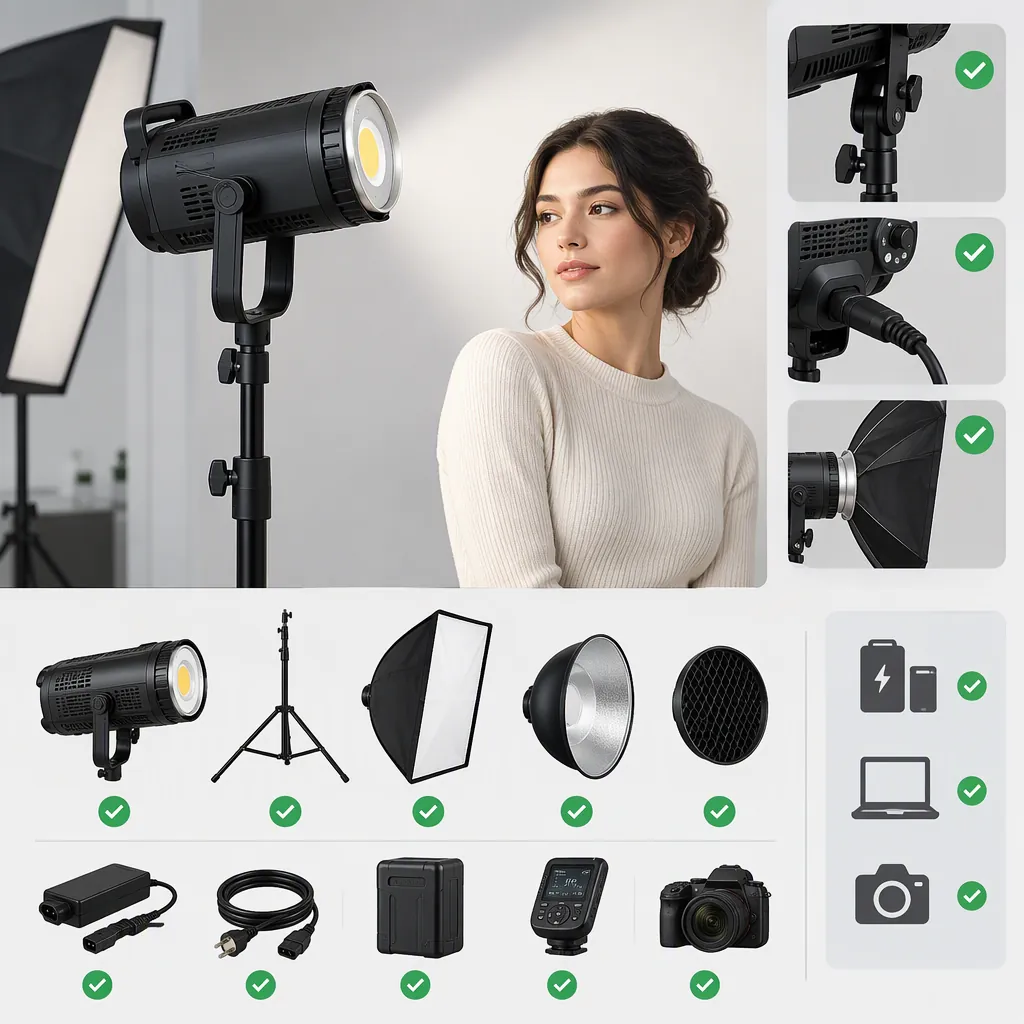
Godox Slb60w: Pre-Selection and Compatibility Checks for Filming
Before choosing a Godox SLB60W, confirm the exact model, its documented power requirements, its accessory mount, and its supported controls. Then evaluate that unit with your planned camera and microphone setup. This is a pre-selection checklist—not a verified SLB60W specification sheet.
Evidence boundary: The available reference is a review of the Godox SL60W, not a unit identified as the SLB60W. It supports observations about the reviewed SL60W but does not establish SLB60W specifications or equivalence between the two names. [c1]
Slb60w Decision Summary
The following items remain unverified for the SLB60W in the available evidence. Use documentation for the exact unit to resolve them before treating a setup as compatible.
| Selection question | What to verify | How it affects the decision |
|---|---|---|
| Can the intended power source operate the light? | Input voltage and frequency, connector, required supply, and any explicitly supported battery system | If the electrical requirements or connection cannot be confirmed, do not connect power. If battery support is undocumented, do not plan around battery operation. |
| Will the intended modifier fit? | Mount type, adapter requirements, installation procedure, and any accessory restrictions | Leave compatibility unresolved until the documented interfaces match and the accessory can be installed securely. |
| Will the controller work? | Exact controller model, supported light models, pairing procedure, and available functions | Do not classify a controller as compatible based only on brand or a similar model name. |
| Is the assembled setup adequately supported? | Fixture and accessory weights, stand capacity, and installation requirements | Assess the complete assembly, not the bare light alone. |
| Will it meet the filming requirements? | Recorded exposure, shadow shape, flicker, color consistency, and operating noise | Treat suitability as conditional until the intended configuration has been evaluated. |
These are evaluation rules, not claims about verified SLB60W performance.
Confirm the Exact Model
Compare the model label on the fixture with the manual and accessory documentation. A listing or abbreviated name alone is not enough to resolve a mismatch.
If the fixture, manual, and accessory compatibility list name different models, record the discrepancy rather than filling the gap with another model’s specifications.
Model Verification Record
- Model printed on the fixture: ______
- Model named in the manual: ______
- Power input and required supply: ______
- Explicitly supported battery hardware, if any: ______
- Modifier mount and installation requirements: ______
- Supported controller and functions: ______
- Fixture and accessory weights: ______
- Unresolved naming or documentation differences: ______
Keep unresolved fields visible. This guide does not verify SLB60W battery operation, accessory part numbers, output, or current availability.
Check Power and Controls Separately
Power Compatibility
For the intended unit, verify the power requirements in its own documentation before connecting a supply. Check the required input, connector, and supply model, as applicable. For battery use, look for explicit support for the intended battery and any required adapter.
The SL60W review lists AC input of 100–240 V at 50/60 Hz. That is a reported SL60W specification, not an SLB60W power requirement. [c1]
Apply these decision rules:
- Requirements and supply match: Continue with the documented installation checks.
- Voltage, connector, or required supply is unclear: Do not connect power until resolved.
- Battery support is not documented: Leave battery compatibility unverified and do not rely on it for the shoot.
Control Compatibility
Verify that the controller documentation explicitly supports the exact fixture and the functions you need. Distinguish basic brightness control from other functions rather than assuming that every button on a remote applies to the light.
The SL60W review describes rear-dial and remote control, but its narrative lists four groups while its specification table lists six. That discrepancy is a reason not to use the review alone to settle control compatibility. [c1]
If target-model support is unclear, mark the controller as unverified. Once documented compatibility is established, check pairing and the required functions before relying on remote operation during filming.
Verify Modifiers and Physical Support
The reference describes a Bowens S-type mount and umbrella use on the SL60W. Those details do not confirm the SLB60W’s mount. [c1]
For the exact fixture and modifier combination, check:
- Interface: Does the modifier or adapter match the documented mount?
- Installation: Does it lock securely using the specified procedure?
- Clearance: Does the assembly leave controls and ventilation unobstructed?
- Support: Does the stand’s documented capacity cover the light and all attached accessories?
- Restrictions: Do the fixture, modifier, or adapter instructions exclude the intended configuration?
Mount fit and support suitability are separate decisions. A modifier that attaches is not automatically an appropriate complete setup.
If fit, locking, clearance, or support remains unresolved, do not treat the assembly as ready for use. Record the exact combination checked so that approval of one configuration is not mistaken for approval of every accessory sharing the same mount.
Test the Complete Filming Configuration
Documentation can establish compatibility, but recording suitability still needs evaluation in the planned setup. The SL60W review reports an internal fan, discusses microphone placement, and demonstrates reflector and umbrella lighting. These observations concern that reviewed setup, not verified SLB60W noise or output. [c1]
Filming Evaluation Checklist
- Assemble the documented configuration. Use the intended light, modifier, and support.
- Match the shoot conditions. Set the planned camera frame rate, shutter setting, exposure, subject distance, and light position.
- Record the intended brightness settings. Include settings you expect to use during the shoot.
- Inspect the footage. Check exposure, shadow shape, visible flicker or banding, and color consistency.
- Compare audio. Record room tone with the light off and then operating, keeping microphone position and gain unchanged.
- Evaluate adjustment room. Note whether acceptable exposure and lighting can be maintained when the subject or light position changes.
- Record the result. Identify the configuration and settings that worked, along with any unresolved limitations.
Turn Test Results into a Decision
- Visible flicker or banding: Recheck at the intended frame rate, shutter setting, and brightness. If it persists in the required configuration, do not classify that configuration as suitable.
- Unacceptable operating noise: Where practical, adjust the microphone or light position and repeat the comparison. If the recorded noise remains unacceptable, do not classify the setup as suitable for that dialogue recording.
- Insufficient exposure: Evaluate permissible changes to light position, modifier, or camera settings. If the required exposure cannot be achieved within the shoot’s constraints, the configuration does not meet that requirement.
- Unsuitable shadows or color: Adjust the lighting setup and retest. Do not substitute another model’s review for the recorded result.
- Acceptable result: Document the tested settings and configuration. A successful test supports that setup, not every possible filming use.
FAQ
Are the Godox Slb60w and Sl60w Interchangeable Names?
The available review does not establish that. It identifies its subject as the Godox SL60W. Keep specifications separate unless documentation for the exact unit confirms equivalence. [c1]
Can I Plan on Battery Power or a Bowens Modifier for the Slb60w?
Not on the basis of this reference. It lists AC specifications and describes a Bowens S-type mount for the SL60W. SLB60W battery support and modifier compatibility remain unverified here. Check the exact fixture documentation and the intended accessory requirements before planning the setup. [c1]
What Should I Do If a Remote’s Compatibility Information Is Incomplete?
Leave compatibility unresolved. Verify explicit support for the exact light model and required functions, then check pairing and operation. The SL60W review’s conflicting group counts also make it insufficient by itself for resolving a control setup. [c1]
How Can I Decide Whether the Light Is Suitable for Dialogue Filming?
Test the intended unit with your actual microphone placement, gain, camera settings, and modifier. Compare recordings with the light off and operating, then evaluate the footage and audio together. The reference discusses fan noise for the SL60W but provides no SLB60W recording evidence. If unacceptable noise persists after practical placement adjustments, do not classify that configuration as suitable for the planned dialogue recording. [c1]