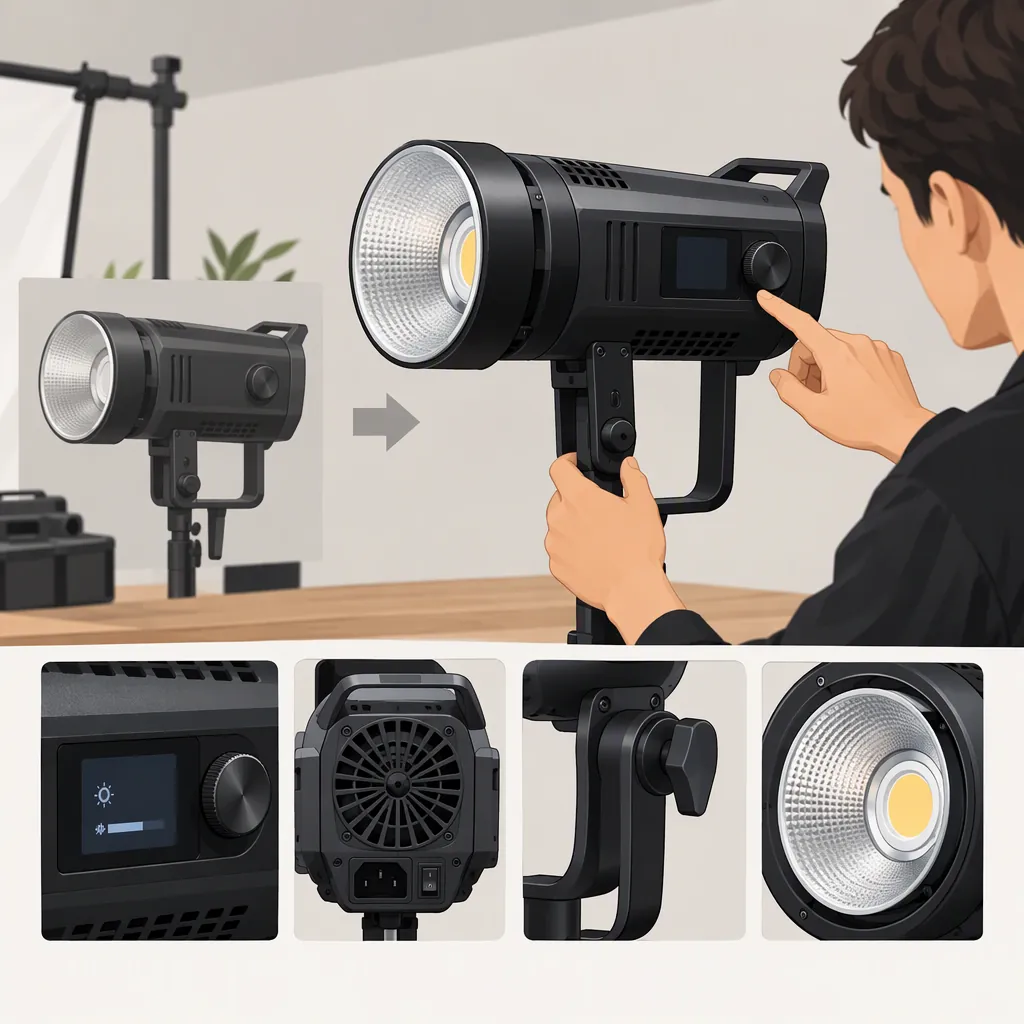
Godox Sl 150 Ii: How to Evaluate the Second-Generation Model
To decide whether the Godox SL 150 II fits your filming setup, first confirm the exact model, then check its documented capabilities against your essential requirements. Keep three outcomes separate: identity confirmed but suitability pending, essential requirements supported by evidence, and a critical requirement conflicts with the evidence. A recognizable model name alone is not enough to make a selection.
What the Available Godox Reference Verifies
The Godox SLIII Series page lists manuals for SL150III/SL200III/SL300III and SL150IIIBi/SL200IIIBi, among other models. Those documents identify third-generation model strings; they should not be used as evidence for SL 150 II specifications. [godox-sliii]
That page does not establish the second-generation model’s output, color temperature, dimming behavior, fan noise, controls, accessory compatibility, or dimensions. It also does not establish whether the second-generation model is currently available or discontinued. The selection framework below therefore explains what to verify and how to use the findings, without asserting unverified product capabilities. [godox-sliii]
Confirm the Exact Model First
Use “godox sl 150 ii” as a search phrase, not as proof of identity. For a unit or listing under review:
- Record the complete model name in the listing.
- Compare it with a readable photograph of the unit’s model label.
- Find manufacturer documentation naming that exact model.
- Check the packaging, if available, for consistency.
- Preserve all generation characters and suffixes when recording the name.
If the title, label, packaging, and manual disagree, leave the identity unresolved. Do not combine specifications from differently named models or assume that a pictured model has the capabilities described in the title.
Model Identity Worksheet
- Listing title:
- Full model string on the unit label:
- Full model string in the manual:
- Model shown on the packaging, if available:
- Conflicting names or suffixes:
- Identity status: consistent / conflicting / insufficient evidence
A consistent identity check is a prerequisite for evaluating the second-generation model—not a finding that it suits your filming needs.
Define Your Filming Requirements
Before comparing specifications, write down the conditions the light must work under. Separate essential requirements, which must be satisfied, from preferences that allow trade-offs.
| Setup factor | What to record | Evidence needed before selection |
|---|---|---|
| Subject distance and lighting arrangement | Intended light-to-subject distance, framing, modifier, and camera exposure settings | Exact-model output information with stated measurement conditions; if those conditions differ from your setup, suitability remains uncertain |
| Live audio recording | Whether dialogue or other sound will be recorded while the light operates, and the likely light-to-microphone placement | Exact-model information about fan operation and noise; if this does not resolve your audio requirement, assess the intended arrangement before deciding |
| Power | Available supply, location constraints, and any need to operate away from an outlet | Documented electrical requirements and explicitly supported power arrangements |
| Color and dimming | Required color-temperature behavior and brightness adjustment for the scene | Exact-model documentation of color-temperature options and dimming controls |
| Existing accessories | Exact modifiers, adapters, or other accessories you intend to retain | Documented mount and compatibility information for the model and accessories |
| Placement and support | Available space, intended stand, and positioning constraints | Documented dimensions, weight, mounting requirements, and relevant support limits |
| Controls | Whether adjustments must be made at the fixture or from another position | Documentation identifying the supported control methods |
These are selection criteria, not confirmed features of the Godox SL 150 II. Mark an item “not verified” when the available evidence does not answer it.
Turn the Evidence into a Selection Decision
For each essential requirement, record both the evidence and its limitation. A specification without a model name, measurement condition, or compatibility statement may not resolve the requirement.
1. Identity Confirmed, Suitability Pending
Use this status when the model identity is consistent but at least one essential requirement remains unverified.
For example, if you intend to record dialogue while the light is running and have no useful exact-model evidence about fan operation or noise, the audio requirement remains open. Do not treat missing information as either a pass or a failure.
Decision: defer the selection until the critical unknown is resolved.
2. Essential Requirements Supported by Evidence
Use this status when the identity is consistent and the evidence supports every essential requirement under relevant conditions.
For example, documented power requirements might match the available supply, and explicit compatibility information might cover the accessories you plan to use. Output or audio suitability may still need assessment if published information does not represent your arrangement.
Decision: the model can remain a candidate for that defined setup. This is not proof that it is universally suitable or better than another generation.
3. A Critical Requirement Conflicts with the Evidence
Use this status when verified information shows that an essential requirement is not met.
For example, an explicitly documented power requirement or accessory restriction could conflict with your setup. Distinguish an explicit restriction from silence in the documentation: absence of a compatibility statement is an unknown, not necessarily incompatibility.
Decision: do not select the model for the setup as defined unless the requirement can be changed and reassessed.
Selection Worksheet
| Essential requirement | Exact-model evidence and conditions | Result | Remaining action |
|---|---|---|---|
| Supported / unknown / conflict | |||
| Supported / unknown / conflict | |||
| Supported / unknown / conflict |
Overall status: identity unresolved / identity confirmed, suitability pending / essential requirements supported / critical conflict
Compare Generations Without Mixing Specifications
If you are also considering another generation, apply the same requirements to each exact model. Keep separate evidence columns rather than importing SLIII values into an SL 150 II comparison.
A useful comparison records:
- The complete model string.
- The source supporting each specification.
- Relevant measurement or operating conditions.
- Whether each essential requirement is supported, unknown, or in conflict.
- Preferences that matter only after essential requirements are satisfied.
An unknown entry is not a disadvantage proved by evidence, and a newer generation name is not evidence of a better fit. The cited SLIII page does not establish a second-versus-third-generation performance, noise, or compatibility comparison. [godox-sliii]
If one model has documentation that answers your requirements and another does not, distinguish greater decision confidence from proven superior performance.
What to Gather When the Decision Is Still Pending
Focus on the unresolved requirement rather than collecting unrelated specifications:
- Unclear identity: obtain a readable unit-label image and documentation naming the same model.
- Unclear electrical suitability: obtain the exact-model manual’s power requirements.
- Unclear accessory fit: look for an explicit compatibility statement covering the model and accessory.
- Unclear output suitability: seek exact-model measurements with their distance, modifier, and other stated conditions.
- Unclear audio suitability: seek relevant fan-operation or noise information; if it remains inconclusive, assess the intended recording arrangement.
- Unclear positioning or control: obtain the documented physical, mounting, and control requirements.
Do not substitute a manual for a similarly named model. If a critical question remains unanswered, retain “suitability pending” rather than forcing a generation-specific recommendation.
FAQ
Does an “Sl 150 Ii” Listing Title Confirm the Second-Generation Model?
No. Compare the full listing name with the unit’s label and exact-model documentation. If those disagree, treat the identity as unresolved.
Can I Use Sl150iii Specifications to Fill Gaps in Sl 150 Ii Information?
No. The cited Godox SLIII page lists documentation for SL150III and SL150IIIBi, among other third-generation models. It does not establish second-generation specifications. [godox-sliii]
What If the Model Is Confirmed but Fan-Noise Information Is Missing?
If live audio is essential, mark that requirement as unknown and keep suitability pending. Seek exact-model information and, where documentation is insufficient, assess the light in the intended recording arrangement before deciding. Missing noise information does not prove that the model is either quiet or unsuitable.
Does Missing Accessory Information Mean an Accessory Will Not Fit?
Not necessarily. Missing information leaves compatibility unverified. An explicit restriction is different from an absent statement; neither should be replaced with an assumption.
Is the Second Generation a Better Choice than the Third?
The evidence used here cannot establish that. Compare both exact models against the same essential filming requirements, using model-specific documentation and relevant conditions. Choose based on supported suitability for your setup, not the generation number alone.
Sources
- [godox-sliii] SLIII Series-Product-GODOX Photo Equipment Co.,Ltd.