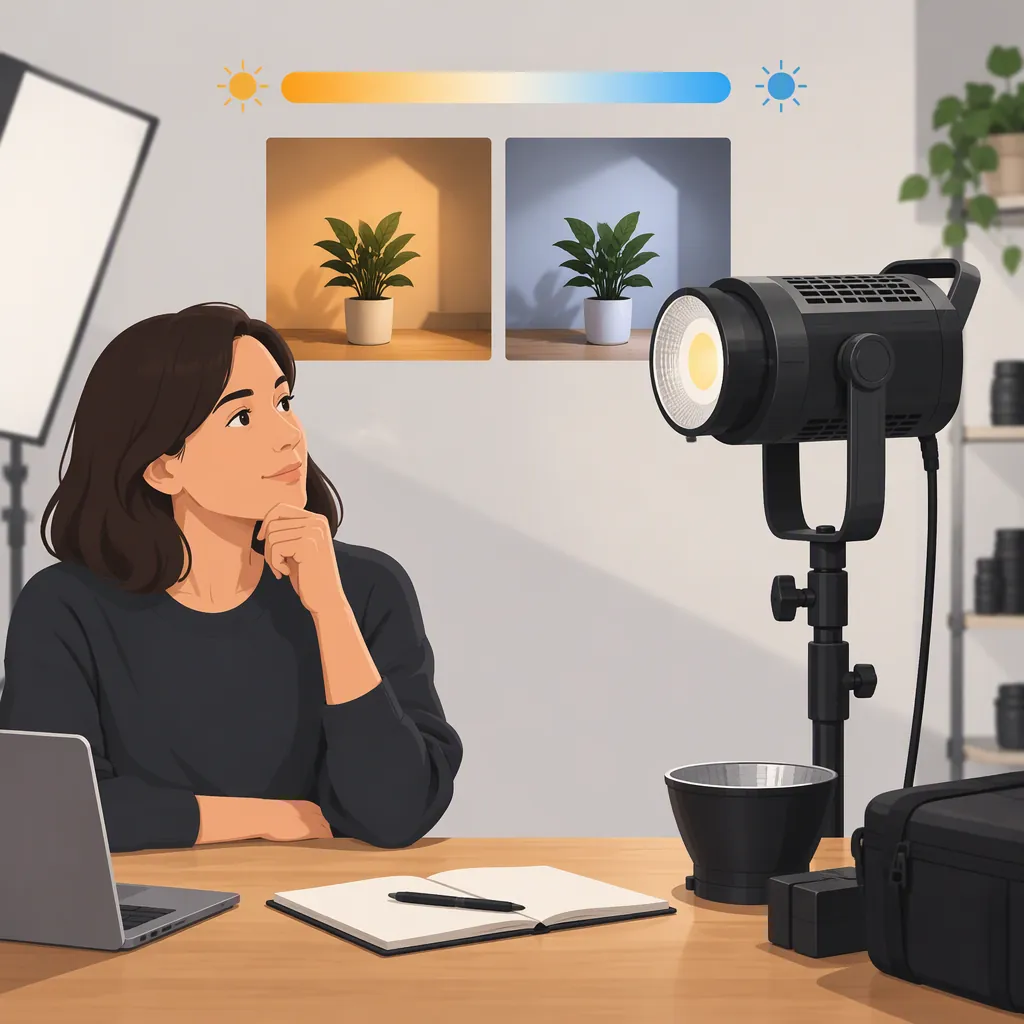
Godox Sl100bi: How to Decide Whether You Need Bi-Color
For a search such as “godox sl 100 bi,” the model identified in the provided sources is Godox SL100Bi. Consider the bi-color version if adjusting color temperature is part of your lighting plan: both sources list a 2800–6500K range. If your setup calls for one consistent color-temperature setting, compare a daylight model instead. This is a workflow-based decision, not a verified claim that either model performs better. [c1] [c2]
Identify the Model Before Comparing
The MacSources review distinguishes the SL100Bi, described as bi-color, from the SL100D, described as daylight. The Impulse listing also identifies the bi-color model as SL100Bi. Check that exact model name when comparing listings, manuals, or equipment labels rather than relying on the spaced search phrase “SL 100 bi.” [c1] [c2]
The available evidence is limited to a third-party review and a retailer listing. Neither is a manufacturer manual or a controlled side-by-side comparison. They establish the model distinction and report specifications, but they do not establish which version is better for every filming setup.
Choose by Color-Temperature Workflow
Both sources report an adjustable color-temperature range of 2800–6500K for the SL100Bi. Treat that as the central distinction to evaluate, rather than as proof of superior image quality. [c1] [c2]
Use these questions to define your requirement:
- Changing locations: Will different rooms require different color-temperature settings?
- Existing lights: Do you need to coordinate the key light with practical lamps or other fixtures?
- Repeatable setup: Will you use the same lighting arrangement and setting for most recordings?
- Creative intent: Do you want a different color-temperature setting for particular shots, or simply a consistent baseline?
If you expect to adjust color temperature regularly, put adjustable color temperature on your requirements list. If you expect to use one setting throughout, compare both model types on the other requirements that matter to you. These questions are a decision framework, not a performance ranking.
Do not assume a matching Kelvin setting will make two fixtures look identical. Include an on-camera comparison in your evaluation rather than treating the setting alone as acceptance evidence.
Color-Temperature Decision Note
Complete before comparing models:
- Intended room or location:
- Existing lights that will remain on:
- Planned camera white-balance setting:
- One color-temperature setting or several:
- Reason adjustment is needed:
- Image test required before accepting the setup:
Check Power, Modifiers, and Controls
Color-temperature adjustment is only one selection criterion. The Impulse listing reports 100–240 VAC power, a Bowens front mount, and control through an optional remote or the Godox App. The MacSources review likewise describes Bowens mounting and app control, and states that the RC-A6 remote is not included in its described package. [c1] [c2]
Before settling on a model, write down the complete setup:
- Power: Identify the available AC supply and cable route. Do not assume a direct battery option from these sources.
- Modifier: Identify the exact softbox or other accessory, then verify its mounting and support requirements.
- Controls: Decide whether you need access to the fixture controls or remote adjustment. Verify current app and remote compatibility separately.
- Package: Confirm the contents of the specific listing; the review's described package is not a guarantee of every current bundle.
A shared mount description is a starting point for checking accessories, not a substitute for checking the particular combination.
Evaluate the Setup, Not Just the Specification
MacSources reports illuminance with the included reflector at a distance of one meter. Keep those conditions attached to the number: it is not a measurement of your intended softbox, distance, or scene. Its favorable noise observations are also the reviewer's experience, not a guarantee for your microphone placement. [c1]
For a useful evaluation, keep the camera position, exposure, white balance, light position, and modifier documented. Check each color-temperature setting you intend to use, and record audio with the microphone in its actual position.
The provided sources do not establish a controlled SL100Bi-versus-SL100D output comparison. Do not infer equal brightness, lower noise, or better color from the model names alone.
Repeatable Evaluation Checklist
1. Record the fixture model and modifier.
2. Mark the light, subject, camera, and microphone positions.
3. Record exposure and white-balance settings.
4. Test each intended color-temperature and brightness setting.
5. Review the image for exposure and unwanted color differences.
6. Listen to a recording made at the actual microphone position.
7. Note whether the setup meets your requirements; leave untested comparisons unresolved.
FAQ
What Is the Difference Between Sl100bi and SL100D?
The MacSources review identifies SL100Bi as bi-color and SL100D as daylight. It reports a 2800–6500K adjustment range for SL100Bi. The provided evidence does not establish a controlled performance ranking between them. [c1]
Can I Assume the Sl100bi Accepts a Battery Directly?
No. The Impulse listing specifies 100–240 VAC power, and the MacSources reviewer describes wall-outlet operation rather than a battery attached directly to the fixture. Verify any proposed portable-power arrangement against current equipment documentation. [c1] [c2]
Is Remote Adjustment Described in the Sources?
Yes. Both sources describe Godox App control and an optional remote. MacSources names the RC-A6 and says it was not included. These descriptions do not verify present-day app compatibility or the contents of a particular current bundle. [c1] [c2]