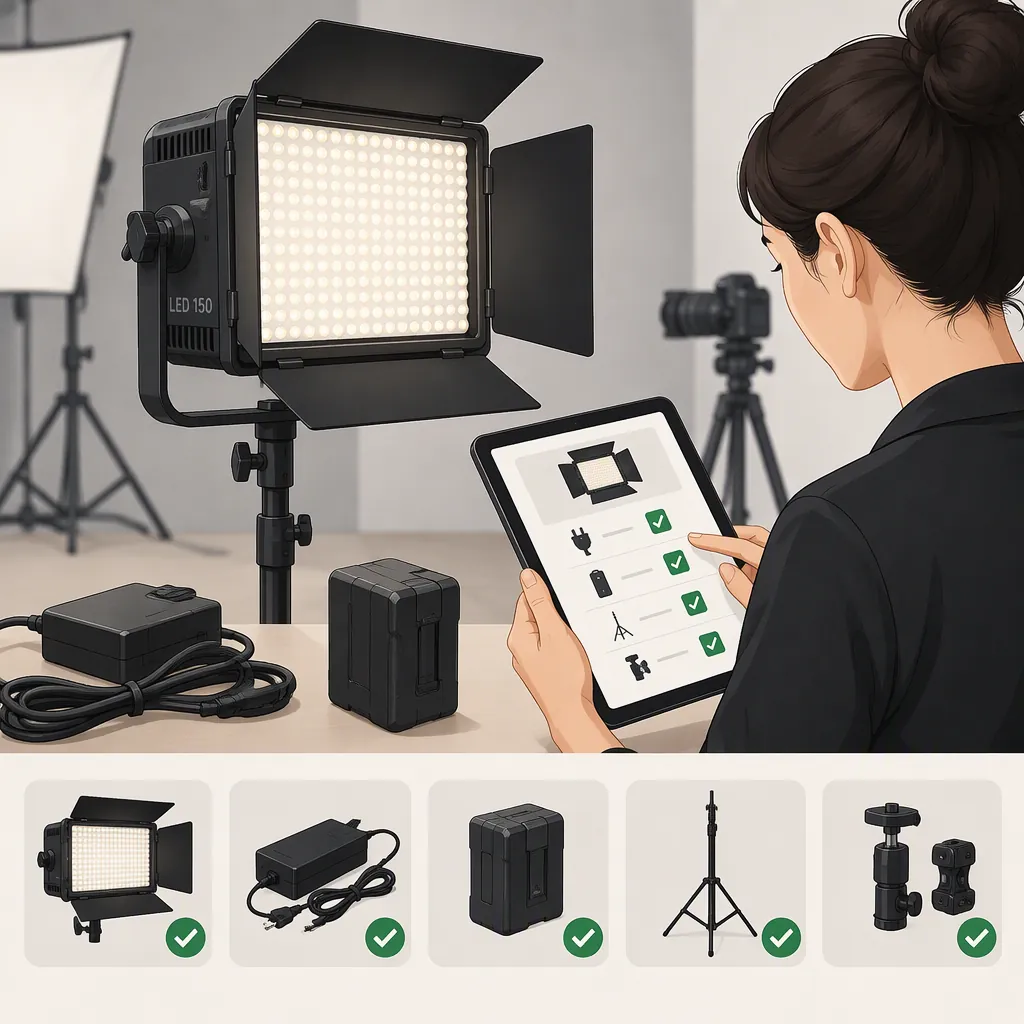
Godox Led 150: Identify the Model Before Choosing a Filming Light
Do not treat “godox led 150” as a confirmed model name. The supplied sources identify an ML150BI bi-color light and a separate SZ150R listing, but do not establish a product officially named LED150. Confirm the full model code first, then check its modifier mount, approved power accessories, controls, and behavior at your recording settings. [c1] [c3]
Confirm the Full Model Code
A search phrase is not enough to establish accessory compatibility. Start with the model printed on the fixture, its packaging, or its documentation—not just the number “150.”
The Roberts Camera page identifies its product as the Godox ML150 Bi-Color LED Video Light and gives the model code ML150BI. The supplied PodcastVideos guide uses the styling ML150Bi. Separately, the Amazon reference identifies an SZ150R RGB light. These references should not be combined into one specification sheet. [c1] [c2] [c3]
Evidence limitation: The supplied references contain retailer information and a third-party guide, not a manufacturer manual for a product confirmed as LED150. This article therefore offers a verification process rather than a definitive LED150 specification or a performance recommendation.
Model Identification Record
- Full model code from the fixture: ______
- Model code in its documentation: ______
- Exact kit or package designation: ______
- Intended use: interview / tabletop / livestream / other
- Unresolved differences between label and listing: ______
- Status: identified / unresolved
Check the Modifier Mount and Support
For the ML150Bi specifically, Roberts Camera describes an ML mount. The PodcastVideos guide also identifies an ML mount and states that Bowens accessories do not attach directly; it mentions an adapter and cautions about heavy modifiers. Treat that as model-specific information, not a rule for every Godox light with “150” in its name. [c1] [c2]
Before assembling a setup, record the mount on the light, the attachment on the modifier, and the exact adapter required between them. Verify the permitted load and support arrangement in the relevant documentation. The supplied sources do not establish a safe load limit for an adapted softbox.
Use separate checks for attachment fit and mechanical support. Do not treat an accessory that locks into place as proof that the complete assembly is approved. Leave adapter or support compatibility marked unresolved until it is documented.
Modifier Compatibility Checklist
- Fixture model: ______
- Fixture modifier mount: ______
- Modifier model and attachment: ______
- Adapter model, if required: ______
- Documented compatibility: ______
- Documented load and support requirements: ______
- Clearance for tilt, cables, and ventilation: ______
- Decision: verified / unresolved
Verify Power and Control Accessories
Roberts Camera describes AC and battery-based power options for the ML150BI. The PodcastVideos guide describes AC power and a V-mount adapter plate in the kit it discusses. That guide also reports app control, NFC pairing, and wired DMX through a separately purchased Godox USB-C DMX adapter. These descriptions do not establish what is included in every package. [c1] [c2]
For a proposed power setup, verify the exact supply, battery, plate, cable, connector, and electrical requirements against documentation for the identified model. Do not infer compatibility from connector shape or the term “V-mount” alone. The provided material is insufficient to certify a particular third-party battery or cable.
Keep power and control checks separate. A reference to a USB-C control adapter is not evidence that an ordinary USB-C charger can power the fixture. Likewise, wireless control support should not be treated as confirmed compatibility with every Godox remote or application workflow.
For location work, plan a runtime test with the actual approved power configuration and intended operating settings rather than adopting an unverified runtime estimate.
Test the Complete Filming Setup
Choose a light against the shot you need to make, not an assumed output implied by its name. Define the framing, subject position, modifier, camera settings, ambient lighting, and microphone placement before judging suitability.
The PodcastVideos guide reports that switching the ML150Bi fan off limits the dimmer to 10%. It also reports possible flicker at high shutter speeds. These are third-party observations, not verified measurements for your unit or a guarantee of performance at other settings. [c2]
A useful evaluation is a short rehearsal with the complete setup. Record both picture and sound at the settings planned for production. Review exposure, visible banding, color consistency, and fan noise before deciding whether the setup meets the brief. If you change dimming, shutter settings, power accessories, or the modifier, repeat the relevant checks.
Pre-Shoot Acceptance Test
1. Record the exact light model, modifier, and approved power configuration.
2. Set the planned framing, light position, frame rate, shutter setting, and white balance.
3. Record a sample at each brightness and color-temperature setting you expect to use.
4. Review the footage for exposure problems, banding, or visible brightness variation.
5. Record room tone with the microphone in its production position and the light in each intended fan mode.
6. Run the setup for the planned take duration and note interruptions or changes.
7. Mark picture, audio, runtime, and support checks as pass or unresolved before filming.
FAQ
Is “Godox Led 150” the Same as Ml150bi?
That equivalence is not established by the supplied references. Roberts Camera identifies an ML150BI, and the third-party guide calls it ML150Bi. Confirm the full model code on the fixture before applying either source's compatibility information. [c1] [c2]
Can a Bowens Softbox Attach Directly to the Ml150bi?
The supplied guide says the ML150Bi uses an ML mount, not a direct Bowens mount, and mentions an adapter with a caution about heavy modifiers. Verify the exact adapter, modifier, and support requirements; the provided sources do not establish a safe load limit. [c2]
Can I Rely on Fan-Off Mode for Dialogue Recording?
Not without checking the exposure and audio requirements together. The supplied ML150Bi guide reports a 10% dimmer limit when the fan is off. Test whether that setting meets the shot's exposure needs, then record room tone using the intended microphone position. [c2]