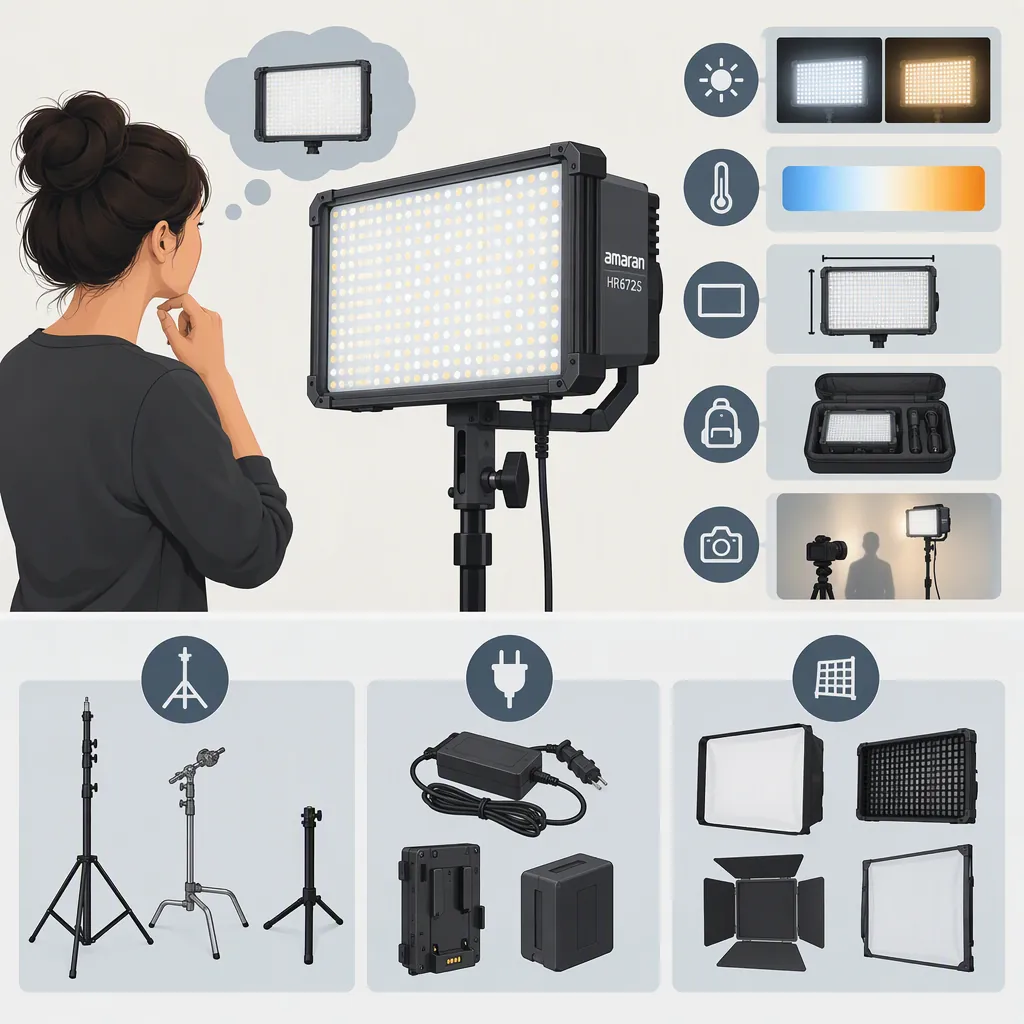
Amaran Hr672s: Choosing a Filming Setup and Checking Compatibility
For an Amaran HR672S filming setup, verify the exact model and accessories, then test the intended modifier at your actual shooting distance and camera settings. The supplied sources discuss a narrow-beam version and user experiences with diffusion, but they do not establish universal accessory compatibility or guaranteed key-light performance. Treat them as historical guidance, not a current compatibility chart. [c1] [c2]
Identify the Model Before Comparing Setups
Do not rely on a listing that says only “HR672.” The 2015 DIYPhotography review describes multiple variants, including a narrow-beam version and a variable-color version. In the 2016 EOSHD discussion, the original poster explicitly identifies the HR672s as the spot version and the HR672w as the wide version. These are historical descriptions rather than manufacturer documentation. [c1] [c2]
Before evaluating a particular unit, record its full model label and photograph its power label, mounting hardware, and included accessories. Keep the distinction between the light's identity and the contents of its kit: an accessory mentioned in an old review does not establish what accompanies another unit today.
Model Identification Record
- Full model label: ______
- Power-label information: ______
- Included mounting hardware: ______
- Included power supply and batteries: ______
- Included modifier and remote: ______
- Missing or unverified documentation: ______
Evaluate Diffusion for the Intended Lighting Role
The EOSHD thread discusses D-Fuse softboxes and umbrellas. One participant reports using a 672s with both, while cautioning that a diffused setup was not sufficient as a key light in some situations. That is an individual account, not a measured output test or a universal limitation. [c1]
Use those reports to define a test, not to choose a modifier by reputation. Compare the bare light with the proposed diffusion in the planned room. Keep camera settings fixed for the initial comparison, and check the subject's exposure, shadow edges, background illumination, and freedom to move.
If the setup falls short, record whether the problem is exposure, coverage, unwanted spill, or physical placement. A setup that does not meet your key-light requirements can still be evaluated separately for a background or accent role; do not assume one test settles every use.
Diffusion Comparison Worksheet
For each configuration, record:
1. Modifier and mounting method.
2. Light-to-modifier and modifier-to-subject distances.
3. Camera exposure and white-balance settings.
4. Subject exposure and shadow appearance.
5. Background spill and coverage across the subject's movement area.
6. Whether the setup meets the intended role without unacceptable camera-setting changes.
Check Mechanical and Electrical Compatibility Separately
A forum poster reports an umbrella hole in the included HR672 mount, and another participant suggests an Aputure-specific D-Fuse softbox. Neither statement verifies every mount, umbrella shaft, or softbox sold under a similar description. [c1]
For mechanical compatibility, verify the exact accessory model, attachment method, dimensions, clearance, and documented support requirements. Do not force a fitting or improvise a load-bearing attachment.
For electrical compatibility, use the unit's label and matching documentation to verify the supply voltage, polarity, connector, and required capacity before connecting a replacement supply. The supplied sources do not provide enough electrical detail to approve a substitute adapter or battery. The historical review's mention of included batteries and a power adapter is not a replacement-parts specification. [c2]
Compatibility Gate
- Exact light and accessory models identified: yes / no.
- Attachment method and dimensions verified: yes / no.
- Support requirements and clearance verified: yes / no.
- Power requirements matched to documented specifications: yes / no.
- Battery compatibility documented: yes / no / not applicable.
- Unresolved items: ______
Do not treat an unresolved item as confirmed compatibility.
Test the Actual Unit and Keep Evidence Limits Visible
The DIYPhotography reviewer reports a flickering episode during prolonged use on a particularly hot day and says it could not be reproduced. This does not establish a general failure rate, operating-temperature limit, or flicker-free guarantee. [c2]
As a practical acceptance check, record footage at the frame rates, shutter settings, brightness settings, and power mode intended for the shoot. Review the footage for flicker, banding, color inconsistency, and changes during the expected recording duration. Also inspect the physical condition of the unit and its connections.
The evidence here consists of a 2015 review and a 2016 forum discussion. It does not verify current availability, present-day kit contents, replacement-part support, certified electrical compatibility, or the condition of any individual light. A documented match plus a representative camera test is a more useful decision basis than an old endorsement. [c1] [c2]
Pre-Shoot Test Log
- Frame rate and shutter setting: ______
- Brightness setting and power mode: ______
- Modifier and placement: ______
- Test duration: ______
- Flicker or banding observed: ______
- Color or exposure changes observed: ______
- Mechanical or connection concerns: ______
- Decision for the intended shot: suitable / revise setup / unresolved.
FAQ
Is the Hr672s the Spot or Wide Version?
The original poster in the supplied EOSHD discussion identifies the HR672s as the spot version and the HR672w as the wide version. Confirm the label on the actual unit rather than relying on an abbreviated listing. [c1]
Can Any Umbrella or Octabox Attach to the Hr672s?
The supplied sources do not establish universal fit. The forum includes a report of an umbrella hole and a suggestion for a model-specific D-Fuse softbox, but an octabox mentioned in a question is not evidence of successful compatibility. Verify the exact attachment and support requirements. [c1]
Will an Hr672s with Diffusion Work as an Interview Key Light?
That cannot be guaranteed from these sources. A forum participant reports that a diffused 672s was insufficient as a key in some situations. Test the actual unit, modifier, distance, room lighting, and camera settings for the interview you intend to record. [c1]