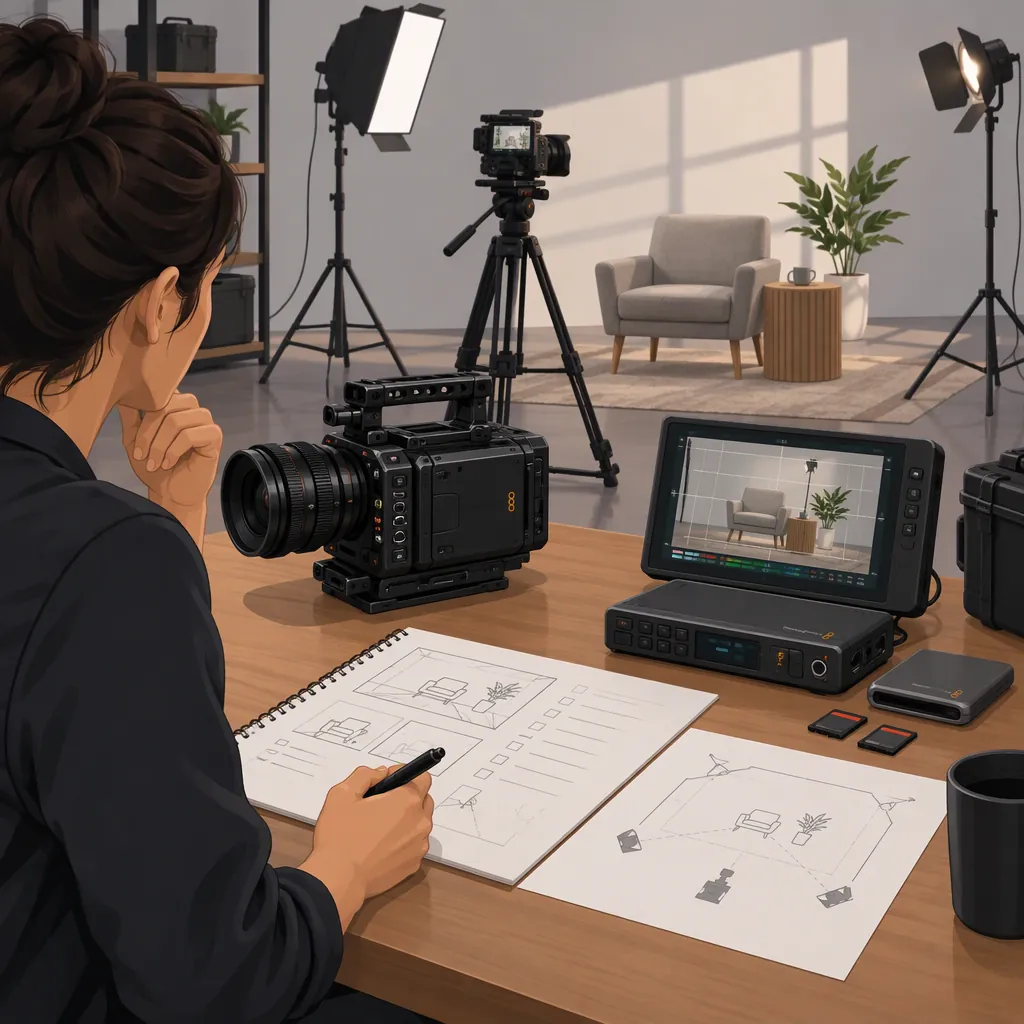
How to Plan a Blackmagic Filming Kit
Plan a Blackmagic kit around the exact camera model, then choose compatible lenses, recording media, power, audio connections, and camera support. For example, the Blackmagic Cinema Camera 6K uses an L-Mount and CFexpress Type B media, while Pocket Cinema Camera 6K models use an EF mount. Do not treat accessories as interchangeable simply because both cameras have “6K” in their names. The checklist below is a planning aid, not a verified bundle or a guarantee of compatibility. [c1] [c2]
Start with the Exact Camera Model
Use the full model name as the first entry on your equipment list. “Blackmagic kit” is used here to mean a filming setup assembled around a Blackmagic camera, rather than a particular packaged product.
The provided sources distinguish several setups:
| Camera | Lens-Mount Information in the Sources | Planning Implication |
|---|---|---|
| Blackmagic Cinema Camera 6K | Native L-Mount; the accessories page also describes adapted lenses | Identify the native lens or exact adapter combination. |
| Blackmagic Pocket Cinema Camera 4K | MFT mount | Keep its lens list separate from EF-mount Pocket models. |
| Blackmagic Pocket Cinema Camera 6K G2 and 6K Pro | EF mount | Specify the EF version of each proposed lens. |
| Blackmagic Studio Camera 4K models and 6K Pro | MFT on the 4K models; EF on the 6K Pro | Match both lenses and studio accessories to the model. |
These mount distinctions are documented in the Cinema Camera accessories page, Pocket Cinema Camera gallery page, and Studio Camera accessories page. They do not establish that every lens using a given mount supports every camera function. [c1] [c2] [c3]
Before selecting accessories, describe the production: seated interview, handheld location work, scripted scenes, or live studio coverage. Treat that description as a way to prioritize equipment—not as a reason to skip model-specific checks.
Match Lenses, Filters, and Support
For an initial kit, list the framing requirements before listing lenses: wide room coverage, a presenter shot, close details, or another specific view. Then record the lens mount, intended camera, and any adapter separately.
The Cinema Camera accessories page describes native L-Mount lenses and adapters for other photographic and cinema mounts. It also identifies top and bottom 1/4-inch mounting points and accessory categories including rails, cages, matte boxes, and gimbals. This is not a compatibility list for every third-party accessory. [c1]
For each proposed support item, check its stated fit and load requirements against the assembled camera, lens, power source, and attached accessories. Also check that the rig leaves access to the screen, connectors, battery compartment, and recording media. These are pre-shoot inspection recommendations, not claims that a particular rig has been tested.
Keep filtration model-specific. The Pocket Cinema Camera 6K Pro listing describes built-in motorized ND filters; do not assume another camera includes them because its name is similar. If external filters are part of the plan, note the lens filter thread or matte-box format. [c2]
Plan Recording, Power, and Audio Together
For the Blackmagic Cinema Camera 6K, the accessories page describes CFexpress Type B recording media and external SSD recording through USB-C. Those details should not be applied automatically to another Blackmagic camera. The supplied references do not provide a complete model-by-model list of approved drives, cards, or recording-mode limits. [c1]
Write down the intended resolution, frame rate, and recording format before choosing media. Include the exact card or drive, any required cable or mount, and the method for transferring footage. As a preparation step, record and review a test clip using the intended configuration rather than treating capacity alone as confirmation of suitability.
Power deserves its own line item. The Cinema Camera accessories page describes the Battery Pro Grip adding two NP-F570 batteries to the Cinema Camera 6K. The Studio Camera page describes 12V DC locking power connectors across its models and additional four-pin XLR power connections on Pro models. These are distinct arrangements, not a universal Blackmagic power specification. [c1] [c3]
For audio, identify the microphone, connector, cable, and power requirement. The Cinema Camera 6K page describes two mini XLR inputs with 48V phantom power. Include the appropriate adapter cable if the microphone connection requires one, and check whether that microphone actually requires phantom power before enabling it. Make a spoken test recording and review the recorded result as part of setup. [c1]
Use a Model-Specific Kit Checklist
Keep the equipment list short enough to inspect before each shoot. Separate items required for the planned recording from optional additions such as a cage, external viewfinder, or specialized movement support.
For a Studio Camera setup, add live-production requirements rather than copying a location-filming list. The Studio Camera accessories page describes tripod-mounted focus and zoom demands for compatible lenses, rail-supported teleprompters, and talkback connections. Lens compatibility and camera-model differences remain relevant: the zoom demand requires a compatible power-zoom lens. [c3]
Use the template below to document selections and unresolved checks. A completed list is not proof of compatibility; follow it with an assembled-system test. The supplied pages support accessory categories and selected connection details, but they do not verify any complete kit proposed here.
Blackmagic Filming Kit Preparation Checklist
- [ ] Record the full camera model name.
- [ ] Describe the planned shots and recording settings.
- [ ] List each lens, its mount, and any adapter.
- [ ] Identify built-in or external filtration requirements.
- [ ] List the exact recording media and required cables or reader.
- [ ] Specify the power source, connector, and charging arrangement.
- [ ] List microphones, audio cables, and microphone power requirements.
- [ ] Check support fit, load requirements, balance, and access to camera controls.
- [ ] For studio work, confirm lens-control, talkback, teleprompter, and signal-routing requirements.
- [ ] Assemble the kit and record a test using the intended settings.
- [ ] Review picture and recorded audio, then test footage transfer.
- [ ] Mark unresolved compatibility questions before packing.
FAQ
Are Cinema Camera 6K and Pocket Cinema Camera 6K Kits Interchangeable?
Do not assume they are. The Cinema Camera 6K uses an L-Mount, while the cited Pocket Cinema Camera 6K G2 and 6K Pro listings specify EF mounts. Check each lens, power accessory, rig component, and media choice against the exact model. [c1] [c2]
Can a Blackmagic Cinema Camera 6K Kit Use an External Ssd?
The Cinema Camera accessories page describes recording to external SSDs through USB-C. It does not establish that every SSD or cable is suitable for every recording setting. Confirm the proposed configuration and test recording before the shoot. [c1]
Should a Studio Camera Kit Include Focus and Zoom Demands?
Consider them when the operator needs lens control from the tripod handles. The Studio Camera accessories page describes these controls for compatible lenses, with zoom control requiring compatible power-zoom lenses. They are optional planning items, not universal requirements. [c3]