Talking to Camera: Prepare Your Shot and Your Message
To practice talking to camera, start with a stable, eye-level shot and check that your face is visible and in focus. Then outline one message, deliver it to the lens, and review a short recording before continuing. The supplied reference supports the setup advice; the speaking exercises below are suggested practice routines, not proven performance techniques. [camera-setup]
Prepare a Shot You Can Speak Comfortably In
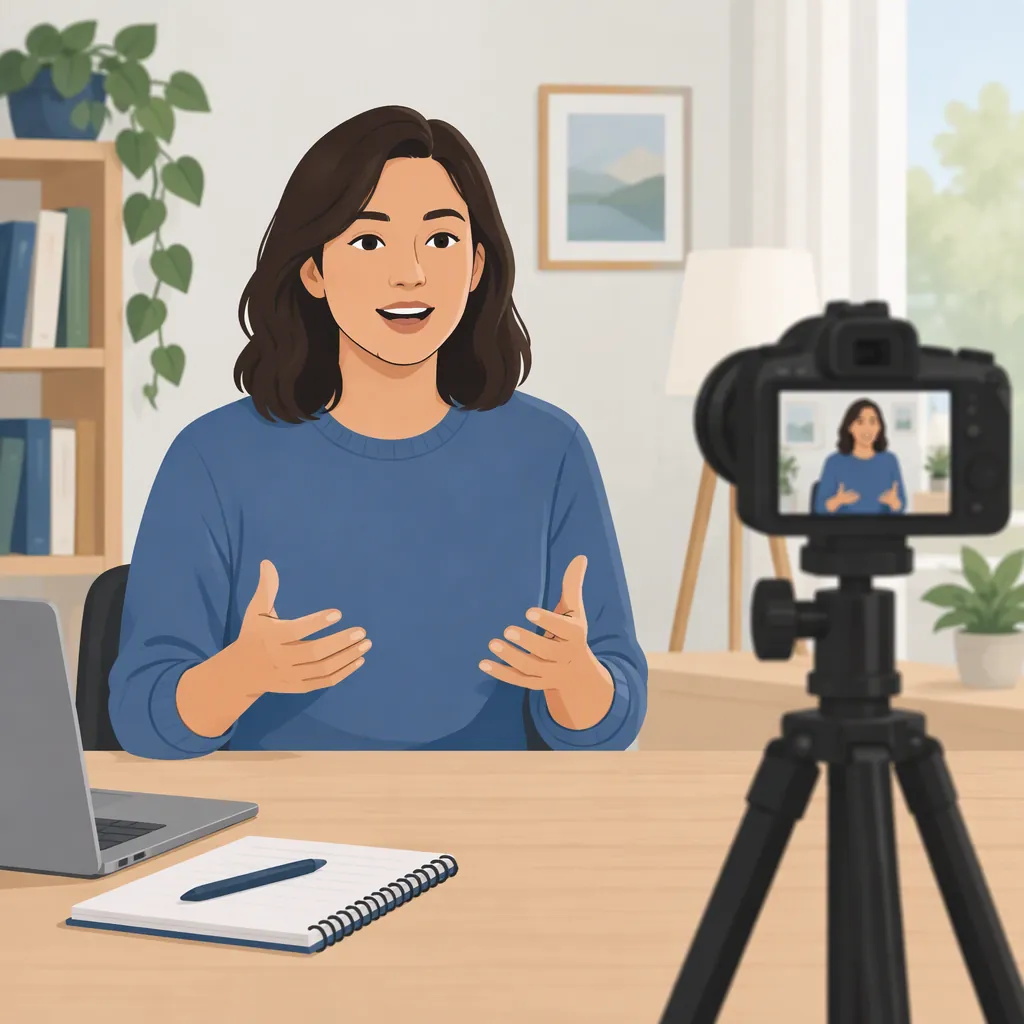
Before working on delivery, record a short setup test. The reference recommends supporting the camera on a tripod or stable surface, positioning it at eye level or slightly above, and checking exposure, focus, and framing. It also discusses lighting the face and keeping the background free of distractions. [camera-setup]
Use those recommendations as starting points rather than fixed rules:
- Camera position: Start near eye level, then adjust the distance until the framing suits your intended video.
- Framing: Check that your head and shoulders have enough room for the movements you intend to make.
- Lighting: Look at the recording, not just the room. Check whether your face is visible without distracting brightness changes.
- Focus: Speak and move as you expect to during the take, then inspect whether your face stays sharp.
- Sound: Play back a sample and check whether you can understand every word.
The reference is an AI-assisted LinkedIn article with community contributions. Its contributors offer differing preferences, including different framing and camera-distance suggestions. Treat the setup advice as something to test in your own shot, not as a universal camera prescription. [camera-setup]
Outline One Message Before Recording
For this practice routine, choose one point rather than trying to cover an entire subject. Write what you want the viewer to understand, then add an explanation and a concrete example.
A community contribution in the reference recommends a clear script delivered naturally. It does not establish whether a full script or a short outline works better for a particular speaker. [camera-setup]
Try an outline first if you want room to choose your wording during the take. Use a full script if precise wording matters. Either way, read your draft aloud before recording and revise any sentence you do not want to say in conversation.
Do not add a dramatic opening or a closing request unless the message needs it. For an educational clip, a direct statement and a clear ending may be enough.
Three-Part Speaking Outline
Complete these prompts before recording:

1. Main point: The one thing I want you to understand is ______.
2. Explanation: This means ______.
3. Example: For example, ______.

Optional closing: The main distinction to remember is ______.

Read the outline aloud once. Replace wording that feels difficult to say, and remove details that do not support the main point.
Practice Addressing the Lens
For a direct-to-viewer clip, use the lens as your main point of address. For an interview, looking toward the interviewer may fit the format better; the reference includes off-camera interview positioning among its contributors’ suggestions. [camera-setup]
Try this delivery exercise:
- Settle into your recording position and locate the lens.
- Say your main point without checking the preview while speaking.
- Pause between the explanation and the example if you need time to think.
- Finish the thought before stopping the recording.
- Repeat once, using different wording but keeping the same meaning.
You do not need to hold an unbroken stare or copy someone else’s gestures. In this exercise, judge whether your attention and movement fit the message you intended to deliver. If you need notes, experiment with placing them close to the lens and compare the recording with a take made without them.
Review One Take and Change One Thing
Use playback as a practical check, not a search for a flawless performance. First ask whether the recording communicates your intended point. Then choose one adjustment for the next take.
Separate the review into two passes:
- Message and delivery: Can you identify the main point? Is the example relevant? Are there sentences you want to simplify or pauses you want to keep?
- Recording: Are the words understandable? Is your face visible and in focus? Does the framing accommodate your movement?
The reference recommends reviewing framing and testing the setup, as well as checking focus accuracy. [camera-setup] The two-pass review above is a suggested way to organize that check alongside your speaking practice.
If the problem is wording, revise the outline. If it is framing or focus, adjust the setup before changing your delivery. Record another take and compare only the issue you selected.
Single-Change Review Log
After each practice take, fill in:

- Intended main point: ______.
- What the recording actually communicates: ______.
- One thing to keep: ______.
- One thing to change: ______.
- Next-take adjustment: ______.

After the next take, note whether that specific adjustment helped, made no difference, or introduced another problem.
FAQ
Should I Look at the Lens or the Screen?
For the direct-to-viewer exercise here, address the lens and use the screen to check the shot before or after speaking. An interview can use a different eyeline: contributors in the supplied reference discuss looking toward someone off camera. Choose the eyeline that matches the format. [camera-setup]
Do I Need to Memorize a Script?
Memorization is not required for the practice routine in this article. Try a short outline, or use a full script when exact wording matters. The reference includes advice to write a clear script and deliver it naturally, but it does not establish a best preparation method for every speaker. [camera-setup]
What Camera Settings Should I Use?
The supplied reference discusses aperture, shutter speed, ISO, and autofocus or manual focus, but it does not provide one universal settings combination. Start by testing whether your face is properly exposed and stays in focus during your actual delivery. Use the recording to decide what needs adjustment. [camera-setup]
Sources
- [camera-setup] How to Set Up a Camera for a Talking Head Video