Lytro Illum Camera Video: Can It Record Motion Footage?
Can the Lytro Illum Record Video?
No. The Lytro Illum is a still camera, not a conventional video camera. A 2015 article by CineD states this directly. The camera’s 2015 user manual describes still-image capture and playback features, including refocusing a “Living Picture”; its listed capture controls do not include a video-recording mode. Neither source documents a conventional video-recording format, resolution, or frame rate for the Illum. (cined.com)
That means you should not expect the Illum itself to record ordinary moving footage—such as a continuous clip of an event—with a video resolution and frame rate.
What Might an “Lytro Illum Video” Show?
The phrase can refer to different things. A video about the Illum—a review, hands-on demonstration, or camera overview—is not necessarily footage recorded by the camera. For example, What Digital Camera describes its Illum review video as a look at the camera. That wording identifies the clip as a review, not as Illum-recorded footage. (whatdigitalcamera.com)
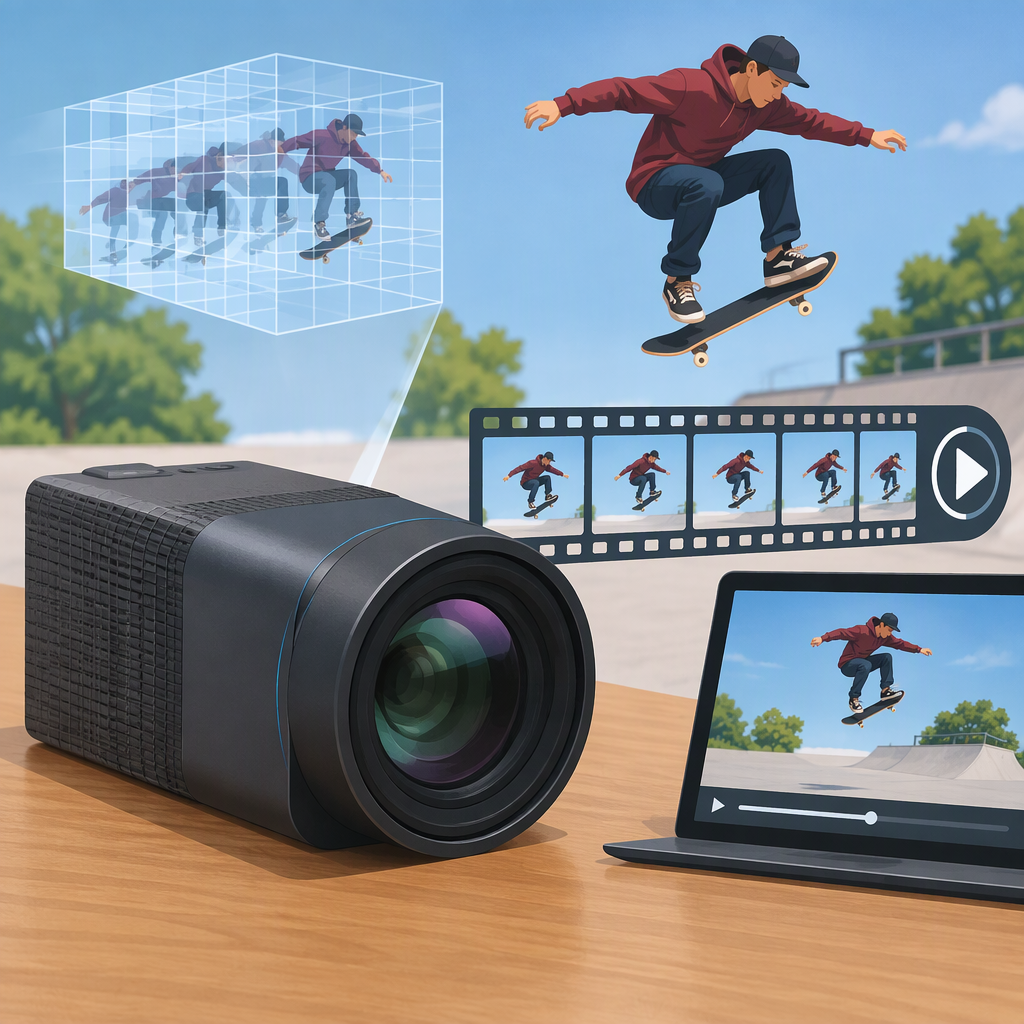
A motion-style video can also be made from Illum still images. In a 2015 CineD account, a filmmaker explains that light-field stills could be edited in Lytro Desktop: focus changes and parallax effects could be animated, then exported as a video or image sequence. This is motion created from still-image data, not video captured by the Illum. The article describes the software and workflow at that time; it does not establish their current availability. (cined.com)
So a clip’s title or appearance alone is not enough to establish that the Illum recorded it. Look for the publisher’s description of how it was made. If the clip shows animated focus or perspective changes, it may be a rendered presentation based on a still, rather than a recording of movement through time.
Practical Takeaway
If you need conventional motion footage, the Illum does not meet that need as a video-recording camera. Its light-field stills may support motion-like presentations, but the documented example involves editing still images into an animation; that is not a substitute for original camera-recorded video. (cined.com)
Sources and limits: The camera manual cited here is documentation version 2.1, dated August 5, 2015. The animation workflow comes from a 2015 contributor article, not a current software-availability check. This article makes no claim about whether Lytro Desktop or related services can be obtained or used today. (lightfield-forum.com)