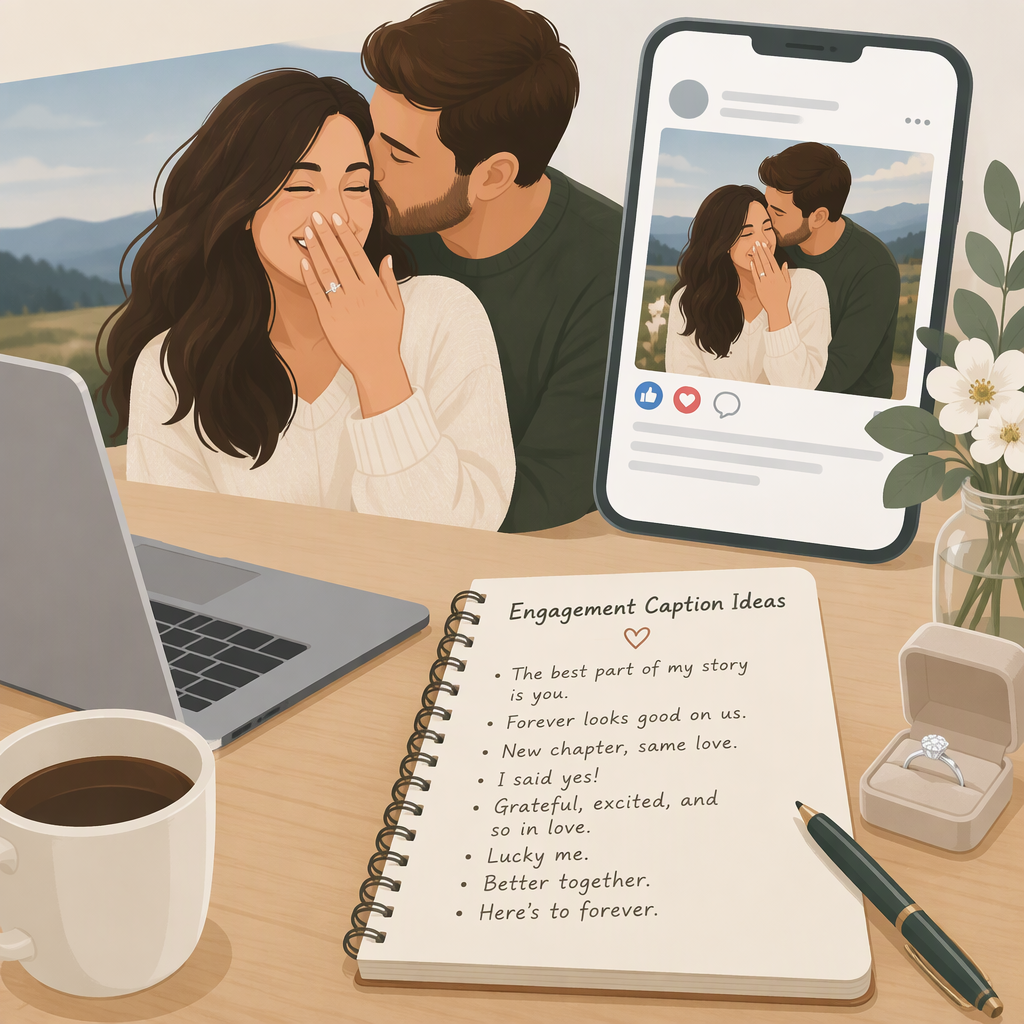
Engagement Announcement Ideas for Facebook: Captions to Make Your Own
Engagement Announcement Ideas for Facebook
Choose a line that sounds like you, then add only the details you both want to share. The captions below are original, adaptable templates—not reported personal experiences or claims about which styles get the best response. Caption collections commonly group ideas by tone, such as funny, romantic, simple, and witty; these examples offer a few starting points in that spirit. (brilliantearth.com)
Simple and Direct
- “We’re engaged! [Name] and [Name], [month/year].”
- “A little life update: we said yes to forever.”
- “Engaged—and so happy to share the news.”
Heartfelt
- “My favorite person asked, and I said yes. Feeling grateful for this next chapter together.”
- “A moment we’ll remember forever: [brief detail you’re both happy to share]. We’re engaged!”
- “With full hearts, we’re excited to share that we’re getting married.”
Playful
- “Plot twist: we’re getting married!”
- “Looks like we’re making this a forever thing.”
- “New title unlocked: fiancés.”
With a Photo or a Small Story
- For a ring or hands photo: “One question, two happy answers. We’re engaged!”
- For a picture of you together: “A favorite photo from the start of our next chapter.”
- For a proposal-day photo: “A day full of [your chosen detail]—and a very happy yes.”
The photo suggestions are optional formats, not requirements. You can also post a text-only announcement or leave out details about the proposal.
Choose a Style and Make It Yours
Use this quick decision path:
- Pick the tone: Would you rather sound straightforward, sentimental, or playful? Choose the version you’d naturally say aloud.
- Set the detail level: A short caption shares the news with little context; a longer one can include a brief story or thank-you. Neither is inherently better—choose what feels comfortable to share.
- Decide whether to add a photo: If you use one, choose an image both of you are comfortable posting. A photo can carry the moment without requiring a long caption.
- Personalize one phrase: Add a name, date, or small detail only if you want it included. Swap out any wording that doesn’t sound like you.
Before You Share
- Check that both people are comfortable with the wording, photo, names, and any personal details in the post.
- Decide who you intend to share the announcement with. If you use Facebook audience settings, review the options and labels shown for your post rather than assuming a particular default or setting.
- Read the caption once more and remove anything either of you would rather keep private.
These are general sharing considerations, not step-by-step Facebook settings instructions. Facebook’s interface and settings aren’t detailed here.