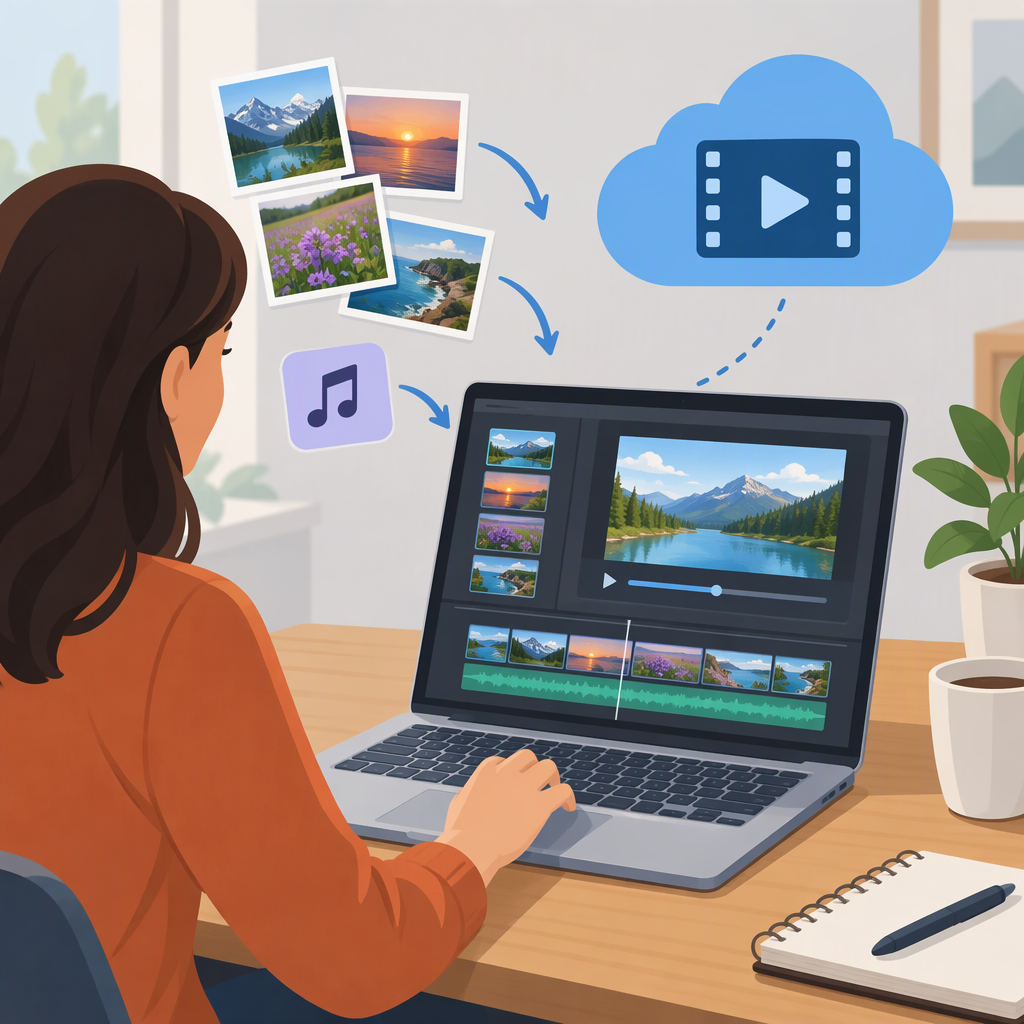
Can You Use Windows Movie Maker Online? a Guide to Making Videos with Photos and Music
Can You Use Windows Movie Maker Online?
Don’t assume that a browser-based editor called “Movie Maker” is an official Windows Movie Maker product. I can’t confirm current Microsoft availability here, so I can’t reliably answer yes or no about an official online version. Before starting, check Microsoft’s own product or support information. Treat other browser editors as separate tools unless Microsoft identifies them as its product.
If your goal is simply to make a video from clips, photos, and music, you can use a browser-based editor that supports those materials. Its controls, supported file types, and export options will depend on the editor you choose.
How to Make a Video Online with Clips, Photos, and a Song
- Create a project. Open the browser editor and start a new video project.
- Add your media. Import the video clips, photos, and audio you want to use. Check the editor’s supported file types if an item won’t upload.
- Arrange the sequence. Place clips and photos in the desired order on the editor’s timeline or storyboard.
- Set the pacing. Trim clips to the sections you want and adjust how long each photo stays on screen.
- Add optional titles or transitions. Use these only if they help the video; availability and controls vary by editor.
- Add the song. Place the audio in the project, adjust its start and length, and preview how it sounds with the visuals.
- Preview and export. Watch the full video before exporting or downloading. Check the available format and quality settings against where you plan to share it.
Illustrative sequence: You might open with a short clip, show several photos, then finish with another clip. That is only a sample arrangement; choose an order and pace that suit your material.
Before You Export: Check Format, Media Handling, and Music Use
- Browser access: Confirm the editor works in your browser and that you can complete the steps you need there.
- Media handling: Check how your files are uploaded or processed, especially if they contain personal or sensitive material.
- Export fit: Make sure the available format and quality suit your intended destination.
- Limits that could interrupt your project: Check whether an account is required and whether storage, usage, or watermark limits apply.
- Song permissions: Confirm that you’re allowed to use the song for your intended purpose. An editor accepting an audio file does not, by itself, establish permission to use it.
The practical choice is between seeking an officially identified Windows Movie Maker product and using a separate browser editor for the same general task. Verify the product identity first; then check that the editor you choose supports your media and can export in a form that works for you.