Sony VEGAS Pro: Pricing, Trial Terms, and Editing Basics
For readers searching for “sony vegas pro,” the supplied training page uses the name Vegas Pro. The references do not establish a current purchase price: PCMag’s prices come from a review updated in April 2023, while Techjockey lists separate monthly offers. The Vegas Pro learning page describes a 15-day trial, rather than the 30-day trial mentioned in the other references. Treat prices and trial terms as source-specific, not interchangeable. [c1] [c2] [c3]
What the Pricing References Actually Show
The supplied sources describe different plan names and prices. They should not be combined into a single current price list.
| Reference | Pricing Described | Important Limitation |
|---|---|---|
| PCMag review, updated April 17, 2023 | Edit at $12.99 per month or $249 outright; Pro at $19.99 per month with annual commitment or $399 outright; Post at $29.99 per month with annual commitment or $599 outright | Historical review figures, not verified current offers. |
| Techjockey listing | VEGAS Pro 365 starting at $19.99 per month and VEGAS Pro Suite 365 starting at $24.99 per month | Listing-specific starting prices; the supplied text does not establish their equivalence to other plans. |
| Vegas Pro learning page | Navigation to plans and pricing, but no current core-software purchase price in the supplied text | Training information does not establish the cost of a license. |
PCMag also reports temporary discounts in its 2023 review. Those discounted figures are not a basis for a present-day budget. [c2] [c3] [c1]
For a useful cost comparison, record the exact edition, billing interval, commitment period, renewal amount, and included tools. Do not treat a monthly figure tied to an annual commitment as equivalent to a cancel-anytime monthly price.
Trial Terms and Bundled Tools
The Vegas Pro learning page describes a free 15-day trial with access to all features. Its FAQ also says that users sign in with a Boris FX account and that a license can be used on up to two computers. These are statements from that page, not an independent verification of license terms for every edition. [c1]
PCMag’s 2023 review and the Techjockey listing instead mention a 30-day trial. The discrepancy is a reason not to promise a trial duration based on an older review or a separate listing. [c2] [c3]
Training coverage also needs to be distinguished from package contents. The learning page includes lessons involving Title Studio, Mocha Vegas, Continuum, and Mocha Pro. It specifically identifies Continuum and Mocha Pro as included with Vegas Pro Ultimate. The presence of a tutorial alone should not be read as proof that its tool is included in every plan. [c1]
A Focused VEGAS Pro Editing Exercise
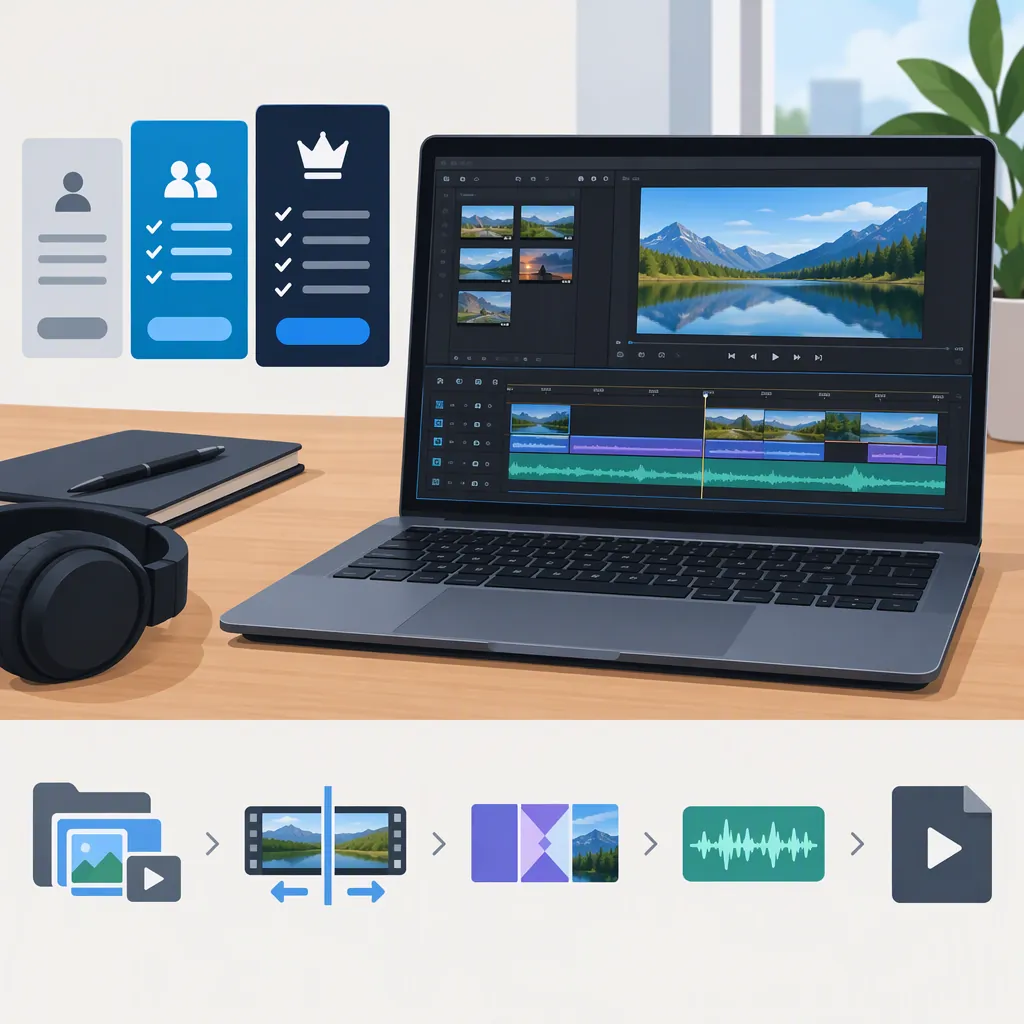
A small project can help separate essential editing needs from optional effects. The Vegas Pro Essentials lessons cover project creation, media organization with bins and tags, timeline trimming and splitting, grouped audio and video, Event Pan/Crop, audio mixing, and rendering. The exercise below follows those documented topics; it is a suggested practice task, not a report of firsthand testing. [c1]
- Create and organize: Start a project with a chosen output aspect ratio. Import a few clips and organize them into bins.
- Build the edit: Arrange the clips, trim unwanted starts and endings, and split one event. Review the grouped audio and video after the changes.
- Adjust framing: Use Event Pan/Crop on one shot. Check whether the subject remains visible throughout that event.
- Finish the sound and image: Balance speech and music, then make a restrained color correction. Keep advanced effects out of this first pass.
- Render and review: Export using a preset appropriate to the intended delivery. Watch the rendered file, checking framing, synchronization, title readability, and sound.
The learning page has dedicated lessons for each of these workflow areas. It does not establish how quickly they will run on a particular computer or how easily a particular person will learn them. [c1]
VEGAS Pro Practice Record
- [ ] Record the installed Vegas Pro version and edition.
- [ ] Set the intended output aspect ratio and resolution.
- [ ] Import clips and organize them into bins.
- [ ] Trim and split events, then check audio/video synchronization.
- [ ] Reframe one shot with Event Pan/Crop.
- [ ] Balance speech and music.
- [ ] Render a short sample and watch the exported file.
- [ ] Note any required tool that is unavailable in the installed edition.
Connect the Editing Task to the Plan
Use the exercise results to write a requirements list: basic cuts, reframing, titles, color work, audio adjustments, and any specialized tracking or effects. Then compare those requirements with the exact package description rather than assuming the most extensive bundle is necessary.
PCMag’s 2023 review describes color-grading controls, nested timelines, effects, audio mixing, and export settings, but also reports interface complexity and difficulties with some workflows. Those observations belong to the reviewed version and test setup; they are not evidence that a current release will behave identically. [c2]
Keep two questions separate: Does this edition include the tools the project needs? and Does the workflow work acceptably with the actual footage and computer? A price table alone cannot answer the second question.
FAQ
How Much Does Sony VEGAS Pro Cost Now?
The supplied references do not establish a current purchase price. PCMag’s figures are from April 2023, and Techjockey provides listing-specific starting monthly prices. The supplied Vegas Pro learning page does not include a current core-software price. [c1] [c2] [c3]
Is the VEGAS Pro Trial 15 or 30 Days?
The Vegas Pro learning page states 15 days. PCMag’s 2023 review and Techjockey state 30 days. Because the sources differ, confirm the terms attached to the specific trial rather than assuming either duration applies universally. [c1] [c2] [c3]
Which VEGAS Pro Lessons Should a Beginner Start With?
A practical sequence is Create Your Project, Import and Organize Media, Build Your First Edit, Work with Synced Audio and Video, Edit and Enhance Audio, and Export Your Video. These lesson topics appear in the Vegas Pro Essentials training series. [c1]