Adobe Premiere Rush: What It Is, How It Worked, and Its Current Status
Adobe Premiere Rush: The Short Answer
Adobe Premiere Rush was Adobe’s lightweight video-editing app for desktop and mobile, intended for quickly creating and sharing videos. But it is no longer a practical choice for someone starting from scratch: Adobe stopped offering it for download on September 30, 2025, and its technical support ended on September 30, 2026. As of November 14, 2026, Adobe says the app may no longer function. (helpx.adobe.com)
If Rush is already installed on a device, it may still open, but Adobe does not guarantee reliable use after the end-of-life date. If you are choosing an editor now, consider the current Premiere mobile or desktop apps rather than relying on Rush for a new workflow. (helpx.adobe.com)
What Premiere Rush Was Designed to Do
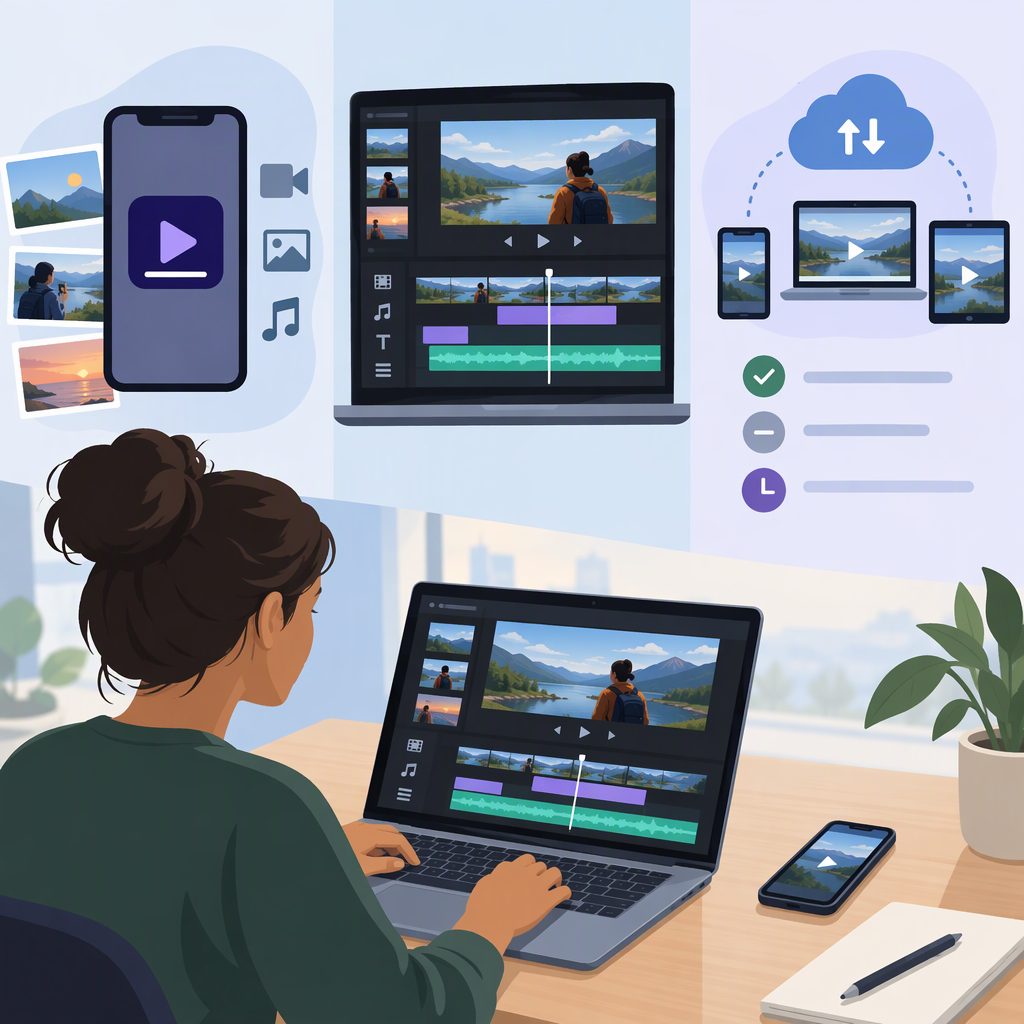
Rush was a relatively lightweight editor for making videos on mobile devices or desktop computers. Adobe’s learning materials describe a straightforward timeline workflow: select media, trim and rearrange clips, then prepare the project for sharing. Its help materials also cover adding audio, adjusting color, adding titles and transitions, and exporting a video. These describe Rush’s documented workflow—not a guarantee that the app or its online features still work on a particular device today. (adobe.com)
A Basic Rush Editing Workflow
For a device that still runs the app, a basic edit would typically follow this sequence:
- Start a project and select video, photos, or audio. Use media available to the device and app.
- Arrange and trim clips on the timeline. Put clips in sequence, remove unwanted sections, and adjust their order or duration.
- Refine the edit. Add or adjust audio, color, titles, or transitions as needed.
- Export the finished video. Choose the available output settings and save the rendered video.
This is a practical summary of the documented tool categories, not a hands-on test. Because Adobe has ended support, menus, compatibility, syncing, and export behavior may vary or fail on newer operating systems and devices. (adobe.com)
Premiere Rush Availability and Support
Adobe’s discontinuation notice separates access for new users from continued use by existing users:
- New downloads: Rush stopped being available from Adobe.com and mobile app stores on September 30, 2025.
- Previously installed copies: Adobe said existing users could continue using Rush on devices where it was already installed, but warned that new devices and operating-system updates could affect reliability and performance.
- Support and end of life: Technical support ended on September 30, 2026. Adobe says Rush is no longer available through the Creative Cloud desktop app after that date and the apps may no longer function.
- Subscriptions: Adobe says Rush subscription renewals stopped after September 30, 2025; access to premium features could end earlier than the app’s final end-of-life date, depending on the user’s renewal date.
These dates matter even if Rush remains installed: an installed copy is not the same as an app that Adobe still supports or makes available for new installations. (helpx.adobe.com)
If you still have projects in Rush, treat continued access as uncertain. As a precaution, export finished videos you need and keep copies of source media and any project materials you can access. Do not assume that installing a new operating system, replacing a device, syncing, or reinstalling will work as it did before support ended. Adobe specifically warns about reliability on new devices and after operating-system updates. (helpx.adobe.com)
Premiere Rush Vs. Premiere Pro: Which Workflow Fits?
The useful distinction is workflow, not a blanket judgment about which app is better. Rush was positioned as a lightweight editor for quick desktop-and-mobile video work. Adobe’s current desktop Premiere materials describe a broader set of editing tools, including precise trimming, effects and transitions, title and graphics tools, color work, and audio editing. (adobe.com)
| Your situation | Practical takeaway |
|---|---|
| You want to start a new project in Rush | Rush is no longer available for new downloads. Choose a currently available editor instead. (helpx.adobe.com) |
| Rush is already installed and opens on your device | You may be able to use it, but support has ended and Adobe warns that it may not function reliably. Export anything important and avoid relying on it as your only copy or workflow. (helpx.adobe.com) |
| You need a simple sequence of clips with basic polish | Rush’s documented workflow covered arranging and trimming clips, audio, color, titles, transitions, and export. For a new project, assess a currently supported app with those needs in mind. (adobe.com) |
| You need more detailed desktop editing tools | Adobe’s Premiere desktop documentation describes a wider editing toolkit, including precise trimming, effects, graphics, color, and audio controls. Check its current system requirements and access terms before switching. (adobe.com) |
Bottom line: Premiere Rush was a simple mobile-and-desktop video editor, but its download availability and support have ended. It may remain usable on some previously set-up devices, yet that is uncertain after September 30, 2026. For new editing work, choose a currently supported app; for existing Rush projects, prioritize exporting and preserving material you can still access. (helpx.adobe.com)