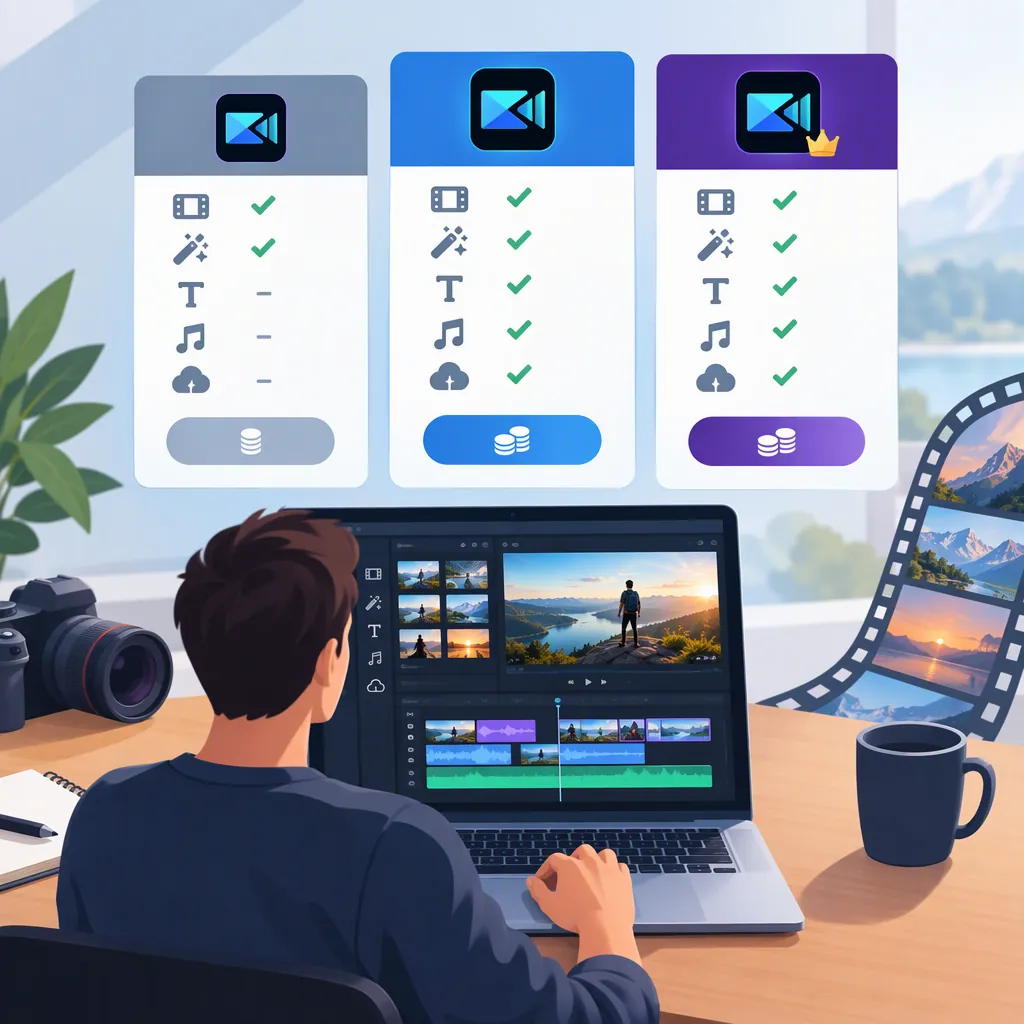
PowerDirector Pro: Editions, Pricing, and What to Check
This page explains PowerDirector editions and how to check their prices; it does not provide verified paid-plan quotes. If you are searching for “power director pro,” the cited sources do not establish a separate purchasable edition with that name. CyberLink distinguishes PowerDirector Essential from PowerDirector 365, while Google Play lists PowerDirector - Video Editor for Android with in-app purchases and premium benefits. Neither source’s supplied text includes paid-plan amounts or billing periods. [citation-1] [citation-2]
The supported price answer is limited: CyberLink describes Essential as free for core editing tools and select AI features. To compare paid access, first identify the exact edition and platform, then check the applicable offer. [citation-2]
Which PowerDirector Edition Does “Pro” Mean?
Use the name displayed on the offer rather than treating “Pro” as a confirmed plan name.
| Edition or platform | What the source establishes | Pricing and access limits |
|---|---|---|
| PowerDirector Essential for Windows | CyberLink describes free access to core editing tools, templates, and select AI features. [citation-2] | The supplied page does not provide a complete feature restriction list or exact export conditions. [citation-2] |
| PowerDirector 365 | CyberLink describes premium AI tools, advanced editing features, exclusive effects, stock assets, and advanced export options. [citation-2] | The supplied text does not establish a paid-plan amount, billing period, or renewal price. [citation-2] |
| PowerDirector - Video Editor for Android | Google Play identifies ads and in-app purchases. Its premium-benefits section lists auto captions, cloud projects, creative assets, stock content, and an ad-free experience. [citation-1] | The supplied listing does not give purchase amounts or subscription periods. [citation-1] |
These descriptions are not a complete entitlement comparison. The references also do not confirm shared desktop–Android access, exact watermark rules, AI credit allowances, or possible feature-specific charges. [citation-1] [citation-2]
How to Check a PowerDirector Price
The following is a suggested verification process, not a tested walkthrough of the current purchase interfaces.
- Identify the edition and platform. Record the exact plan or purchase name. Keep a desktop offer separate from an Android offer unless shared access is explicitly confirmed.
- Find the applicable offer. The cited CyberLink page includes a “See all plans & pricing” entry. For Android, the Google Play listing identifies the app and confirms in-app purchases; inspect any purchase offer displayed in the app without assuming a particular screen layout. [citation-1] [citation-2]
- Record the quote’s context. Note the region, currency, date checked, amount due, and billing period. Separate any introductory charge from the stated renewal charge.
- Check the access you need. Look for explicit terms covering required editing features, export conditions, AI allowances, stock content, and platform coverage.
- Compare equivalent terms. Match billing periods and included access before comparing totals. Distinguish recurring payments from one-time purchases only if the offer actually presents those options.
When an amount or entitlement is missing, record “not stated.” Do not substitute another platform’s price or treat an undisclosed billing period as monthly or annual.
PowerDirector Price Comparison Worksheet
Use one copy per offer. These fields are a comparison aid, not confirmed PowerDirector billing terms.
| Field | What to record |
|---|---|
| Edition or purchase name | Exact name displayed |
| Platform and store | Where the offer applies |
| Region and currency | Context for the quote |
| Date checked | When you viewed it |
| Amount due | Displayed charge; identify any introductory price |
| Billing period | Exact period or purchase type, if stated |
| Renewal | Amount and timing, or “not stated” |
| Taxes | Included, added, or “not stated” |
| Required features | Features explicitly included |
| AI access | Allowances and additional charges, if disclosed |
| Export conditions | Resolution and watermark terms, if disclosed |
| Cross-platform access | Only explicitly confirmed access |
| Cancellation | Terms shown for the offer |
Example: Monthly Equivalent Is Not Monthly Billing
Fictional arithmetic example—not a PowerDirector quote: Suppose an offer displays USD 120 billed for one year. Dividing 120 by 12 gives a monthly equivalent of USD 10, but the displayed amount due remains USD 120. That calculation does not establish a USD 10 monthly-payment option.
If the hypothetical offer does not disclose renewal pricing or desktop–Android coverage, record both as “not stated.” Do not assume that the first-year charge repeats or that another platform is included.
Compare Editing Requirements, Not Just Price
The edition table identifies broad differences, but choosing an offer requires a project-specific check.
- Editing tools: List the tools your project requires, then confirm whether the exact offer includes them. A broad “premium” label is not a feature-by-feature guarantee.
- Exports: Check the required resolution, format, and watermark conditions before treating an offer as suitable.
- AI usage: Look for allowances or additional charges rather than assuming that access to an AI tool means unrestricted use.
- Assets: Confirm which stock media or creative assets are included and inspect any applicable usage terms.
- Platform coverage: If you edit on both desktop and Android, require an explicit statement of shared access before comparing one offer against two separate purchases.
These checks address details that the supplied sources do not fully establish; they are not claims that a particular restriction or extra charge applies. [citation-1] [citation-2]
FAQ
How Much Does PowerDirector Pro Cost?
The supplied sources do not establish a separately named “PowerDirector Pro” edition or an exact paid-plan price. They identify Essential, 365, and Android premium access. Use the exact edition and platform when checking a quote. [citation-1] [citation-2]
Is PowerDirector Essential Free?
CyberLink’s FAQ says Essential requires no subscription or payment for core editing tools and select AI features. This does not establish that every feature or export option is included. [citation-2]
What Does PowerDirector 365 Add?
CyberLink describes premium AI tools, advanced editing features, exclusive effects, stock assets, and advanced export options. The supplied page does not provide a complete entitlement table. [citation-2]
Does PowerDirector 365 Include Android Premium Access?
The cited references do not confirm shared access. The desktop page and Android listing describe their respective offerings separately, so one purchase should not be assumed to cover both. [citation-1] [citation-2]
Are Monthly or Annual Prices Verified Here?
No. The supplied reference text contains no paid-plan amounts or billing periods. A monthly or annual comparison requires an observed offer with its edition, platform, region, currency, and date recorded. [citation-1] [citation-2]
Sources
-
[citation-1] PowerDirector - Video Editor - Apps on Google Play
-
[citation-2] Free Video Editing Software for Beginners | PowerDirector