Movavi Video Editor: Features, System Requirements, and Trial Limits
Movavi Video Editor: A Neutral Overview
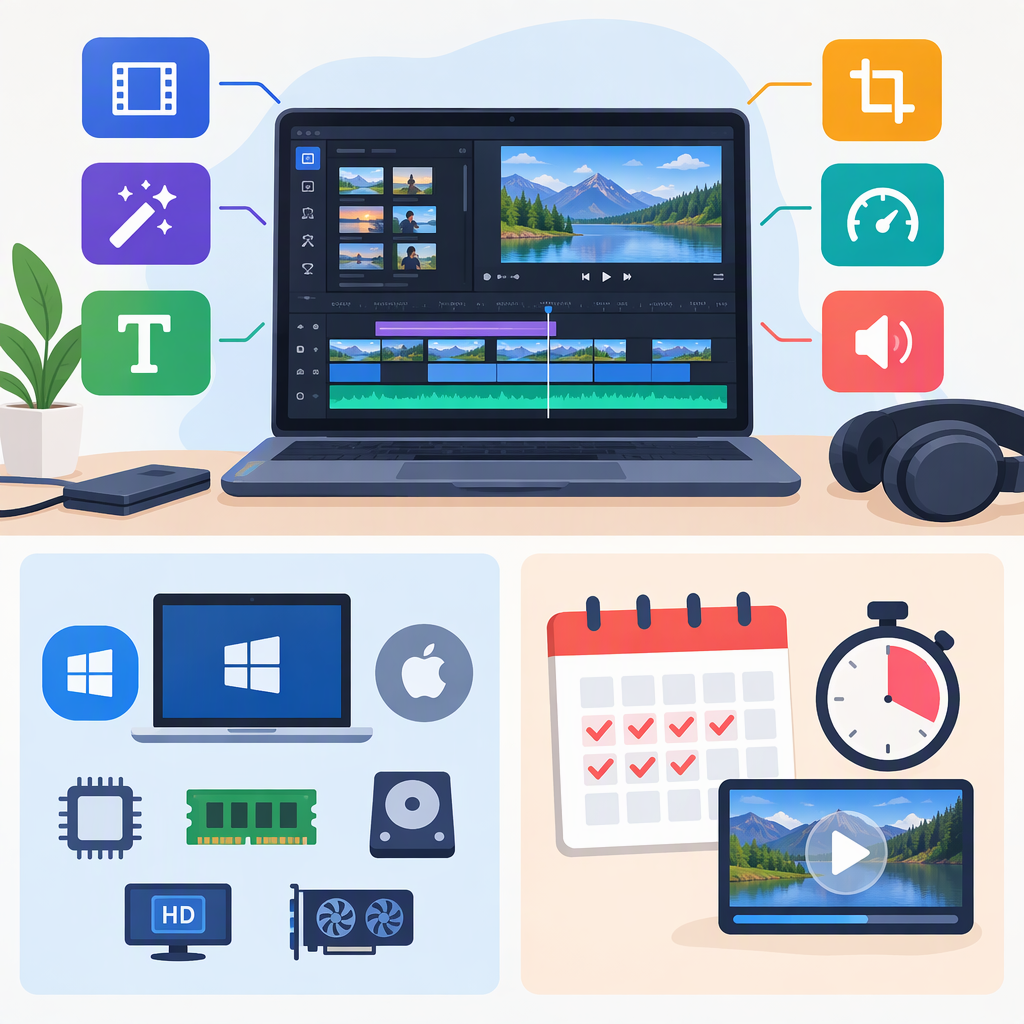
Movavi’s current product page identifies the software as Movavi Video Editor and describes tasks including cutting and cropping clips, adjusting color and speed, adding titles, music, transitions, and effects, and creating automatic subtitles. It also lists tools such as silence removal and subject-following crop. These are the publisher’s descriptions—not independent performance findings or a hands-on review. (movavi.com)
The official requirements listing identifies Movavi Video Editor 2027, version 27.3 for Windows, with an update dated November 9, 2026. Its Mac listing identifies version 27.2.1. The version difference matters: check the requirements for the specific operating system and version you plan to use rather than assuming the Windows listing applies to Mac. (movavi.com)
Check Whether It Fits Your Device and Workflow
The publisher’s listed requirements are a starting point for compatibility, not a guarantee that every project will run smoothly. Before installing or relying on the editor for a deadline, compare your computer with the applicable official listing and test your own footage and export needs.
| Platform listing | Requirements shown by Movavi | Practical check |
|---|---|---|
| Windows, Video Editor 2027 v27.3 | Windows 10/11 64-bit with current updates; 1.5 GHz dual-core Intel, AMD, or compatible processor; 4 GB RAM; specified graphics hardware or higher with current drivers; 1280 × 768 display; 400 MB for installation and 600 MB for ongoing operations; administrator permissions for installation. | Confirm the Windows version, processor, memory, graphics driver, free storage, and ability to install with administrator permissions. (movavi.com) |
| Mac, Video Editor 2027 v27.2.1 | macOS 12.0 or higher; 64-bit Intel processor or Apple M1 or higher. | Confirm your macOS version and processor against the Mac-specific listing. The excerpted listing does not provide further Mac requirements here, so check the full current entry for details before deciding. (movavi.com) |
For workflow fit, make a short test project with the kinds of source clips, audio, titles, and destination format you actually use. Check whether the needed import and export options are available in your version, how much storage your project and exports require, and whether any paid effects or templates are involved. These are general evaluation steps, not claims that a particular format or add-on is supported in every edition.
Trial Restrictions That Can Affect an Export
Movavi’s trial-limitations page says trial restrictions can include a “Trial” watermark on exported videos and other export limits. For Movavi Video Editor, it lists a 60-second video or half-audio-length limit, and/or some advanced features unavailable when exporting. Because the page describes restrictions that may vary, check the terms shown for the operating system and version you intend to try; do not assume that a trial export is suitable as a final deliverable. (movavi.com)
The publisher separately says that a program trial alone does not require payment details by default and does not automatically convert into a paid subscription. It distinguishes this from trials for separate services such as Movavi Effects, which may convert to a paid subscription if not canceled. If you start any separate add-on trial, review its terms and cancellation date independently. (help.movavi.com)
A Practical Decision Checklist
Movavi Video Editor may be worth evaluating if its documented editing tasks match your project and your computer meets the requirements for the relevant platform and version. Before depending on it for a finished video, check:
- Platform and version: Match the Windows or Mac requirements to the exact version you will install.
- Your material: Test representative footage and audio in a small project; verify any specific format or export setting you need in the current documentation or application.
- Export rules: Determine whether a trial watermark, duration limit, audio limit, or unavailable feature would affect your intended output.
- Add-ons and access terms: Distinguish the editor’s program trial from any separate effects or template trial, and review current terms before entering payment details or starting an add-on trial.
This guide summarizes public descriptions and requirements, not comparative testing. It does not establish how the editor performs on an individual computer or whether it is the right choice for a particular creator.