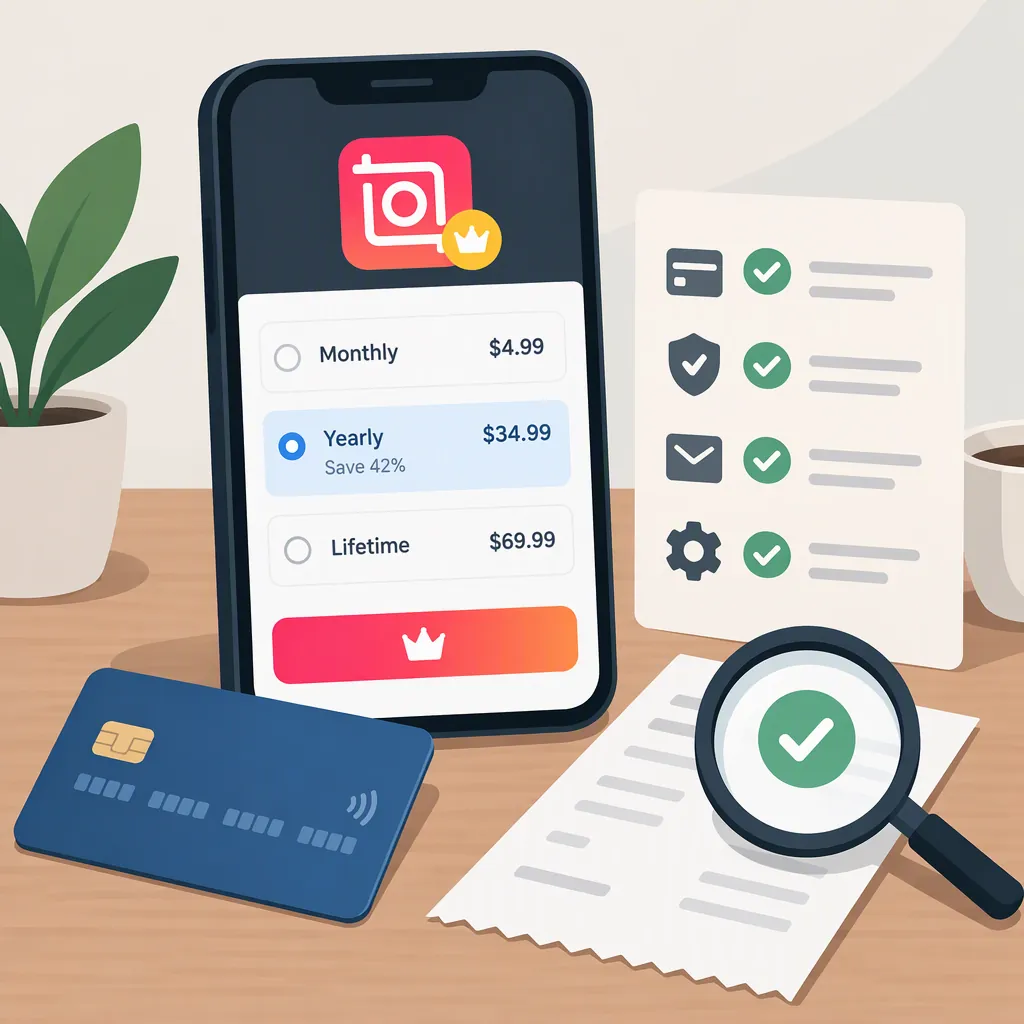
Inshot Pro Pricing: A Guide to Checking Your Offer
A current U.S. price for InShot Pro cannot be verified from the available evidence. The Google Play listing confirms in-app purchases but does not show amounts or billing terms. A Spotify podcast description mentions monthly and annual subscriptions, but it does not establish which plans are currently available to your account. [c1] [c2]
To assess an offer, check the price and currency displayed on your device, the billing period, renewal conditions, and the specific editing features included. This guide explains how to record those terms and compare costs without treating unverified prices as facts.
What Is Confirmed—And What Still Needs Checking?
| Question | What the available evidence establishes |
|---|---|
| Does InShot offer paid purchases? | The Google Play listing labels the app as containing ads and offering in-app purchases. [c1] |
| What is the current U.S. price? | The captured Google Play text contains no purchase amounts, currency, or account-specific billing terms. It is not a current checkout quote. [c1] |
| Are monthly and annual plans available? | The Spotify podcast description mentions both, but it is not sufficient to confirm current availability for a particular platform or account. [c2] |
| Is there a lifetime option or trial? | The available sources do not establish a current lifetime offer or trial terms. The podcast mentions possible trials without specifying an applicable offer. [c1] [c2] |
| Which features require Pro? | The Google Play description lists editing capabilities but does not provide a complete free-versus-Pro entitlement table. [c1] |
The Google Play listing is evidence about the Android app, not an iOS purchase quote. No verified iOS pricing is established by these sources. [c1] [c2]
How to Check an Inshot Pro Purchase Offer
Use this sequence before comparing plans. It does not depend on a particular menu layout or assume that every plan is available.
- Identify the platform and account. Record whether you are checking Android or iOS, the store account you are using, and the date. Keep offers from different platforms or accounts separate.
- Record the displayed offer. Copy the plan name, amount, currency, and billing period. Distinguish a recurring subscription from an explicitly stated one-time payment.
- Check the billing conditions. Look for the amount charged initially, any introductory period, the subsequent renewal price, and whether tax is included or added.
- Check any trial separately. If a trial is displayed, record its duration, the first charge, and the deadline and method stated for avoiding that charge.
- Match the offer to your editing need. Verify the exact feature or restriction you care about—such as a particular effect, watermark removal, or export setting—in the offer’s included benefits.
- Separate confirmed terms from unanswered questions. Mark anything not displayed as not confirmed. An omitted term is not evidence that a charge, restriction, or renewal condition does not apply.
If the purchase offer leaves a material question unanswered, consult the applicable purchase terms or support information before treating it as settled. Do not substitute a podcast description or an online estimate for the terms shown to you.
Inshot Pro Purchase Comparison Worksheet
Complete one copy for each displayed offer.
| Field | Recorded value |
|---|---|
| Device and platform | |
| Store account identifier—keep private | |
| Date checked | |
| Displayed plan name | |
| Price and currency | |
| Billing period or explicit one-time payment | |
| Tax treatment shown | |
| Introductory price and duration | |
| Renewal price and timing | |
| Trial duration and first charge, if offered | |
| Cancellation terms shown | |
| Specific features or restrictions covered | |
| Expected months of use | |
| Estimated total charges for that period | |
| Terms not confirmed |
Compare Monthly and Annual Costs
If both monthly and annual offers are displayed, compare total charges over your expected use period, not just the lowest-looking number.
- Annual monthly equivalent: annual charge ÷ 12.
- Monthly-plan total: add the monthly charges payable over the comparison period.
- Annual-plan total: include each full annual charge payable over that period.
- Introductory offers: calculate introductory and renewal charges separately.
An annual plan’s monthly equivalent is a comparison figure, not a promise of monthly billing. Do not prorate an annual charge when estimating what you would actually pay unless the offer explicitly provides for that.
Hypothetical Example—Not Inshot Pricing
Suppose an offer shows $6 per month or $42 per year, with no introductory discount. These invented amounts illustrate the calculation only.
| Expected use | Monthly option | Annual option |
|---|---|---|
| 3 months | $6 × 3 = $18 | $42 paid for the year |
| 12 months | $6 × 12 = $72 | $42 paid for the year |
The annual monthly equivalent is $42 ÷ 12 = $3.50, but the annual payment is still $42. In this example, the monthly option costs less for three months of use, while the annual option costs less for twelve months.
This comparison assumes no additional charges and that the monthly plan is ended under its stated cancellation terms before further billing. For your own calculation, use the displayed tax, renewal, and cancellation conditions rather than these assumptions.
Do Not Confuse App Features with Pro Benefits
The Google Play description lists trimming, splitting, merging, picture-in-picture, keyframes, chroma key, text, music, and export options. It does not specify a complete free-versus-Pro split. A tool appearing in the app description does not establish that payment is required to use it. [c1]
The Spotify podcast description attributes ad removal, watermark removal, and additional features to Pro. Those are the podcast’s statements, not verified purchase guarantees for your device. [c2]
Evaluate the specific need behind your pricing search:
- Watermark removal: check whether the displayed offer explicitly includes it and states any conditions.
- An effect or asset: confirm that the particular item you need is included.
- An export setting: check the setting and any restriction shown in your version of the app.
- Several projects: compare the total cost across the period you expect to work, while accounting for renewal.
A price comparison is useful only when the offers cover the benefit you need. The app description alone cannot determine whether your project requires Pro. [c1]
FAQ
How Much Does Inshot Pro Cost in the United States?
No verified current U.S. amount is available in the cited Google Play text; it confirms in-app purchases without listing prices. Record the amount, currency, billing period, and renewal price displayed in your purchase offer. [c1]
Does Inshot Pro Offer Monthly and Annual Subscriptions?
The Spotify podcast description mentions monthly and annual subscriptions. Treat that as background information, not confirmation that both options are currently offered to your account. Compare them only if both appear in your purchase offer. [c2]
Is There a Lifetime Inshot Pro Option?
The available evidence does not establish one. The Google Play text does not list plans, and the podcast describes monthly and annual subscriptions. Look for an explicit one-time-payment statement and the scope of the included benefits; do not infer a lifetime option from an unlabeled price. [c1] [c2]
Does Inshot Pro Remove Ads and Watermarks?
The podcast description says it does, but the cited evidence does not verify the purchase terms applicable to your device. Confirm both benefits in the displayed offer if they are the reason you are considering payment. [c2]
Do I Need Inshot Pro for 4K Export?
The Google Play description lists 4K export support but does not identify it as Pro-only. Check the export setting and any purchase restriction in your version before paying specifically for 4K. [c1]
Is an Annual Plan Cheaper than Paying Monthly?
That depends on the prices displayed and how long you expect to use the app. The podcast mentions monthly and annual billing but supplies no amounts for comparison. Calculate the full charges over your intended use period; dividing an annual price by 12 does not make it monthly billing. [c2]