iMovie for Windows: What Works, and What to Do Instead
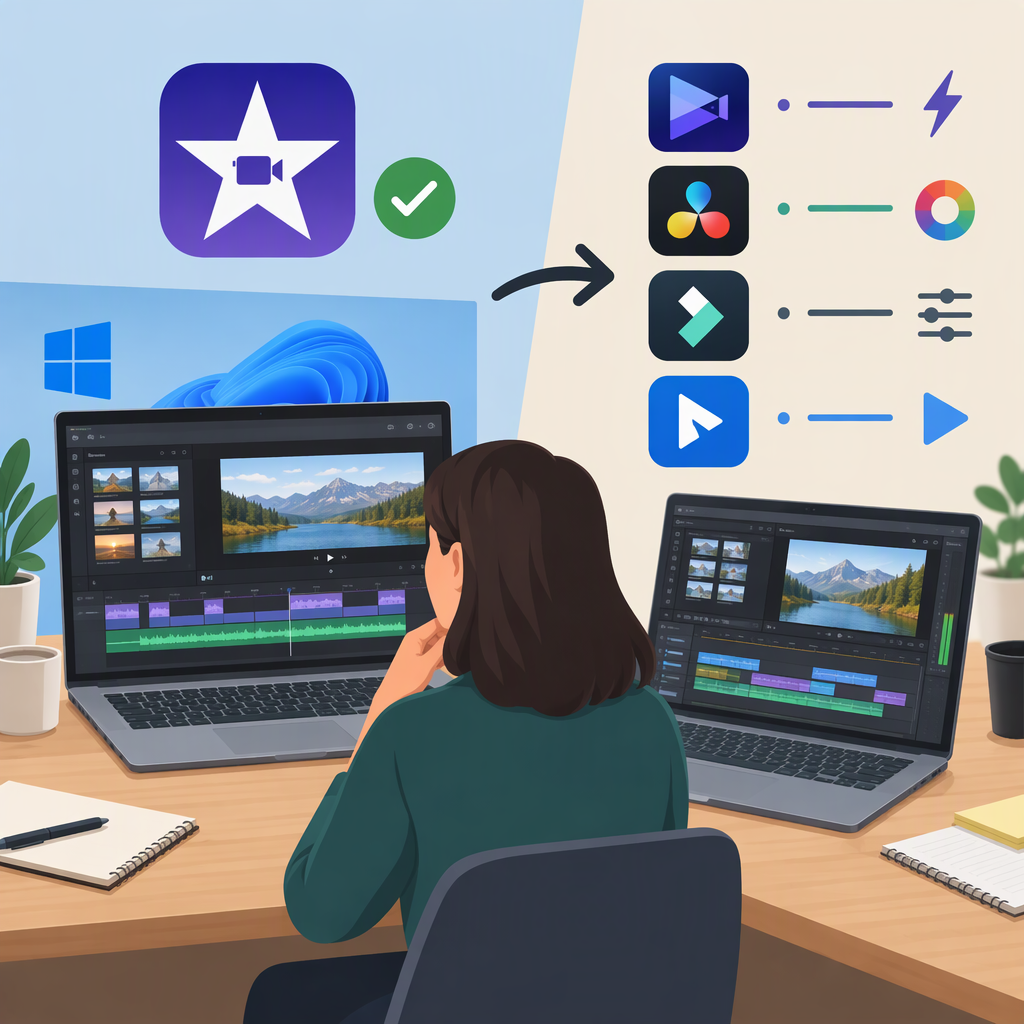
Apple does not list a Windows version of iMovie or provide a Windows download on its official iMovie page. Apple lists iMovie for macOS and iOS, and its support materials cover Mac, iPhone, and iPad. So if you have only a Windows PC, you can’t install an official Windows edition of iMovie from Apple. (apple.com)
That doesn’t mean you have to abandon your video. You can edit with iMovie on a supported Apple device, or use a separate editor that supports Windows. If you’re moving an existing project, first decide whether you need the finished video or the editable timeline: those are different things.
Your Options If You Use Windows
- Want to edit in iMovie? Use iMovie on an Apple device that supports it. Apple’s current iMovie materials cover Mac, iPhone, and iPad. Check Apple’s official iMovie page and the App Store on that device for its available version and compatibility details. (apple.com)
- Want to edit on your Windows PC? Choose a Windows-compatible editor instead. For example, Microsoft says Clipchamp is available as a Windows app on compatible Windows 10 or Windows 11 devices, and can also be used in a supported desktop browser. This is a different editor, not iMovie. (support.microsoft.com)
For a simple handoff, export the finished video from iMovie as an MP4, then import that file into your Windows editor. Microsoft lists MP4 among the video formats Clipchamp accepts. The MP4 is a finished video file; it does not preserve the original iMovie timeline as an editable iMovie project. (support.apple.com)
If You Already Have an iMovie Project
Choose the route that matches what you need to keep:
| What you need | Practical next step | What to expect |
|---|---|---|
| A video to watch, share, or make further edits to as a single clip | Export the movie as an MP4 in iMovie, then import it into a Windows editor that accepts MP4. | You can work with the exported video, but not the original iMovie timeline and its separate edits. (support.apple.com) |
| The original clips and photos | Copy the source media files to the Windows PC and import them into your editor. | You’ll need to rebuild the edit; transferring media alone does not transfer the timeline. Clipchamp supports importing media from a computer. (support.microsoft.com) |
| An editable iMovie project | Keep working in iMovie on a supported Apple device. | Apple documents exporting projects from iPhone or iPad for editing in iMovie or Final Cut Pro on another Apple device—not a Windows editor. Don’t assume an iMovie project file will open as an editable timeline in Windows software. (support.apple.com) |
Example: If a friend needs to adjust the timing of several clips in your iMovie timeline, an exported MP4 won’t give them those separate timeline clips. If they only need to watch the finished video—or import it as one clip into another edit—an MP4 may be enough. If they need to rearrange the original clips, send the source media and plan to recreate the edit in the Windows program, unless you have a documented project-transfer workflow for the specific apps involved.
How to Check an iMovie Download
Start from Apple’s official iMovie page, which identifies the platforms Apple offers and links to iMovie for iOS and macOS. On Windows, a download page or app using the iMovie name is not an official Windows download simply because it mentions iMovie. Check the publisher and the platform shown in the official store or download listing before installing; don’t treat a third-party listing as an Apple release. (apple.com)
For Clipchamp, Microsoft says the Windows app is available through Microsoft Store, and that you can check whether it’s already installed by searching for it in Start. (support.microsoft.com)
Bottom Line
There is no Windows iMovie download listed by Apple. Use iMovie on a supported Apple device if you need iMovie itself; use a separately documented Windows-compatible editor if you want to edit on your PC. For existing work, an MP4 carries the finished video, while the original editable project and its source media are separate concerns.