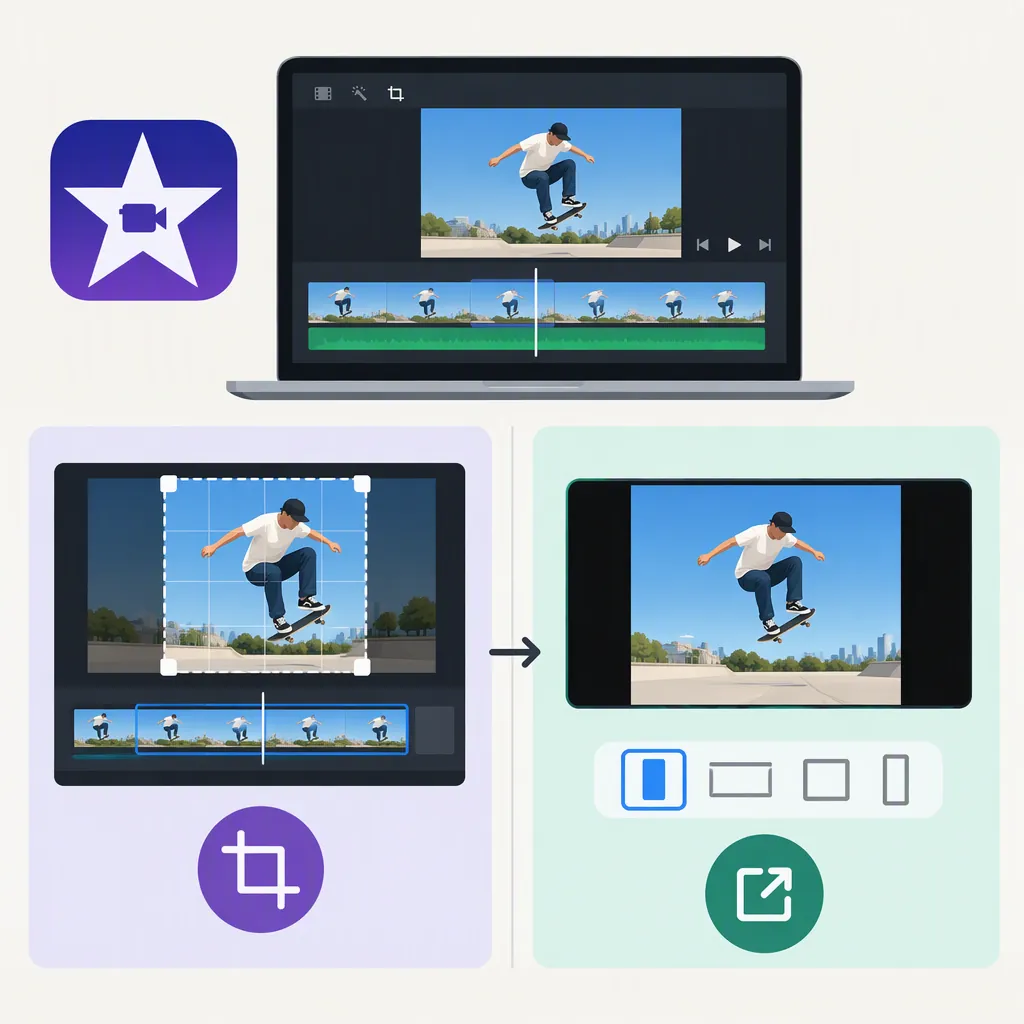
Changing Aspect Ratio in iMovie: Cropping Vs. Output
To change the finished movie’s aspect ratio, do not treat iMovie’s Photo Placement settings as an output-ratio selector. On Mac, Fit resizes photos within the movie’s existing aspect ratio, while Crop to Fill fills its existing frame with a cropped portion of a photo. Neither is documented here as changing the movie’s proportions. The supplied instructions do not establish a square, portrait, or other output-ratio workflow. [citation-1]
Changing the Output Ratio Is Not the Same as Cropping
For this task, distinguish the shape of the finished movie from how an image occupies that shape. If you want a square or portrait movie, a setting that only changes photo placement does not establish that result.
Apple describes Fit as resizing photos to fit within the movie’s aspect ratio. It describes Crop to Fill as resizing a cropped portion of a photo to fill the entire movie frame. Both descriptions refer to placement inside the movie frame, rather than selecting a different output frame shape. [citation-1]
Workflow limitation: The supplied reference covers iMovie settings on Mac. It does not provide the project, video-cropping, or export instructions needed to verify how to change the finished movie’s aspect ratio. It also does not establish an iPhone or iPad procedure. That missing coverage is not evidence that iMovie cannot produce a particular ratio; a definitive capability claim or step-by-step output workflow would require additional evidence.
Fit or Crop Photos Without Changing the Output Ratio
If your actual goal is to adjust the default framing of photos you add to the timeline on Mac, the documented procedure is:
- Choose iMovie > Settings, or press Command-Comma (,).
- Find Photo Placement.
- Choose Fit to resize photos within the movie’s aspect ratio, or Crop to Fill to fill the movie frame with a cropped portion of each photo. [citation-1]
This is a photo-placement procedure, not a verified way to change the finished movie’s ratio. Apple defines the setting as the default behavior for photos added to a timeline; the cited instructions do not establish that it updates every existing photo or applies to video clips. [citation-1]
FAQ
Does Crop to Fill Change My iMovie Movie’s Aspect Ratio?
It is not documented as an output-ratio control. In the cited Mac settings instructions, Crop to Fill resizes a cropped portion of a photo to fill the movie’s existing frame. Do not use that description as a square or portrait export procedure. [citation-1]
What Is the Difference Between Fit and Crop to Fill?
Fit resizes a photo to fit within the movie’s aspect ratio. Crop to Fill uses a cropped portion of the photo to fill the entire movie frame. These are documented choices for the default placement of photos added to a timeline on Mac. [citation-1]
Sources
- [citation-1] Change settings in iMovie on Mac - Apple Support